
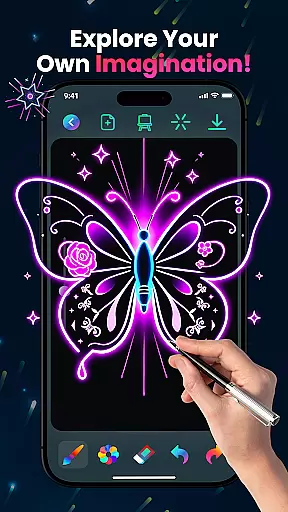
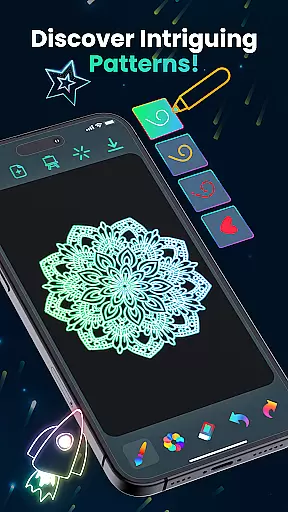
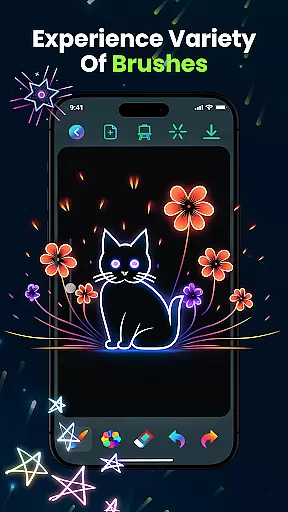
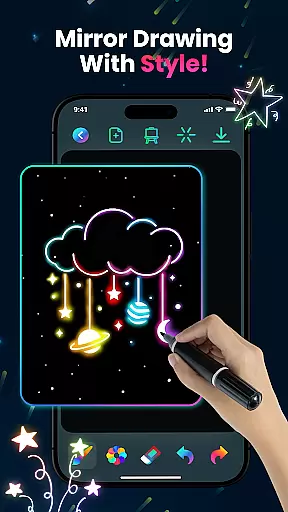
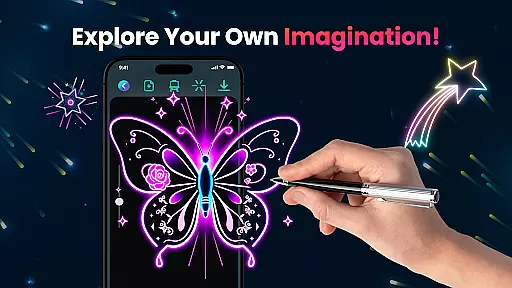
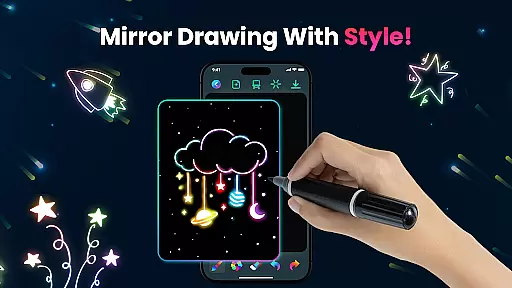
Magic Doodle is an innovative art and design application that allows users to create stunning neon artworks with ease. The app features a wide array of vibrant colors and glowing brushes, providing an immersive drawing experience on a spacious canvas.
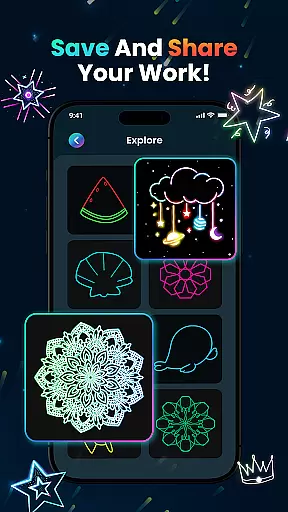
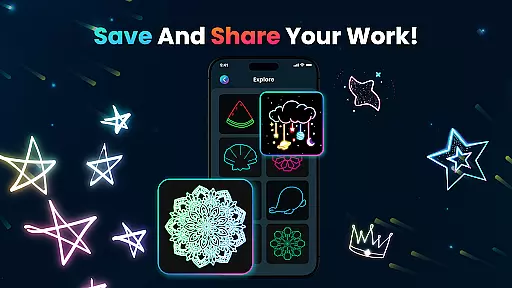
Designed for both beginners and professionals, Magic Doodle offers intuitive sketch tools and an easy-to-use interface. Whether you want to express your creativity or simply enjoy stress-free doodling, this app caters to all skill levels. Users can save their masterpieces and share them on social media, making it perfect for artists who wish to showcase their work.
The app also includes kid-friendly features, enabling children and adults alike to learn painting using fingers or predefined images. With its magical glow effects and endless creative possibilities, Magic Doodle transforms ideas into glowing artworks effortlessly.
Magic Doodle stands out with its rich set of features tailored for artistic expression. One of the key highlights is the vibrant neon glow colors that bring artwork to life, offering mesmerizing hues for users to explore.
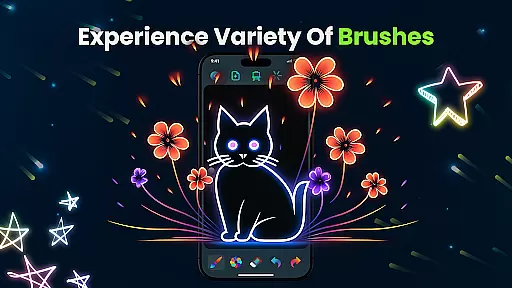
The app provides a variety of glowing brushes and sketch tools, allowing users to create magical doodles effortlessly. These tools are designed to be intuitive, ensuring that even beginners can achieve professional-looking results. Additionally, the built-in undo and redo functions enable users to correct mistakes easily, enhancing the overall drawing experience.
Magic Doodle also emphasizes user convenience with its easy-to-use interface and seamless sharing options. Users can save their creations and share them directly on social media, connecting with friends and family. This combination of powerful features and user-centric design makes Magic Doodle a top choice for digital artists.
In the realm of digital art, having a comprehensive set of creative tools is essential for bringing artistic visions to life. Magic Doodle offers an impressive array of features that cater to both budding artists and seasoned professionals. With its vibrant neon glow colors and glowing brushes, users can explore a wide spectrum of mesmerizing hues and sketching options.
The app provides an intuitive platform where creativity knows no bounds. Whether you are looking to create magical doodles or detailed neon sketches, the variety of brushes and sketch tools available ensures that every stroke can be executed with precision and flair. The inclusion of undo and redo functionalities further enhances the creative process, allowing artists to experiment without the fear of making irreversible mistakes.
Moreover, Magic Doodle stands out by offering a seamless experience for users of all skill levels. Its easy-to-use interface invites users into a stress-free environment where ideas transform effortlessly into glowing artworks. This complete suite of creative tools not only enriches the drawing experience but also significantly broadens the scope of artistic expression possible on a mobile platform.
A versatile canvas is the foundation of any great artwork, and Magic Doodle excels in providing artists with the flexibility needed to bring their visions to life. The app offers a wide drawing canvas that supports various formats, enabling creators to work on projects of different scales and complexities without feeling restricted.
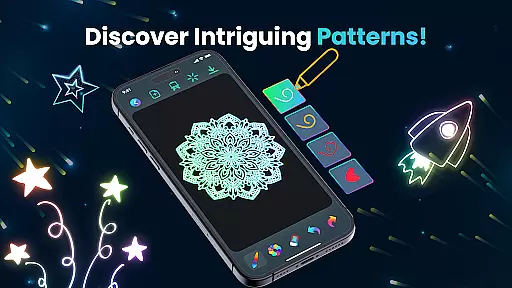
Magic Doodle's expansive canvas allows for intricate details as well as broad strokes, accommodating diverse artistic styles and techniques. Artists can easily switch between creating glowing mandalas, neon sketches, and magic kaleidoscope art, thanks to the adaptable nature of the drawing space. This adaptability ensures that whether you're working on a small doodle or an elaborate piece, the app adjusts to meet your needs.
Furthermore, this flexibility extends beyond just size and format; it encompasses the ability to save and share your masterpieces across multiple platforms. By supporting effortless sharing on social media and ensuring compatibility with various devices, Magic Doodle empowers artists to showcase their work to a wider audience. This level of canvas and format flexibility makes the app a powerful ally for anyone looking to explore the magic of neon doodling.
User-friendly interface
Vibrant color palette
Intuitive drawing tools
Kid-friendly environment
Easy sharing options
Limited advanced tools
No offline mode
Occasional bugs
Fewer tutorials
Premium features locked

Pose and morph realistic male and female models! 3D poser app
 3.00
3.00
Easy 3D drawing design maker & creator. Model designing, Sculpting. Create&paint
4.00
AI Face Swap, Video Effects Editor, Realtime Morph, Funny Video FX,AI Filters
3.70
Draw anime easily with AR guidance, sketch templates & trace tools!
3.10
Draw glowing spinners, relax, and spin your creative art
4.60
Experience next-gen icons with a modern liquid glass look.
3.60
Inky runs Inkscape on Android devices and Chromebooks
2.90
Retouch photos. Create or edit images. Endless capabilities.
2.70
Turning simple sketches into captivating tales filled with life and motion
3.90
See Color, Paint Color
4.90
Learn how to draw with step-by-step tutorials, fun lessons & multiplayer drawing
4.70
Unleash your drawing and painting potential
4.50
Photo blender app to create overlay photos & double exposure.
4.40
Create stylish invitation cards using templates for weddings, birthdays & RSVP.
4.20
Create Logos, Tattoos, AI Art & more with our AI Photo Generator & Design Editor
4.20
Digital Drawing: Draw & Paint
4.10
Sketch and paint on your device with the feel and freedom of drawing on paper
4.00
Design your dream room with AI. Get decor ideas & plan home interiors
3.90
Meet the magic aı 3d photo generator and smart AI video generator app.
3.20


User Reviews