
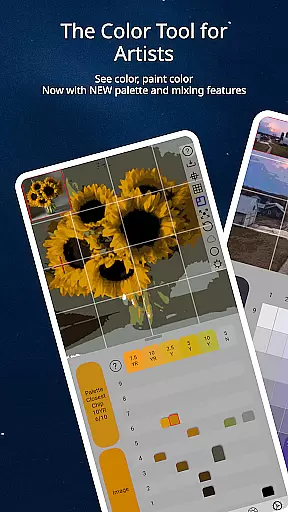
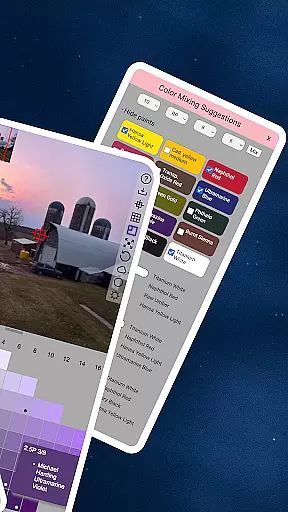
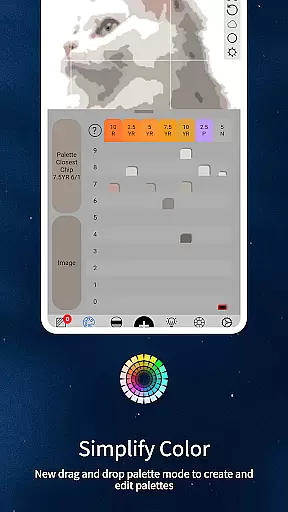
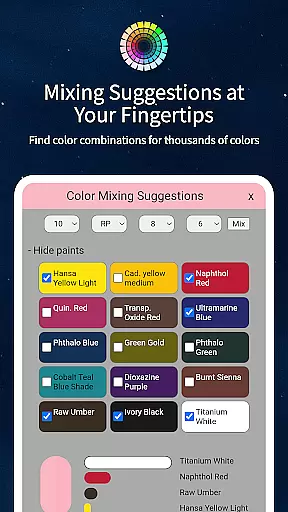
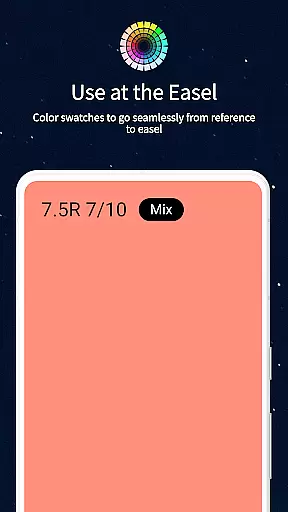
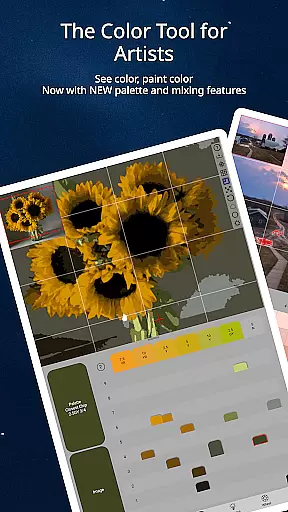
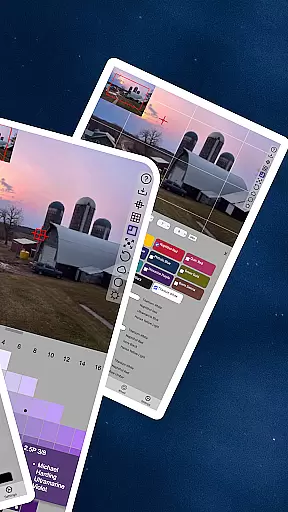
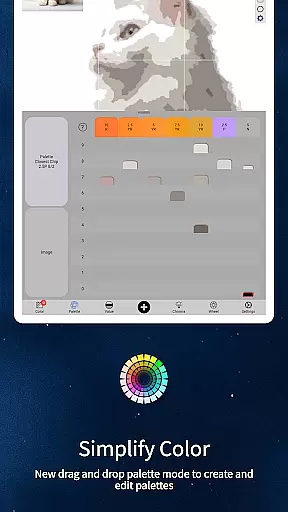
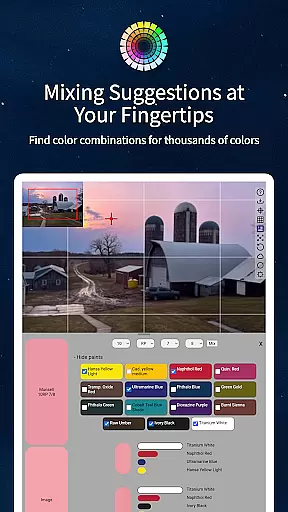
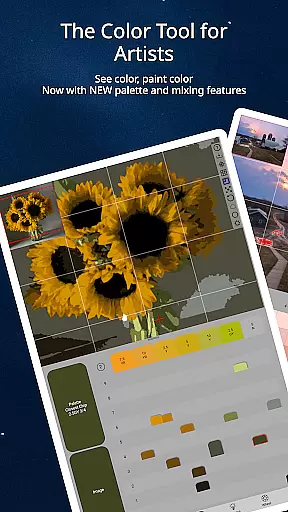
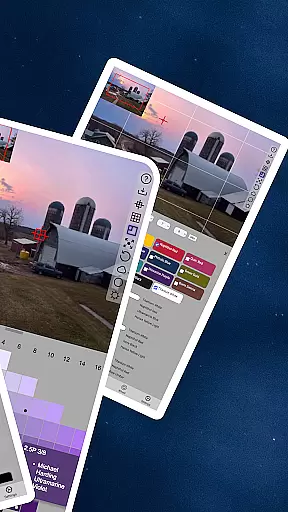
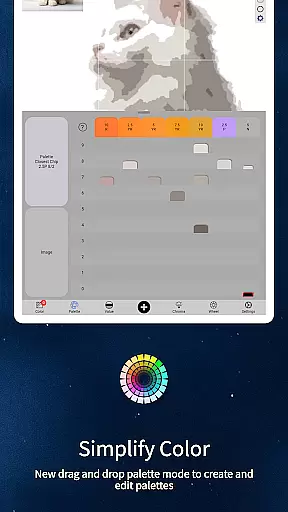
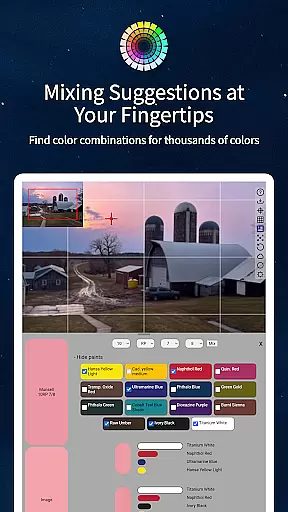
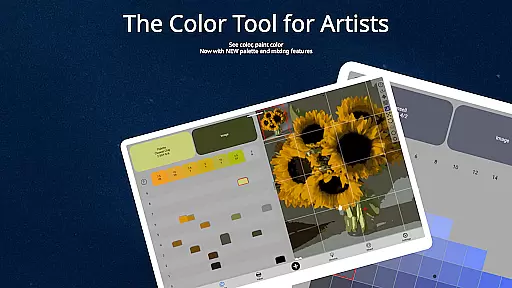
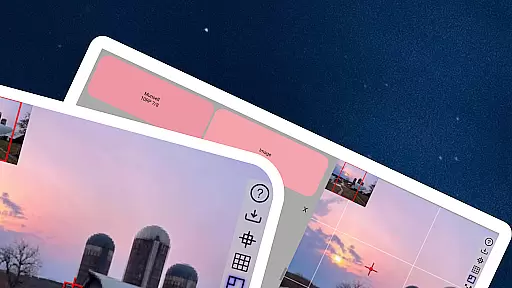
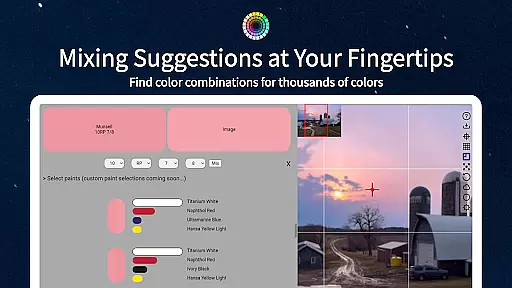
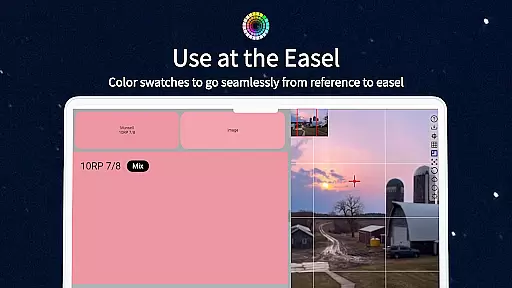
ChromaMagic is an innovative color analysis tool designed specifically for artists. This application allows users to load any photo or reference image and instantly identify the exact color properties using the Munsell color system. The app provides detailed breakdowns of hue, value, and chroma, enabling artists to understand and replicate colors accurately.
Beyond basic color identification, ChromaMagic offers advanced features including multiple viewing modes that help artists visualize their references in new ways. Users can view images in grayscale, analyze color distribution across the color wheel, and organize references into major value shapes. These features make it an indispensable tool for both professional artists and hobbyists.
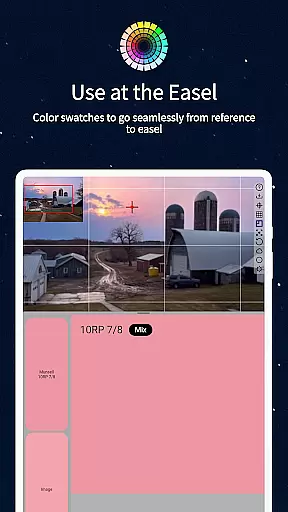
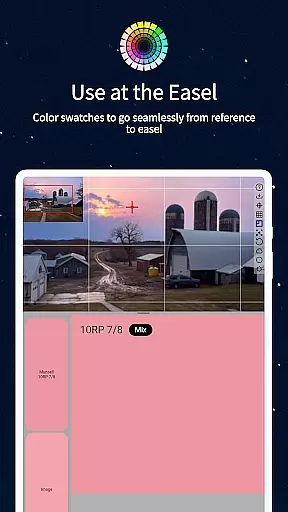
The application's intuitive interface supports buttery-smooth zooming and panning, while its offline functionality allows artists to work anywhere - from studio settings to remote outdoor locations. Whether you're working on a large canvas or mixing paints at your easel, ChromaMagic provides essential tools for accurate color work.
ChromaMagic distinguishes itself through its comprehensive suite of artist-focused features. The application's core functionality revolves around its implementation of the Munsell color system, which breaks down colors into three measurable components: hue, value, and chroma. This scientific approach helps artists move beyond traditional color wheels and primary/secondary distinctions.
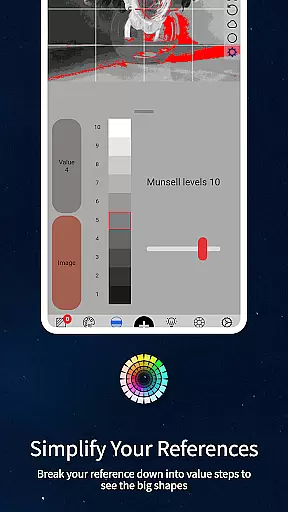
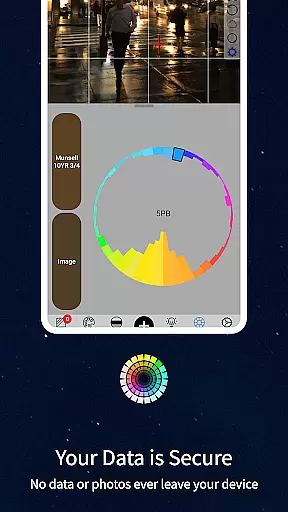
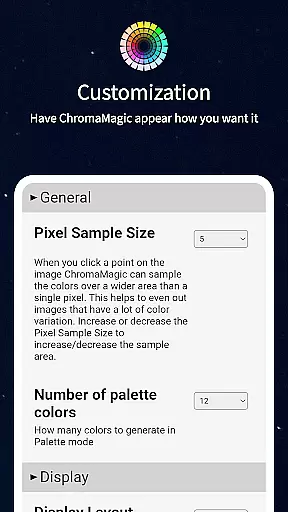
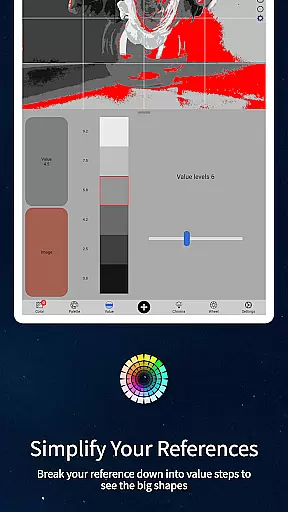
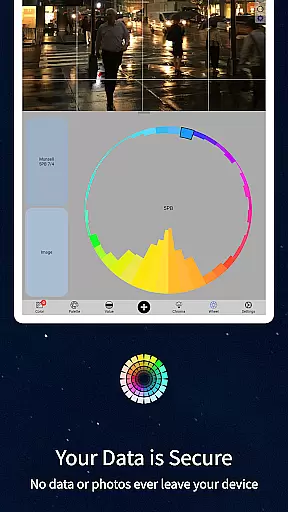
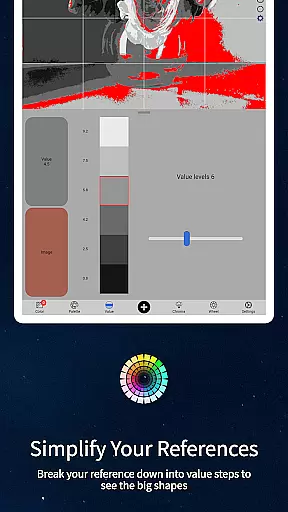
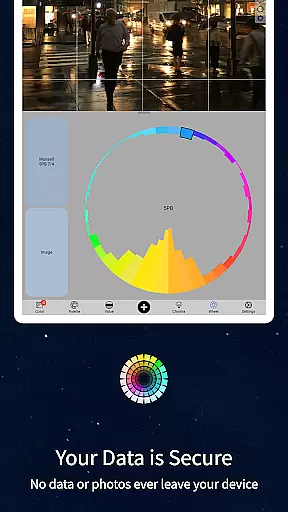
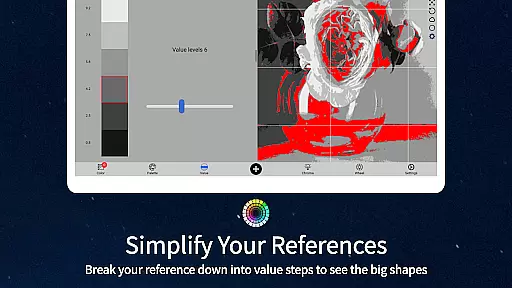
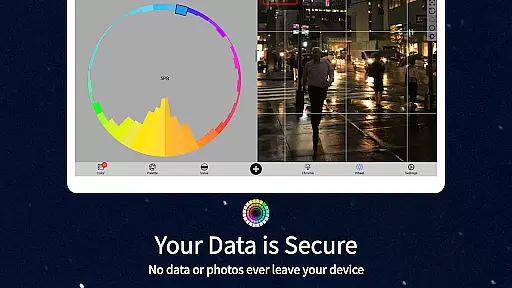
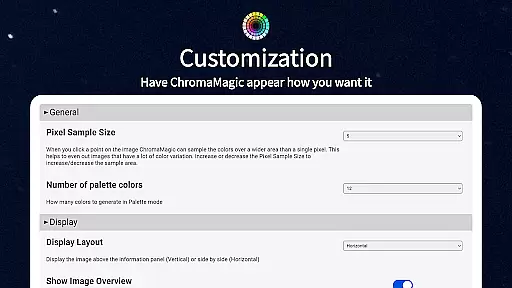
The application includes five distinct viewing modes that cater to different artistic needs. Value mode helps artists identify major shapes and forms, while grayscale mode reveals subtle value differences. Saturation analysis shows color intensity distribution, and color wheel visualization demonstrates hue relationships. Additionally, the averaging feature allows users to analyze color across multiple pixels, providing more accurate readings from complex references.
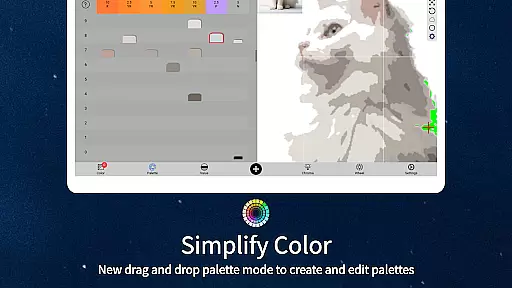
Practical features enhance the user experience significantly. The drag-and-drop interface streamlines file loading, while calibration values assist with accurate paint mixing. The application also includes links to hundreds of professional-grade oil paints, helping artists find exact matches for their identified colors. These features combine to create a powerful tool that supports artists throughout their creative process.
In the realm of digital artistry, having a comprehensive set of tools is paramount. ChromaMagic stands out by offering artists an extensive suite designed to enhance their creative process. This application transcends basic functionalities, providing users with advanced features such as Munsell color mode, which breaks down colors into hue, value, and chroma, allowing for precise color identification and usage.
Moreover, ChromaMagic includes additional modes that cater to various aspects of visual analysis. Artists can utilize value mode to organize references into major value shapes or switch to grayscale for detailed value observation. The saturation view helps in understanding color intensity, while the color wheel distribution offers insights into color relationships. These diverse tools empower artists to refine their work with accuracy and confidence.
The significance of these tools lies in their ability to transform how artists perceive and interact with color. By integrating these sophisticated instruments, ChromaMagic not only simplifies complex tasks but also elevates the overall quality of artistic output. Users benefit from enhanced precision and efficiency, enabling them to focus more on creativity rather than technicalities.
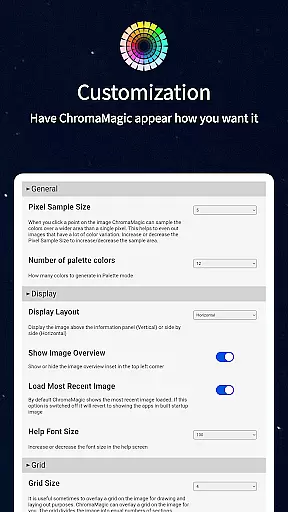
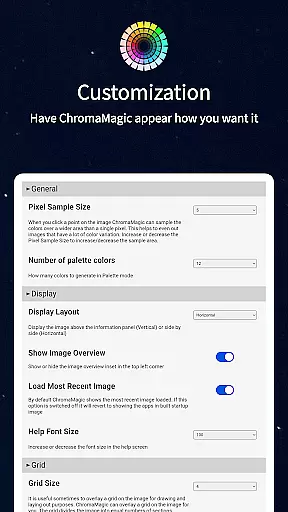
Flexibility in canvas and format options is crucial for artists who demand versatility in their workflow. ChromaMagic addresses this need by offering a dynamic interface that supports high-resolution images and allows seamless navigation through zoomable and pannable capabilities. This ensures that artists can work comfortably regardless of the size or complexity of their projects.
Beyond mere image manipulation, ChromaMagic provides practical solutions for real-world challenges. For instance, artists can average colors over multiple pixels, reducing noise and achieving smoother gradients. Additionally, the app's compatibility with various devicesu2014ranging from desktops to tabletsu2014ensures that users can transition smoothly between different working environments without losing functionality.
This adaptability extends to file management as well. With drag-and-drop support and offline accessibility, ChromaMagic streamlines the user experience, making it easier to integrate into any artistic routine. Whether working in a studio or outdoors, artists can rely on ChromaMagicu2019s robust feature set to maintain productivity and creativity.
Accurate color analysis
Multiple viewing modes
Offline functionality
Intuitive user interface
Professional paint database
Steep learning curve
Requires device space
Premium price point
Limited beginner guidance
Advanced feature complexity

AI generated images & photos, turn your words into drawing, painting & pictures.
 4.30
4.30
Transform photos into amazing monochrome dither art with professional algorithms
4.4
Digital illustration drawing & painting pad app to paint Anime and Manga art
4.50
Your Essential Color Theory Guide: Red, Yellow, Blue (RYB)
4.3
Passport size photo maker, create ID photo and visa photo in seconds
4.80
Unleash Your Creativity with Draw Cartoon - AR Drawing App
4.10
Your homescreen as an elegant glass with customized blur, lighting, and visuals.
3.70
Just trace a projected picture on paper and color! Draw & Paint with AR drawing
4.40
Multiplayer Drawing game, Coloring, Painting・Sketch, Handwriting・Paint, draw
4.30
Make your phone cooler and have a fantastic experience
4.80
Draw on screen: FP sDraw is a simple and lightweight drawing app
4.70
Discover Cartoon Dream : Unleash Your Creativity with CuttingEdge AI
4.50
Draw Trace image sketch by, AR art projector app, Easy to trace any image.
4.50
Photo blender app to create overlay photos & double exposure.
4.40
Remove Background, Magic Eraser, Photo Enhancer, Story Templates, Collage Maker
4.30
Create stylish invitation cards using templates for weddings, birthdays & RSVP.
4.20
AI Assistant, powered by ChatGPT GPT-4 & GPT-4o. Your intelligent companion.
3.50
Vidu is an AI video generator made for creators and aspiring makers.
3.30
Draw anime easily with AR guidance, sketch templates & trace tools!
3.10


User Reviews