
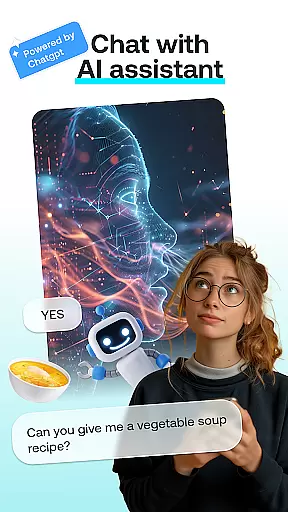
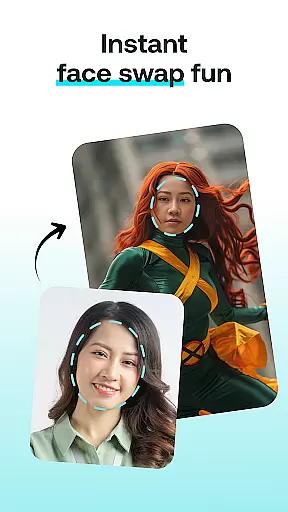

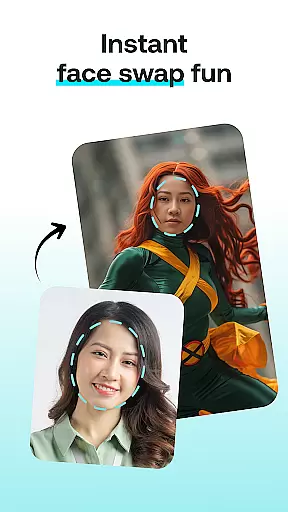

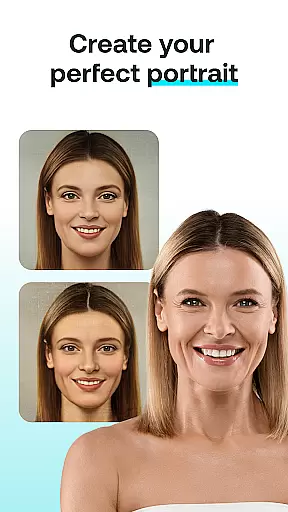
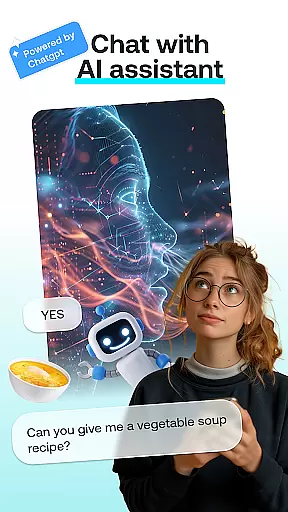


AI Chat: Chatbot Assistant is an innovative app that brings together the best of AI-driven conversations and creative image transformations. Powered by advanced AI technology, including ChatGPT GPT-4 & GPT-4o, this app allows users to engage in intelligent discussions while also offering fun features like face swapping and cartoon effects.
The app's core functionality lies in its diverse modules. Users can enjoy meaningful conversations through the AI Chat feature, create entertaining face swaps, transform photos into cartoon-like images, design personalized portraits, and even generate AI-powered paintings. Whether you're looking for creative inspiration or simply some fun, AI Chat has something for everyone.
Designed for both Android smartphones and tablets, this app is perfect for unleashing creativity on the go. With intuitive controls and seamless integration of multiple AI tools, it offers a complete package for users who want to explore the potential of artificial intelligence in everyday life.
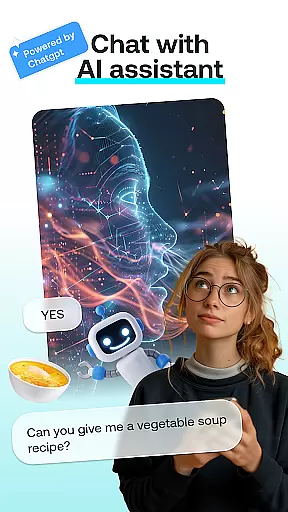
AI Chat stands out with its comprehensive set of features designed to cater to various user needs. The AI Chat module provides insightful and entertaining conversations powered by cutting-edge language models, making it suitable for everything from casual chats to creative brainstorming sessions.
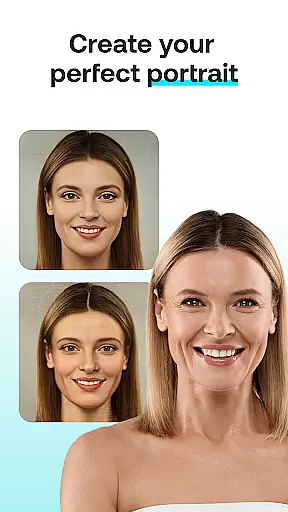
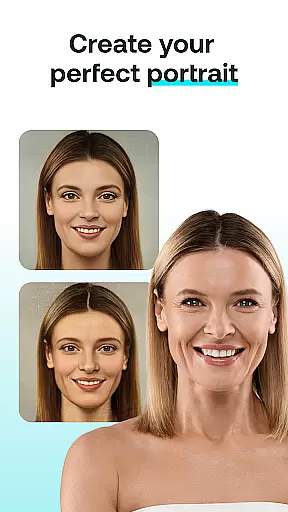
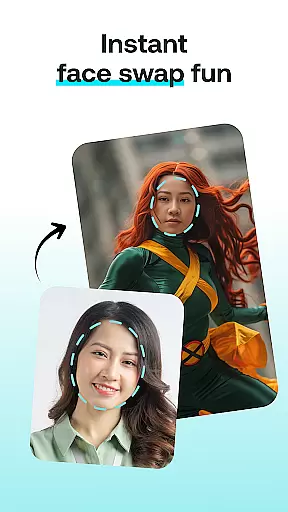
For those interested in visual creativity, the app offers several powerful tools. The Face Swap feature lets users instantly exchange faces in photos, creating hilarious or impressive results. The Cartoon Effect transforms regular photos into whimsical cartoon representations, while the Portrait Maker helps design stunning and customized portraits. Additionally, the AI Paintings feature turns simple thoughts into beautiful artistic creations.
What makes these features particularly valuable is their accessibility. Each tool is designed to be user-friendly, allowing both beginners and experienced users to achieve professional-looking results without any special skills. This combination of powerful AI capabilities with ease of use creates a unique and engaging experience for all users.
In the realm of digital creativity, having a comprehensive suite of tools is paramount. AI Chat: Chatbot Assistant rises to the occasion by offering an array of features that cater to various creative needs. The app includes AI Chat for engaging conversations, Face Swap for playful image manipulations, Cartoon Effect for adding a whimsical touch to photos, and Portrait Maker for crafting detailed portraits.
Each tool within the application is designed with precision to ensure users can achieve professional-grade results without needing advanced skills. For instance, the Cartoon Effect transforms ordinary images into cartoon-like representations with just a few taps, while the Portrait Maker allows for meticulous adjustments to create stunningly realistic or stylistically abstract portraits.
The true value of these creative tools lies in their accessibility and versatility. Whether you're looking to enhance your social media presence, create unique artwork, or simply explore your creative side, AI Chat provides the means to do so effortlessly. By consolidating these powerful features into one platform, the app empowers users to unleash their imagination and produce captivating content.
Flexibility in canvas and format options is crucial for unleashing full creative potential, and AI Chat: Chatbot Assistant excels in this aspect. The app supports a wide range of image formats, ensuring compatibility with various devices and platforms. This flexibility allows users to import, edit, and export their creations without worrying about format limitations or quality loss.
Beyond format support, the app offers extensive customization options for canvas sizes and orientations. Users can choose from predefined templates tailored for social media posts, wallpapers, or print materials, or manually adjust dimensions to suit specific project requirements. Such adaptability ensures that every piece of art created within the app meets the intended use case perfectly.
Ultimately, the canvas and format flexibility provided by AI Chat enhances the creative workflow. It enables creators to focus on their artistic vision without technical constraints, resulting in more personalized and impactful outcomes. With such robust capabilities at their disposal, users can confidently tackle any creative challenge that comes their way.
User-friendly interface
Multiple creative tools
Advanced AI chatbot
Fun photo editing features
Powered by GPT-4 technology
May require strong device
Some features may cost
Internet connection needed
Privacy concerns possible
Learning curve for tools

The ultimate tool for creating animations
 4.60
4.60
Apply cartoon, caricature, and portrait effects to make your photos stand out!
3.60
Remove Background, Magic Eraser, Photo Enhancer, Story Templates, Collage Maker
4.30
Create stunning video, photo & magic from text with FlixAI GPT video generator.
3.10
Photo editor for art, avatars, filters & fun transformations.
4.60
Novices can also easily complete diamond painting masters
4.70
2D animation studio for Android tablets - unlimited layers, infinite timeline
4.70
Video AI: Revolutionize Your Content Creation with Advanced Video Generation
4.50
All-in-One art, logo & collage maker. Design photos and edit video backgrounds
4.80
Passport size photo maker, create ID photo and visa photo in seconds
4.80
Draw on screen: FP sDraw is a simple and lightweight drawing app
4.70
Get an overview over all your embroidery threads, projects and more.
4.60
Unleash your drawing and painting potential
4.50
Share the joy of painting with ibis Paint! Drawing anime and manga art.
4.50
Customizable Outlined Fonts. Watch Face Format. Battery friendly Digital Clock.
4.20
Easy 3D drawing design maker & creator. Model designing, Sculpting. Create&paint
4.00
AI Art Generator transforms your words into AI generated art & paintings.
3.70
Your homescreen as an elegant glass with customized blur, lighting, and visuals.
3.70
Premium version of Shimeji-ee app with no ads & no limit active shimeji
4.4


User Reviews