
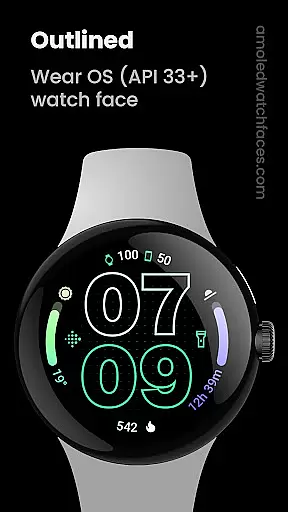
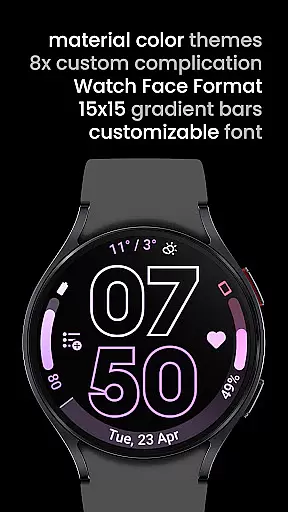
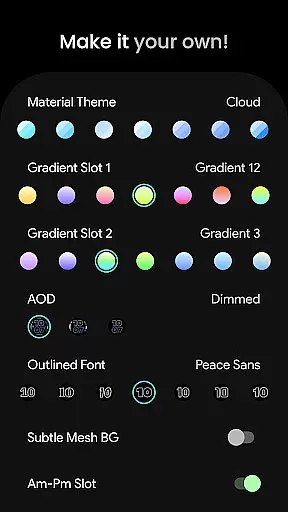
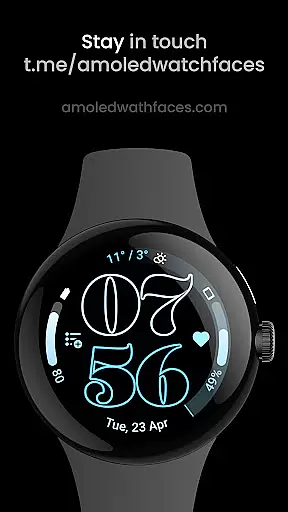
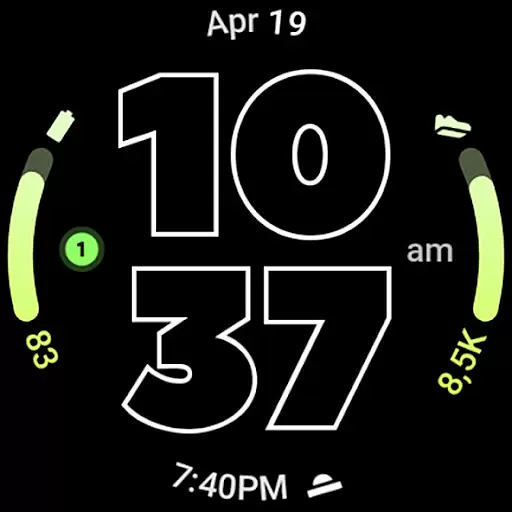
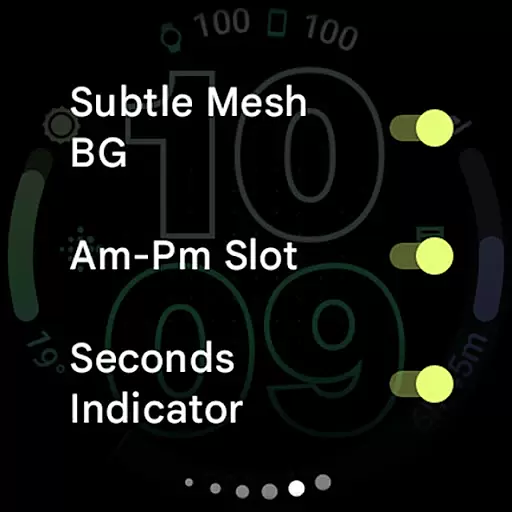
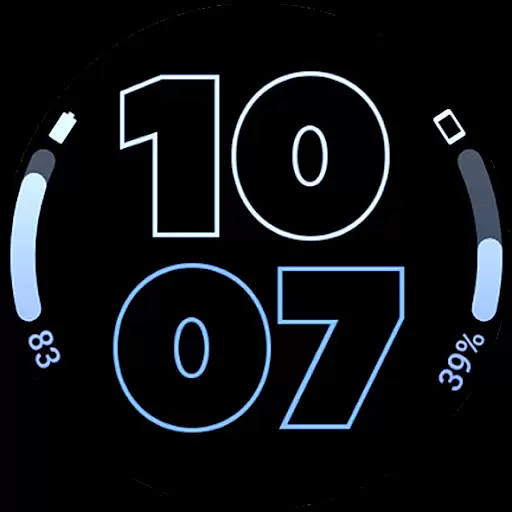
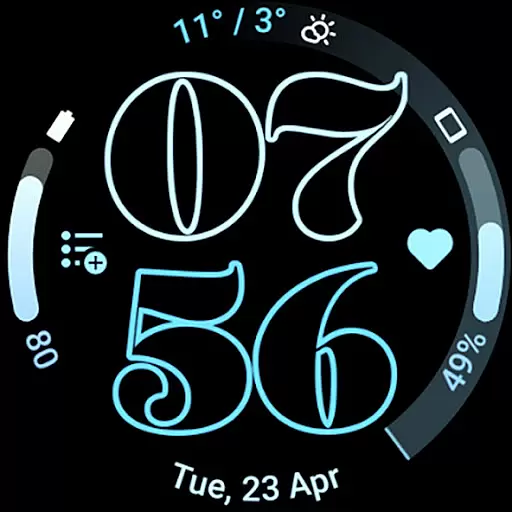
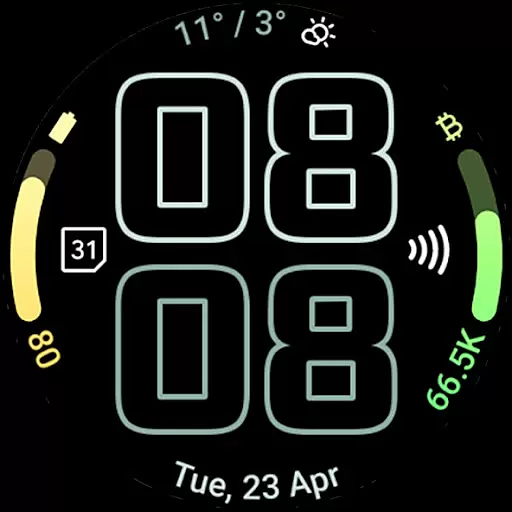
Outlined Watch Face is a premium design for Wear OS 4+ devices, offering a unique and customizable watch face experience. It features a true black background with battery-friendly optimization, making it ideal for AMOLED displays. The design includes two gradient arc complication slots and supports combined watch/phone battery complications.
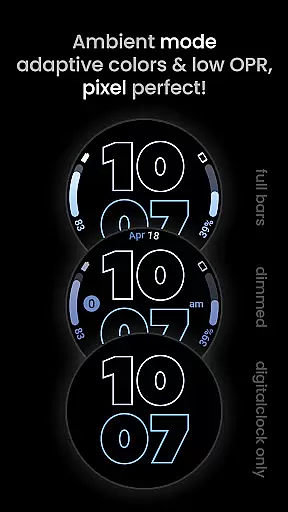
With selectable outlined digital clock fonts, high-res design elements, and multiple customization options, users can create a personalized timepiece. The app provides three Always-On Display (AOD) styles and compatibility with devices like Pixel Watch 2 and Galaxy Watch6. Its burn-in protection and optional wave-styled seconds indicator enhance usability while maintaining visual appeal.
This watch face is perfect for users seeking both aesthetics and functionality on their smartwatches. By integrating Material You color themes and supporting custom complications, it delivers a versatile and modern wearable experience that adapts to individual preferences.
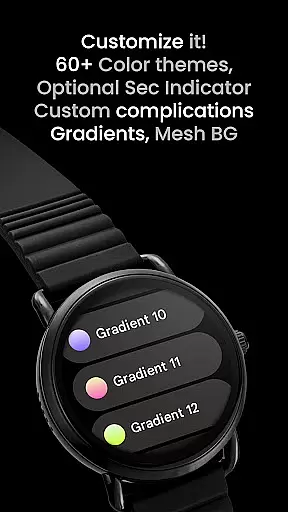
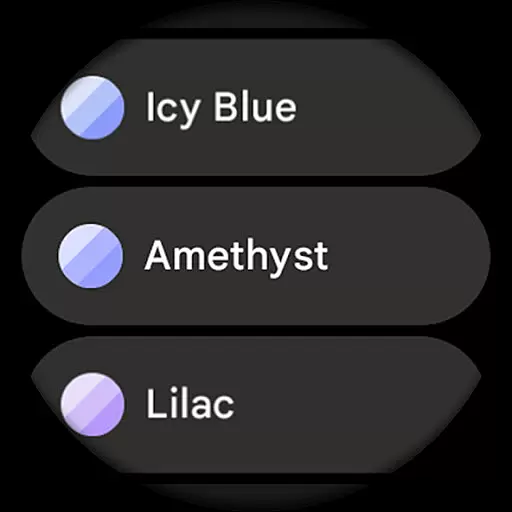
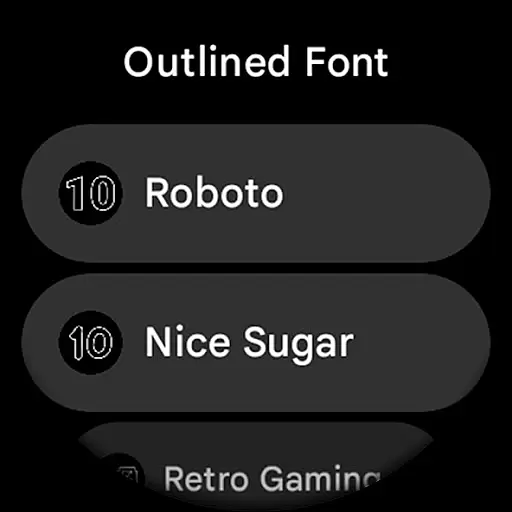
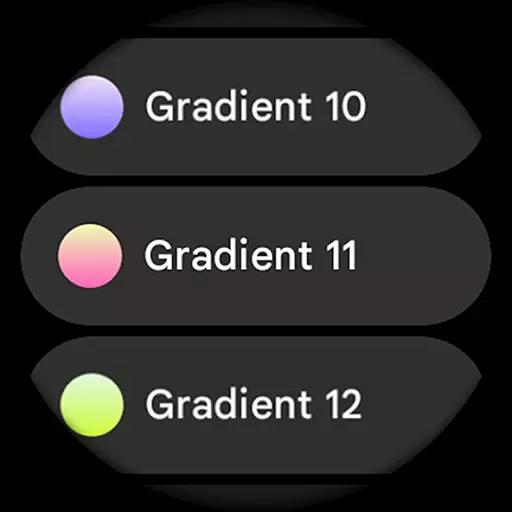
Outlined Watch Face stands out with its innovative features tailored for Wear OS 4+ users. The app utilizes the Watch Face Format and offers over 60 Material Themes along with 19 gradient options for complication slots. Users can choose from ten unique outlined font styles for the digital clock, ensuring a distinctive appearance.
The app supports advanced functionalities such as combined watch and phone battery complications, customizable progress bar gradients, and burn-in protection. Three AOD styles allow further personalization, including an option to display only the digital clock for additional power savings. These features collectively provide both aesthetic value and practical utility.
With full compatibility across modern devices like Pixel Watch 2 and Galaxy Watch6, this app ensures consistent performance. Additional options include a wave-styled seconds indicator, monochromatic icon tinting, and eight custom complication shortcuts. Such comprehensive configurability makes Outlined Watch Face a top choice for design-conscious users.
Creative tools are essential for users seeking to customize their wearable experience. Outlined Watch Face offers a comprehensive suite of creative options that allow users to personalize every aspect of their watch face. With over 60 material themes, 19 gradient choices, and 10 unique outlined font styles, the app ensures that users can create a design that perfectly matches their preferences.
The app supports advanced features like combined watch and phone battery complications, customizable progress bars, and burn-in protection. These tools ensure both functionality and aesthetics are maintained while offering users complete control over their watch's appearance. The inclusion of high-resolution design elements and three Always-On Display (AOD) styles further enhances the customization possibilities.
Users benefit from the ability to tailor each element, including optional wave-styled second indicators, AM-PM slots, and tinted icons. This level of detail allows for a truly personalized experience that transforms the smartwatch into a unique daily companion. Such extensive creative tools not only enhance user satisfaction but also extend the product's appeal to a wider audience.
Flexibility in canvas and format options is crucial for accommodating different user preferences and device specifications. Outlined Watch Face excels in this area by providing versatile design settings that cater to various Wear OS devices, particularly those running Wear OS 4 and above. The app supports high-resolution displays and offers true black backgrounds, which are ideal for AMOLED screens.
One of the standout features is the ability to customize each progress bar gradient individually when using ranged value complications. This flexibility extends to the choice of three AOD styles, where users can opt for a fully digital clock display that offloads processing to the MCU, thus conserving battery life. Additionally, the app provides multiple configuration options such as material themes, gradient slots, and outlined fonts, ensuring compatibility with devices like the Pixel Watch 2 and Galaxy Watch6.
This adaptability ensures that users can enjoy a seamless experience across different devices without compromising on quality or performance. By prioritizing canvas and format flexibility, Outlined Watch Face meets the diverse needs of its users while maintaining optimal functionality and visual appeal.
Unique outlined fonts
Battery-friendly design
Customizable gradients
Modern Material Themes
Advanced complications
Not for rectangular watches
Premium cost applies
Complex setup process
Limited to Wear OS 4+
Fewer features in AOD

Discover Cartoon Dream : Unleash Your Creativity with CuttingEdge AI
 4.50
4.50
AI generated images & photos, turn your words into drawing, painting & pictures.
4.30
Download now for a stylish and functional timepiece
4.1
Photo blender app to create overlay photos & double exposure.
4.40
See Color, Paint Color
4.90
Turn your drawings into flipbook-style animations with simple creative tools
4.60
Beauty Camera - Selfie Camera is the ultimate beauty camera and selfie app
4.30
Turning simple sketches into captivating tales filled with life and motion
3.90
Create Logos, Tattoos, AI Art & more with our AI Photo Generator & Design Editor
4.20
Passport size photo maker, create ID photo and visa photo in seconds
4.80
Make your phone cooler and have a fantastic experience
4.80
Photo editor for art, avatars, filters & fun transformations.
4.60
Image resizer to resize, crop, rotate, flip, change dpi photo or picture in bulk
4.60
Digital illustration drawing & painting pad app to paint Anime and Manga art
4.50
Stylish letters, Stylish Keyboard, Symbols, Emojis, Cool nickname
4.40
Nano Banana AI Image Generator, Anime Filter, AI Portrait, AI Photo Generator
4.30
Unleash Your Creativity with Draw Cartoon - AR Drawing App
4.10
Create sweet, cool and unique couple avatars easily, in just a few steps!
3.40
Art of Combination Wear OS Watch faces
4.1


User Reviews