
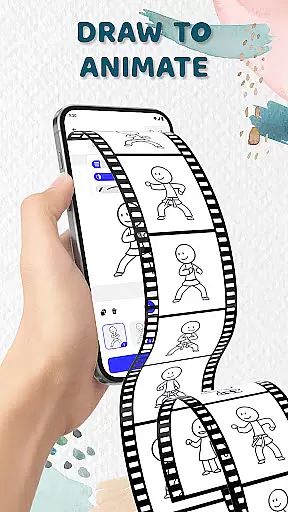
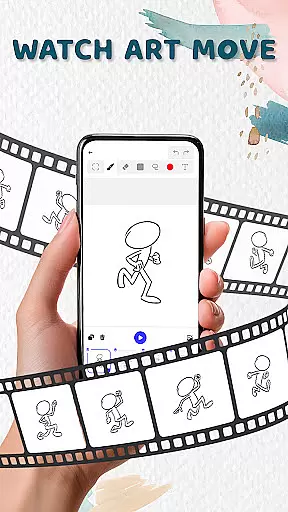
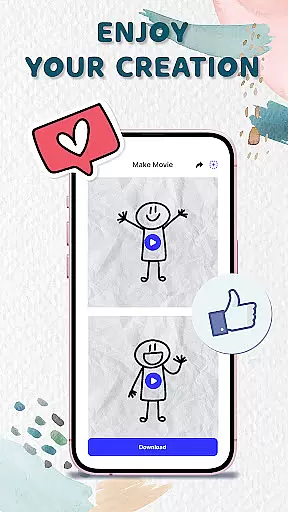
Animation Draw: Flip Maker is a creative app designed for artists and hobbyists who want to bring their sketches to life through animation. This pocket-sized studio allows users to transform simple drawings into dynamic, lively animations using intuitive tools and features.
The app offers an easy-to-use interface where users can draw frame by frame, creating flipbook-style animations that capture the charm of classic hand-drawn art. With options like onion skinning, pen size adjustment, and color customization, Animation Draw provides everything needed to craft professional-quality animations.
Whether you're a beginner or an experienced animator, this app caters to all skill levels. From stickman adventures to short comics, Animation Draw empowers users to tell stories in their unique style while enjoying the process of creation.
Animation Draw stands out with its comprehensive set of features tailored for both novice and advanced animators. The app includes essential tools such as adjustable pen sizes, vibrant color palettes, and onion skinning, which helps in achieving smooth transitions between frames.
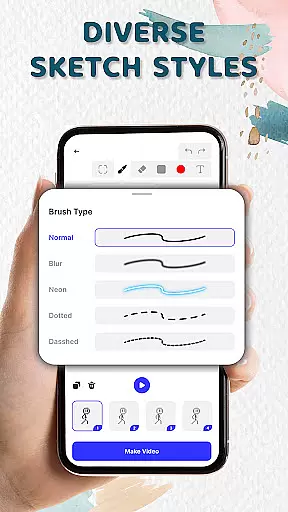
One of the key highlights is its support for various sketch styles, allowing users to experiment with different artistic approaches. Whether it's doodling, storytelling, or crafting detailed cartoons, Animation Draw provides the flexibility to explore endless creative possibilities.
Additionally, the app supports exporting animations in popular formats like GIF and MP4, making it easy to share your creations on social media or with friends and family. This feature ensures that your animated stories reach a wider audience, enhancing the overall user experience.
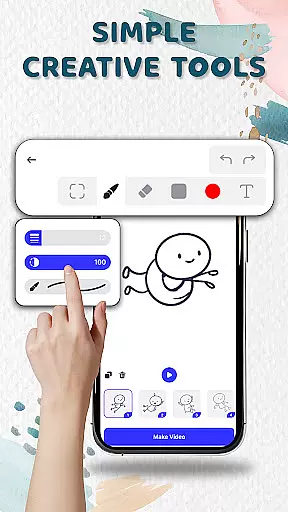
Animation Draw offers a comprehensive suite of creative tools that cater to both beginners and advanced users in the art and design space. The app includes essential features such as adjustable pen sizes, color options, and onion skinning, which allows for precise control over each frame's appearance and smooth motion between frames.
These tools collectively ensure that whether you are sketching simple stick figures or designing complex animated sequences, the app provides everything necessary to bring your imagination to life. The intuitive interface makes it easy to learn while still offering enough depth to satisfy seasoned animators.
By integrating these robust features, Animation Draw empowers users to experiment with different styles and techniques without limitations. This versatility not only enhances the creative process but also significantly improves the quality of the final animation output.
One of the standout features of Animation Draw is its canvas and format flexibility, allowing artists to customize their workspace according to specific project needs. Users can adjust canvas sizes and formats freely, providing unparalleled freedom in creating everything from small-scale doodles to large, detailed animations.
This flexibility extends to exporting options as well. Animations can be saved in popular formats like GIF or MP4, making it convenient to share your work across various platforms or integrate it into larger multimedia projects. Such versatility ensures that your creative vision is never constrained by technical limitations.
Ultimately, this adaptability enhances user experience by catering to diverse artistic demands and ensuring that every piece of art produced is optimized for its intended use, whether for personal enjoyment or professional presentation.
User-friendly interface
Powerful drawing tools
Supports multiple formats
Ideal for all skill levels
Encourages creativity
Limited advanced features
Occasional bugs reported
No collaborative tools
Basic tutorial section
Export quality could improve

Pose and morph realistic male and female models! 3D poser app
 3.00
3.00
Sketch, plan, take notes and illustrate on an infinite canvas.
4.20
Create neon drawing with magic doodle and fun doodle art effects!
4.50
Your Essential Color Theory Guide: Red, Yellow, Blue (RYB)
4.3
Create stunning art with AI.
4.80
Powerful home decoration & house design that allows you to design dream home.
3.80
Minecraft & Roblox Clothes
4.70
Sketch and paint on your device with the feel and freedom of drawing on paper
4.00
AI-powered photo & video creation—fast, fun, and effortless with Quick Actions
4.60
Make your phone cooler and have a fantastic experience
4.80
Photo editor for art, avatars, filters & fun transformations.
4.60
Image resizer to resize, crop, rotate, flip, change dpi photo or picture in bulk
4.60
Discover Cartoon Dream : Unleash Your Creativity with CuttingEdge AI
4.50
Painting, drawing, & sketching
4.50
Image/ Text to Video Generator
4.40
Unleash Your Creativity with Draw Cartoon - AR Drawing App
4.10
Floor Plan Creator lets you create, edit and share floor plans.
4.00
Vidu is an AI video generator made for creators and aspiring makers.
3.30
Art of Combination Wear OS Watch faces
4.3


User Reviews