
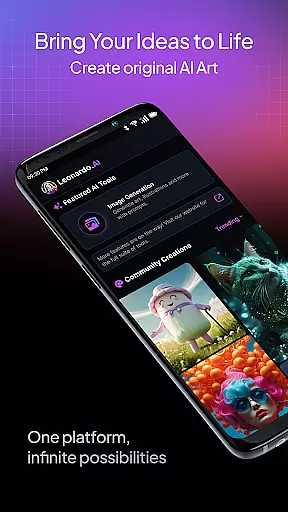
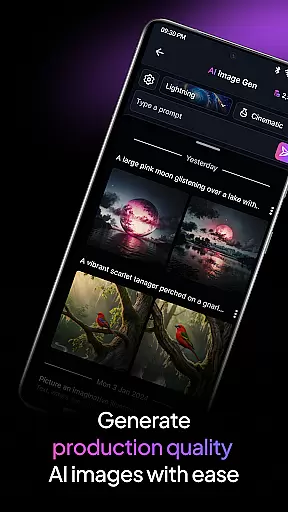
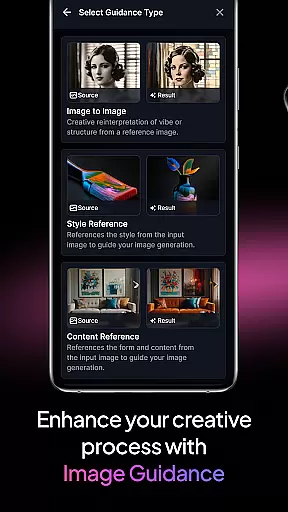
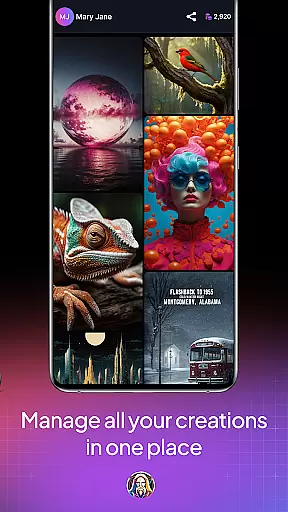
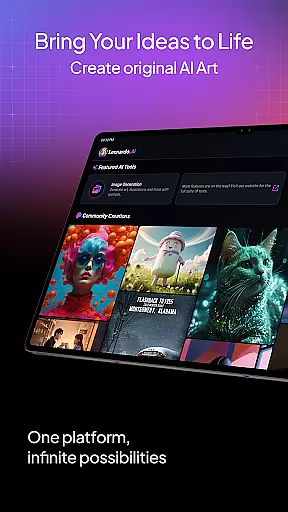
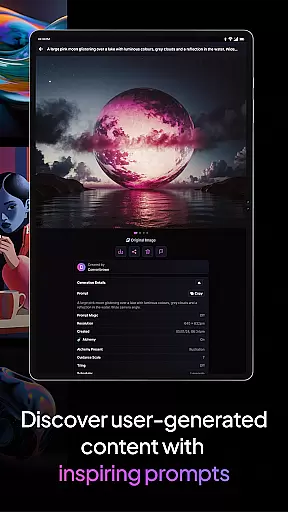
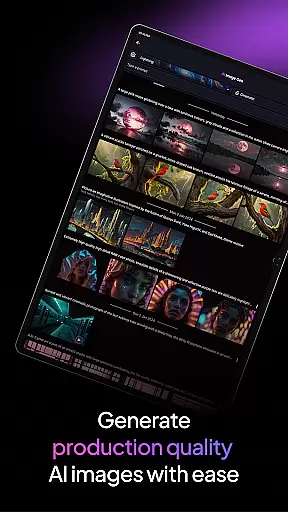
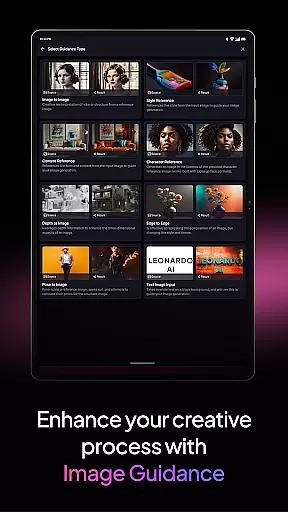
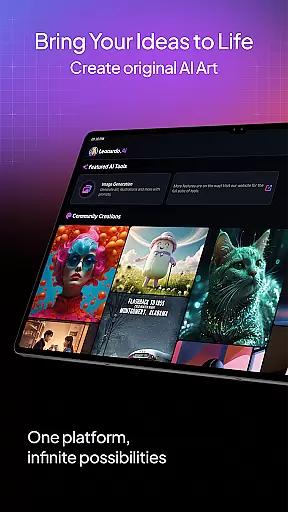
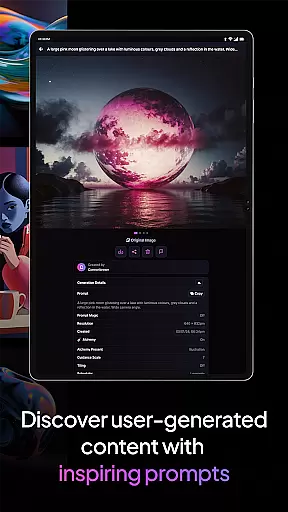
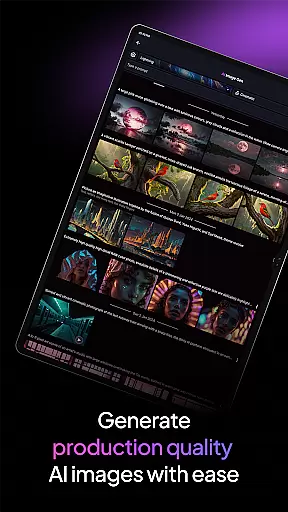
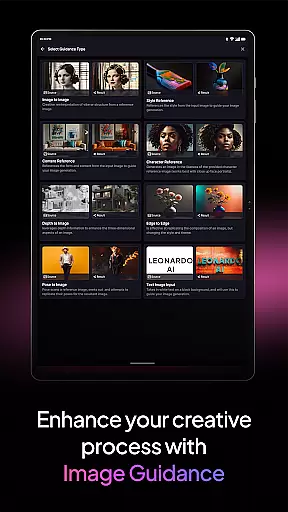
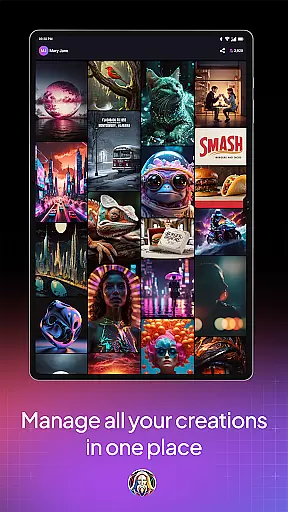
Leonardo.Ai is a powerful AI art image generator designed for creative professionals and enthusiasts alike. Available on Android, this app allows users to generate high-quality digital art assets with precise control over every aspect of the creative process. By using prompts, negative prompts, tiling, and other advanced features, users can fine-tune their results to match their vision perfectly.
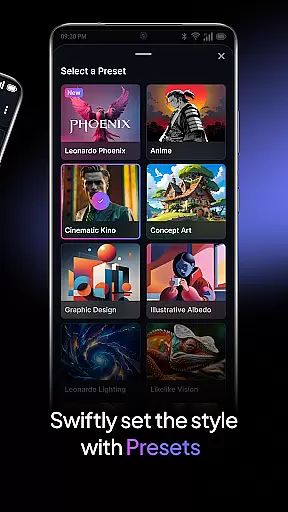
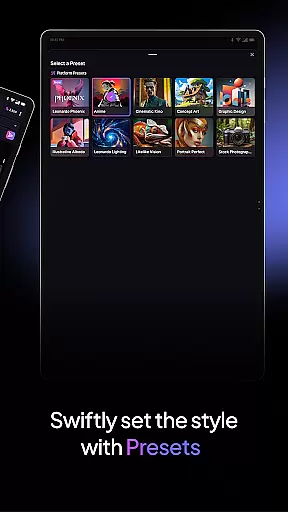
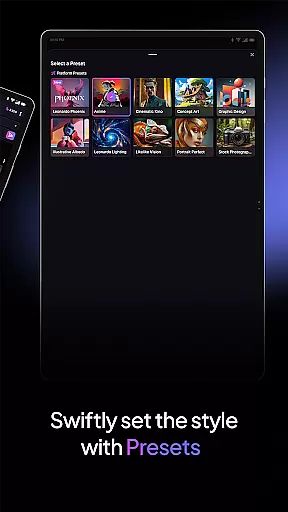
The app includes general-purpose and finetuned presets that make it easy to produce production-ready art. Whether you're creating concept art, illustrations, or design assets, Leonardo.Ai supports a wide range of styles while ensuring consistency. Its foundational model, Leonardo Phoenix, offers next-level prompt adherence and rapid ideation capabilities, empowering users to iterate concepts quickly and explore diverse artistic directions.
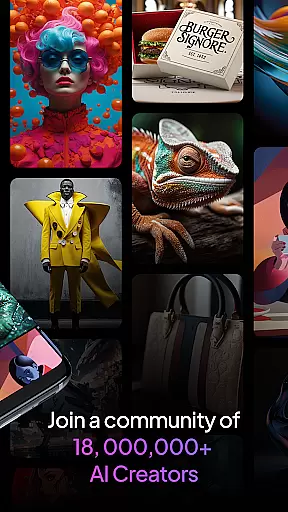
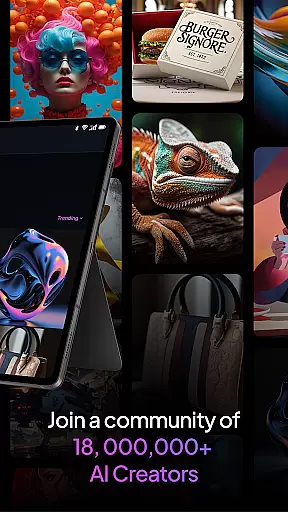
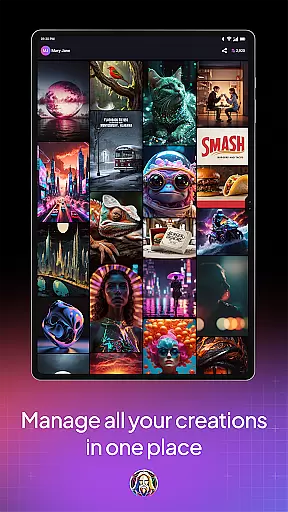
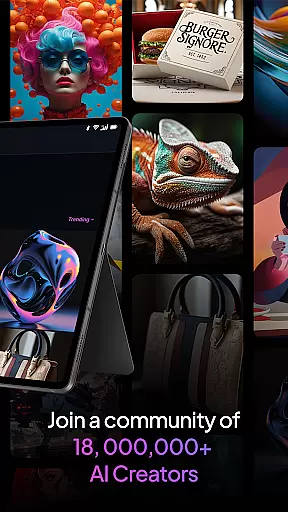
With a community of over 21 million creatives and more than 1.7 billion images already generated, Leonardo.Ai provides an expansive platform for unleashing your imagination. Ideal for artists, designers, and hobbyists, this app transforms mobile devices into robust creative tools, enabling users to create breathtaking art anywhere, anytime.
Leonardo.Ai stands out with its comprehensive feature set tailored for digital artists and designers. The app's core functionality revolves around AI-powered image generation, which leverages advanced algorithms to produce high-quality art assets. Users can take advantage of precise controls such as prompts, negative prompts, and tiling to customize outputs according to their specific needs.
One of the key highlights is the inclusion of both general-purpose and finetuned presets. These presets cater to various use cases, from generating quick sketches to producing detailed design assets ready for professional projects. Additionally, the Leonardo Phoenix model enhances the creative workflow by offering superior prompt adherence and coherent text-in-image capabilities, making it easier to bring ideas to life.
Beyond its technical prowess, Leonardo.Ai fosters a vibrant community of creatives. With access to billions of images and countless shared resources, users can draw inspiration and collaborate with like-minded individuals. This combination of cutting-edge technology and a supportive ecosystem makes Leonardo.Ai an indispensable tool for anyone looking to explore the limitless possibilities of AI-generated art.
In the realm of digital artistry, having a comprehensive suite of creative tools is paramount. Leonardo.Ai stands out by offering an extensive array of features that cater to both amateur artists and professional designers. The app provides precise control mechanisms for every step of the art generation process.
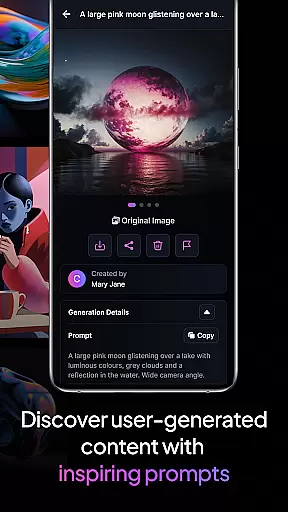
Users can manipulate prompts and negative prompts, ensuring that the AI understands exactly what elements to include or exclude in the artwork. This level of specificity empowers creators to produce tailored results that align with their vision. Additionally, advanced options like tiling allow for intricate pattern creation and seamless textures.
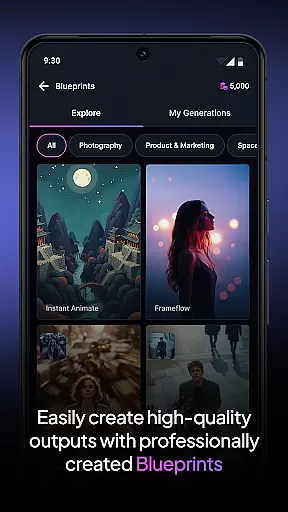
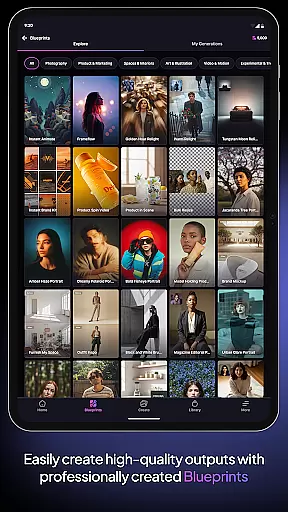
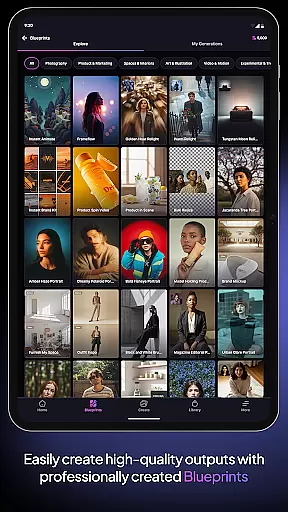
Leonardo.Ai also includes general-purpose and fine-tuned presets, which serve as excellent starting points for generating production-ready art assets. These presets cover a wide spectrum of styles and themes, making it easier than ever to create high-quality designs without starting from scratch.
The inclusion of Leonardo Phoenix further enhances this toolkit by providing next-level prompt adherence and coherent text integration within images. Artists can rapidly iterate on concepts, explore diverse artistic styles, and maintain consistency throughout their projects. This robust set of tools ensures that users have everything they need to unleash their creativity fully.
Flexibility in canvas size and format options is crucial for accommodating various project requirements and creative visions. Leonardo.Ai excels in this area by offering unparalleled adaptability in its design parameters. Users can customize their canvas dimensions to suit specific needs, whether they are working on small icons or large-scale murals.
This flexibility extends beyond mere size adjustments; Leonardo.Ai supports multiple file formats, ensuring compatibility across different platforms and devices. Whether you need PNGs for web graphics or high-resolution TIFFs for print media, the app has got you covered. Such versatility allows artists to seamlessly integrate their work into any pipeline.
Moreover, the ability to adjust aspect ratios and resolutions enables users to experiment with unique compositions and layouts. This feature is particularly beneficial when designing assets for social media, where varied dimensions are often required. By supporting such a broad range of formats, Leonardo.Ai empowers creators to focus on their art without being constrained by technical limitations.
Ultimately, this canvas and format flexibility not only enhances productivity but also encourages experimentation. Artists can push boundaries, try new techniques, and bring their wildest ideas to life, knowing that Leonardo.Ai will support their vision every step of the way.
User-friendly interface
Advanced customization options
Vibrant creative community
High-quality image generation
Wide range of artistic styles
Requires learning curve
Limited offline functionality
Premium features may require subscription
Dependent on internet connection
Some presets are niche-specific

Premium version of Shimeji-ee app with no ads & no limit active shimeji
 4.1
4.1
Art of Combination Wear OS Watch faces (for Wear OS 5+ devices)
3.00
Stylish letters, Stylish Keyboard, Symbols, Emojis, Cool nickname
4.40
Create trending AI photos & videos with powerful effects and 3D styles.
3.20
Turn your drawings into flipbook-style animations with simple creative tools
4.60
Android 14 style widgets and wallpapers app.
4.4
Everything you need to create hand drawn animation, anywhere you go!
4.40
Just trace a projected picture on paper and color! Draw & Paint with AR drawing
4.40
AI-powered photo & video creation—fast, fun, and effortless with Quick Actions
4.60
2D animation studio for Android tablets - unlimited layers, infinite timeline
4.70
Draw glowing spinners, relax, and spin your creative art
4.60
The perfect place to start sketching! Use Sketchbook to draw and paint sketches.
4.50
AI Tattoo Generator: Create Tattoo Designs & Get Ideas! Ink & Stencil Maker
4.50
Unleash Your Creativity with Draw Cartoon - AR Drawing App
4.10
Create cute cat emojis & PFPs! Fun, custom avatars for cat lovers.
3.70
Retouch photos. Create or edit images. Endless capabilities.
2.70
Your Essential Color Theory Guide: Red, Yellow, Blue (RYB)
4.4
Art of Combination Wear OS Watch Faces
4.3
A luxurious gold watch face for an elegant and refined look.
4.1


User Reviews