
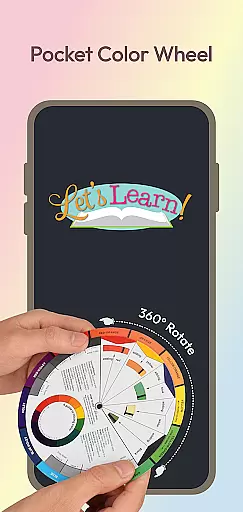
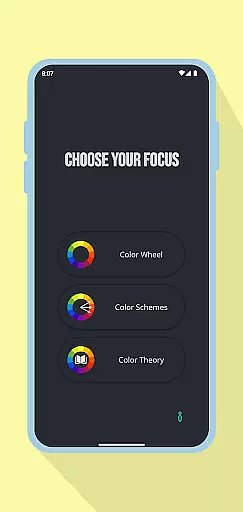
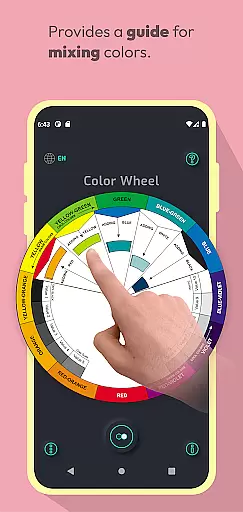
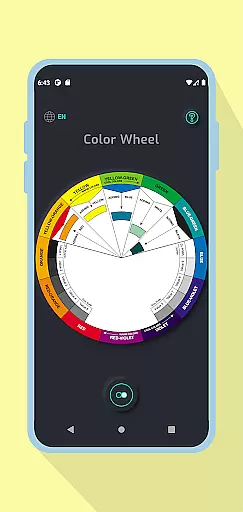
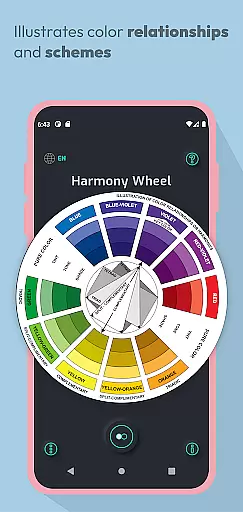
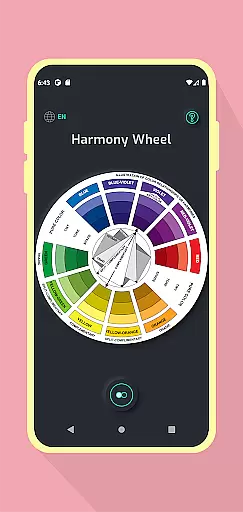
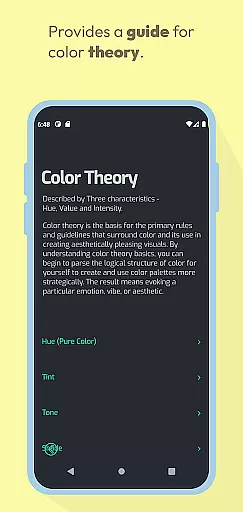
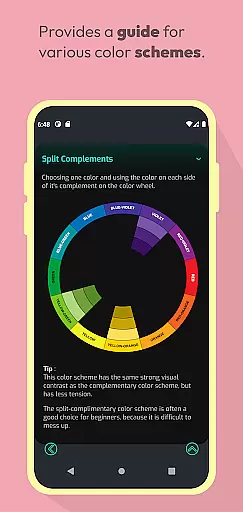
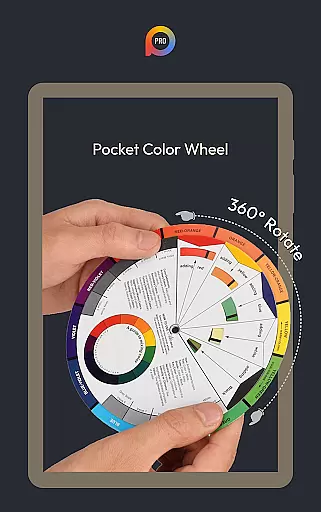
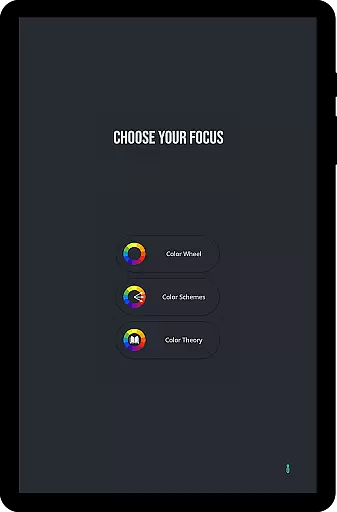
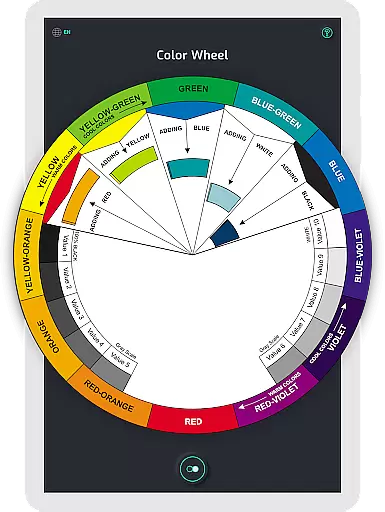
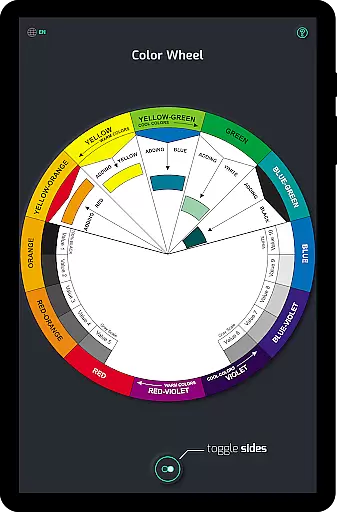
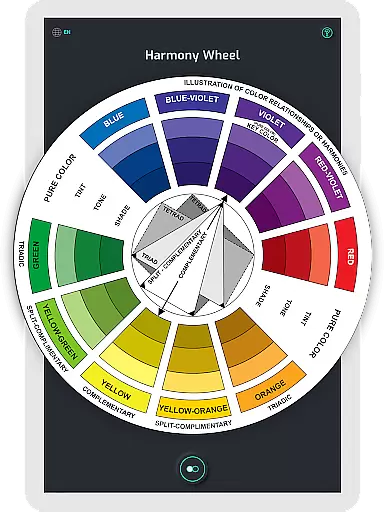
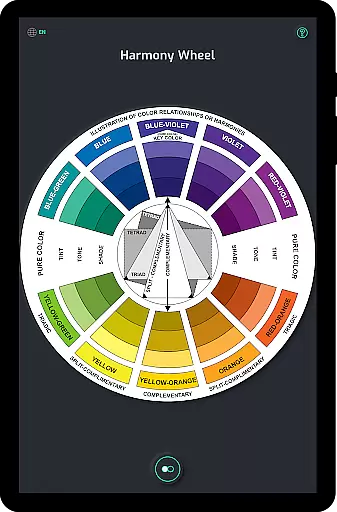
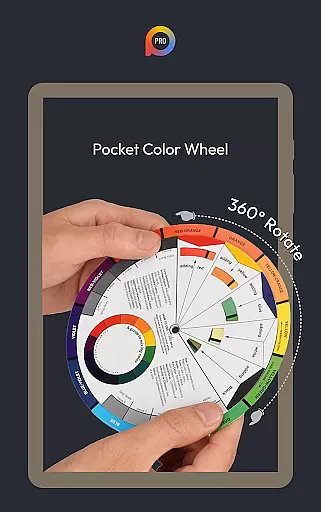
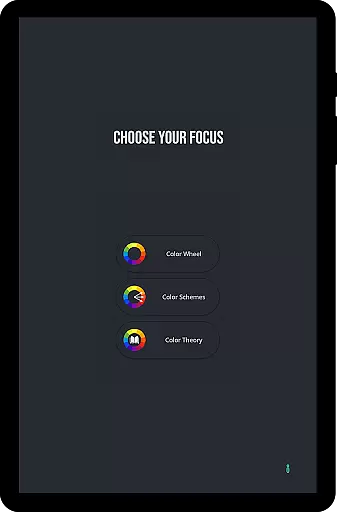
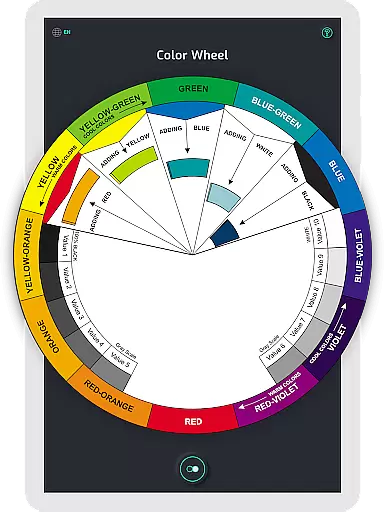
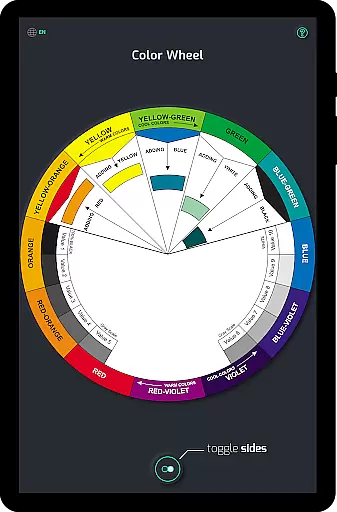
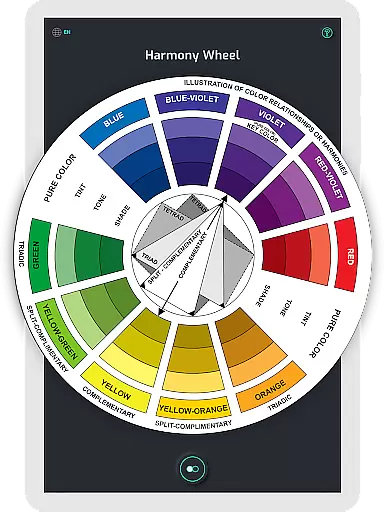
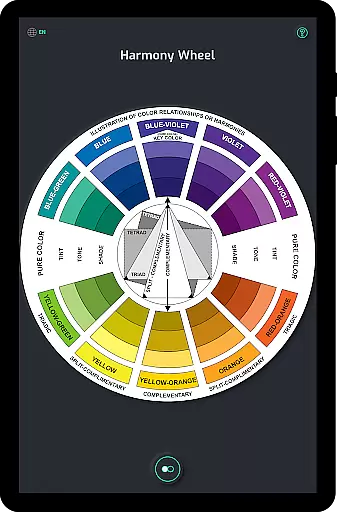
Pocket Color Wheel Pro is an advanced mobile application designed for artists, designers, and students to master color theory with ease. The app provides a comprehensive visual guide through its interactive color wheel, enabling users to explore color relationships, harmonies, and mixing techniques.
With the Pro version, users can access exclusive features such as 12 or 18 Color Wheel Options for creating diverse color schemes like monochromatic, analogous, complementary, split-complementary, triadic, and tetradic. This flexibility makes it ideal for both learning and professional design work. Additionally, the app works offline, ensuring uninterrupted access to all tools regardless of internet connectivity.
This app is particularly useful for creative professionals who need to experiment with color combinations on the go. By offering detailed tone and shade variations along with a grey scale, Pocket Color Wheel Pro helps users craft visually stunning designs with precision and confidence.
Pocket Color Wheel Pro stands out with its rich feature set tailored for color enthusiasts. The app's Interactive Colour Wheel allows users to rotate and explore various color relationships, including complementary, triadic, and analogous colors. This hands-on approach simplifies the process of discovering harmonious color combinations.
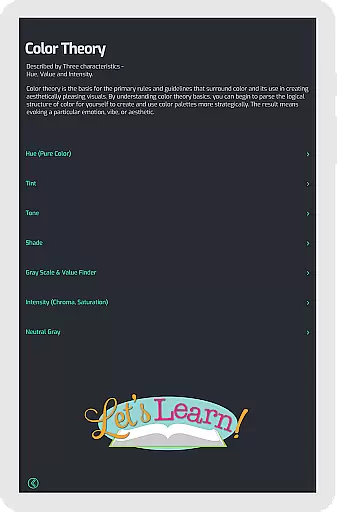
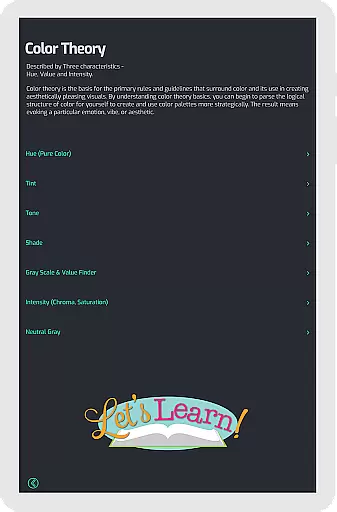
The Color Mixing tool lets users select a base color and instantly see how it interacts with others on the wheel. For those looking to create complete color schemes, the app offers instant visualization of color harmonies, aiding in crafting aesthetically pleasing designs. Moreover, the inclusion of tone, shade variations, and a grey scale ensures that users understand essential color terms and their applications.
Exclusive to the Pro version are advanced options like choosing between 12 or 18 color wheel schemes, providing more hues and blends. With full offline functionality, users can rely on Pocket Color Wheel Pro anytime, anywhere, making it indispensable for creative projects.
In the realm of digital art and design, having a comprehensive set of creative tools is paramount. Pocket Color Wheel Pro stands out by offering an extensive suite of features that cater to artists, designers, and students alike. The app includes an interactive colour wheel that allows users to explore complex colour relationships and harmonies with ease.
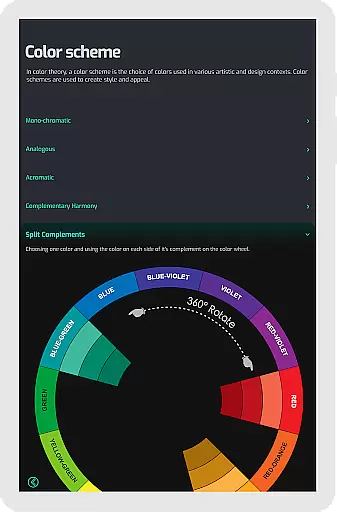
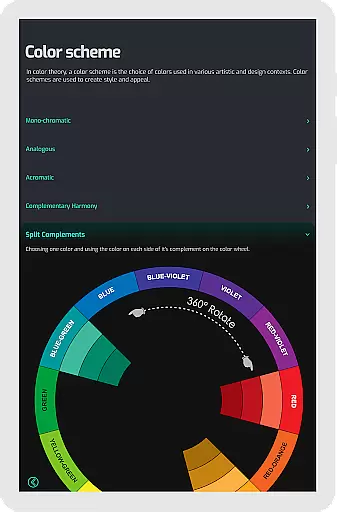
One of the key highlights is the Color Schemes Tool available in the Pro version, which provides the flexibility of choosing between 12 or 18 color wheel options. This feature enables users to experiment with a broader spectrum of hues and blends, making it easier to create intricate designs. Whether you are working on monochromatic, analogous, complementary, split-complementary, triadic, or tetradic schemes, this app has got you covered.
Additionally, the app simplifies colour mixing, allowing users to instantly see the results of their mixes right on the wheel. This hands-on approach not only enhances learning but also streamlines the design process, ensuring that users can achieve their desired outcomes efficiently.
The inclusion of tone and shade variations along with a grey scale for neutral tones further enriches the user experience. These tools collectively ensure that Pocket Color Wheel Pro is a complete package for anyone serious about mastering colour theory.
Flexibility in canvas and format options is crucial for accommodating various project requirements and personal preferences. Pocket Color Wheel Pro excels in providing this flexibility, ensuring that users can tailor their experience to suit their specific needs. One of the standout features is its ability to function seamlessly offline, which is particularly beneficial for creatives who travel or work in areas with limited internet access.
The app offers an interactive colour wheel that users can rotate to explore different colour relationships and discover harmonious combinations. This dynamic functionality ensures that whether you're designing artwork or crafting visually stunning designs, you have the freedom to experiment without constraints.
Moreover, the app supports a variety of colour schemes, including monochromatic, analogous, complementary, split-complementary, triadic, and tetradic arrangements. This versatility allows users to visualize and implement complex colour harmonies effortlessly, enhancing both creativity and productivity.
With clear examples of tints, tones, and shades displayed directly on the wheel, Pocket Color Wheel Pro ensures that users have all the necessary tools at their fingertips. This level of detail and adaptability makes it an indispensable companion for any creative professional.
Comprehensive color theory
Interactive color wheel
Offline functionality
Advanced color schemes
Instant color mixing
Pro version costs
Limited free features
No advanced tutorials
Basic UI design
Few customization options

Customizable Outlined Fonts. Watch Face Format. Battery friendly Digital Clock.
 4.20
4.20
Stylish letters, Stylish Keyboard, Symbols, Emojis, Cool nickname
4.40
Custom Character Creator & PFP Maker!
4.20
Draw on screen: FP sDraw is a simple and lightweight drawing app
4.70
Art of Combination Wear OS Watch faces
4.2
Android 14 style widgets and wallpapers app.
4.0
2D animation studio for Android tablets - unlimited layers, infinite timeline
4.70
Bring One UI 8.5 Icons to life -elegant dark icons with a modern, premium touch.
4.30
Create cute cat emojis & PFPs! Fun, custom avatars for cat lovers.
3.70
Photo stitcher for automatically screenshot stitching into a long screenshot
4.70
Draw anime & manga drawing, art with templates to create stunning picture!
4.50
Draw, make movies & animate cartoons easily with our 2D animation maker app
4.40
800+ Drawing, Painting Lessons App to Practice, Sketch & Paint Art.
4.30
Sketch, plan, take notes and illustrate on an infinite canvas.
4.20
Floor Plan Creator lets you create, edit and share floor plans.
4.00
Apply cartoon, caricature, and portrait effects to make your photos stand out!
3.60
Pose and morph realistic male and female models! 3D poser app
3.00
Premium version of Shimeji-ee app with no ads & no limit active shimeji
4.0
A luxurious gold watch face for an elegant and refined look.
4.1


User Reviews