
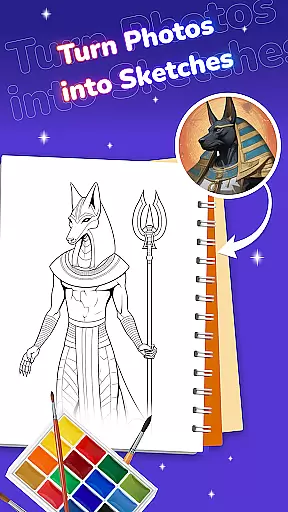
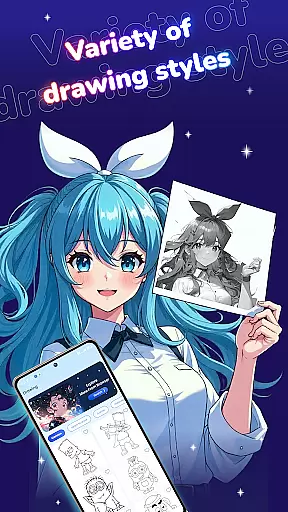
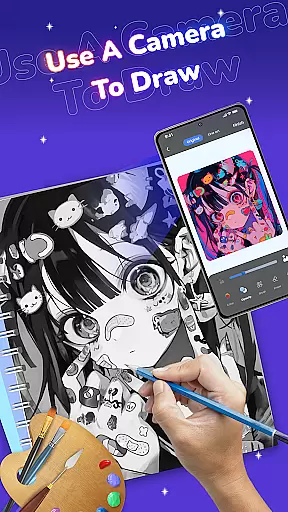
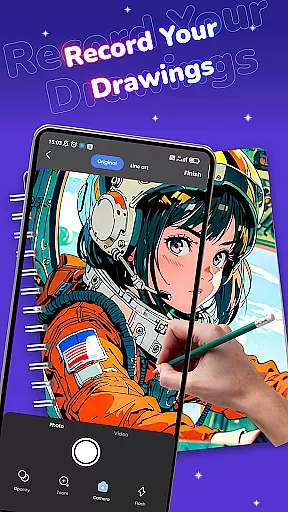
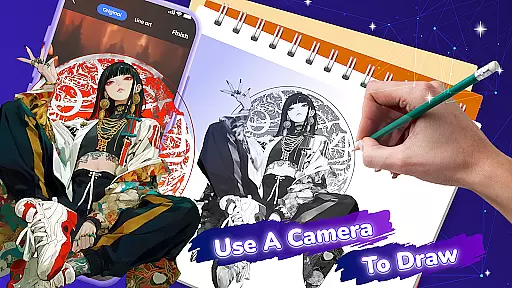
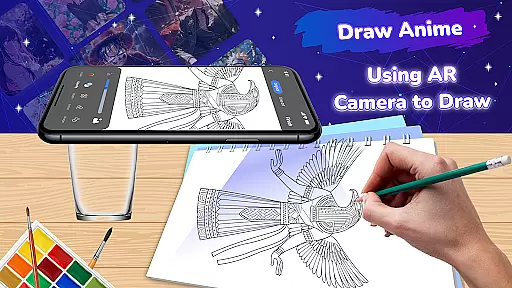
Draw Anime: Paint & Sketch App is a revolutionary tool for anime art enthusiasts, combining traditional drawing techniques with cutting-edge Augmented Reality (AR) technology. This app allows users to create stunning anime artwork by projecting digital templates onto physical surfaces, making the drawing process more intuitive and precise.
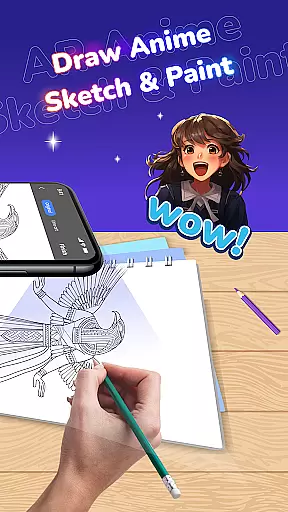
The application caters to both beginners and experienced artists, offering an extensive library of anime and manga templates. Its standout feature is the AR Tracing Mode, which enables users to trace outlines directly onto paper while viewing the template through their device's camera. With customizable brushes, colors, and effects, artists can add unique touches to their creations. The app also includes ASMR sounds to enhance focus and creativity during drawing sessions.
Perfect for practicing character design or creating original scenes, Draw Anime makes anime art creation accessible anywhere, anytime. Whether you're developing your skills or looking for a creative outlet, this app provides professional-grade tools in a user-friendly interface.
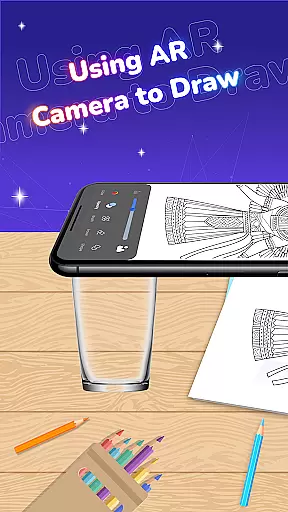
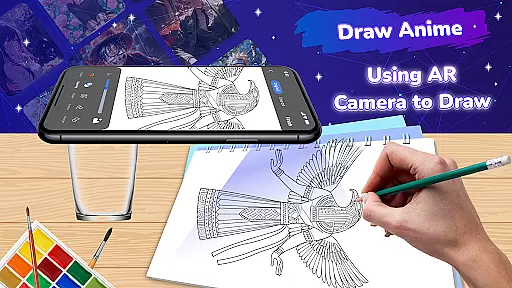
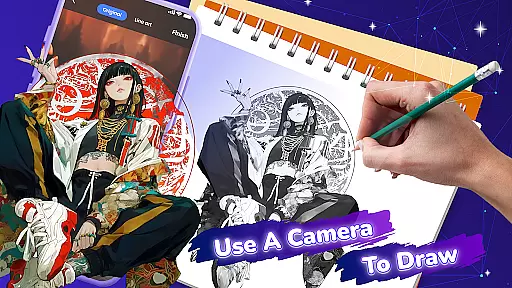
Draw Anime distinguishes itself through its innovative use of AR technology in the creative process. The app's AR Tracing Mode projects selected templates onto any surface, allowing users to trace with remarkable accuracy. This feature particularly benefits beginners who need guidance with proportions and outlines while still being valuable for experienced artists refining their techniques.
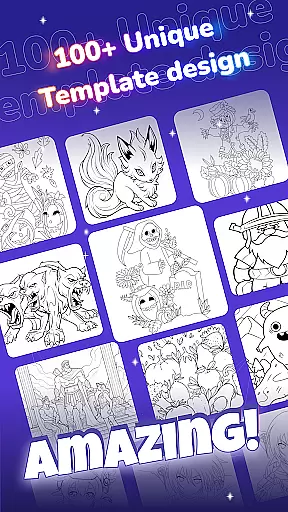
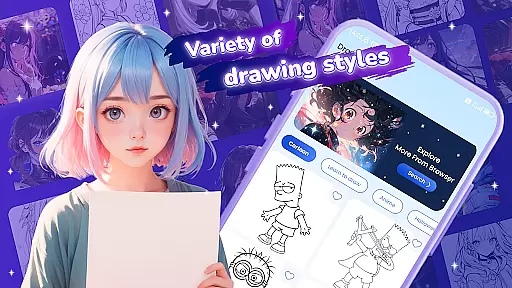
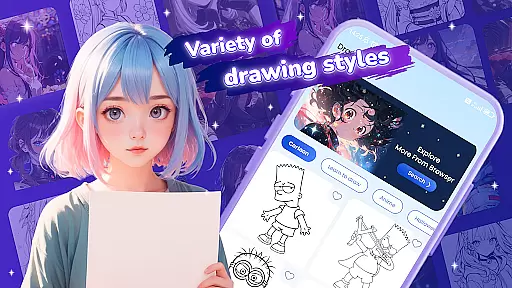
The diverse template library spans various anime styles, from classic characters to contemporary designs. Each template can be customized using an array of digital tools including different brush types, color palettes, and artistic effects. The simple interface ensures smooth navigation between features, while the Save function automatically stores completed works in a personal gallery.
Additional features include ASMR soundscapes specifically designed to enhance concentration and Browser Finding functionality that connects users with external anime art resources. These comprehensive tools work together to create an immersive drawing experience that supports artistic growth and exploration.
In the realm of digital art, having a comprehensive set of creative tools is essential for artists to fully express their visions. Draw Anime: Paint & Sketch App rises to the occasion by offering an extensive suite of features tailored specifically for anime and manga creation. The app includes AR tracing, a diverse template library, customizable brushes, and effects that cater to both beginners and seasoned artists.
With AR Drawing and Tracing, users can project any template onto a surface, allowing them to trace and create precise outlines for their artwork. This feature bridges the gap between traditional and digital art techniques, providing a unique way to engage with anime drawing.
The app's dedication to delivering a rich variety of templates ensures that artists have endless possibilities for exploration. Whether it's iconic characters or original scenes, the template library inspires creativity and learning. Coupled with customizable tools, artists can experiment with colors and styles to make each piece truly their own.
By integrating these complete creative tools, Draw Anime empowers users to refine their skills and produce professional-looking anime art with ease and precision.
Flexibility in canvas and format options is crucial for artists who wish to explore different dimensions and styles in their work. Draw Anime: Paint & Sketch App addresses this need by providing adaptable solutions that allow creators to modify their workspace according to their artistic vision. This flexibility enhances the creative process, making it more personal and boundless.
Artists using Draw Anime can take advantage of the AR technology to turn any physical space into a canvas. This innovative approach removes traditional constraints, enabling artists to work on various surfaces and sizes without limitations imposed by standard digital canvases.
Moreover, the app supports saving completed sketches directly to the user's gallery, which simplifies sharing and storing artwork. While the specifics of file formats are not detailed, the emphasis on customization implies that users can expect some level of adaptability when preparing their creations for different platforms or purposes.
Overall, Draw Anime offers a dynamic environment where flexibility in canvas size and format empowers artists to push boundaries and explore new horizons in anime art.
User-friendly interface
Extensive template library
Innovative AR tracing
Customizable drawing tools
ASMR sound enhancement
Limited free templates
Device compatibility issues
Premium feature costs
Battery consumption
Learning curve for AR

Sketch, trace and master AR drawing with awesome anime art!
 3.30
3.30
Digital illustration drawing & painting pad app to paint Anime and Manga art
4.50
Digital, Abstract, Classic - all types of color wheels in one app!
4.60
Castle is social media for creating and playing games!
4.60
Android 14 style widgets and wallpapers app.
4.3
Art of Combination Wear OS Watch faces (for Wear OS 5+ devices)
3.90
Draw, make movies & animate cartoons easily with our 2D animation maker app
4.40
Sketch and paint on your device with the feel and freedom of drawing on paper
4.00
Explore future self face age filter & remove background image for a unique look.
3.50
The ultimate tool for creating animations
4.60
Draw, fidget, and spin glow art! Relax and express your creativity with a finger
4.60
Draw Trace image sketch by, AR art projector app, Easy to trace any image.
4.50
AI Tattoo Generator: Create Tattoo Designs & Get Ideas! Ink & Stencil Maker
4.50
Customizable Outlined Fonts. Watch Face Format. Battery friendly Digital Clock.
4.20
Unleash the artist in you with our AR drawing and tracing tool for photo drawing
4.10
Resize photos and print photos in exact size with our powerful photo printer!
3.80
Experience next-gen icons with a modern liquid glass look.
3.60
Create trending AI photos & videos with powerful effects and 3D styles.
3.20
Art of Combination Wear OS Watch Faces
4.5


User Reviews