
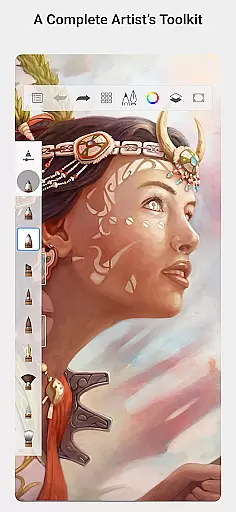
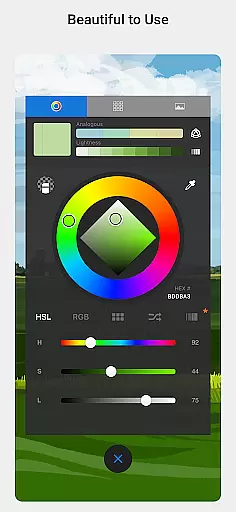
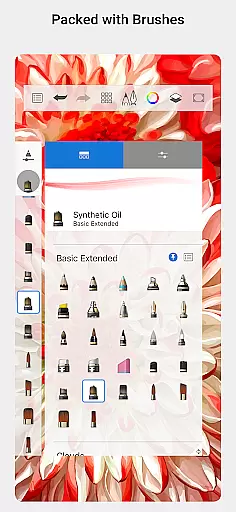
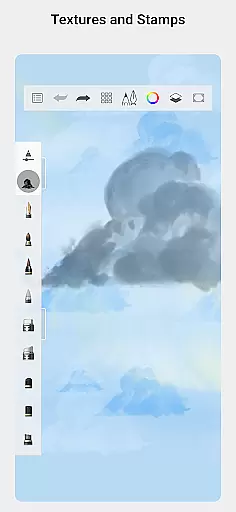
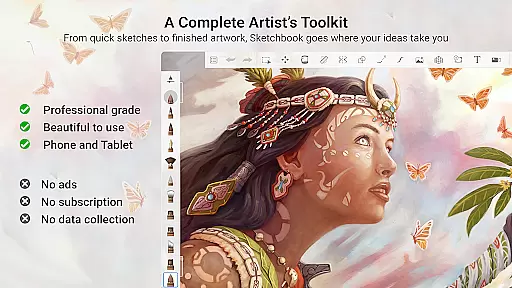
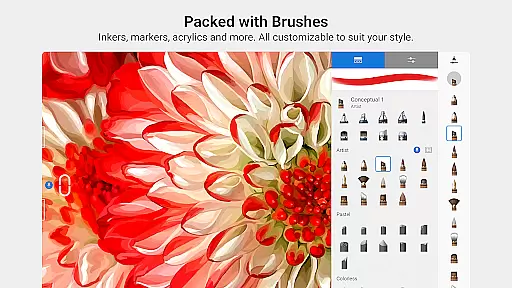
Sketchbook is a premier digital art studio designed for artists, illustrators, and creative enthusiasts who demand professional-grade tools in an intuitive interface. This app offers a complete set of brush types including pencils, markers, airbrushes, and smear tools that emulate physical drawing instruments with remarkable accuracy. Whether you're sketching quick ideas or creating fully finished artwork, Sketchbook provides the flexibility and precision needed to bring your visions to life.
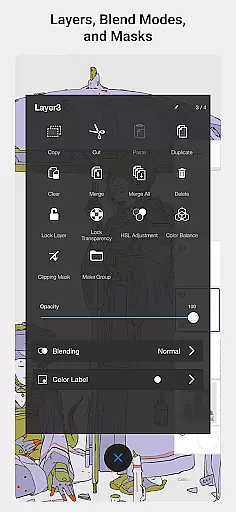
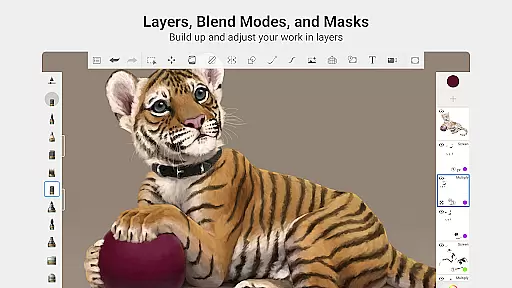
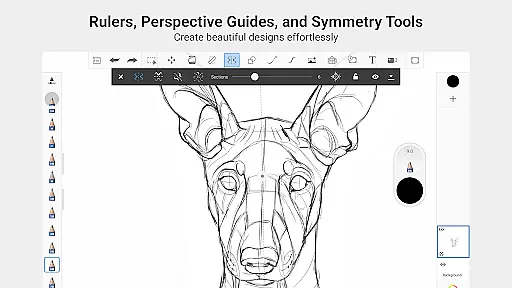
One of the standout features of Sketchbook is its highly customizable tools, allowing users to tailor their brushes and adjust settings to achieve specific artistic effects. The app also includes guides, rulers, and stroke tools that support detailed work, making it ideal for both spontaneous creativity and meticulous design projects. With layers that offer a full complement of blend modes, artists can explore complex drawings and color techniques seamlessly.
Designed with a clean and unobtrusive interface, Sketchbook ensures that nothing comes between you and your creativity. It's perfect for anyone from hobbyists to professional artists looking to capture and express their ideas without distraction. Available on multiple platforms, this app is your go-to solution for all forms of digital art creation.
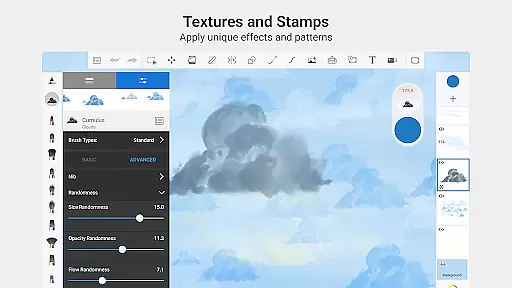
Sketchbook stands out with its comprehensive array of features tailored for digital artists. The app boasts a full complement of brush types such as pencils, markers, airbrushes, and smear tools, each designed to mimic their physical counterparts closely. These brushes are not only diverse but also highly customizable, enabling users to fine-tune every aspect to suit their unique style and needs.
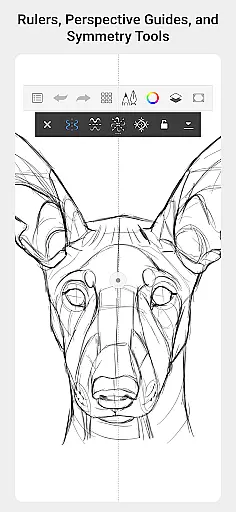
Precision is key in digital art, and Sketchbook delivers with its robust set of tools including guides, rulers, and stroke options. These features assist artists in executing detailed work with accuracy and ease. Additionally, the app supports layers with a full range of blend modes, providing unparalleled flexibility in building up drawings and experimenting with colors and textures.
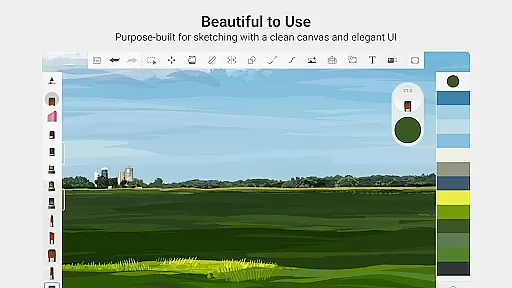
Usability is at the forefront of Sketchbook's design philosophy. Its elegant interface is purpose-built for sketching, ensuring a natural drawing experience free of distractions. This makes it suitable for both beginners and seasoned professionals who need a reliable platform to express their creativity. With these advanced yet accessible features, Sketchbook empowers users to produce everything from quick sketches to polished masterpieces effortlessly.
When it comes to digital art applications, the comprehensiveness of creative tools is paramount. Sketchbook excels in this area by offering a full complement of brush types including pencils, markers, airbrushes, and smear tools that closely mimic their physical counterparts. This diversity allows artists to experiment with different styles and techniques, from quick sketches to fully finished artwork.
The app goes beyond just providing a wide range of brushes; these tools are also highly customizable. Users can adjust settings to create a personalized drawing experience that matches their unique artistic vision. Whether you need precise lines or broad strokes, Sketchbook ensures that your digital canvas reflects the nuances of real-world art mediums.
Additionally, Sketchbook supports precision drawing with guides, rulers, and stroke tools. These features are essential for artists who require accuracy in their work, allowing them to maintain control over their creations while exploring complex compositions. The inclusion of layers with blend modes further enhances the creative process, enabling users to build up drawings and explore color with flexibility.
Flexibility in canvas and format options is crucial for artists who need to adapt their work to various project requirements. Sketchbook addresses this need by providing a highly customizable interface where the canvas can be adjusted to suit different drawing styles and sizes. This adaptability ensures that whether you're working on small sketches or large-scale illustrations, the app can accommodate your needs.
Sketchbook's purpose-built design for sketching means that the interface remains clean and unobtrusive. Artists can focus on their work without distractions, knowing that the platform supports both spontaneous creativity and detailed planning. The ability to customize the workspace helps maintain an uninterrupted flow, which is vital for capturing and expressing ideas effectively.
Moreover, the app's support for different formats ensures compatibility with various devices and workflows. Whether you're importing files or exporting finished pieces, Sketchbook provides the necessary flexibility to integrate seamlessly into professional pipelines. This versatility makes it an ideal choice for artists seeking a reliable digital drawing solution that evolves with their creative demands.
User-friendly interface
Highly customizable brushes
Professional-grade tools
Supports layers and blend modes
Clean and distraction-free workspace
Limited free features
Subscription required for full access
Advanced tools may overwhelm beginners
Occasional performance issues
Learning curve for new users

Premium version of Shimeji-ee app with no ads & no limit active shimeji
 4.0
4.0
Download now for a stylish and functional timepiece
4.0
Digital illustration drawing & painting pad app to paint Anime and Manga art
4.50
Draw on screen: FP sDraw is a simple and lightweight drawing app
4.70
Art of Combination Wear OS Watch Faces
4.5
Experience next-gen icons with a modern liquid glass look.
3.60
Share the joy of painting with ibis Paint! Drawing anime and manga art.
4.50
How to draw anime step by step for beginner easily by AR drawing sketch & paint.
3.60
Multiplayer Drawing game, Coloring, Painting・Sketch, Handwriting・Paint, draw
4.30
Minecraft & Roblox Clothes
4.70
2D animation studio for Android tablets - unlimited layers, infinite timeline
4.70
Stylish letters, Stylish Keyboard, Symbols, Emojis, Cool nickname
4.40
Draw, make movies & animate cartoons easily with our 2D animation maker app
4.40
Nano Banana AI Image Generator, Anime Filter, AI Portrait, AI Photo Generator
4.30
Create stylish invitation cards using templates for weddings, birthdays & RSVP.
4.20
OneUI 8.5 icons ✨ Smooth, modern & based on the latest Play Store design ??
4.10
Get creative and make art with your Sesame Friends!
4.00
Meet the magic aı 3d photo generator and smart AI video generator app.
3.20
Art of Combination Wear OS Watch faces (for Wear OS 5+ devices)
3.00


User Reviews