
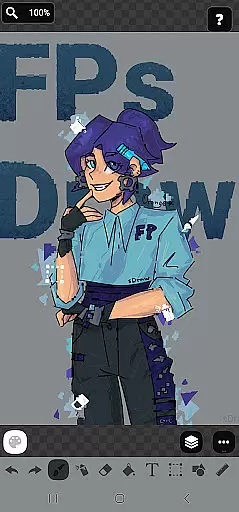
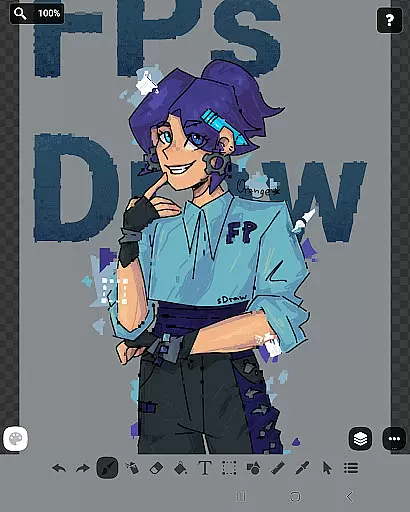
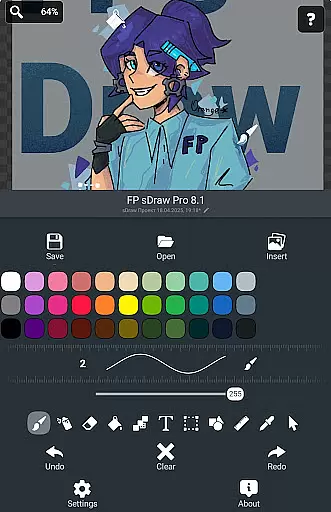
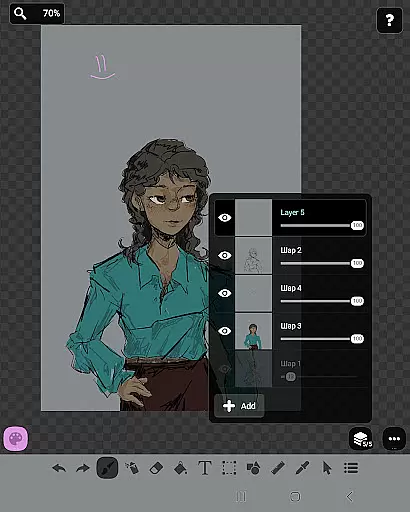
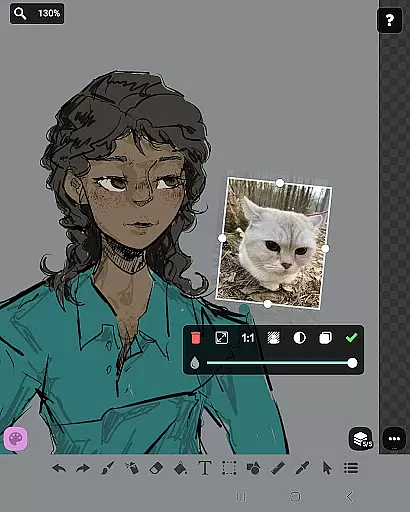
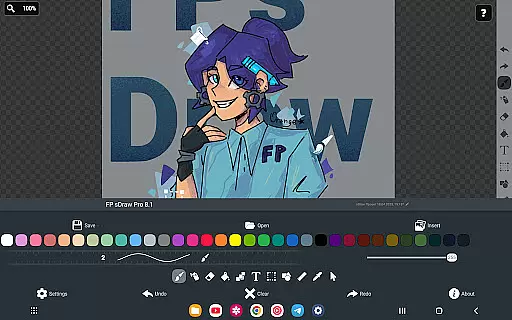
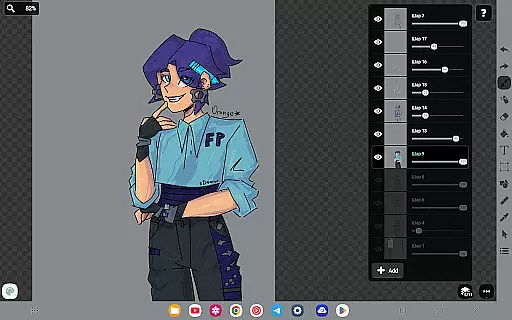
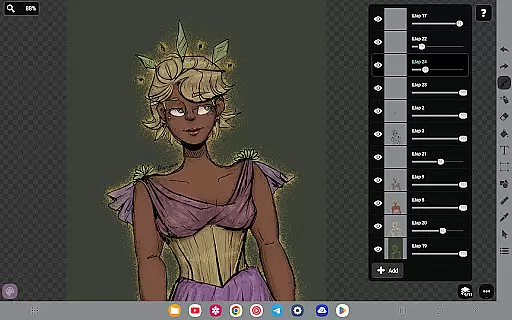
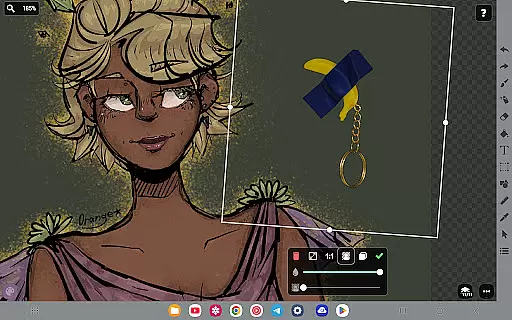
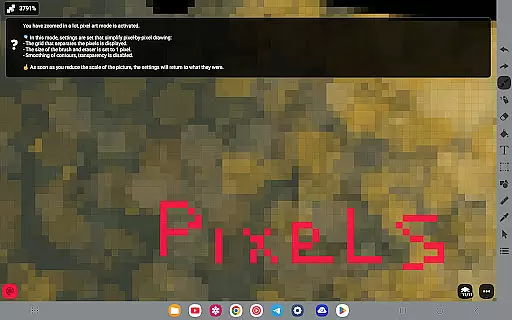
FP sDraw Pro is a streamlined drawing application tailored for users who need a simple yet powerful tool for creative tasks. Designed with minimalism in mind, this app allows users to quickly sketch ideas, create memes, or annotate images without any distractions. Its lightweight design ensures it runs smoothly even on older devices, while its intuitive interface provides flexibility and ease of use.
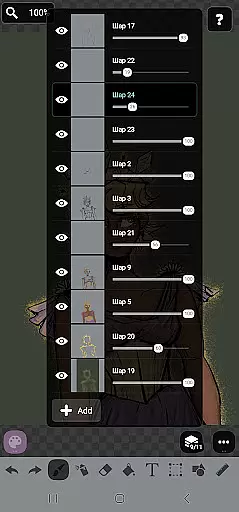
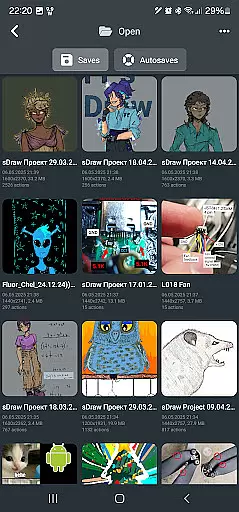
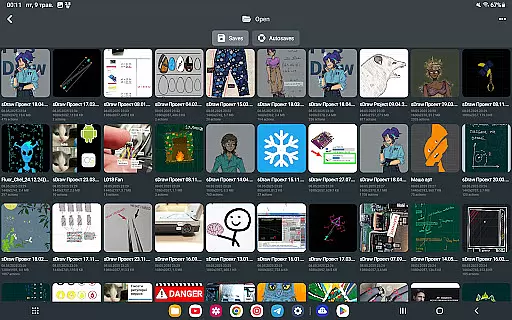
The app includes a comprehensive set of drawing tools such as layers, brushes, text insertion, and shape creation, making it suitable for both quick edits and more detailed artwork. With features like automatic backups and stylus support, FP sDraw Pro ensures that your creative process is both efficient and secure. Whether you're an artist or someone who needs to mark up images occasionally, this app offers the functionality you need without unnecessary clutter.
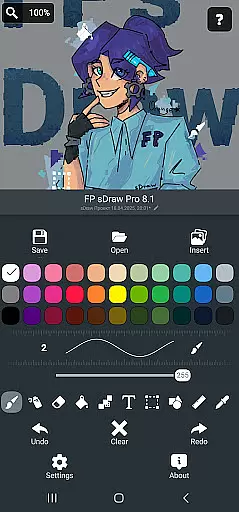
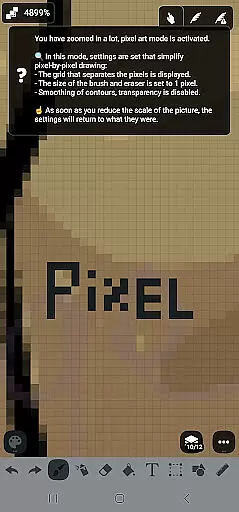
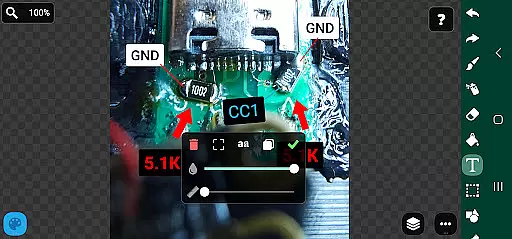
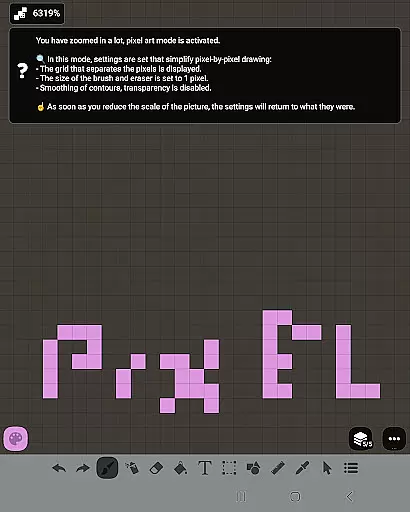
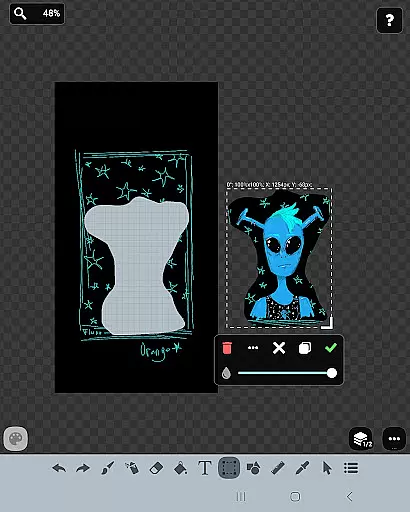
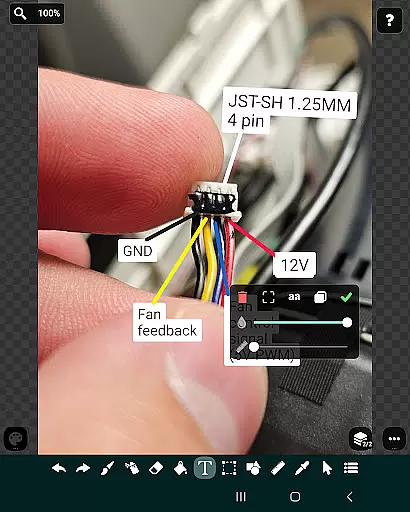
FP sDraw Pro stands out with its rich feature set designed to enhance the drawing experience. The app supports layers, enabling users to organize complex sketches efficiently. It also offers tools like brush and eraser, airbrush, fill, text, selection, shapes, ruler, eyedropper, mosaic, and precision brush, catering to various artistic needs.
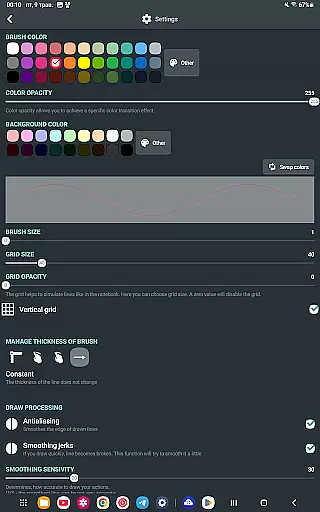
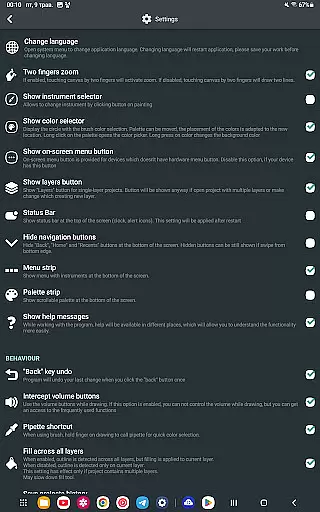
Customization is key in FP sDraw Pro, allowing users to tailor the interface to their preferences, including button shapes. The app is optimized for performance, taking up less than 1MB of space and starting instantly without any setup. Additional features include automatic backups, volume button shortcuts, and compatibility with styluses like sPen and Active Pen, ensuring a seamless and flexible drawing experience.
FP sDraw Pro offers an extensive suite of creative tools that cater to both amateur doodlers and professional artists. The application includes layers for organizing complex sketches, a brush and eraser for traditional drawing techniques, and an airbrush for smooth shading effects.
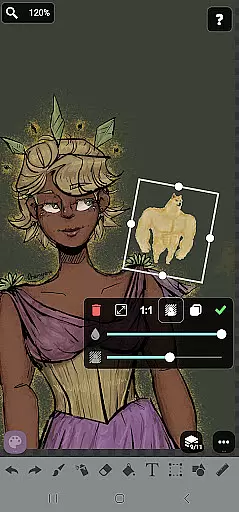
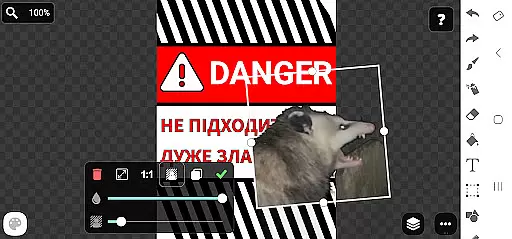
In addition to the basic tools, FP sDraw Pro supports inserting images from the gallery, filling colors, adding text, and even applying a mosaic effect. These features ensure that users have everything they need to create detailed artwork without switching between multiple apps.
The inclusion of advanced options such as precision brush, ruler, eyedropper, and various shapes underlines the app's commitment to providing a complete creative toolkit. This empowers users to experiment with different styles and achieve their desired results within a single platform.
With its comprehensive set of drawing instruments, FP sDraw Pro stands out by enabling creators to bring their ideas to life with ease and efficiency, making it an indispensable tool for anyone involved in art and design.
Flexibility in canvas and format options is crucial for accommodating diverse artistic visions, and FP sDraw Pro excels in this area. Users can customize their workspace with flexible UI settings, including altering button shapes to suit personal preferences or workflow requirements.
The app provides support for stylus input, such as sPen and Active Pen, allowing for natural hand movements and precise control over the digital canvas. This level of responsiveness ensures that artists can translate their physical drawing skills seamlessly into the digital realm.
Moreover, FP sDraw Pro guarantees compatibility across devices, even performing well on older phone models. This accessibility broadens the user base and allows more individuals to utilize the app regardless of their device specifications.
By offering a malleable and adaptive environment, FP sDraw Pro enhances the creative process, letting users focus on their artwork rather than being constrained by inflexible software limitations.
User-friendly interface
No ads or distractions
Lightweight and fast
Comprehensive drawing tools
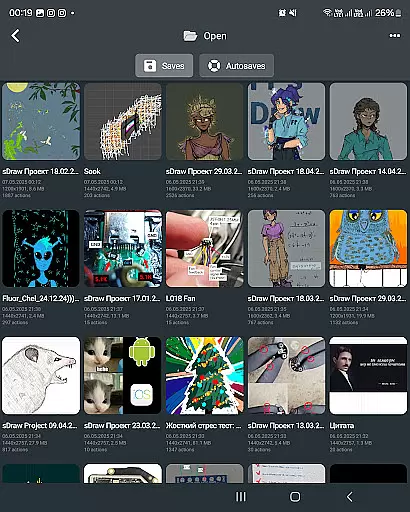
Automatic backup feature
Limited advanced features
Basic UI design
Few customization options
No cloud sync
Small user community

Custom Character Creator & PFP Maker!
 4.20
4.20
Art of Combination Wear OS Watch faces
4.0
Create stunning art with AI.
4.80
Your AI soulmate — meaningful chats, and unique emotional moments
4.70
Get an overview over all your embroidery threads, projects and more.
4.60
Art of Combination Wear OS Watch faces (for Wear OS 5+ devices)
3.90
Everything you need to create hand drawn animation, anywhere you go!
4.40
Kling AI is an image and video generation and editing studio powered by AI.
4.50
Draw, fidget, and spin glow art! Relax and express your creativity with a finger
4.60
See Color, Paint Color
4.90
Make your phone cooler and have a fantastic experience
4.80
AI Tattoo Generator: Create Tattoo Designs & Get Ideas! Ink & Stencil Maker
4.50
Remove Background, Magic Eraser, Photo Enhancer, Story Templates, Collage Maker
4.30
Create stylish invitation cards using templates for weddings, birthdays & RSVP.
4.20
OneUI 8.5 icons ✨ Smooth, modern & based on the latest Play Store design ??
4.10
Get creative and make art with your Sesame Friends!
4.00
AI Art Generator transforms your words into AI generated art & paintings.
3.70
Sketch, trace and master AR drawing with awesome anime art!
3.30
A luxurious gold watch face for an elegant and refined look.
4.5


User Reviews