
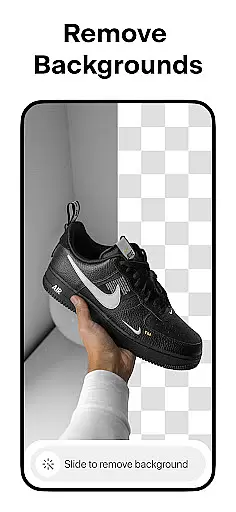
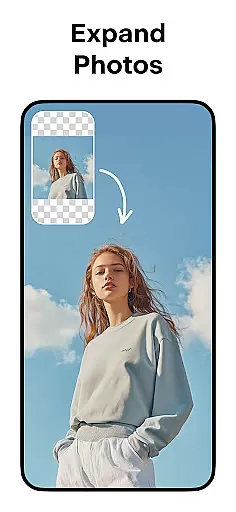
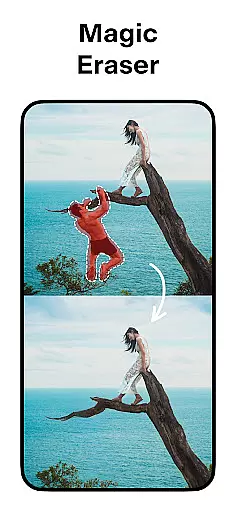
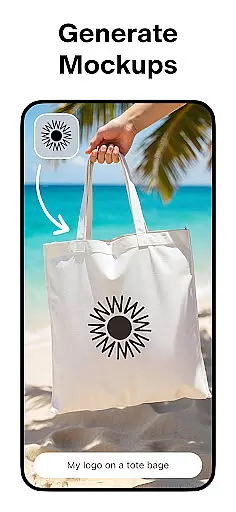
Pixelcut AI Photo Editor is a comprehensive graphic design and photo editing tool that empowers users to create visually stunning images with ease. Leveraging advanced AI technology, the app offers features such as instant background removal, object erasure, and AI-generated product photos, making it an ideal choice for e-commerce businesses and social media creators.
In addition to its core editing capabilities, Pixelcut provides creative tools like collage creation, text overlays, and professionally designed templates. These features enable users to produce high-quality content for platforms such as Instagram, Shopify, and YouTube. Whether you're enhancing product photos or crafting engaging social media posts, Pixelcut streamlines the process while delivering professional-grade results.
Pixelcut stands out with its diverse range of AI-powered features tailored for both amateur and professional designers. The Background Remover tool allows users to erase backgrounds with precision, while the Magic Eraser helps clean up unwanted objects from images seamlessly. For e-commerce entrepreneurs, the AI Photoshoot feature generates unlimited product photos optimized for online stores.
Creative professionals can explore additional functionalities such as Reels Maker for video creation, Collage layouts for combining multiple images, and Text Styles for adding artistic typography. With access to thousands of customizable templates, color options, and shadow effects, Pixelcut ensures every project achieves a polished and unique look. Its intuitive interface makes these powerful tools accessible even to beginners.
Pixelcut AI Photo Editor stands out as a comprehensive creative suite for both amateur and professional designers. The application offers an extensive range of tools that cater to various aspects of image editing and graphic design.
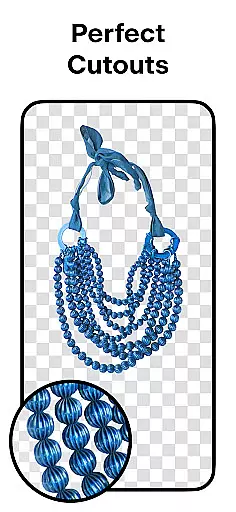
One of the key features is the Background Remover, which allows users to instantly remove backgrounds from photos with precision. This tool is essential for creating clean cutouts for e-commerce product images or any project requiring isolated subjects.
In addition to background removal, Pixelcut includes a Magic Eraser for eliminating unwanted objects, an AI Photoshoot generator for producing unlimited product photos, and a Reels Maker for effortless video creation. These functionalities ensure that users have everything they need to produce high-quality visual content.
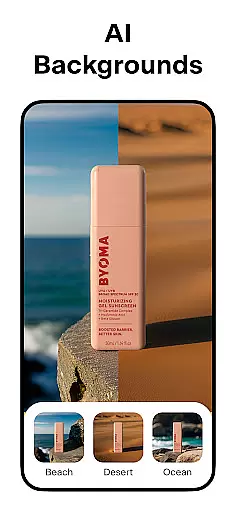
The availability of thousands of templates, stunning text styles, and the ability to add shadows and colorful backdrops further enhances the creative possibilities. With these complete and versatile tools at their disposal, users can significantly elevate the quality of their design projects.
Flexibility in canvas and format options is crucial for accommodating diverse design needs, and Pixelcut AI Photo Editor excels in this area. Users can manipulate their canvas to fit specific requirements, whether it's for social media posts, online store images, or personal projects.
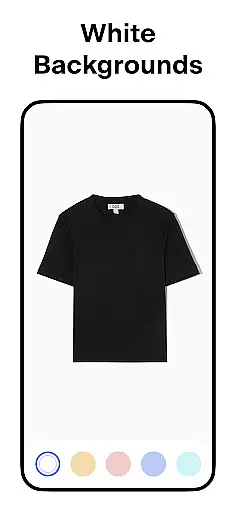
Pixelcut provides the option to place products on simple white backgrounds or choose from a palette of colors and backdrops. This adaptability ensures that images align with brand aesthetics or project guidelines without compromising on quality.
Moreover, the Collage feature enables users to create beautiful compositions from their photos using dozens of creative layouts. This function not only adds versatility but also inspires creativity by offering multiple ways to present visual stories.
With support for various formats suitable for different platforms like Instagram, YouTube, and Shopify, Pixelcut empowers creators to maintain consistency across all mediums while maximizing engagement through optimized visuals.
User-friendly interface
Advanced AI tools
Versatile templates
Professional results
Regular updates
Premium subscription required
Limited free features
Occasional bugs
Internet connection needed
Learning curve for new users

Floor Plan Creator lets you create, edit and share floor plans.
 4.00
4.00
AI Face Swap, Video Effects Editor, Realtime Morph, Funny Video FX,AI Filters
3.70
The perfect place to start sketching! Use Sketchbook to draw and paint sketches.
4.50
Image resizer to resize, crop, rotate, flip, change dpi photo or picture in bulk
4.60
Art of Combination Wear OS Watch Faces
3.30
2D animation studio for Android tablets - unlimited layers, infinite timeline
4.70
OneUI 8.5 icons ✨ Smooth, modern & based on the latest Play Store design ??
4.10
Kling AI is an image and video generation and editing studio powered by AI.
4.50
An intuitive, high-performance painting app that lets you focus on creating
4.40
Passport size photo maker, create ID photo and visa photo in seconds
4.80
Draw beautiful mandala's very easily
4.60
Draw, fidget, and spin glow art! Relax and express your creativity with a finger
4.60
Share the joy of painting with ibis Paint! Drawing anime and manga art.
4.50
Photo blender app to create overlay photos & double exposure.
4.40
Nano Banana AI Image Generator, Anime Filter, AI Portrait, AI Photo Generator
4.30
Get creative and make art with your Sesame Friends!
4.00
AI Assistant, powered by ChatGPT GPT-4 & GPT-4o. Your intelligent companion.
3.50
Create stunning video, photo & magic from text with FlixAI GPT video generator.
3.10
Transform photos into amazing monochrome dither art with professional algorithms
4.2


User Reviews