
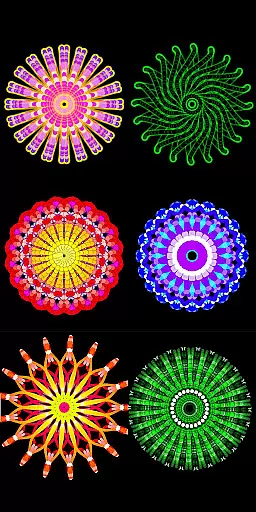
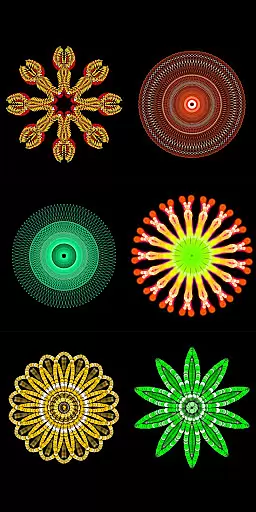
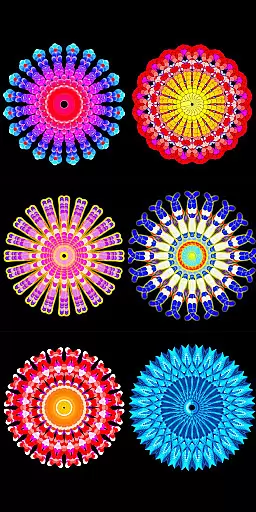
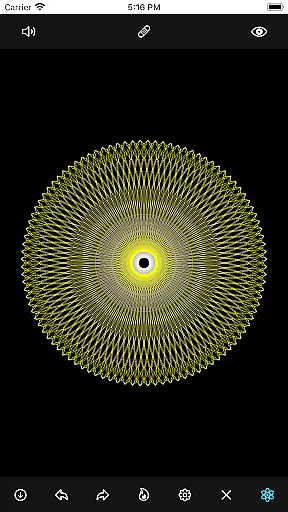
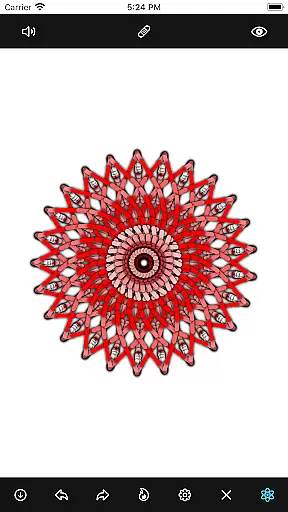
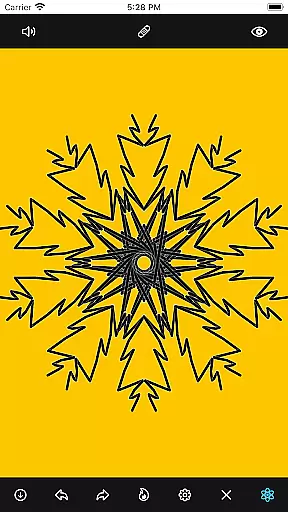
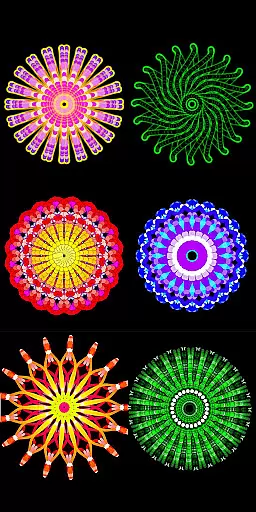
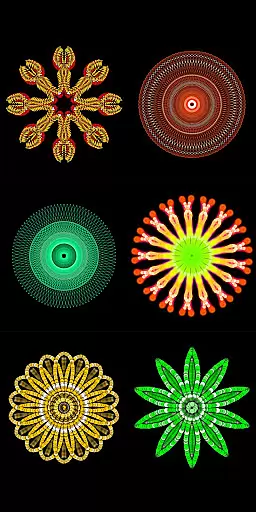
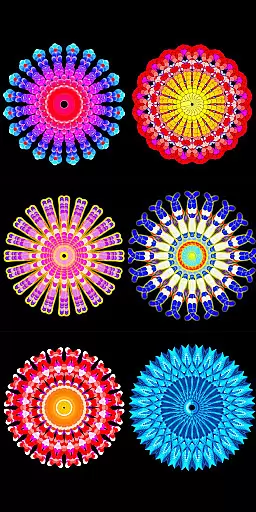
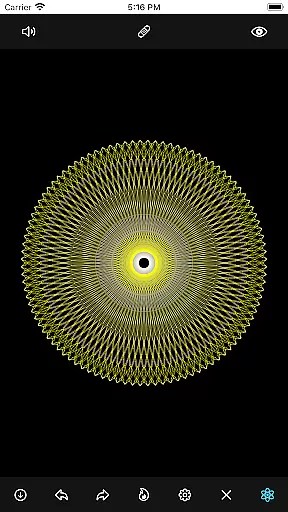
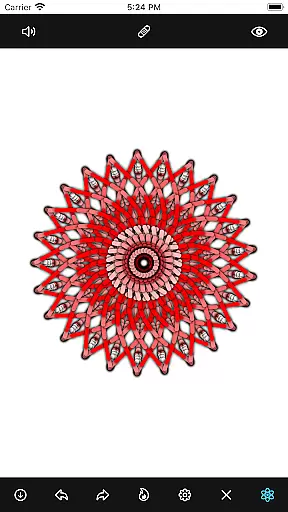
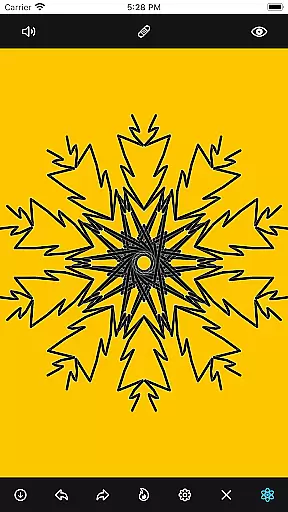
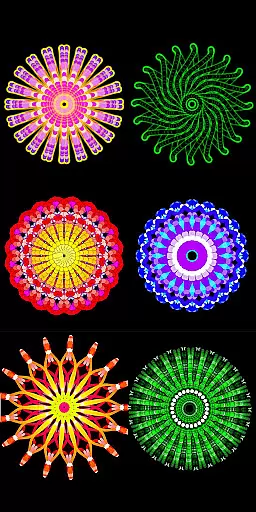
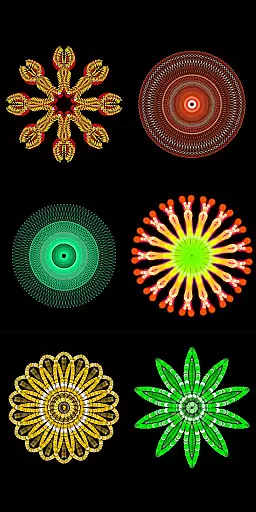
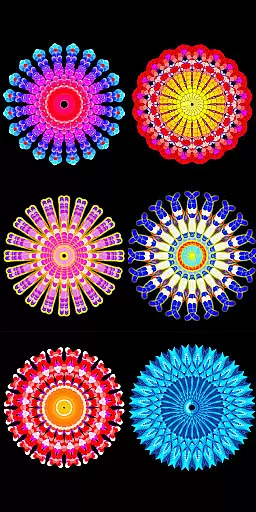
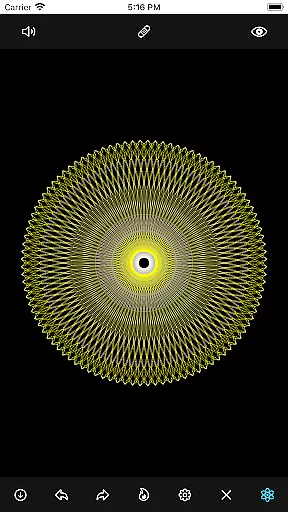
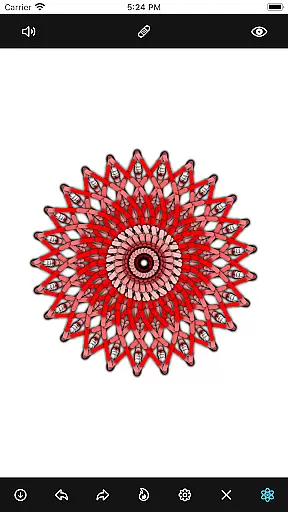
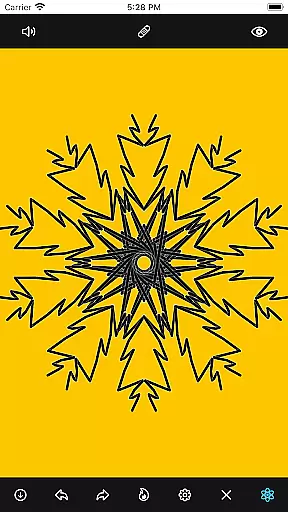
Mandala Maker 360 is a creative tool designed for both beginners and experienced artists to create intricate mandala drawings with ease. The app offers an intuitive interface that allows users to generate beautiful mandalas in just a few steps, making it perfect for art enthusiasts who appreciate symmetry and detail.
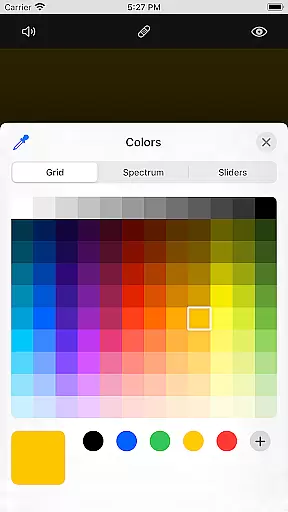
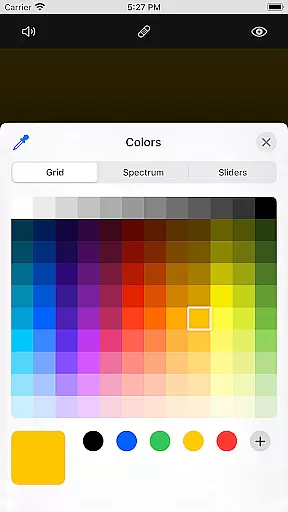
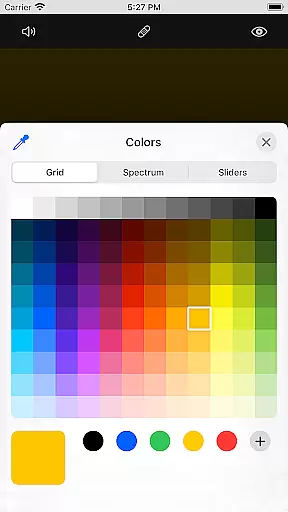
With extensive customization options, users can modify canvas symmetry, background color, brush settings, and even apply shadows. The app also includes predefined patterns and over 50 images to assist in the drawing process, ensuring endless creative possibilities.
Whether you're looking to enhance your artistic skills or simply enjoy a relaxing creative outlet, Mandala Maker 360 provides a versatile platform to explore the art of mandalas on your mobile device.
Mandala Maker 360 stands out with its robust set of features tailored for mandala creation. Users can customize their canvas by adjusting symmetry levels, changing background colors, and modifying the canvas center. The app supports touch-based adjustments and mirroring options, allowing precise control over the design process.
The brush customization feature offers multiple styles, sizes, and types, including random color selection, enabling unique and varied creations. Additionally, image customization allows users to incorporate over 50 different images, adjusting their size and dimensions to fit seamlessly into their artwork.
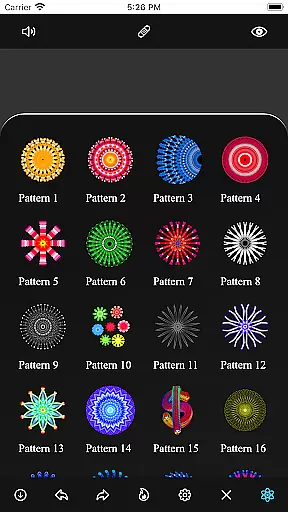
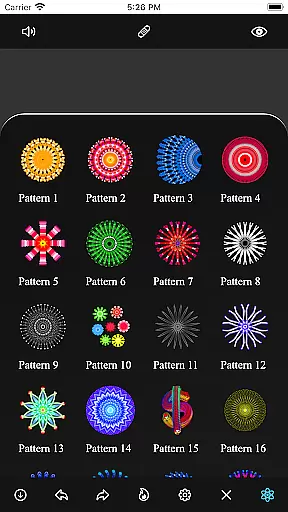
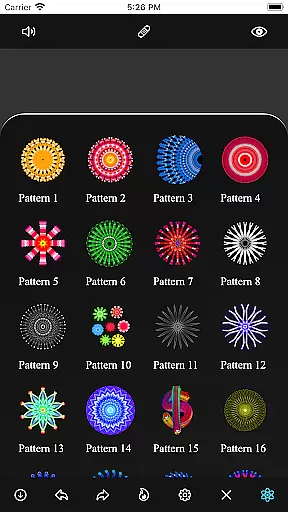
Shadow properties add depth to designs, with options for random shadow application and customizable shadow sizes and colors. With predefined patterns and various drawing templates, Mandala Maker 360 ensures that every user can find inspiration and tools to bring their creative visions to life.
Mandala Maker 360 offers an extensive suite of creative tools that cater to both novice and experienced artists. The application provides a rich set of features for canvas customization, including options to change the background color, adjust the canvas center, and apply mirroring effects.
Brush customization is another highlight, allowing users to choose from multiple brush styles and types, select different color schemes, and even enable random color selection for more dynamic creations. This ensures that every stroke can be tailored to the artist's preference, enhancing the drawing experience.
In addition to brushes, the app includes robust image customization capabilities. With over 50 images available for drawing, users can modify image sizes and dimensions to fit their artwork perfectly. Shadow properties further enrich designs by enabling the application of random shadows with adjustable sizes and colors.
The inclusion of predefined patterns adds another layer of creativity, offering various templates that inspire new ideas and streamline the creation process. Overall, Mandala Maker 360 stands out through its comprehensive toolkit designed to unleash artistic potential.
Flexibility in canvas and format options is crucial for digital art applications, and Mandala Maker 360 excels in this area. Users have the freedom to customize their canvas extensively, which includes altering the symmetry settings to create balanced and intricate mandala designs effortlessly.
The ability to change the canvas center dynamically allows artists to experiment with off-center compositions or maintain traditional symmetrical layouts. Applying the canvas center at the touch point simplifies precision work, making it easier to focus on detailed sections of the artwork.
Moreover, the app supports versatile image handling, providing over 50 images that can be resized and dimensioned according to the useru2019s needs. This adaptability ensures that each piece remains unique while maintaining high-quality standards throughout the creative process.
With these flexible canvas and formatting options, Mandala Maker 360 empowers users to explore limitless possibilities in mandala art, ensuring that every project aligns perfectly with their creative vision without being constrained by technical limitations.
User-friendly interface
Extensive customization options
Over 50 built-in images
Variety of brush styles
Predefined patterns for inspiration
Limited advanced tools
No cloud saving option
Occasional performance lags
In-app purchases required
Learning curve for beginners

Meet the magic aı 3d photo generator and smart AI video generator app.
 3.20
3.20
AI Assistant, powered by ChatGPT GPT-4 & GPT-4o. Your intelligent companion.
3.50
Paint with oils and sketch with natural tools on a realistic virtual canvas.
3.80
The perfect place to start sketching! Use Sketchbook to draw and paint sketches.
4.50
Create cute cat emojis & PFPs! Fun, custom avatars for cat lovers.
3.70
Turning simple sketches into captivating tales filled with life and motion
3.90
Draw, fidget, and spin glow art! Relax and express your creativity with a finger
4.60
Draw, make movies & animate cartoons easily with our 2D animation maker app
4.40
How to draw anime step by step for beginner easily by AR drawing sketch & paint.
3.60
The ultimate tool for creating animations
4.60
Digital, Abstract, Classic - all types of color wheels in one app!
4.60
Create neon drawing with magic doodle and fun doodle art effects!
4.50
Share the joy of painting with ibis Paint! Drawing anime and manga art.
4.50
AI Tattoo Generator: Create Tattoo Designs & Get Ideas! Ink & Stencil Maker
4.50
Customizable Outlined Fonts. Watch Face Format. Battery friendly Digital Clock.
4.20
Unleash Your Creativity with Draw Cartoon - AR Drawing App
4.10
Unleash the artist in you with our AR drawing and tracing tool for photo drawing
4.10
Create sweet, cool and unique couple avatars easily, in just a few steps!
3.40
Transform photos into amazing monochrome dither art with professional algorithms
4.1


User Reviews