
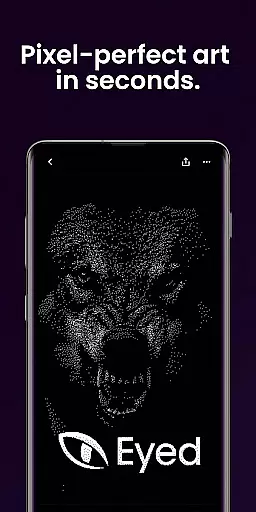
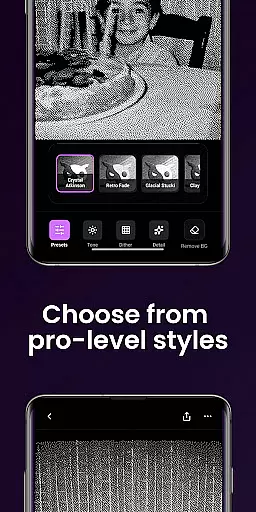
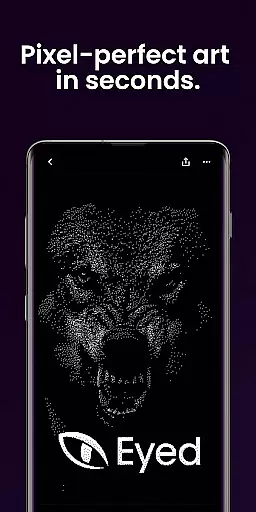
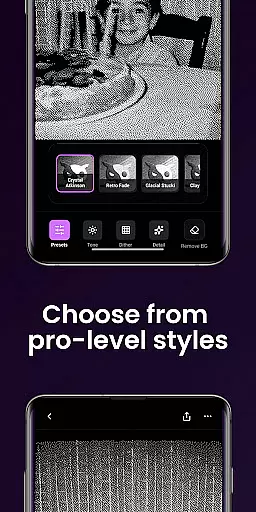
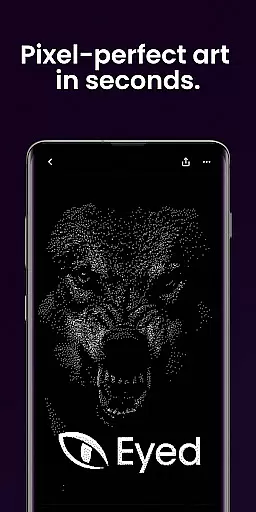
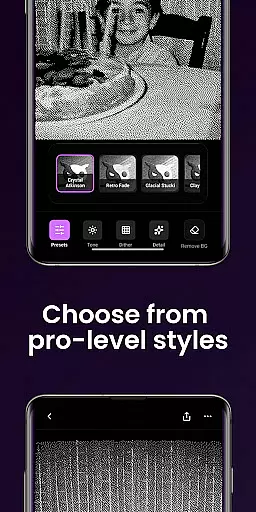
Dither By Eyed is a photo editor app that transforms your photos into print-inspired artwork with expressive results in seconds. It offers iconic processing methods like Floyd-Steinberg, Atkinson, and Stucki, along with curated looks such as Retro Fade and Warm Grain for instant character.
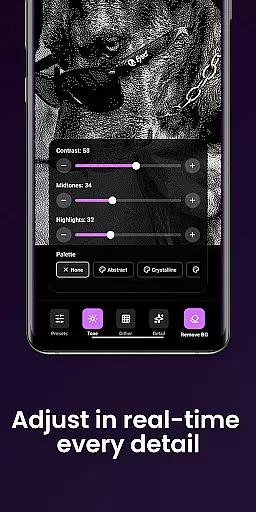
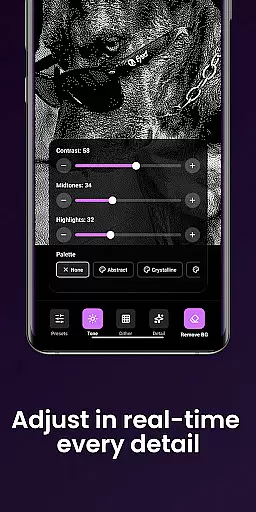
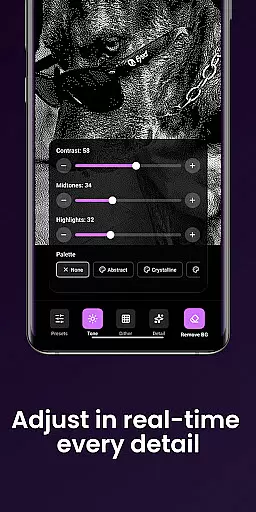
Users can fine-tune images by adjusting contrast, midtones, highlights, blur, scale, and threshold with real-time previews. The app also allows isolating subjects cleanly and exporting high-quality results ready for print, web, or social media.
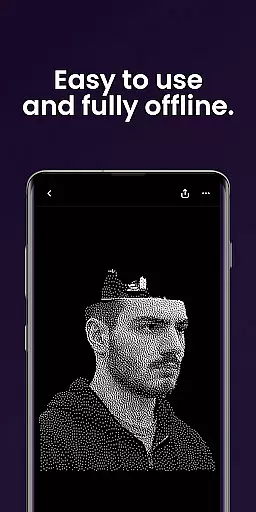
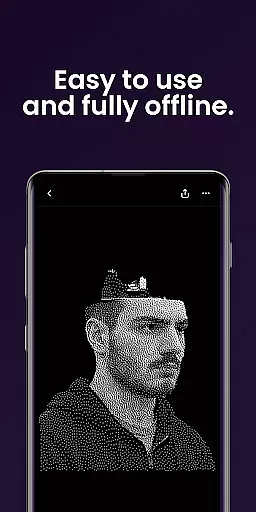
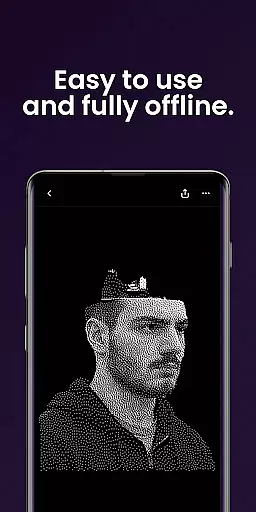
Designed for creators, Dither By Eyed supports importing from the photo library or capturing with the camera. Its clean interface is optimized for phones and tablets, allowing pinch-to-zoom and pan while working on precise adjustments without needing an account.
Dither By Eyed provides a range of features to enhance photo editing creativity. Users can explore various processing methods including blue-noise patterns and Bayer for authentic texture and structure.
The app includes curated one-tap looks like Crystal Atkinson and Frozen Bayer to deliver instant character. Fine-tuning options allow adjustments to contrast, midtones, highlights, blur, scale, and threshold with responsive real-time previews.
Additional features include isolating subjects cleanly for crisp compositions or poster-style silhouettes. Exporting options ensure high-quality results are ready for print, web, or social sharing in moments.
In the realm of digital artistry, having a comprehensive suite of creative tools is essential for realizing one's vision. Dither By Eyedu2122 stands out by offering an extensive array of iconic processing methods such as Floyd-Steinberg, Atkinson, and Stucki. These are not just filters but authentic texturing techniques that add depth and structure to your artwork.
Moreover, the app provides curated looks with instant character, accessible at a single tap. Options like Crystal Atkinson, Retro Fade, and Warm Grain allow users to quickly transform their photos into expressive pieces that range from classic computer graphics to contemporary gallery-ready styles. This ease of use ensures that both beginners and professionals can achieve striking results without a steep learning curve.
Fine-tuning is where Dither By Eyed truly shines, giving creators control over contrast, midtones, highlights, blur, scale, and threshold. Each adjustment is reflected in real-time previews, empowering artists to refine their work precisely as they envision it. The ability to isolate subjects cleanly further enhances composition quality, making every piece crisp and intentional.
Flexibility in canvas and format options is crucial for artists who wish to explore various mediums and presentation styles. Dither By Eyedu2122 addresses this need by enabling users to import images directly from their photo library or capture new ones using the camera. This seamless integration facilitates a smooth creative process, allowing artists to focus on their work rather than technicalities.
The app supports common image formats, ensuring easy input and output processes. Whether you're preparing your artwork for print, web, or social media, Dither By Eyed has got you covered. Its optimization for both phones and tablets means that regardless of your device, you'll experience a clean, focused interface that adapts to your workflow.
Pinch-to-zoom functionality and responsive pan controls offer precision during adjustments, enhancing the overall user experience. With no account required, creators can dive straight into crafting their first piece within minutes. This thoughtful design prioritizes accessibility and convenience, making high-quality artistic expression available to everyone.
User-friendly interface
Real-time previews
Wide range of styles
No learning curve
Optimized for mobile devices
Limited advanced tools
Few customization options
No account sync feature
Basic image formats only
Occasional performance lags

Design your dream room with AI. Get decor ideas & plan home interiors
 3.90
3.90
AI Assistant, powered by ChatGPT GPT-4 & GPT-4o. Your intelligent companion.
3.50
Art of Combination Wear OS Watch Faces
4.0
Convert image to JPG PNG HEIC PDF, support almost all kinds of image formats
4.70
Design unique, funny and adorable cat stickers that reflect your own style!
3.80
Draw glowing spinners, relax, and spin your creative art
4.60
Turn your drawings into flipbook-style animations with simple creative tools
4.60
A luxurious gold watch face for an elegant and refined look.
4.2
AI Tattoo Generator: Create Tattoo Designs & Get Ideas! Ink & Stencil Maker
4.50
See Color, Paint Color
4.90
Passport size photo maker, create ID photo and visa photo in seconds
4.80
Draw, fidget, and spin glow art! Relax and express your creativity with a finger
4.60
Just trace a projected picture on paper and color! Draw & Paint with AR drawing
4.40
800+ Drawing, Painting Lessons App to Practice, Sketch & Paint Art.
4.30
Floor Plan Creator lets you create, edit and share floor plans.
4.00
Create cute cat emojis & PFPs! Fun, custom avatars for cat lovers.
3.70
Art of Combination Wear OS Watch Faces
3.30
Pose and morph realistic male and female models! 3D poser app
3.00
Art of Combination Wear OS Watch faces
4.5


User Reviews