
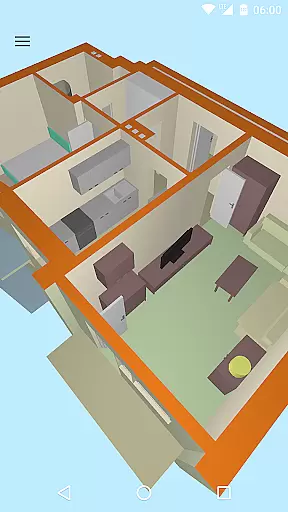
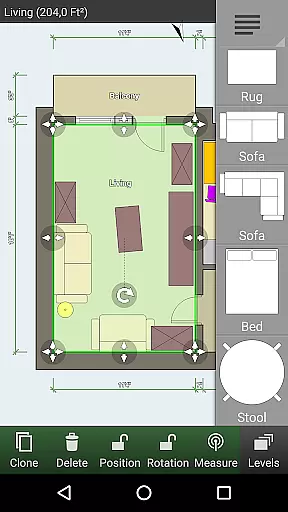
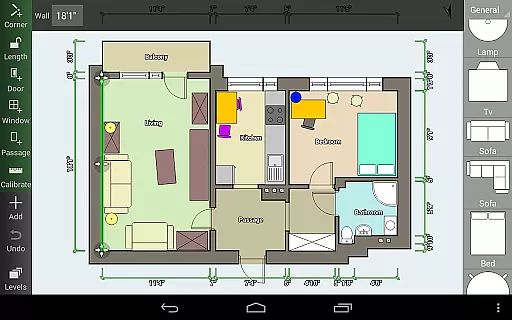
Floor Plan Creator is a comprehensive design tool that allows users to create detailed and precise floor plans with ease. The app supports projects with multiple floors, automatic calculations for room dimensions, and includes a 3D tour mode for better visualization. It is ideal for both professional designers and homeowners looking to plan their spaces.
The app stands out with its extensive symbol library, user-defined dimension lines, and compatibility with various measurement units. Whether you are designing your home's interior or need precise plans for professional purposes, Floor Plan Creator offers the tools needed to bring your ideas to life. Its cloud synchronization feature ensures your projects are always backed up and accessible from any device.
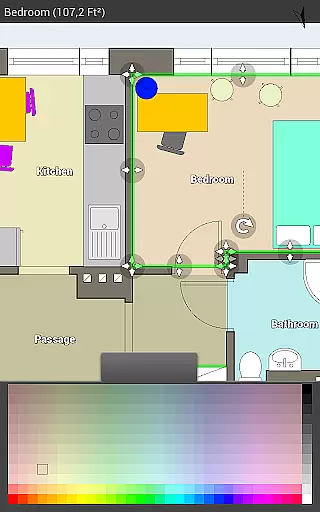
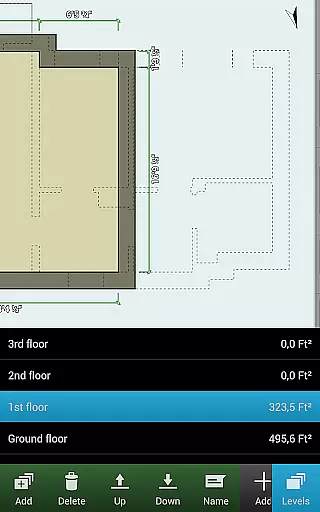
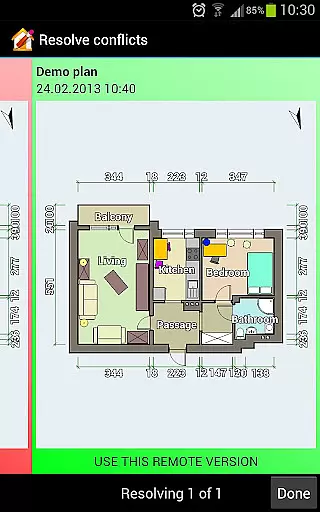
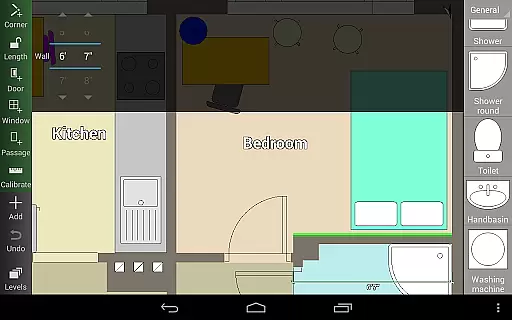
Floor Plan Creator offers an array of features designed to enhance the planning and design process. Users can create projects with multiple floors and rooms of any shape, limited to straight walls only. Automatic calculation features provide essential data such as room area, wall lengths, and counts of symbols, streamlining the design process.
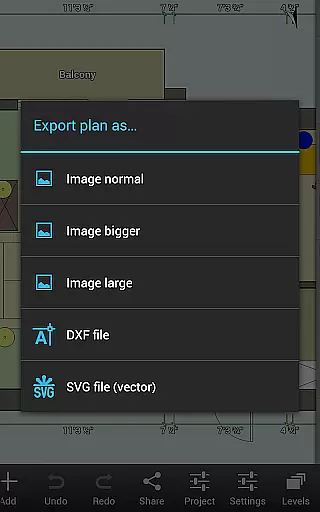
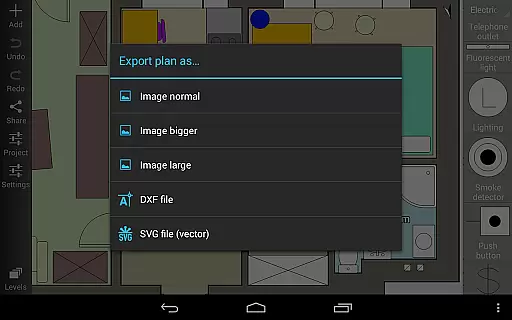
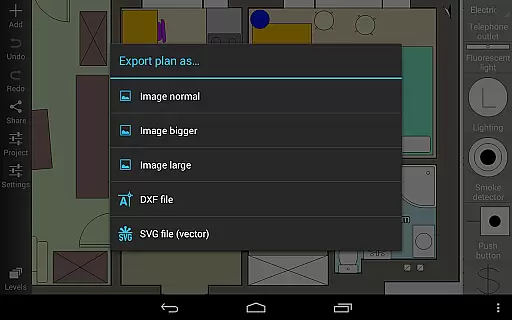
In addition to supporting S-Pen and mouse inputs, the app includes a 3D tour mode and a rich symbol library covering doors, windows, furniture, and more. Cloud synchronization and cross-device editing capabilities ensure that your projects are always up-to-date and accessible. Export options include image, PDF, DXF, and SVG formats, catering to various professional needs.
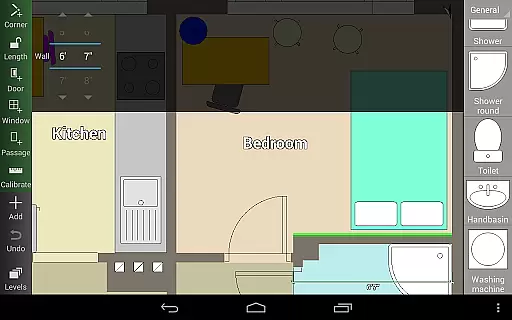
In the realm of Art & Design, Floor Plan Creator stands out with its comprehensive suite of creative tools tailored for designing detailed and precise floor plans. The application offers an extensive symbol library including doors, windows, furniture, electrical components, and fire survey elements, ensuring that every detail of your design can be accurately represented.
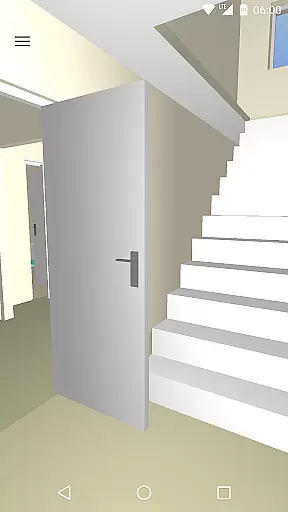
Users are not confined to simple 2D layouts; this app allows you to see your creations in a 3D tour mode, providing a realistic preview of how spaces will look once furnished. With support for projects with multiple floors and rooms of any shape (limited to straight walls), it caters to both amateur designers and professionals who require precision and flexibility in their work.
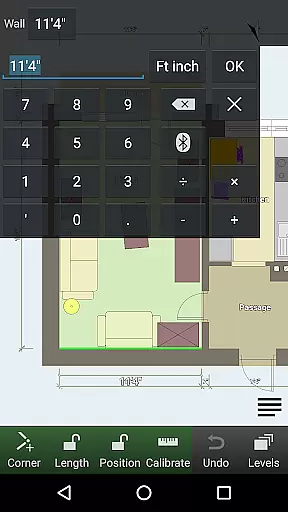
The inclusion of user-defined dimension lines empowers users to modify distances and sizes easily, maintaining accuracy throughout the design process. Moreover, features such as automatic calculation of room, wall, and level area; perimeter; counts of symbols enhance productivity by streamlining tasks that would otherwise be time-consuming.
Floor Plan Creator excels in canvas and format flexibility, offering designers the freedom to bring their visions to life without constraints. Whether working on a compact studio apartment or an expansive multi-story building, the app supports projects with multiple floors and varied room shapes, all within a digital workspace that is limited only by your imagination.
One of the standout features is its adaptability when it comes to exporting your designs. Users have the option to export their floor plans as images, PDFs, DXF files, or SVGsu2014a versatility that ensures compatibility with various professional standards and requirements (some export options are paid features). This makes it easy for users to share their work or integrate it into larger projects seamlessly.
Additionally, Floor Plan Creator's support for both metric and imperial units further enhances its appeal across different regions and industries. The ability to edit cloud-uploaded plans on a computer or mobile device at https://floorplancreator.net adds another layer of convenience, allowing designers to refine their work wherever they are, ensuring that creativity is never hindered by location or device limitations.
User-friendly interface
Comprehensive feature set
Cloud synchronization
Multiple export options
Extensive symbol library
Limited to straight walls
Paid features necessary for full functionality
Advanced tools may overwhelm beginners
Some features require specific hardware
Occasional bugs reported

Discover Cartoon Dream : Unleash Your Creativity with CuttingEdge AI
 4.50
4.50
Vidu is an AI video generator made for creators and aspiring makers.
3.30
Transform photos into amazing monochrome dither art with professional algorithms
4.2
Digital Drawing: Draw & Paint
4.10
Trace, draw, and create art with AR - from memes to masterpieces!
4.30
Unleash Your Creativity with Draw Cartoon - AR Drawing App
4.10
Art of Combination Wear OS Watch Faces
3.30
Get an overview over all your embroidery threads, projects and more.
4.60
AI Tattoo Generator: Create Tattoo Designs & Get Ideas! Ink & Stencil Maker
4.50
Mobile pixel art editor. Simple. Fast. Portable.
4.80
Logo Generator powered by AI: Create stunning logos effortlessly!
4.70
Learn how to draw with step-by-step tutorials, fun lessons & multiplayer drawing
4.70
Draw anime & manga drawing, art with templates to create stunning picture!
4.50
Draw, make movies & animate cartoons easily with our 2D animation maker app
4.40
Create stylish invitation cards using templates for weddings, birthdays & RSVP.
4.20
Design your dream room with AI. Get decor ideas & plan home interiors
3.90
AI Face Swap, Video Effects Editor, Realtime Morph, Funny Video FX,AI Filters
3.70
Experience next-gen icons with a modern liquid glass look.
3.60
Pose and morph realistic male and female models! 3D poser app
3.00


User Reviews