
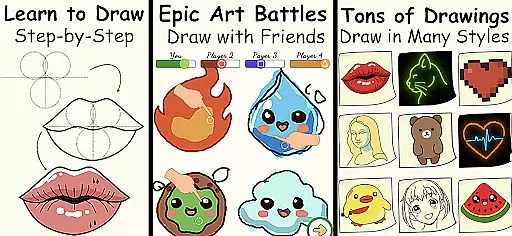
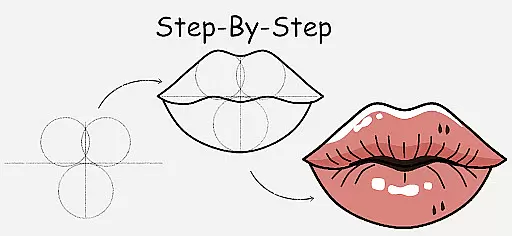
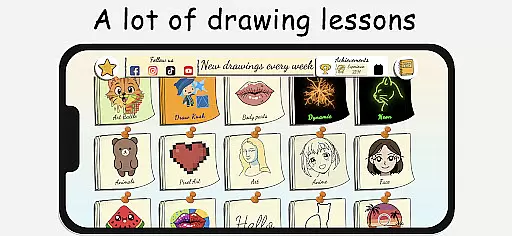
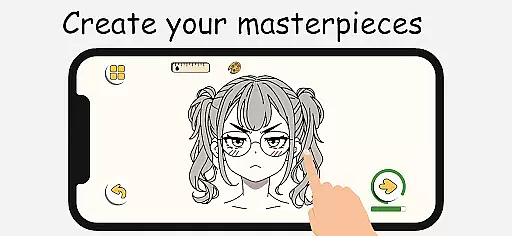
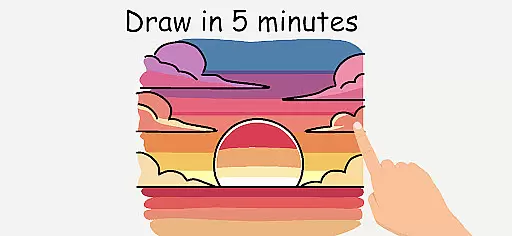
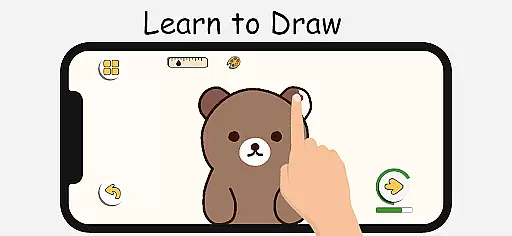
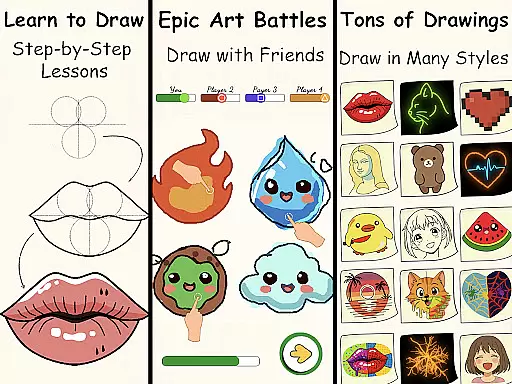
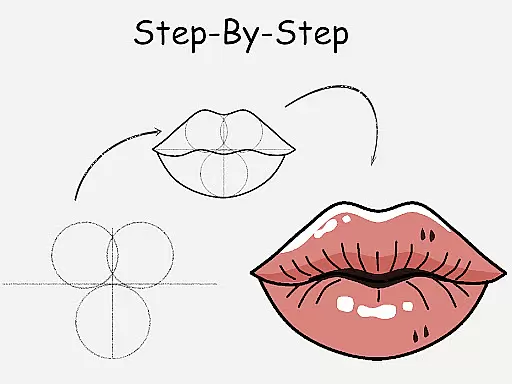
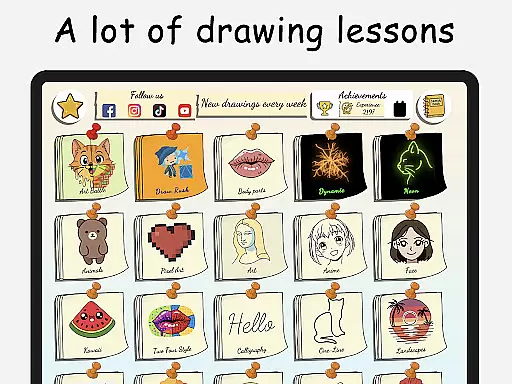
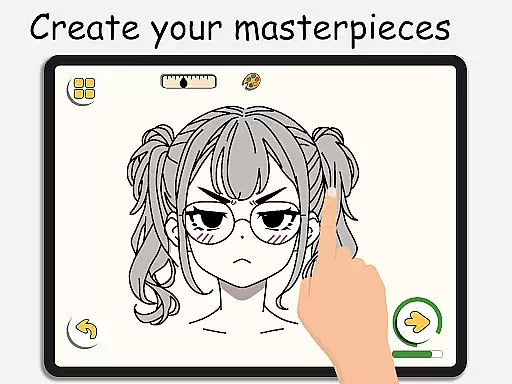
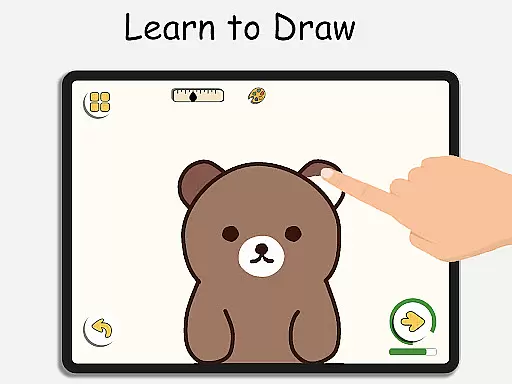
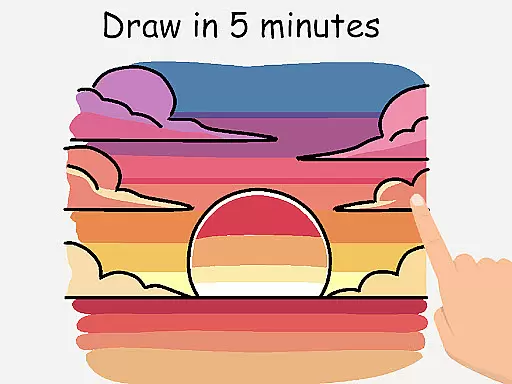
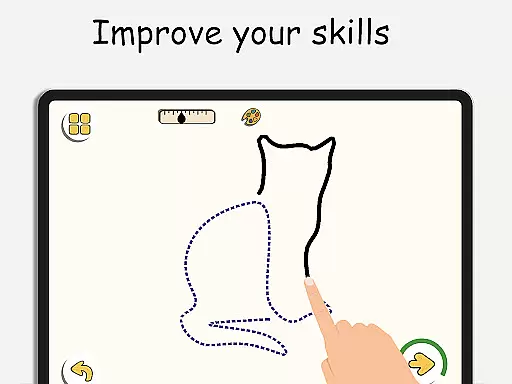
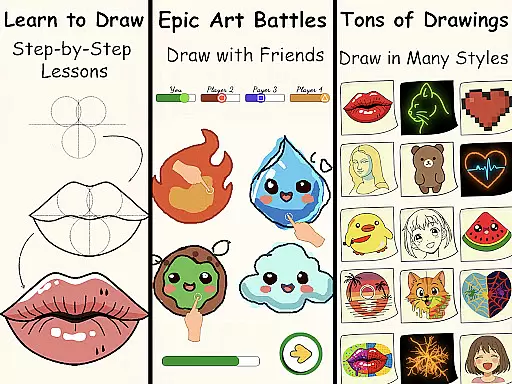
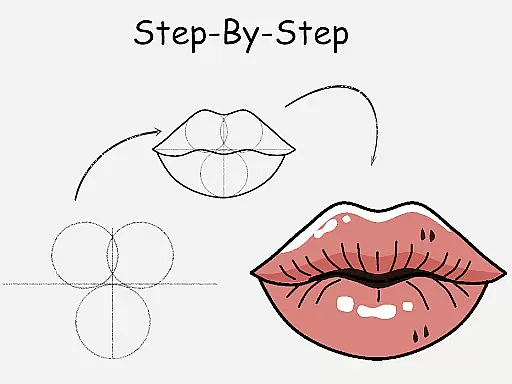
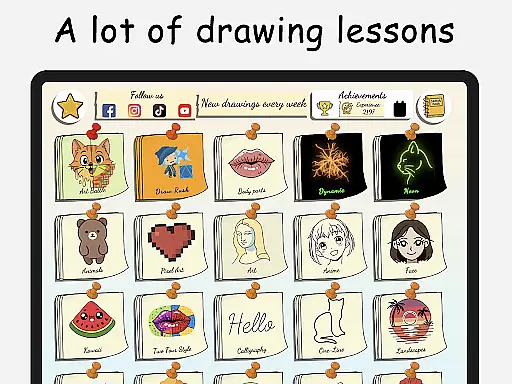
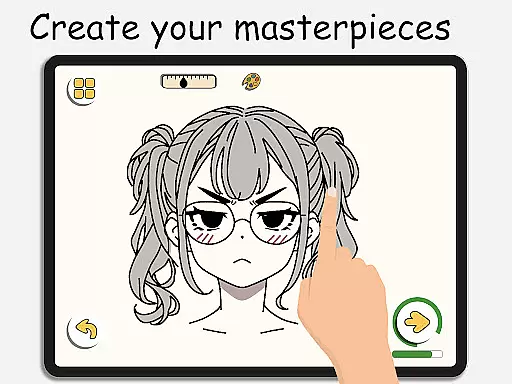
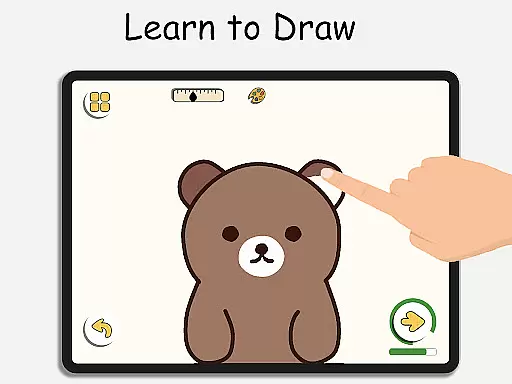
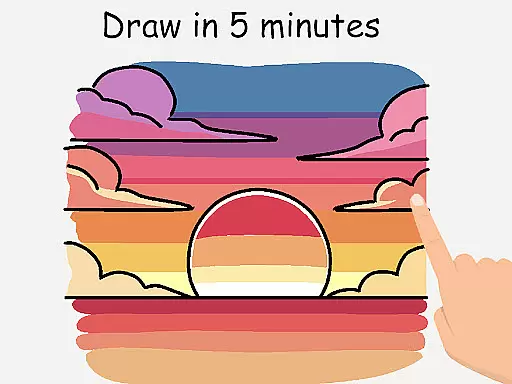
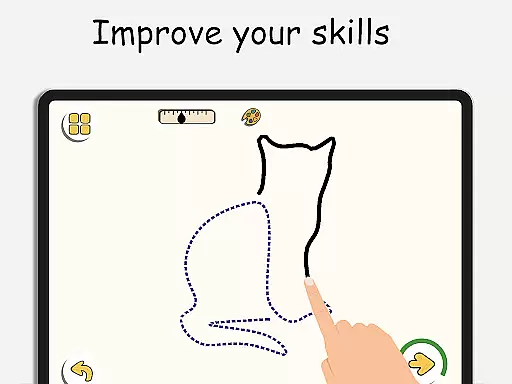
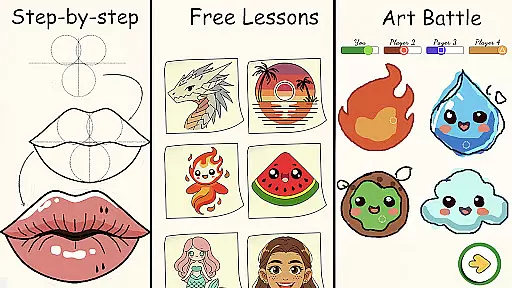
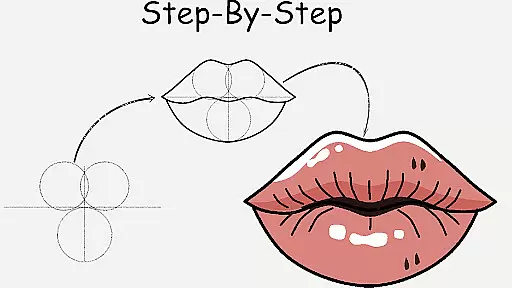
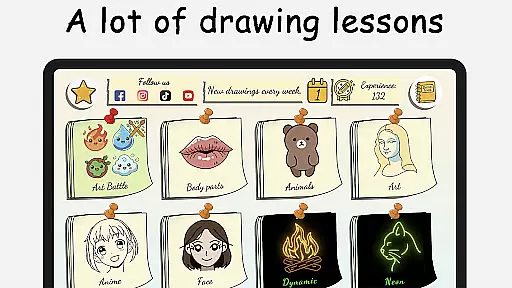
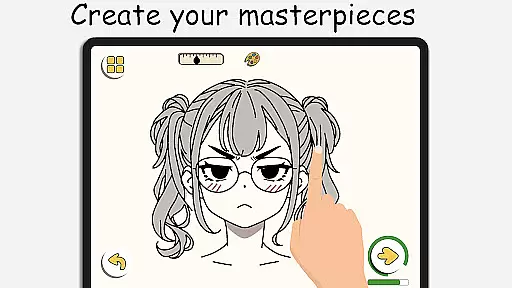
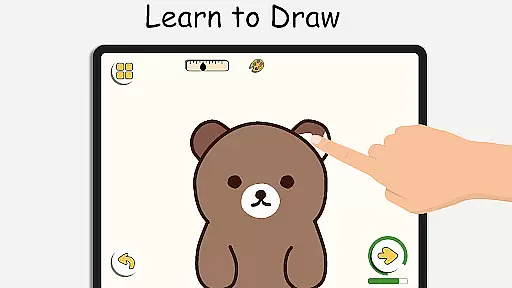
ArtLoop is a comprehensive drawing app designed to help users learn and improve their art skills through step-by-step tutorials, interactive challenges, and multiplayer drawing games. Whether you're a beginner or an experienced artist, this app offers structured lessons covering various topics like sketching, anime, and cartoon drawing.
The app features tailored learning paths for different categories such as animals, food, flowers, and anime eyes. With intuitive drawing tools, offline functionality, and unique modes like Pixel Art and Neon Drawing, ArtLoop provides artistic freedom for all ages. It's the perfect platform to practice, track progress, and engage in creative battles with friends or random players.
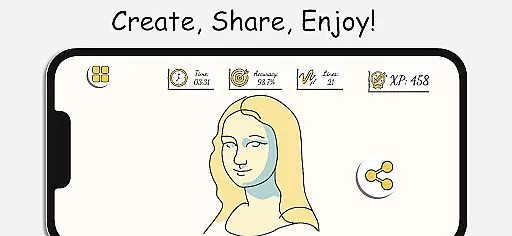
By combining fun with education, ArtLoop makes learning how to draw an enjoyable experience. Its smart evaluation tools analyze accuracy and flow, helping users refine their techniques over time. This app is ideal for anyone looking to explore digital art on mobile devices while enjoying the process of creation and competition.
ArtLoop stands out with its rich set of features that cater to both beginners and advanced artists. The app includes step-by-step drawing lessons that cover a wide range of subjects, from simple shapes to complex artworks. Each tutorial is designed to teach users how to draw characters, animals, food, people, emojis, anime, and more, ensuring a comprehensive learning experience.
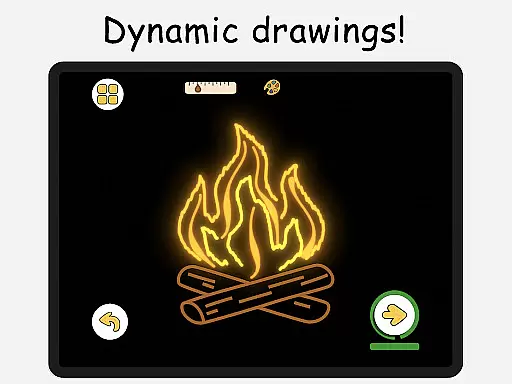
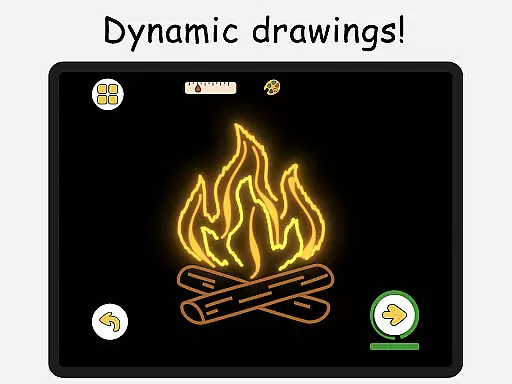
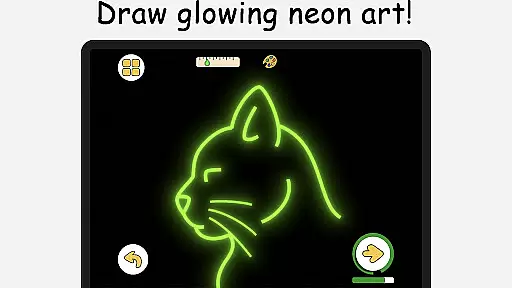
One of the key highlights is the multiplayer drawing battles, where users can challenge friends or random players. These battles not only make learning fun but also motivate users to improve their speed and accuracy. Additionally, ArtLoop offers unique modes like Pixel Art and Neon Drawing, providing specialized tools for creating retro sprites and luminous strokes.
The app also supports offline drawing, allowing users to practice anytime, anywhere without needing an internet connection. With intuitive tools, smart evaluation features, and various categories to choose from, ArtLoop ensures a personalized and engaging drawing experience for all users.
Creative tools are essential for any digital art application, and ArtLoop excels in providing a comprehensive suite of features. The app includes step-by-step drawing lessons, multiplayer drawing battles, and various tutorials suitable for all skill levels.
ArtLoop offers an intuitive set of drawing tools that cater to both beginners and advanced users. From basic shapes to intricate designs like anime eyes and cute animals, the app ensures that every user can find something that matches their artistic needs.
One of the standout features is the Pixel Art Mode, which allows artists to create grid-perfect pixel drawings with snap-to-grid tools and quick-fill coloring options. This mode is particularly beneficial for those interested in designing retro sprites and game characters.
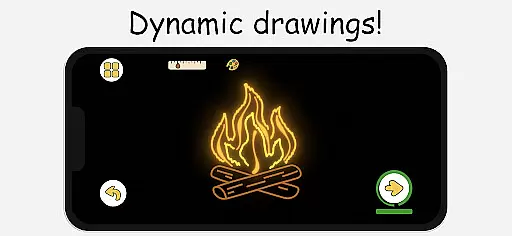
Additionally, the Neon Drawing feature lets users create vibrant, glowing artwork with luminous brushes. These specialized tools ensure that artists have the freedom to explore different styles and techniques, making ArtLoop a versatile choice for creative expression.
Flexibility in canvas and format options is crucial for artists who want to explore different styles and dimensions in their work. ArtLoop provides a dynamic platform where users can choose from various categories such as animals, food, flowers, and more, each offering short, focused lessons.
The app supports offline drawing, allowing artists to work on their creations without needing an internet connection. This feature ensures that inspiration is not limited by connectivity issues, offering true artistic freedom regardless of location.
ArtLoop also includes Quick Draw & Speed Draw Challenges, which push users to enhance their skills through timed sketch rounds. These challenges help refine accuracy and speed, making the learning process both engaging and effective.
Furthermore, the app's Draw With Friends feature enables real-time collaboration, letting users open private rooms to sketch together. This social aspect adds another layer of flexibility, encouraging creativity and interaction within a community of like-minded individuals.
User-friendly interface
Comprehensive tutorials
Multiplayer drawing games
Offline functionality
Unique art modes
Limited advanced tools
Occasional bugs
Ads between lessons
Basic free version
Learning curve for kids

Art of Combination Wear OS Watch faces (for Wear OS 5+ devices)
 3.00
3.00
Digital illustration drawing & painting pad app to paint Anime and Manga art
4.50
Create neon drawing with magic doodle and fun doodle art effects!
4.50
Art of Combination Wear OS Watch faces
4.5
Unleash Your Creativity with Draw Cartoon - AR Drawing App
4.10
Novices can also easily complete diamond painting masters
4.70
Get creative and make art with your Sesame Friends!
4.00
Share the joy of painting with ibis Paint! Drawing anime and manga art.
4.50
Draw, fidget, and spin glow art! Relax and express your creativity with a finger
4.60
Passport size photo maker, create ID photo and visa photo in seconds
4.80
Create stunning art with AI.
4.80
Turn your drawings into flipbook-style animations with simple creative tools
4.60
Everything you need to create hand drawn animation, anywhere you go!
4.40
Beauty Camera - Selfie Camera is the ultimate beauty camera and selfie app
4.30
Experience next-gen icons with a modern liquid glass look.
3.60
AI Assistant, powered by ChatGPT GPT-4 & GPT-4o. Your intelligent companion.
3.50
Create sweet, cool and unique couple avatars easily, in just a few steps!
3.40
Vidu is an AI video generator made for creators and aspiring makers.
3.30
Download now for a stylish and functional timepiece
4.0


User Reviews