
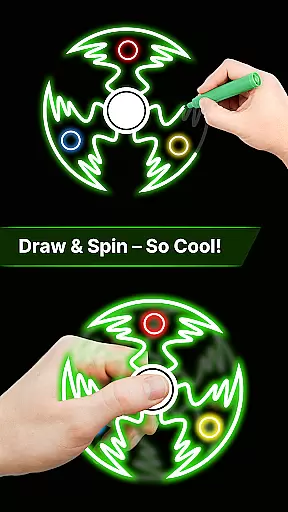
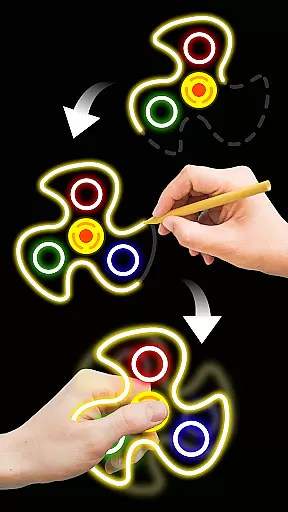
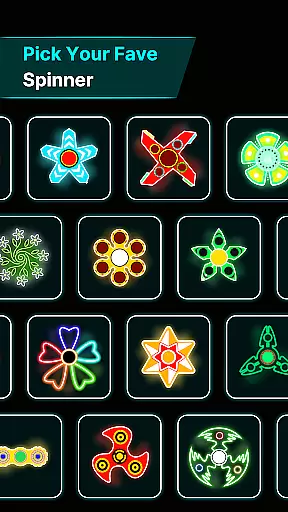
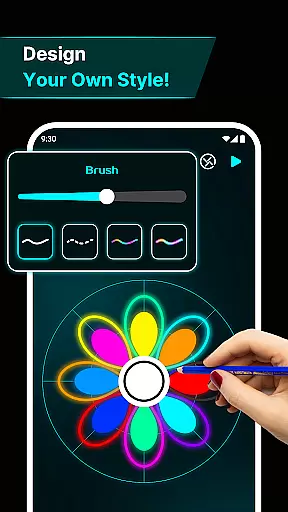
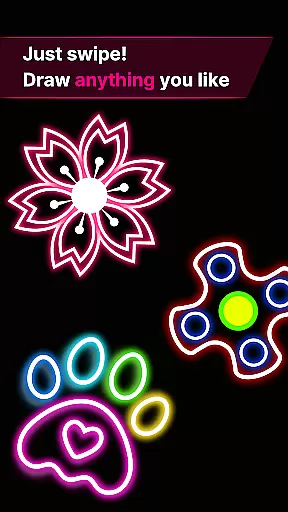
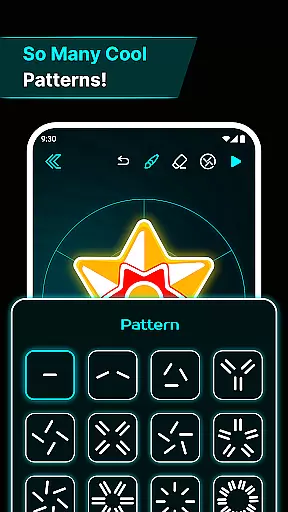
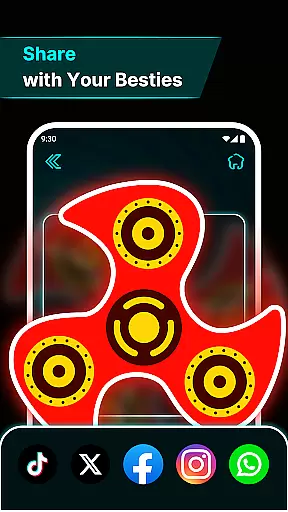
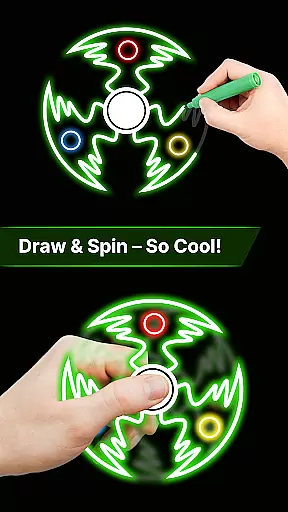
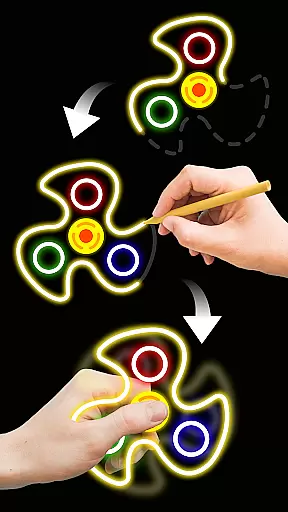
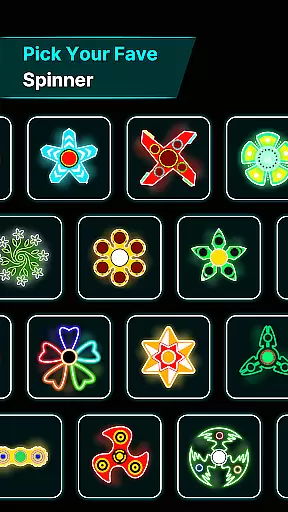

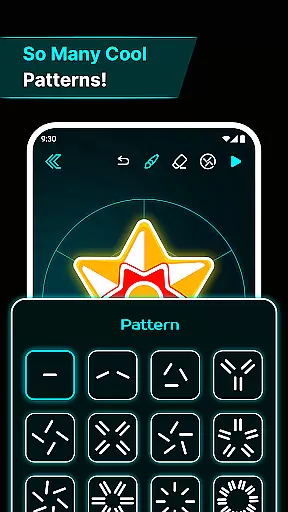
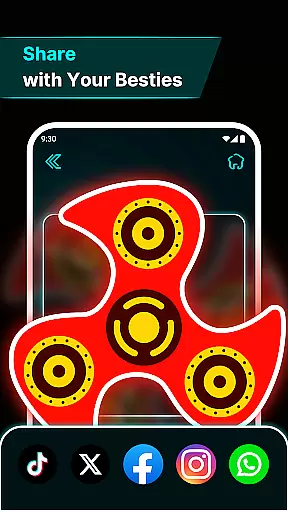
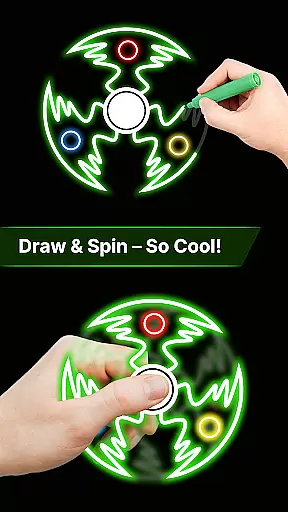
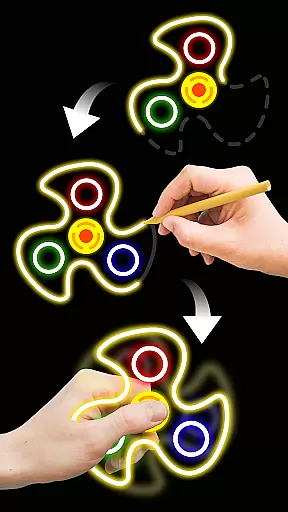
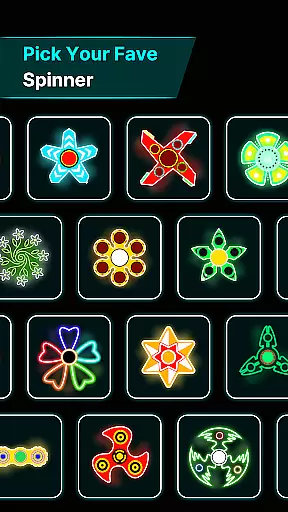
Finger Spinner: Glow Art Draw is an innovative app in the Art & Design category that combines creativity with relaxation. This app allows users to draw glowing designs using their fingers, which can then be spun like fidget spinners. The result is a calming and artistic experience that offers both stress relief and entertainment.
With its unique blend of creative freedom and engaging interactivity, Finger Spinner stands out as a must-try for those looking to explore their artistic side while enjoying a soothing pastime. Whether you're sketching simple shapes or intricate patterns, each design transforms into a dynamic 3D spinner with realistic physics, providing endless fun and relaxation.
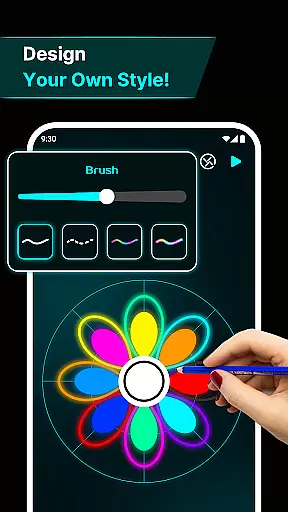
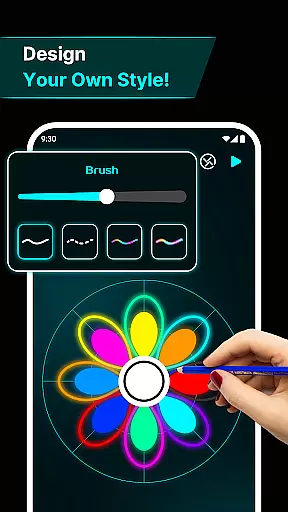
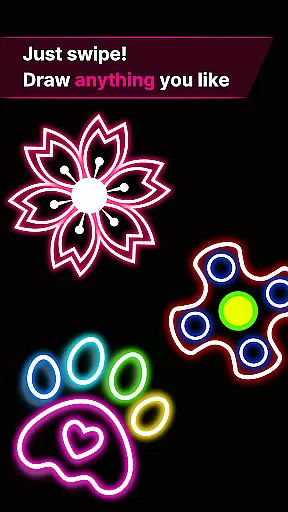
Finger Spinner: Glow Art Draw boasts a variety of features designed to enhance user experience. One of the standout features is the easy finger drawing capability, which turns your touch into smooth glowing lines. This allows for complete creative freedom, enabling users to craft anything from simple doodles to complex designs.
The app also includes brilliant glow effects, giving each spinner a vivid neon appearance. Coupled with 3D spinner designs and realistic spin physics powered by an advanced physics engine, these features bring your artwork to life in a way that's both visually stunning and satisfyingly interactive. Additionally, users can save their creations in a personal collection, building a gallery of glowing, spinning art pieces to revisit anytime.
In the realm of digital creativity, having a comprehensive set of tools is paramount. Finger Spinner: Glow Art Draw offers an impressive array of features that cater to both casual doodlers and serious artists. The app provides easy finger drawing capabilities, allowing users to effortlessly sketch glowing lines with varying thickness and brightness.
One standout feature is the brilliant glow effects. Users can experiment with different intensities, from subtle shine to bold brilliance, creating vivid neon designs. This flexibility ensures that each piece of art can be as unique and expressive as the creator intends. Additionally, the inclusion of 3D spinner designs adds another layer of depth, transforming flat drawings into dynamic, spinning artworks.
The realistic spin physics engine further enhances the creative process. Artists can flick their creations and watch them move naturally in all directions, providing a satisfying tactile experience. With these robust tools at their disposal, users are empowered to push the boundaries of their imagination and produce captivating works of art.
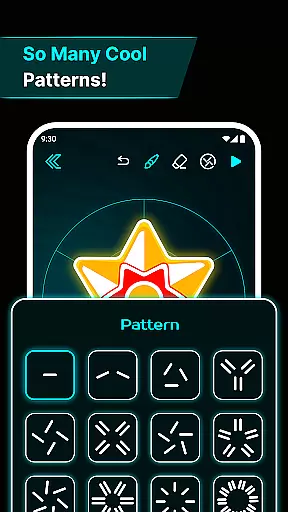
A versatile canvas is essential for unleashing creativity, and Finger Spinner: Glow Art Draw excels in this aspect. The app supports various drawing techniques, enabling users to create everything from sharp geometric shapes to flowing organic curves. This adaptability ensures that no matter what artistic vision one has, the app can accommodate it seamlessly.
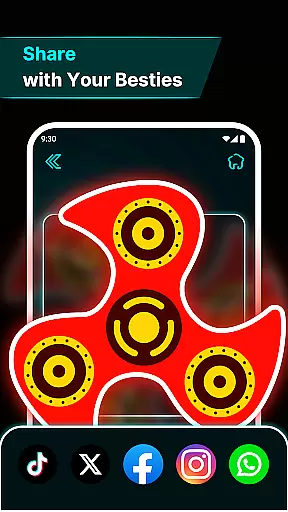
Beyond just the drawing surface, the app also allows for flexible formatting options. Users can save every spinner they create, building a personal gallery of glowing, interactive artwork. This My Collection feature not only preserves the artist's work but also makes it easily accessible for future editing or simply revisiting favorite pieces.
Moreover, the soothing interface enhances the overall user experience. Calming visuals and intuitive UI elements contribute to a relaxing environment where creativity can flourish. Whether you're looking to quickly sketch an idea or spend hours perfecting a detailed masterpiece, Finger Spinner: Glow Art Draw provides the perfect platform for artistic exploration.
User-friendly interface
Vivid glow effects
Realistic spin physics
Creative freedom
Stress-relief functionality
Limited free features
Occasional ads
Small learning curve
Device compatibility issues
Premium content cost

Premium version of Shimeji-ee app with no ads & no limit active shimeji
 4.2
4.2
Create sweet, cool and unique couple avatars easily, in just a few steps!
3.40
Passport size photo maker, create ID photo and visa photo in seconds
4.80
Design unique, funny and adorable cat stickers that reflect your own style!
3.80
Get an overview over all your embroidery threads, projects and more.
4.60
Everything you need to create hand drawn animation, anywhere you go!
4.40
Beauty Camera - Selfie Camera is the ultimate beauty camera and selfie app
4.30
Kling AI is an image and video generation and editing studio powered by AI.
4.50
Create amazing pictures and unleash your creative genius with AR Drawing Sketch
4.40
Learn how to draw with step-by-step tutorials, fun lessons & multiplayer drawing
4.70
Novices can also easily complete diamond painting masters
4.70
Digital, Abstract, Classic - all types of color wheels in one app!
4.60
Castle is social media for creating and playing games!
4.60
Image/ Text to Video Generator
4.40
Customizable Outlined Fonts. Watch Face Format. Battery friendly Digital Clock.
4.20
Powerful home decoration & house design that allows you to design dream home.
3.80
Sketch, trace and master AR drawing with awesome anime art!
3.30
Art of Combination Wear OS Watch Faces
4.2
A luxurious gold watch face for an elegant and refined look.
4.5


User Reviews