
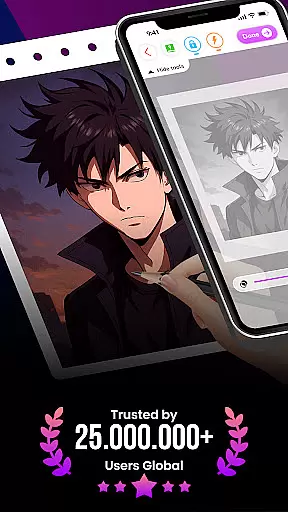
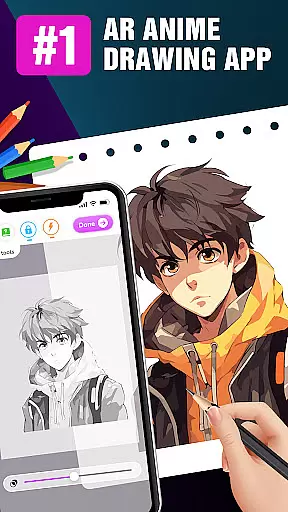
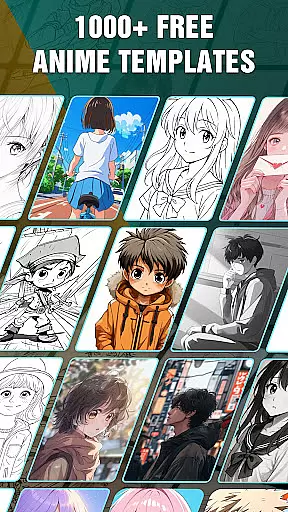
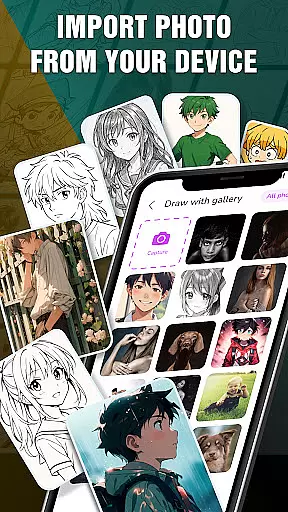
Draw Anime: AR Drawing Sketch is an innovative app that combines augmented reality with anime drawing tutorials. Designed for both beginners and experienced artists, it offers step-by-step guidance to help users create stunning anime artwork.
The app's standout feature is its AR integration, allowing users to incorporate real-world elements into their sketches through their device's camera. This creates a seamless blend of reality and imagination, making the drawing process more engaging and interactive.
Whether you're a teenager looking to learn anime drawing or an artist seeking new creative tools, this app provides a fun and educational platform to develop your skills while tracking your artistic progress over time.
Draw Anime: AR Drawing Sketch stands out with its unique combination of AR technology and guided drawing tutorials. The app breaks down complex anime drawings into manageable steps, making it accessible for users of all skill levels.
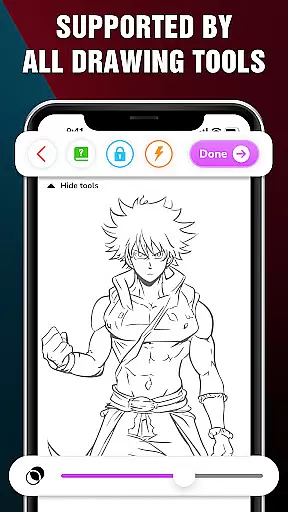
One of the key features is the ability to use your device's camera to infuse real-world elements into your sketches. Advanced options like Extend, Adjust Opacity, On/Off Flashlight, Lock, and Reset provide users with complete control over their creations.
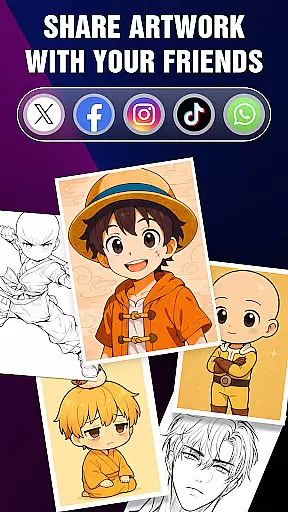
Additionally, the Artwork section allows users to track their progress, save favorite characters, and quickly access them for future practice. Users can also share their perfect AR drawings with friends, creating a collaborative and social art experience.
In the realm of digital art, having a comprehensive set of creative tools is essential for artists to fully express their visions. The 'Draw Anime: AR Drawing Sketch' app offers an extensive suite of features tailored for anime art enthusiasts.
From step-by-step tutorials that break down complex drawing processes into manageable steps, to advanced options like adjusting opacity and utilizing a flashlight, this app provides everything needed to create stunning anime artwork. These capabilities ensure that whether you're sketching from scratch or incorporating real-world elements through your device's camera, the tools are at hand to refine and enhance your creations.
The inclusion of augmented reality adds another dimension to the drawing experience, allowing users to infuse their sketches with elements from their surroundings. This not only enriches the creative process but also makes it more engaging and interactive.
By offering such a complete package, 'Draw Anime: AR Drawing Sketch' empowers users to track their artistic journey, save favorite works, and share their masterpieces with others, making it an invaluable companion for both novice and experienced artists alike.
Flexibility in canvas and format options is crucial for artists who wish to explore different styles and dimensions in their work. The 'Draw Anime: AR Drawing Sketch' app embraces this need by providing versatile drawing functionalities.
Artists can utilize the app's AR capabilities to blend real-world elements seamlessly with their anime sketches, creating unique compositions that push the boundaries of traditional art forms. The ability to adjust various settings such as opacity gives users control over how they want to present their final pieces.
Moreover, the app supports saving and sharing artwork, which means creators can preserve their work in formats that are suitable for both personal archives and social sharing. This ensures that each piece retains its intended impact, whether viewed on a mobile device or shared online.
With these flexible canvas and format options, 'Draw Anime: AR Drawing Sketch' caters to a wide range of artistic expressions, accommodating different preferences and requirements while maintaining high-quality output standards.
User-friendly interface
Step-by-step tutorials
AR integration
Progress tracking
Social sharing options
Limited free features
Requires good lighting
Device compatibility issues
In-app purchases needed
Learning curve for AR

Meet the magic aı 3d photo generator and smart AI video generator app.
 3.20
3.20
Text to Image, Image to Video & AI Chat
4.20
Photo blender app to create overlay photos & double exposure.
4.40
Castle is social media for creating and playing games!
4.60
The perfect place to start sketching! Use Sketchbook to draw and paint sketches.
4.50
Art of Combination Wear OS Watch Faces
3.30
Resize photos and print photos in exact size with our powerful photo printer!
3.80
Explore future self face age filter & remove background image for a unique look.
3.50
AI-powered photo & video creation—fast, fun, and effortless with Quick Actions
4.60
See Color, Paint Color
4.90
Logo Generator powered by AI: Create stunning logos effortlessly!
4.70
Draw, fidget, and spin glow art! Relax and express your creativity with a finger
4.60
Unleash your drawing and painting potential
4.50
Share the joy of painting with ibis Paint! Drawing anime and manga art.
4.50
Beauty Camera - Selfie Camera is the ultimate beauty camera and selfie app
4.30
AR Anime Drawing: How to draw anime with AR drawing & sketching apps!
4.00
Pose and morph realistic male and female models! 3D poser app
3.00
Retouch photos. Create or edit images. Endless capabilities.
2.70
Your Essential Color Theory Guide: Red, Yellow, Blue (RYB)
4.5


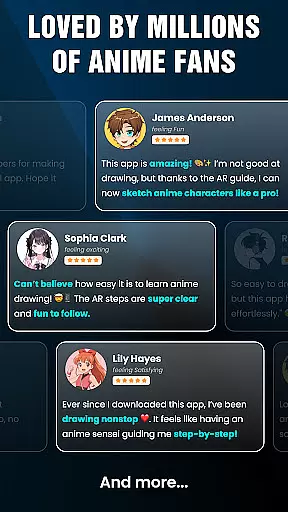
User Reviews