
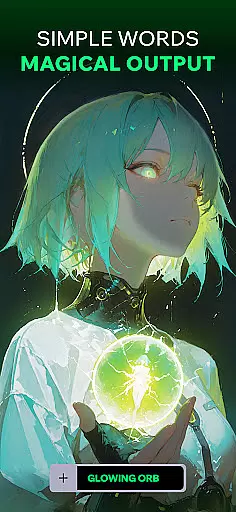
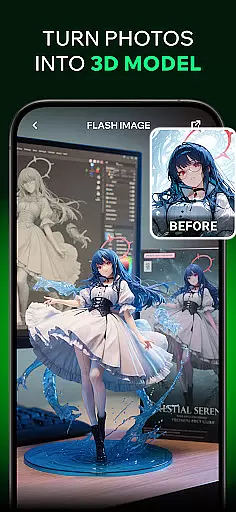

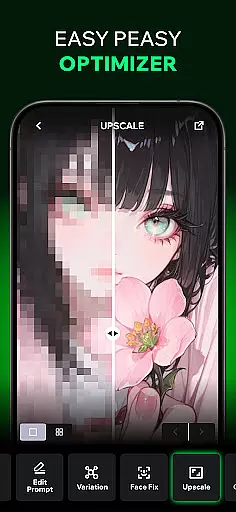
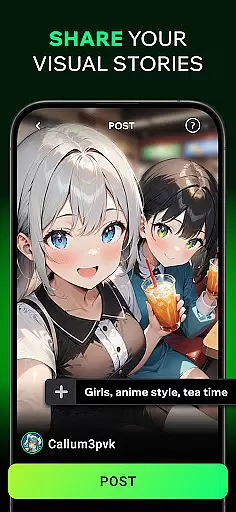
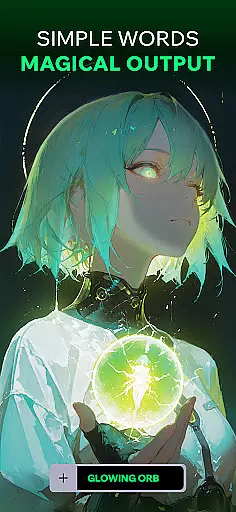
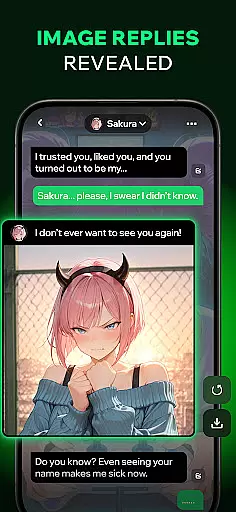
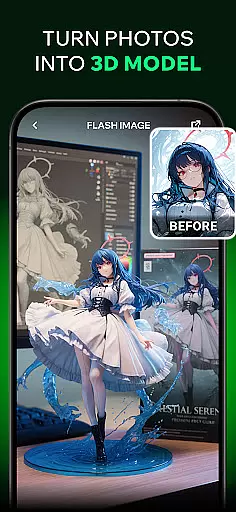
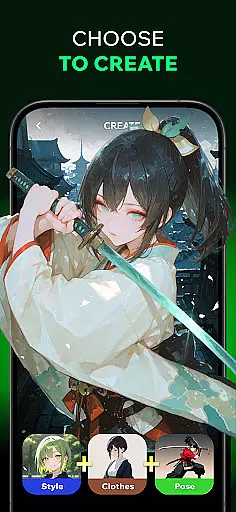
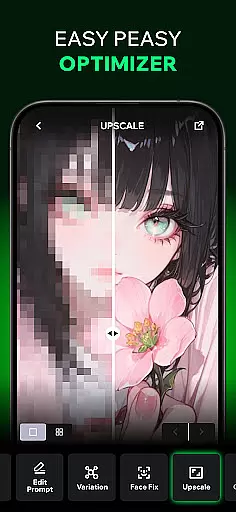
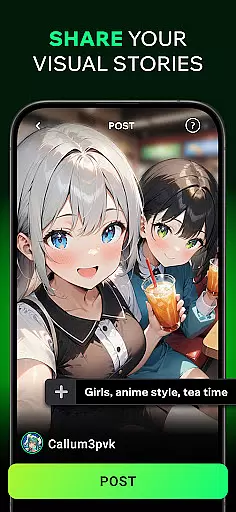
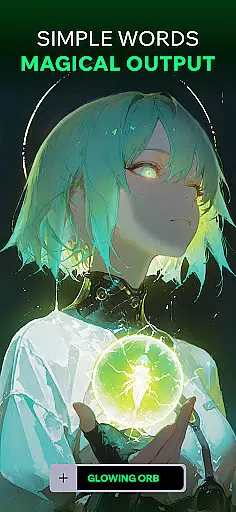
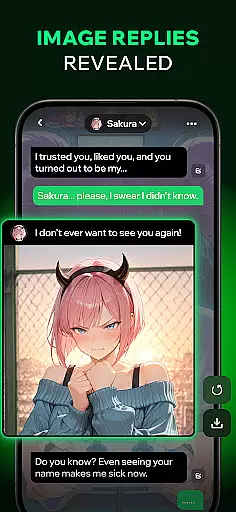
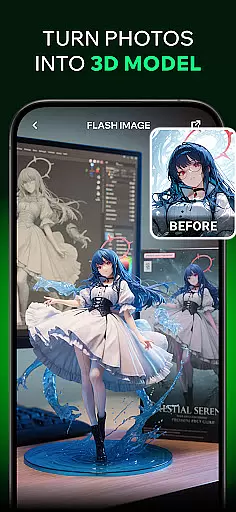
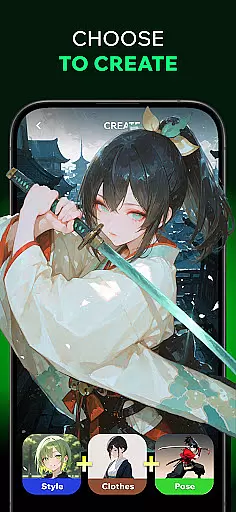
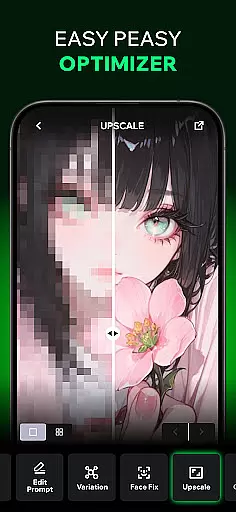
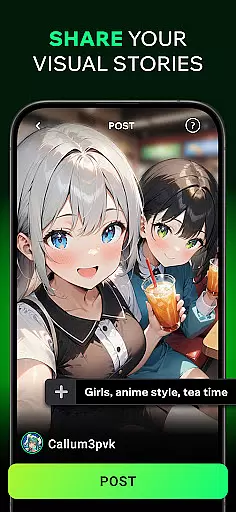
Spellai is an innovative app in the Art & Design category that allows users to effortlessly transform text into captivating photos and drawings through advanced AI technology. The app's core functionality lies in its ability to generate stunning visuals from simple text descriptions, making it accessible even to users without any design experience.
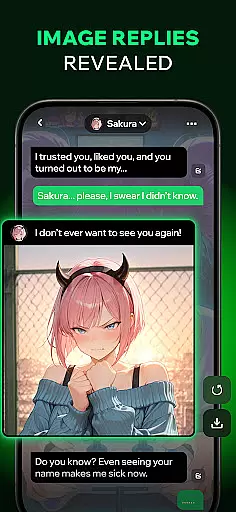
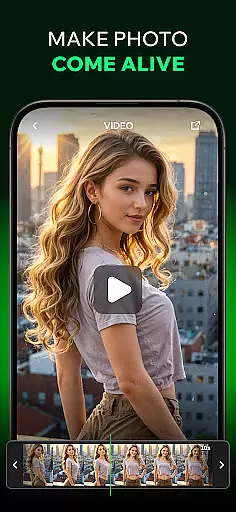
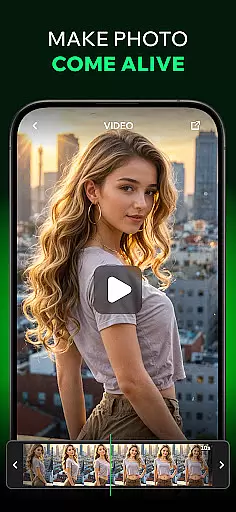
Beyond basic image generation, Spellai offers unique features like real-time image creation during AI-powered conversations, video creation from images, and a community sharing platform. These capabilities make it particularly valuable for designers, content creators, and social media enthusiasts who want to enhance their creative workflow while maintaining professional quality results.
Spellai distinguishes itself through several remarkable features that cater to diverse creative needs. The app's Text to AI Art function enables users to quickly transform written descriptions into unique artistic renderings, ranging from anime-inspired drawings to photorealistic images. This feature is powered by sophisticated AI algorithms that interpret text inputs with impressive accuracy.
The app's Chat Edit Feature, developed in collaboration with Google DeepMind (codenamed 'Nano Banana'), represents cutting-edge technology in AI imaging. This tool combines multimodal understanding with conversational interaction, allowing users to create and control image generation through natural dialogue. Additionally, the recently introduced capability to turn images into videos opens new possibilities for dynamic content creation.
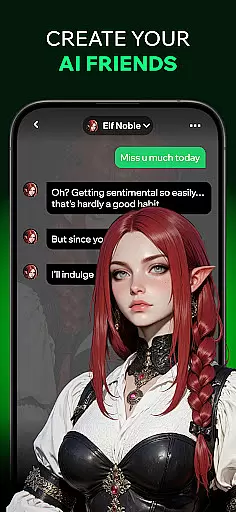
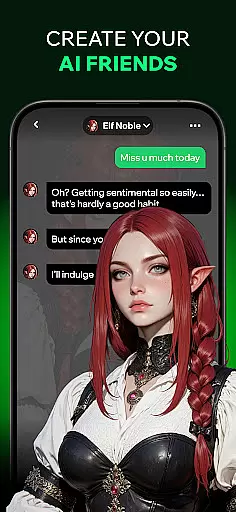
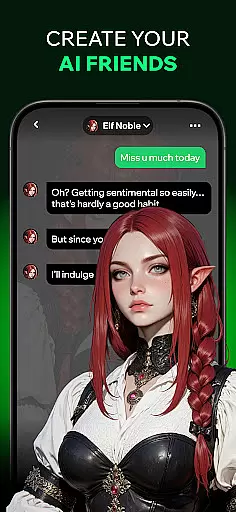
What sets Spellai apart is its seamless integration of various creative tools within a user-friendly interface. From customizable chat characters to community sharing features, the app provides a comprehensive ecosystem for creative expression and collaboration.
In the realm of digital creativity, having a comprehensive suite of tools is essential. Spellai rises to the occasion by offering an extensive array of features that cater to artists and designers alike. The app includes powerful AI-driven functionalities such as Text to AI Art, which allows users to convert simple text into unique photos and drawings without any prior experience or skill. This democratizes art creation, making it accessible to everyone.
Moreover, Spellai's collaboration with Google DeepMind under the codename 'Nano Banana' brings forth an advanced AI image generation and editing tool. This integration facilitates unprecedented levels of creation and control through multimodal understanding and conversational interaction. Designers, content creators, and developers can now transform their workflow with this cutting-edge technology that understands both textual and visual inputs seamlessly.
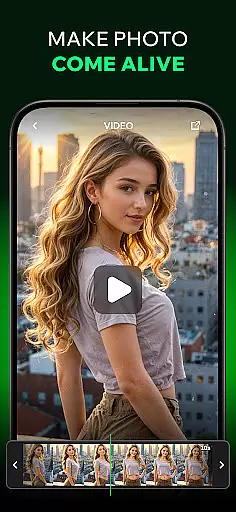
The app doesn't stop at static images; it ventures into motion graphics with its feature to turn images into videos. By simply inputting images, users can generate stunning videos that bring their visions to life. These capabilities ensure that whether you're crafting a single illustration or developing an entire animated sequence, Spellai equips you with everything needed for your creative journey.
A canvas in the digital world should be as flexible and versatile as the ideas it aims to capture. Spellai understands this need and offers remarkable canvas/format flexibility. Users are not confined to standard sizes or formats but have the freedom to customize their workspace according to their project requirements. Whether itu2019s creating a dreamy illustration, a vibrant portrait, or even custom wallpapers, Spellai adapts effortlessly to various artistic needs.
Furthermore, Spellai supports diverse output options ensuring compatibility across different platforms and devices. Artists can share their creations on social media directly from the app, knowing that the quality will remain intact regardless of where it's viewed. This versatility extends beyond mere image creationu2014it encompasses video production too, allowing seamless transitions between stills and moving pictures within one cohesive environment.
By providing these adaptable solutions, Spellai empowers creators to push boundaries without worrying about technical limitations. The ability to adjust settings like resolution, aspect ratio, and file type ensures that every piece produced is optimized for its intended useu2014be it professional portfolios or casual sharing among friends. Such flexibility makes Spellai an indispensable tool for modern creatives seeking boundless expression.
User-friendly interface
Advanced AI capabilities
Real-time image generation
Video creation tools
Community engagement features
Requires internet connection
Premium features may cost
Learning curve for beginners
Occasional AI inaccuracies
Device compatibility issues

Trace, draw, and create art with AR - from memes to masterpieces!
 4.30
4.30
Make your phone cooler and have a fantastic experience
4.80
Your AI soulmate — meaningful chats, and unique emotional moments
4.70
Turn your drawings into flipbook-style animations with simple creative tools
4.60
Mobile pixel art editor. Simple. Fast. Portable.
4.80
Experience next-gen icons with a modern liquid glass look.
3.60
Photo stitcher for automatically screenshot stitching into a long screenshot
4.70
Inky runs Inkscape on Android devices and Chromebooks
2.90
Video AI: Revolutionize Your Content Creation with Advanced Video Generation
4.50
Convert image to JPG PNG HEIC PDF, support almost all kinds of image formats
4.70
The ultimate tool for creating animations
4.60
Draw Trace image sketch by, AR art projector app, Easy to trace any image.
4.50
AI Tattoo Generator: Create Tattoo Designs & Get Ideas! Ink & Stencil Maker
4.50
Customizable Outlined Fonts. Watch Face Format. Battery friendly Digital Clock.
4.20
Unleash the artist in you with our AR drawing and tracing tool for photo drawing
4.10
Design your dream room with AI. Get decor ideas & plan home interiors
3.90
Art of Combination Wear OS Watch faces (for Wear OS 5+ devices)
3.90
Design unique, funny and adorable cat stickers that reflect your own style!
3.80
Create trending AI photos & videos with powerful effects and 3D styles.
3.20


User Reviews