
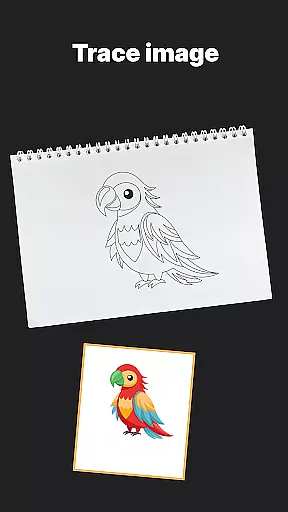
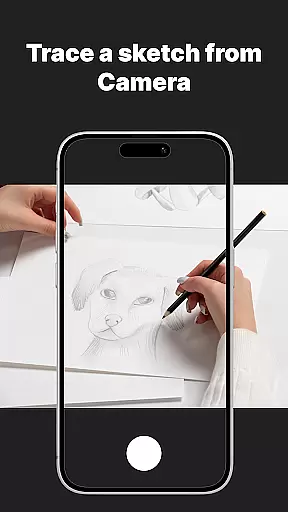
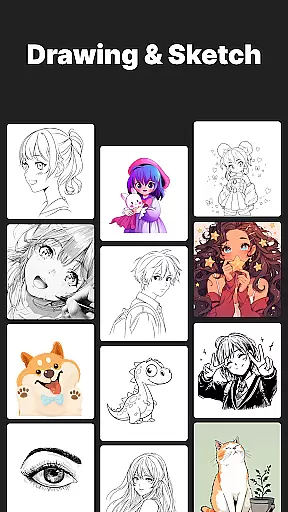
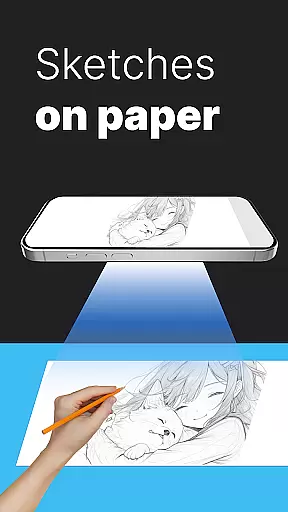
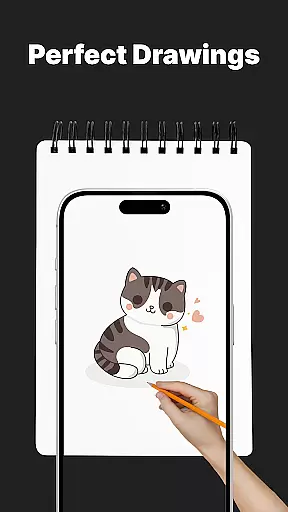
AR Drawing Sketch Painting App is an innovative mobile application that transforms your phone into a powerful AR sketchpad. This app allows users to trace drawings, create meme art, and learn to draw step-by-step directly on real paper using their phone's camera. Whether you're a beginner or a professional artist, this app helps you create stunning artwork and jump on the latest meme trends with ease.
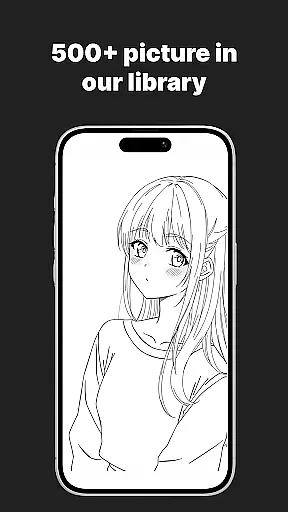
The app features a massive template library with thousands of templates including anime, portraits, animals, cars, flowers, tattoos, icons, trending memes, and more. It also offers customization tools to adjust opacity, zoom, rotate, and enable flashlight for better visibility. With weekly updates, fresh templates are added every week so you never run out of inspiration.
One of the standout features of AR Drawing Sketch Painting App is its AR Trace Drawing capability. Users can select a template, place their phone on a stand, look through the camera, and trace the lines onto paper. The app also includes a Meme Mode with exclusive meme collections and step-by-step drawing lessons to improve skills with guided tutorials for all levels.
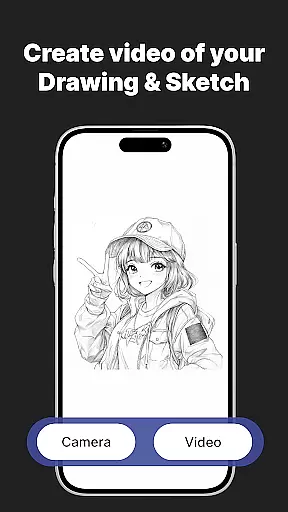
In addition, the app provides customization tools to adjust opacity, zoom, rotate, and enable flashlight for better visibility. Users can save and share their creations by capturing time-lapse videos of their drawing process and sharing them instantly. These features make it suitable for kids, students, parents, art teachers, and professional illustrators who want to learn new drawing techniques while keeping up with online trends.
AR Drawing Sketch Painting App offers a comprehensive suite of creative tools that cater to both beginners and professional artists. The app provides an extensive template library with thousands of options, including anime, portraits, animals, cars, flowers, tattoos, icons, and trending memes.
One standout feature is the AR Trace Drawing mode, which allows users to place their phone on a stand and trace drawings directly onto paper using the camera. This functionality bridges traditional drawing techniques with modern technology, making it easier for anyone to create stunning artwork.
In addition to tracing, the app includes step-by-step drawing lessons that help users improve their skills. These tutorials are designed for all levels, ensuring that everyone can benefit from them. Customization tools such as adjusting opacity, zooming, rotating, and enabling the flashlight further enhance the user experience by providing better visibility and precision.
The combination of these features ensures that users have everything they need to explore their creativity fully. Whether you're looking to learn new techniques or jump on the latest meme trends, this app has the tools to support your artistic journey.
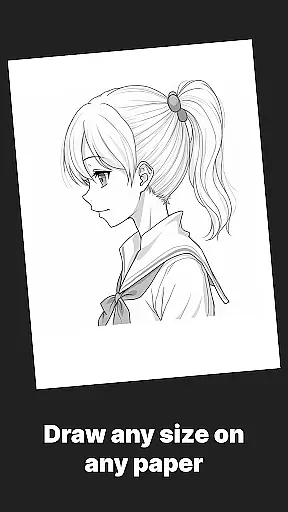
Flexibility in canvas and format options is crucial for any art application, and AR Drawing Sketch Painting App excels in this area. Users can choose from a wide variety of templates or upload their own images, giving them complete control over their creative process.
The app supports multiple styles, from realistic portraits to hilarious meme drawings, ensuring that there's something for everyone. This versatility makes it suitable for kids, students, parents, art teachers, and professional illustrators alike.
Another key aspect is the ability to save and share your work easily. The app captures time-lapse videos of the drawing process, allowing users to document their progress and share it with others instantly. This feature not only adds a fun element but also serves as a valuable learning tool.
With weekly updates introducing fresh templates, users will never run out of inspiration. The continuous addition of new content keeps the app engaging and encourages regular use, making it a dynamic platform for unleashing creativity.
User-friendly interface
Massive template library
Customization tools
Weekly updates
Suitable for all ages
Requires stable phone position
Limited to real paper use
No advanced drawing tools
Internet connection needed
Some features may require in-app purchases

Premium version of Shimeji-ee app with no ads & no limit active shimeji
 4.2
4.2
Floor Plan Creator lets you create, edit and share floor plans.
4.00
Paint with oils and sketch with natural tools on a realistic virtual canvas.
3.80
Create stunning art with AI.
4.80
Art of Combination Wear OS Watch Faces
3.30
Retouch photos. Create or edit images. Endless capabilities.
2.70
Create cute cat emojis & PFPs! Fun, custom avatars for cat lovers.
3.70
Kling AI is an image and video generation and editing studio powered by AI.
4.50
Turning simple sketches into captivating tales filled with life and motion
3.90
Photo stitcher for automatically screenshot stitching into a long screenshot
4.70
Draw beautiful mandala's very easily
4.60
Bring One UI 8.5 Icons to life -elegant dark icons with a modern, premium touch.
4.30
Sketch, plan, take notes and illustrate on an infinite canvas.
4.20
Create stylish invitation cards using templates for weddings, birthdays & RSVP.
4.20
Create Logos, Tattoos, AI Art & more with our AI Photo Generator & Design Editor
4.20
Unleash Your Creativity with Draw Cartoon - AR Drawing App
4.10
AI Art Generator transforms your words into AI generated art & paintings.
3.70
Apply cartoon, caricature, and portrait effects to make your photos stand out!
3.60
Create trending AI photos & videos with powerful effects and 3D styles.
3.20


User Reviews