
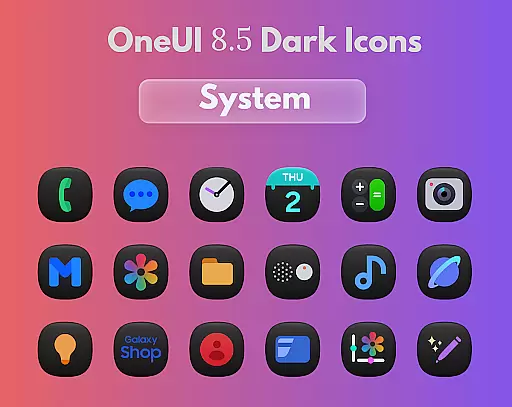
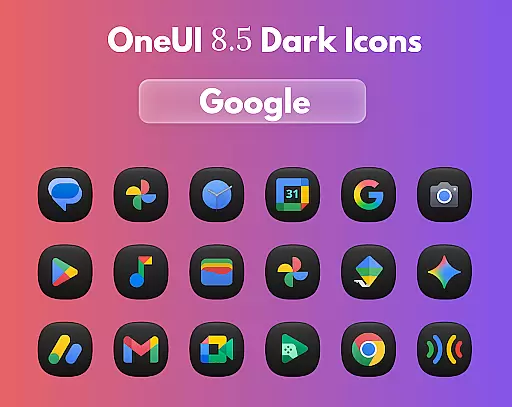
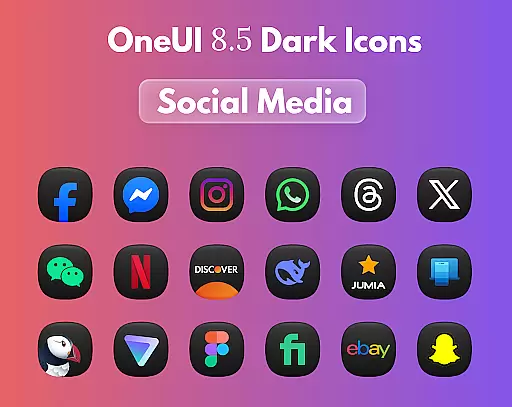
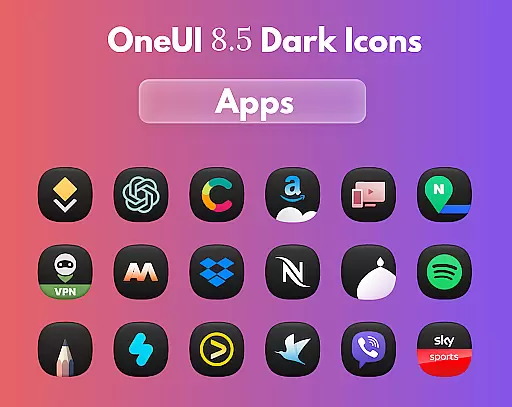
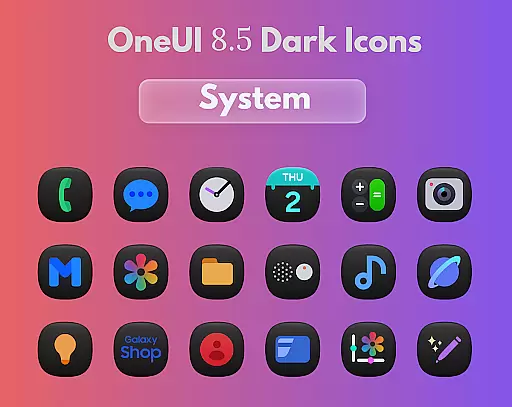
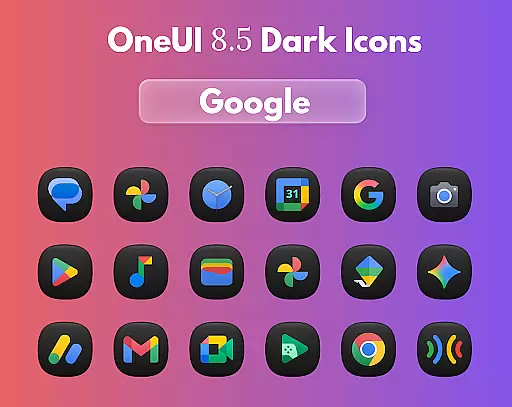
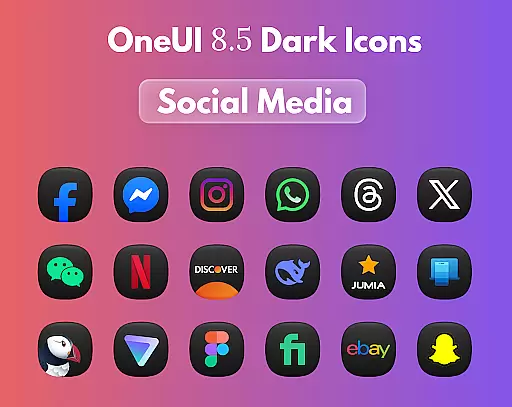
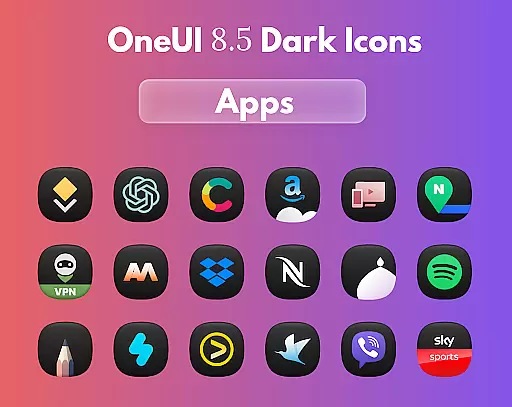
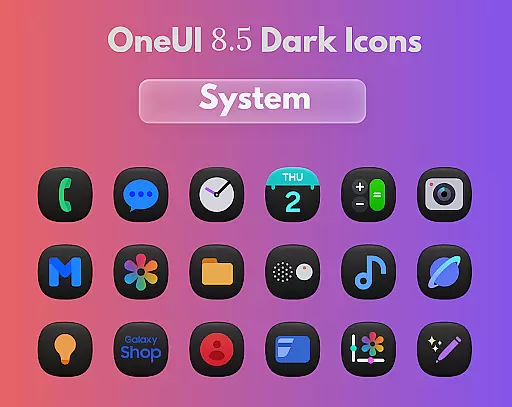
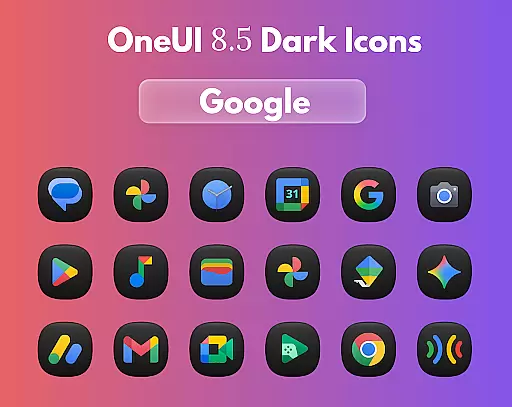
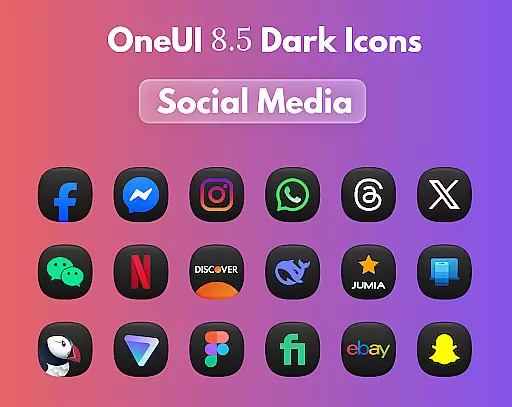
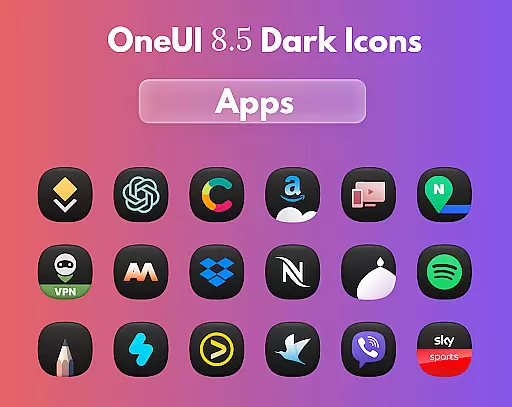
OneUi 8.5 Dark Icons is a premium icon pack designed to elevate your smartphone's aesthetic with its meticulously crafted dark-themed icons. Each icon features elegant 3D lighting, smooth gradients, and a refined dark finish that enhances the visual appeal of your home screen regardless of the wallpaper you choose.
The pack includes 1775 beautifully redesigned icons inspired by One UI 8.5's dark aesthetics. These icons are compatible with all major launchers, ensuring seamless integration across different devices. Whether you're using a dark wallpaper or need an icon request, this app provides a complete solution for personalizing your device with style and simplicity.
OneUi 8.5 Dark Icons stands out with its unique design philosophy. The icons are crafted with smooth, unified shapes and subtle gradients, offering a cohesive look that aligns with modern design trends. Regular updates ensure that users receive new icons frequently, keeping their home screens fresh and up-to-date.
Functionality meets customization with this app. Users can freely send icon requests without any limits, allowing them to tailor their experience further. Additionally, compatibility with all major launchers ensures that no matter what device or launcher you use, these icons will integrate seamlessly into your setup.
OneUi 8.5 Dark Icons offers a comprehensive suite of creative tools designed to enhance your home screen with elegance and style.
The app includes 1775 beautifully redesigned icons, each crafted with meticulous attention to detail, featuring elegant 3D lighting and smooth gradients. These elements ensure that every icon not only stands out individually but also contributes to a cohesive overall aesthetic inspired by One UI 8.5 dark themes.
Users can expect regular updates that introduce new icons, maintaining the freshness and relevance of their home screens. This commitment to continuous improvement ensures users always have access to the latest design trends and functionalities.
Compatibility with all major launchers further underscores the app's dedication to providing versatile and complete creative tools, allowing users to seamlessly integrate these stunning icons into their personalized device environments.
Flexibility in canvas and format options is a standout feature of OneUi 8.5 Dark Icons, catering to diverse user preferences and device specifications.
Each icon is meticulously crafted to maintain its visual appeal across various wallpapers and home screen configurations. The recommendation to use a dark wallpaper enhances the refined dark finish of the icons, showcasing their elegant 3D lighting and subtle gradients.
Moreover, the app supports an open icon request system, enabling users to freely send requests for specific icons without any limitations. This interactive approach empowers users to tailor their icon sets according to personal needs and emerging design trends.
By ensuring compatibility with all major launchers, OneUi 8.5 Dark Icons provides unparalleled flexibility in how users choose to display and interact with their home screens, making it a versatile choice for enhancing digital aesthetics.
Stunning 3D lighting
Regular icon updates
Wide launcher support
Open icon requests
Premium dark theme
Limited light themes
No widget support
High system requirements
Few animated icons
Paid app only

Transform photos into amazing monochrome dither art with professional algorithms
 4.4
4.4
Apply cartoon, caricature, and portrait effects to make your photos stand out!
3.60
Create stunning video, photo & magic from text with FlixAI GPT video generator.
3.10
The perfect place to start sketching! Use Sketchbook to draw and paint sketches.
4.50
Get creative and make art with your Sesame Friends!
4.00
Mobile pixel art editor. Simple. Fast. Portable.
4.80
Resize photos and print photos in exact size with our powerful photo printer!
3.80
Art of Combination Wear OS Watch faces (for Wear OS 5+ devices)
3.90
Beauty Camera - Selfie Camera is the ultimate beauty camera and selfie app
4.30
Logo Generator powered by AI: Create stunning logos effortlessly!
4.70
Novices can also easily complete diamond painting masters
4.70
Your AI soulmate — meaningful chats, and unique emotional moments
4.70
The ultimate tool for creating animations
4.60
Digital, Abstract, Classic - all types of color wheels in one app!
4.60
Just trace a projected picture on paper and color! Draw & Paint with AR drawing
4.40
Turning simple sketches into captivating tales filled with life and motion
3.90
Design unique, funny and adorable cat stickers that reflect your own style!
3.80
Powerful home decoration & house design that allows you to design dream home.
3.80
Experience next-gen icons with a modern liquid glass look.
3.60


User Reviews