
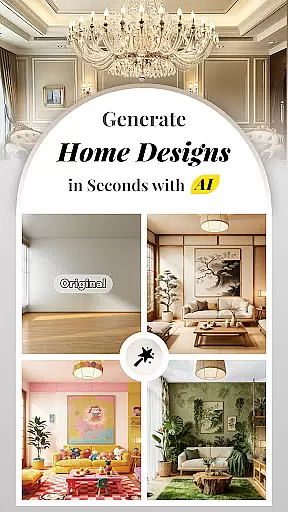


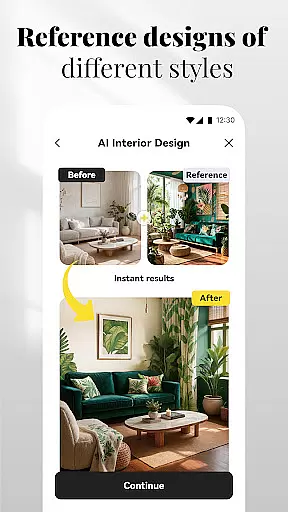
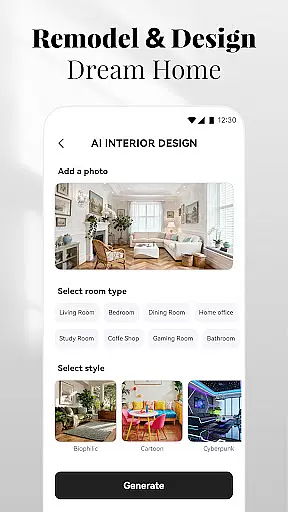
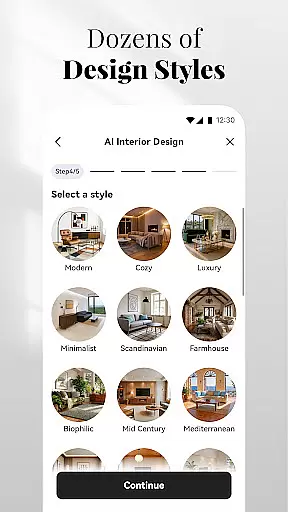

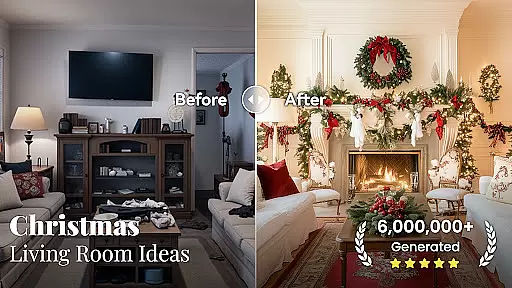

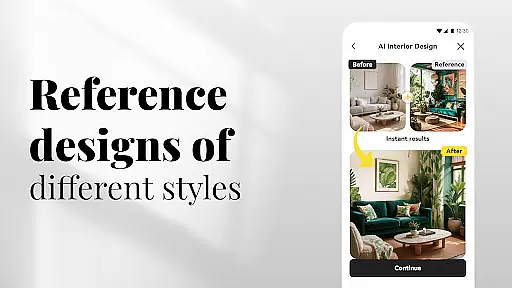
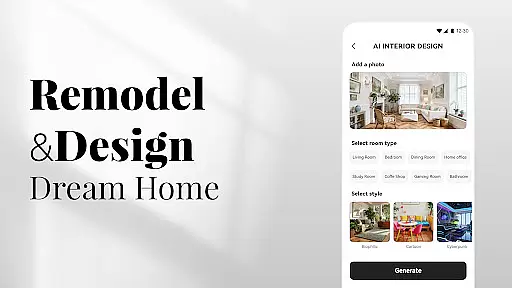

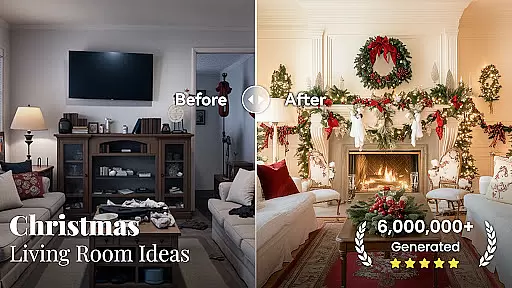

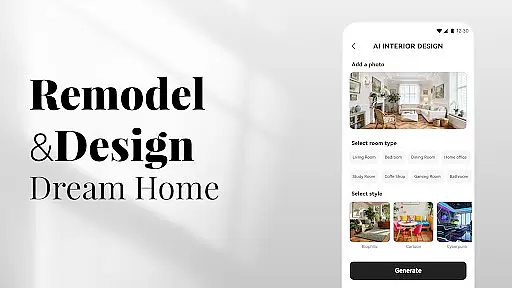
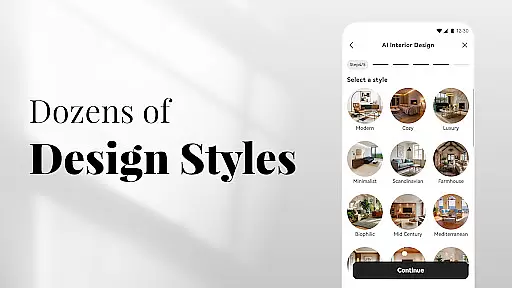
AI Home Design is an innovative application that leverages artificial intelligence to revolutionize the way users approach home design and renovation projects. With its powerful AI-driven tools, the app allows users to effortlessly transform their living spaces by simply uploading photos of their rooms. Whether you're looking to redesign your interior, backyard, or even the exterior of your home, this app provides tailored design plans that cater to various styles, from modern chic to rustic warmth.
The app's capabilities extend beyond basic design suggestions; it offers features such as virtual furniture replacement, wall color changes, and flooring previews, all within a user-friendly interface. These functionalities make it an ideal tool for homeowners, renters, and real estate professionals who wish to visualize renovations before committing to them. By providing instant design solutions and enabling social sharing of designs, AI Home Design empowers users to explore creative possibilities and share their inspirations with others.
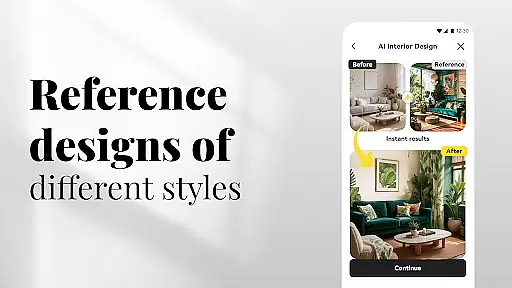
One of the standout features of AI Home Design is its comprehensive suite of design tools that cater to different aspects of home renovation. The AI Interior Design & Decor function analyzes room dimensions and characteristics to generate personalized interior plans, complete with furniture arrangements and color palettes. Additionally, the AI Backyard & Landscape Design tool helps users create their ideal outdoor spaces by suggesting landscaping ideas and patio layouts.
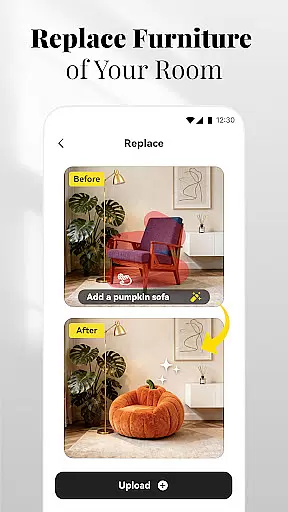
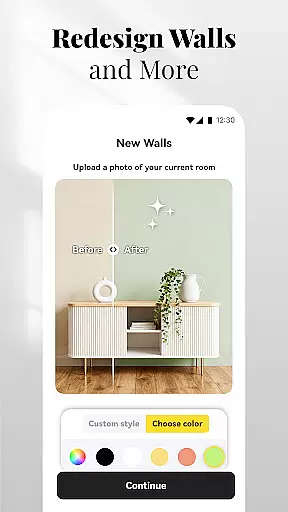
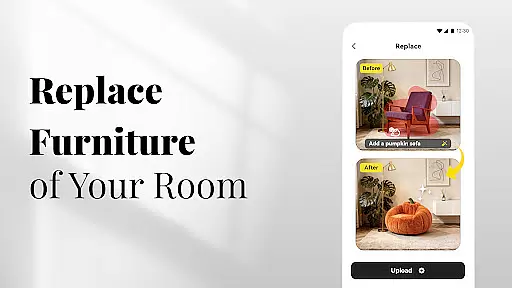
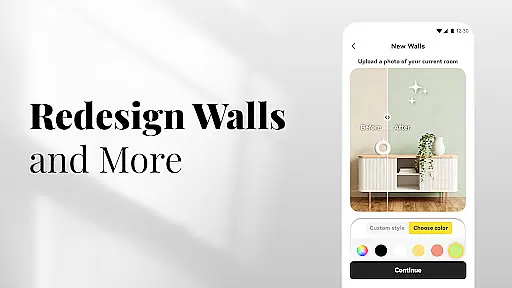
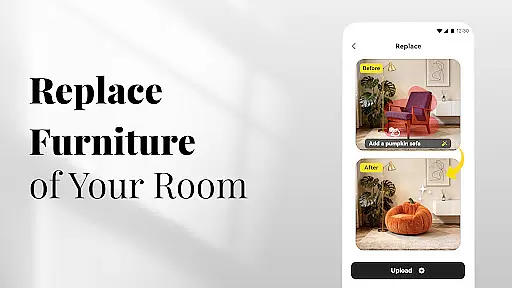
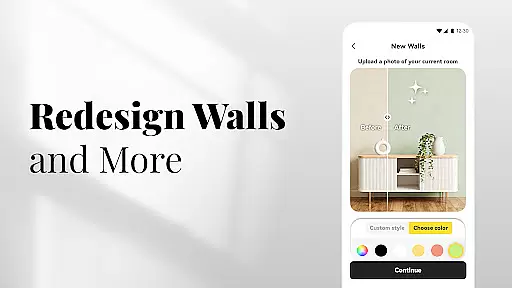
For those focused on exterior transformations, the AI Exterior Design & Renovation feature offers innovative solutions by visualizing changes to a home's facade. The Replace function allows users to swap out furniture and decor items virtually, while the New Walls and Instantly Install New Flooring options enable experimentation with textures and materials. Furthermore, the Cleanup tool simplifies decluttering by removing unwanted objects from images, ensuring a clean canvas for new designs.
In the realm of digital creativity, having access to comprehensive tools is essential for bringing artistic visions to life. AI Home Design offers an extensive suite of creative instruments tailored for home design enthusiasts and professionals alike. The application's DecAIu2122 technology provides users with advanced AI Interior Design & Decor features, enabling them to upload images and receive customized interior plans that cater to various styles.
Moreover, the app extends its capabilities to outdoor spaces through AI Backyard & Landscape Design functionalities. Users can experiment with landscaping ideas, patio layouts, and front yard upgrades, ensuring a cohesive aesthetic from the interior to the exterior of their homes. With additional options like Replace, New Walls, and Instant Flooring, the platform empowers users to visualize changes in real-time, thus enhancing the overall creative process.
The true value of AI Home Design lies in its ability to democratize design, making sophisticated tools accessible without the need for extensive training or experience. Whether planning a renovation or simply exploring new decor concepts, users benefit from an intuitive interface that supports both novice exploration and professional-grade projects. This positions AI Home Design as not just a tool, but a partner in creative expression.
Flexibility in design platforms is crucial for accommodating diverse project requirements and personal preferences. AI Home Design excels in this area by offering unparalleled canvas and format adaptability. The application allows users to manipulate their design spaces with ease, whether they are revamping a single room or reimagining an entire property. Its AI Exterior Design & Renovation feature exemplifies this flexibility by transforming uploaded house images into personalized exterior plans.
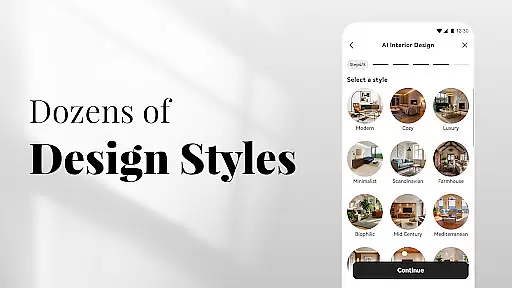
Furthermore, the platform's Replace functionality enables users to swap out specific elements within their designs, such as furniture or fixtures, aligning with different stylistic choices like modern, farmhouse, or mid-century aesthetics. Coupled with the New Walls feature, which lets users experiment with colors and textures, AI Home Design ensures that every aspect of a space can be customized to fit unique visions and moods.
This level of adaptability not only enhances user experience but also broadens the scope of projects that can be undertaken. From quick virtual makeovers to detailed renovation blueprints, AI Home Design stands out by providing a versatile environment where creativity knows no bounds. Such flexibility makes it an invaluable asset for anyone looking to explore innovative home design solutions.
User-friendly interface
Comprehensive design tools
Instant visualization capabilities
Social media integration
Versatile style options
Limited offline functionality
Premium features require subscription
Dependent on image quality
Occasional design inaccuracies
Learning curve for new users

Transform photos into amazing monochrome dither art with professional algorithms
 4.3
4.3
Art of Combination Wear OS Watch faces
4.3
Passport size photo maker, create ID photo and visa photo in seconds
4.80
Turn your drawings into flipbook-style animations with simple creative tools
4.60
Share the joy of painting with ibis Paint! Drawing anime and manga art.
4.50
Just trace a projected picture on paper and color! Draw & Paint with AR drawing
4.40
AI Tattoo Generator: Create Tattoo Designs & Get Ideas! Ink & Stencil Maker
4.50
Explore future self face age filter & remove background image for a unique look.
3.50
How to draw anime step by step for beginner easily by AR drawing sketch & paint.
3.60
The ultimate tool for creating animations
4.60
Unleash your drawing and painting potential
4.50
Image/ Text to Video Generator
4.40
Beauty Camera - Selfie Camera is the ultimate beauty camera and selfie app
4.30
Custom Character Creator & PFP Maker!
4.20
Unleash Your Creativity with Draw Cartoon - AR Drawing App
4.10
AR Anime Drawing: How to draw anime with AR drawing & sketching apps!
4.00
AI Face Swap, Video Effects Editor, Realtime Morph, Funny Video FX,AI Filters
3.70
Your homescreen as an elegant glass with customized blur, lighting, and visuals.
3.70
Sketch, trace and master AR drawing with awesome anime art!
3.30


User Reviews