
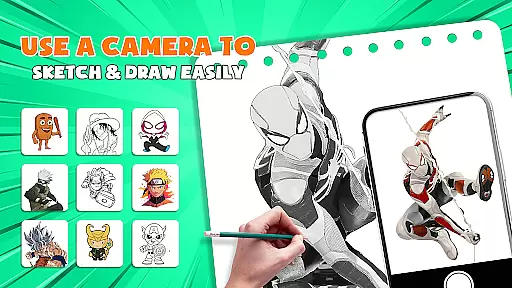
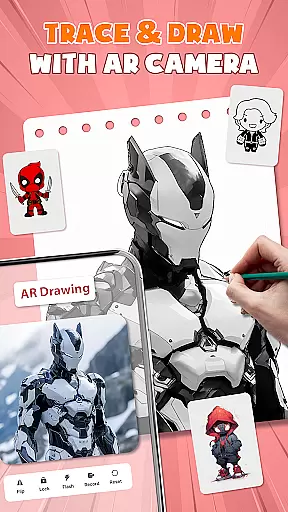
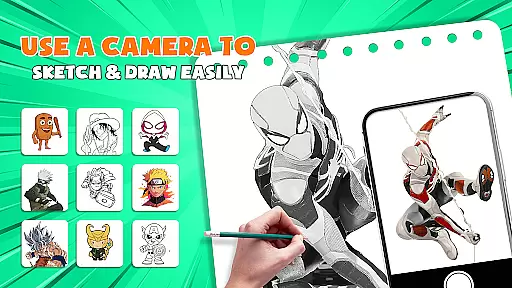
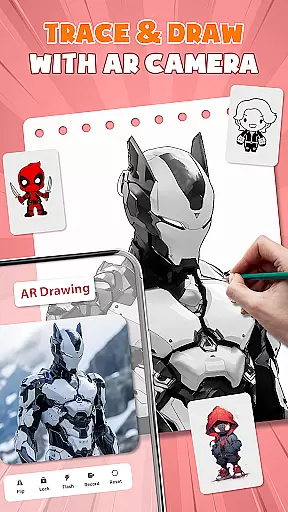
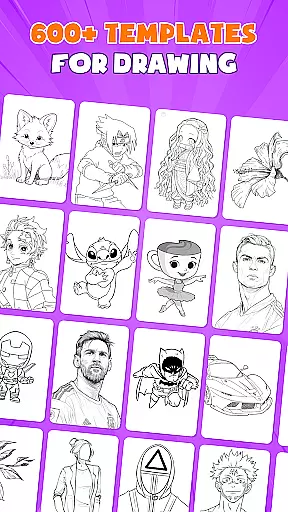
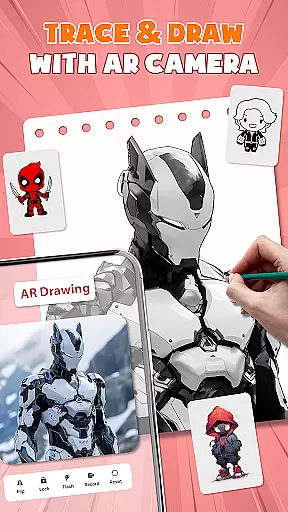
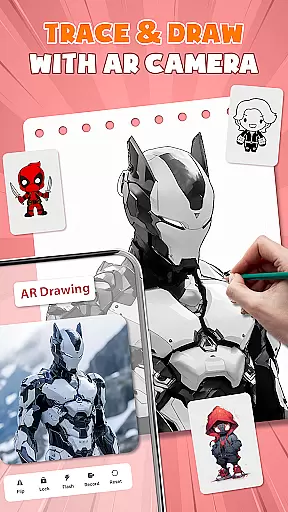
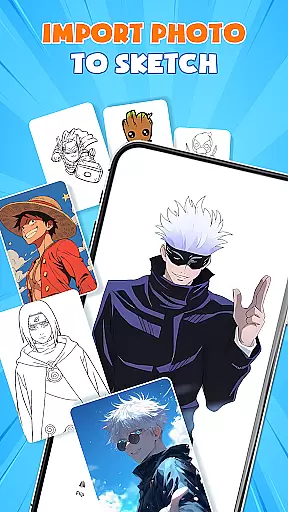
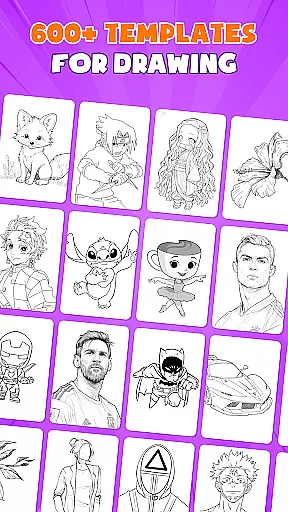
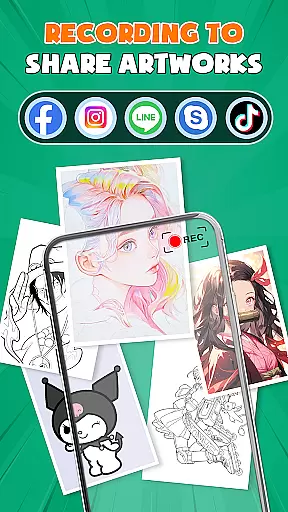
AR Drawing - Paint & Sketch is a revolutionary art and design application that combines augmented reality with traditional drawing techniques. This app allows users to create stunning anime pictures and realistic sketches using advanced AR tracing technology. With features like AR projection, sketching tools, and anime studio presets, it caters to both beginners and professional artists.
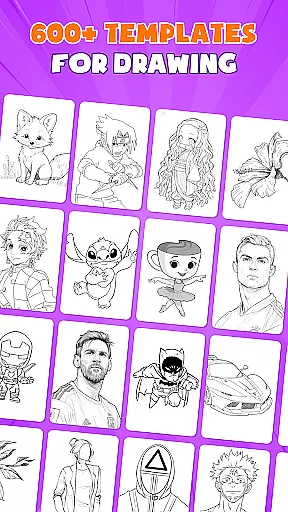
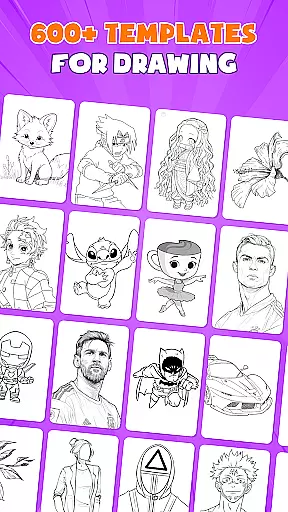
The app provides an immersive experience by offering over 1000+ free templates, precise drawing guides, and vibrant coloring options. Whether you're looking to master anime drawing or practice realistic pencil sketches, this app delivers the tools you need. Its intuitive interface ensures ease of use while enabling complex creations through innovative AR overlays and drawing game modes.
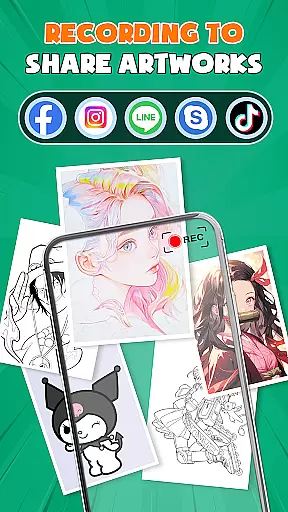
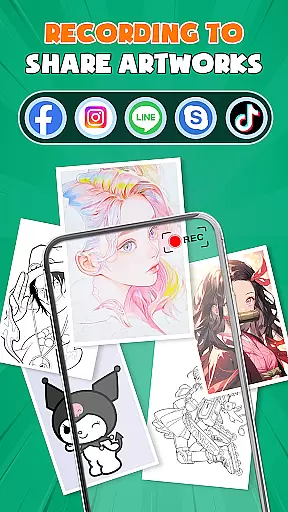
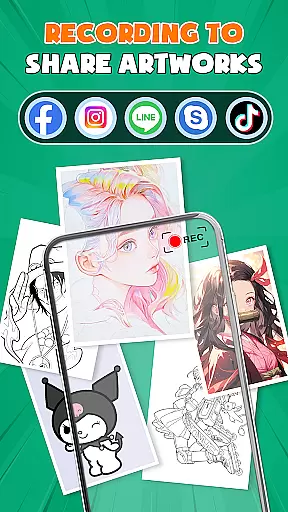
Perfect for modern artists who want to expand their creative process, AR Drawing - Paint & Sketch also includes a connected community feature. Share your artwork, receive feedback, and participate in drawing competitions all within the app. Transform your artistic journey today with this versatile drawing tool.
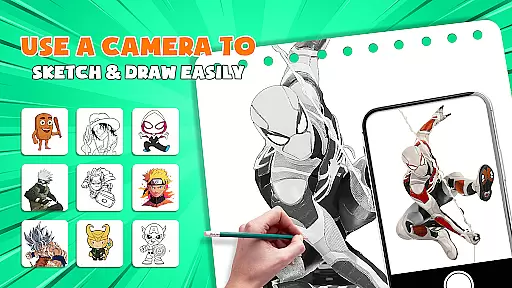
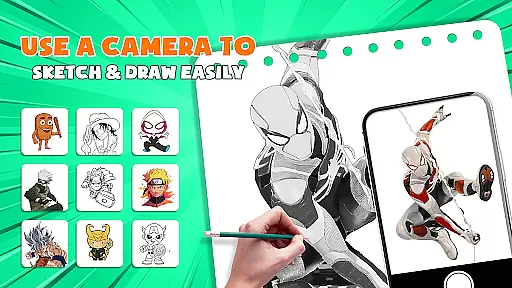
AR Drawing - Paint & Sketch stands out with its comprehensive suite of features tailored for artists. The app's AR projection and tracing functionality turns your device into a mobile projector, allowing for precise tracing of real-world scenes directly onto paper or canvas. This feature bridges traditional drawing methods with cutting-edge technology, making it easier than ever to create accurate sketches.
In addition to AR capabilities, the app offers an extensive Anime Studio mode. Users can explore detailed anime tutorials, experiment with preset effects, and utilize specialized sketch filters. These features are complemented by professional-grade painting tools that include various brushes and shading options, providing everything needed to bring drawings to life with vibrant colors and intricate details.
What truly sets this app apart is its combination of educational resources and interactive elements. The inclusion of drawing games, tournaments, and community sharing creates an engaging environment where users can learn, compete, and grow as artists. With easy-to-use shortcuts and import functions, plus support for tattoo and pencil art styles, AR Drawing - Paint & Sketch caters to diverse artistic needs while maintaining accessibility for all skill levels.
In the realm of digital artistry, having access to comprehensive creative tools is paramount. AR Drawing - Paint & Sketch offers an extensive suite of features that cater to both budding artists and seasoned professionals. The app includes AR projection and tracing capabilities, allowing users to transform their devices into mobile projectors for precise sketching overlays.
Users can explore a full range of painting functionalities with options like AR pencil drawing for shading and vibrant brushes for coloring. With over 1000+ free sketch samples available in its library, this application ensures that artists will never run out of inspiration or starting points for their next masterpiece.
The inclusion of specialized modes such as Anime Studio and Tattoo & Pencil Art further demonstrates the app's commitment to providing diverse artistic avenues. These modes enable creators to delve into niche art forms with dedicated presets and effects tailored to each style, thus enhancing the overall creative experience within the AR Drawing - Paint & Sketch platform.
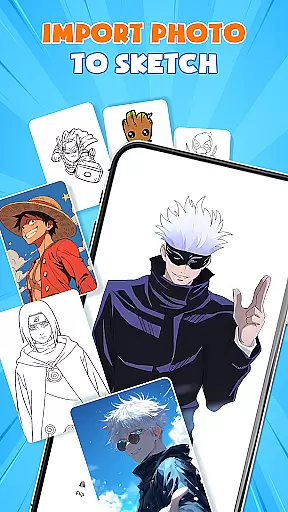
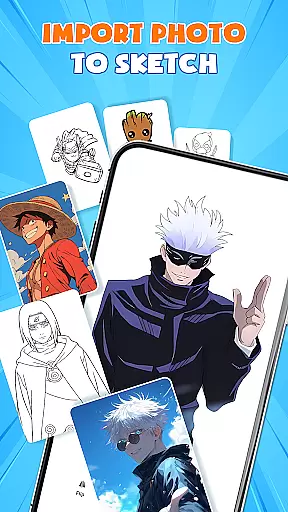
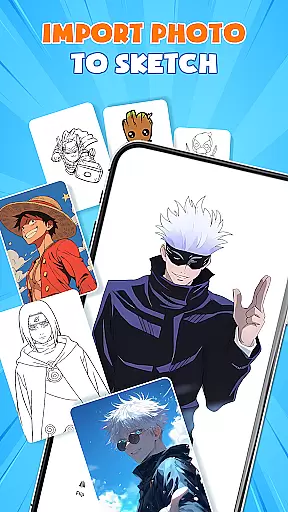
Flexibility in canvas and format options is essential for artists who wish to express their creativity without constraints. AR Drawing - Paint & Sketch excels by offering versatile solutions that adapt to various artistic needs. Artists can import pictures directly from their gallery, adjust opacity, and trace them effortlessly, which streamlines the process of transforming any photo into a work of art.
This draw easy trace feature supports clean lines every time, making it ideal for detailed sketches and professional-quality artwork. Moreover, the ability to switch between different drawing modesu2014such as paint mode for coloringu2014ensures that users have complete control over their creative workflow.
Whether one chooses to create on paper or digitally, the app accommodates all surfaces with ease. By eliminating the need for bulky traditional tools, AR Drawing - Paint & Sketch empowers artists to focus solely on their craft while enjoying unparalleled flexibility in how they choose to bring their visions to life.
User-friendly interface
Extensive template library
Advanced AR tracing
Vibrant color options
Active artist community
Requires stable internet
Premium features locked
Steep learning curve
Limited offline access
Device compatibility issues

Digital Drawing: Draw & Paint
 4.10
4.10
Create stylish invitation cards using templates for weddings, birthdays & RSVP.
4.20
Nano Banana AI Image Generator, Anime Filter, AI Portrait, AI Photo Generator
4.30
Draw glowing spinners, relax, and spin your creative art
4.60
Turn your drawings into flipbook-style animations with simple creative tools
4.60
Art of Combination Wear OS Watch faces (for Wear OS 5+ devices)
3.90
OneUI 8.5 icons ✨ Smooth, modern & based on the latest Play Store design ??
4.10
Create and Design Custom Logos in Seconds with AI-Powered Tools!
4.40
Kling AI is an image and video generation and editing studio powered by AI.
4.50
Mobile pixel art editor. Simple. Fast. Portable.
4.80
Share the joy of painting with ibis Paint! Drawing anime and manga art.
4.50
Everything you need to create hand drawn animation, anywhere you go!
4.40
Just trace a projected picture on paper and color! Draw & Paint with AR drawing
4.40
Beauty Camera - Selfie Camera is the ultimate beauty camera and selfie app
4.30
Floor Plan Creator lets you create, edit and share floor plans.
4.00
Paint with oils and sketch with natural tools on a realistic virtual canvas.
3.80
AI Face Swap, Video Effects Editor, Realtime Morph, Funny Video FX,AI Filters
3.70
Meet the magic aı 3d photo generator and smart AI video generator app.
3.20
Art of Combination Wear OS Watch faces
4.3


User Reviews