
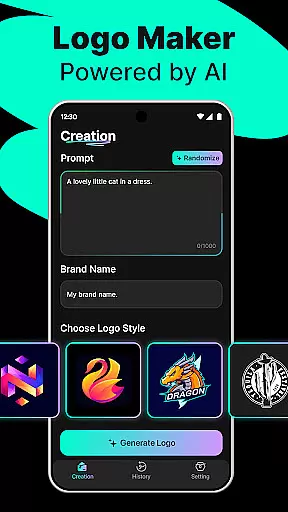
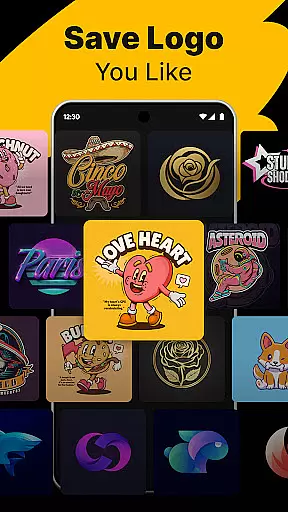
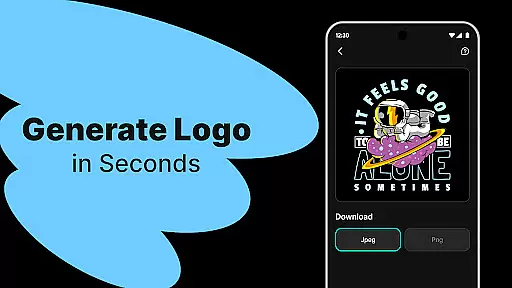
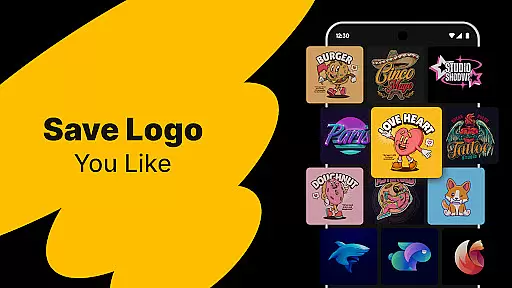
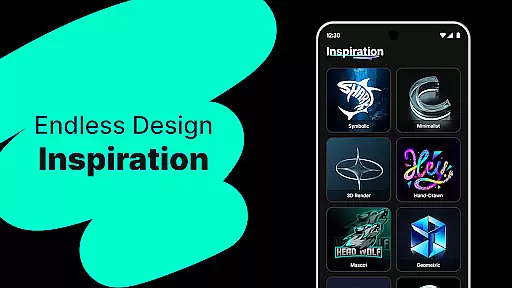
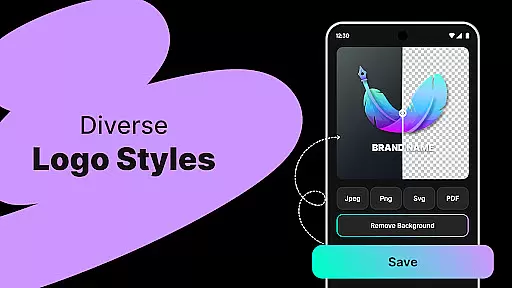
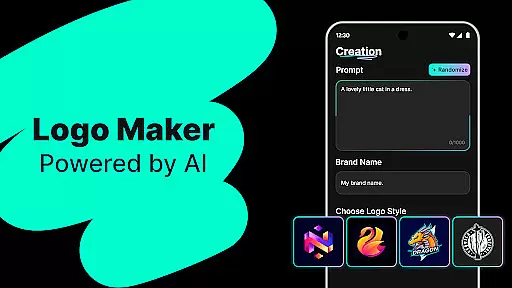
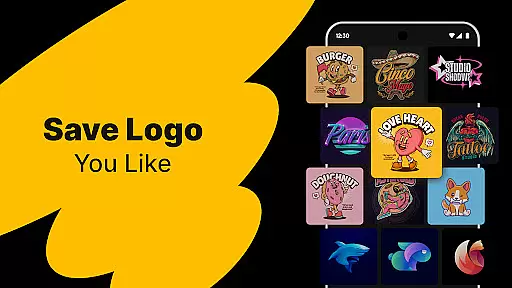
Logo Maker is an AI-powered logo design tool that enables users to create professional logos effortlessly. Designed for entrepreneurs, small businesses, and creators, it eliminates the need for advanced design skills. By simply describing your vision, the app generates multiple unique logo designs tailored to your brand.
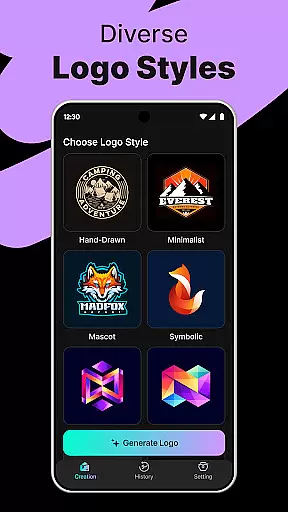
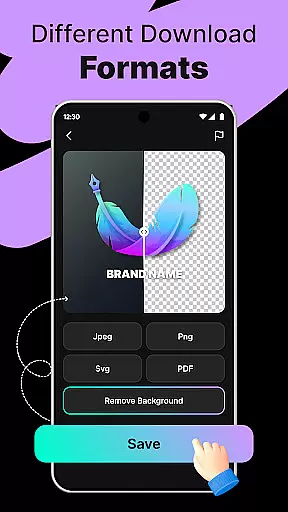
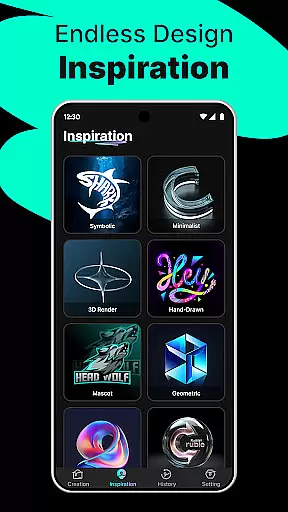
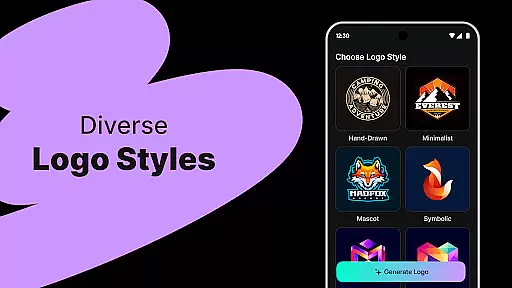
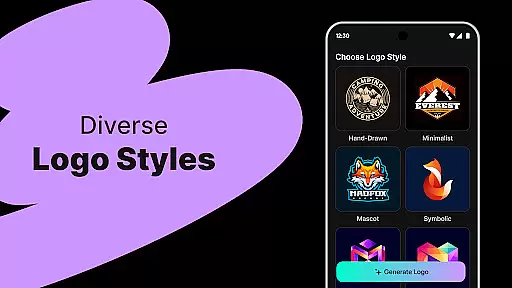
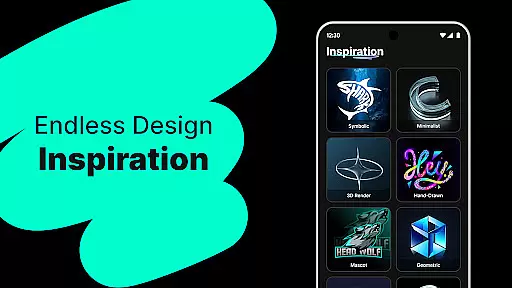
The app offers hundreds of customizable templates spanning various styles such as modern, minimalist, vintage, and hand-drawn. Users can export high-quality logos in PNG or JPG formats suitable for websites, business cards, social media, and print. Its user-friendly editor allows easy customization through drag-and-drop functionality, making professional branding accessible to everyone.
Whether you're a startup building a brand presence, a freelancer needing a standout logo, or a content creator designing for platforms like YouTube or Instagram, Logo Maker provides budget-friendly solutions without compromising on quality. With lightning-fast generation and endless design possibilities, this tool empowers users to bring their brand to life efficiently.
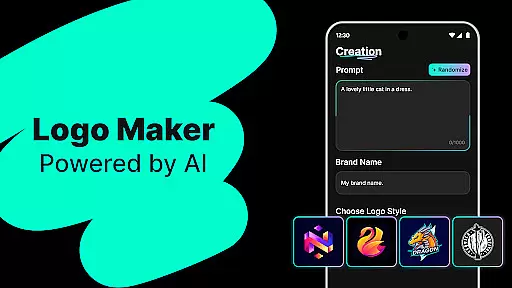
Logo Maker stands out with its AI-driven logo generation capabilities. Users input their brand name and keywords, receiving instant logo suggestions that align with their vision. This feature ensures that even those without design expertise can achieve professional results quickly.
The app includes a vast library of customizable templates catering to diverse branding needs. From modern aesthetics to vintage looks, each template is crafted to inspire creativity. Additionally, the high-quality export options allow users to download logos in multiple formats optimized for both digital and print use.
Its intuitive drag-and-drop editor simplifies the customization process, enabling precise adjustments without requiring technical know-how. These features collectively make Logo Maker an ideal choice for startups, freelancers, and content creators seeking efficient, cost-effective branding solutions.
Logo Maker offers a comprehensive suite of creative tools that cater to both novice and experienced designers. The AI-powered logo generation allows users to input their brand name and keywords, instantly receiving multiple unique logo designs. This feature ensures that every user can find a design that aligns with their vision.
In addition to the powerful AI generator, Logo Maker provides hundreds of customizable templates. These templates span various styles including modern, minimalist, vintage, and hand-drawn, offering users a wide array of options to choose from. This diversity in templates ensures that users can select a style that best represents their brand identity.
The user-friendly editor is another key component of Logo Maker's creative toolkit. With drag-and-drop functionality, users can easily customize their logos without needing any prior design experience. This intuitive interface empowers users to make precise adjustments, ensuring their final logo is both professional and personalized.
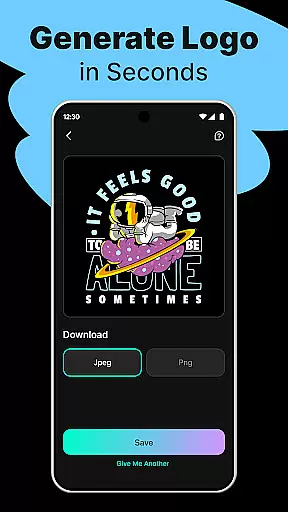
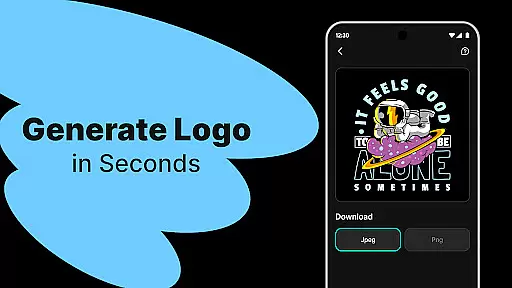
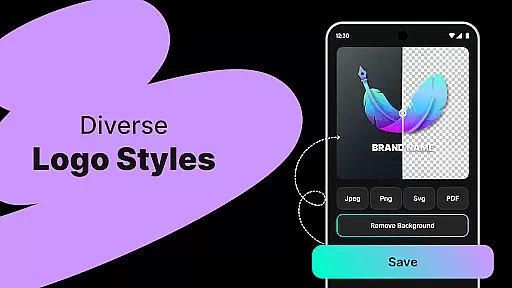
Furthermore, Logo Maker supports high-quality exports in formats such as PNG and JPG. This enables users to utilize their logos across different platforms like websites, business cards, social media, and print materials. By providing these versatile export options, Logo Maker ensures that users can maintain a consistent brand presence everywhere they need.
One of the standout features of Logo Maker is its canvas and format flexibility, which allows users to create logos that fit various needs and platforms. Whether you're designing for a startup, small business, freelancer, or content creator, the adaptable canvas sizes ensure your logo will look great on any medium.
Logo Maker provides an extensive range of customization options within its user-friendly editor. Users can adjust canvas dimensions to suit specific requirements, whether it's for digital use on websites and social media or for print materials like business cards and banners. This flexibility ensures that your logo maintains its quality and impact regardless of where it's displayed.
Moreover, the platform supports multiple file formats including PNG and JPG, giving users the freedom to download their logos in the most suitable format for their intended use. High-quality exports mean that logos retain their clarity and vibrancy, whether they are used online or in physical form.
This adaptability extends to personal projects and events as well. Custom logos for weddings, podcasts, clubs, and special occasions can be crafted with precision, ensuring they meet the unique demands of each project. By offering such versatile canvas and format options, Logo Maker empowers users to bring their creative visions to life without limitations.
User-friendly interface
AI-powered design
Customizable templates
High-quality exports
Budget-friendly pricing
Limited free features
Internet connection required
Premium upgrades needed
Basic editing tools
Occasional bugs

Sketch, trace and master AR drawing with awesome anime art!
 3.30
3.30
Easy 3D drawing design maker & creator. Model designing, Sculpting. Create&paint
4.00
Create stylish invitation cards using templates for weddings, birthdays & RSVP.
4.20
Unleash Your Creativity with Draw Cartoon - AR Drawing App
4.10
Create stunning art with AI.
4.80
A luxurious gold watch face for an elegant and refined look.
4.1
Kling AI is an image and video generation and editing studio powered by AI.
4.50
Turning simple sketches into captivating tales filled with life and motion
3.90
Multiplayer Drawing game, Coloring, Painting・Sketch, Handwriting・Paint, draw
4.30
See Color, Paint Color
4.90
Get an overview over all your embroidery threads, projects and more.
4.60
The perfect place to start sketching! Use Sketchbook to draw and paint sketches.
4.50
Photo blender app to create overlay photos & double exposure.
4.40
Draw, make movies & animate cartoons easily with our 2D animation maker app
4.40
AI generated images & photos, turn your words into drawing, painting & pictures.
4.30
Apply cartoon, caricature, and portrait effects to make your photos stand out!
3.60
Create stunning video, photo & magic from text with FlixAI GPT video generator.
3.10
Pose and morph realistic male and female models! 3D poser app
3.00
Android 14 style widgets and wallpapers app.
4.0


User Reviews