

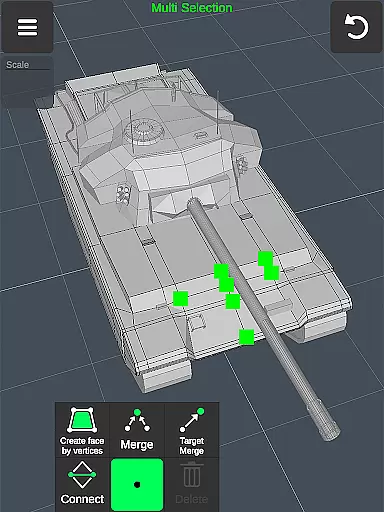
3D Modeling App is a comprehensive mobile solution for 3D creation, enabling users to design models, objects, characters, and environments using intuitive gestures. This versatile app caters to professionals across various industries, including engineering, automotive design, game development, and industrial design.
The application stands out with its robust feature set that supports everything from basic 3D modeling to advanced CGI creation. Users can create detailed designs for business purposes or explore creative avenues like digital sculpting and painting. Its gesture-based controls allow for efficient manipulation of 3D elements, making it suitable for both technical projects and artistic endeavors.
For professionals in need of a portable yet powerful 3D toolkit, this app provides an invaluable resource. Whether you're drafting engineering components or crafting immersive game worlds, the app's diverse toolset and compatibility with industry-standard software make it an essential addition to any designer's workflow.
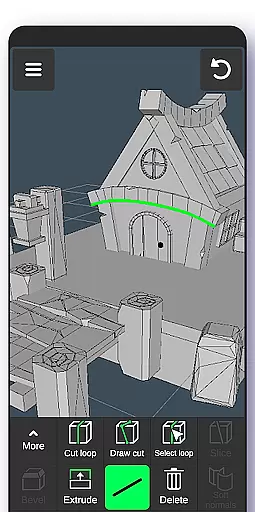
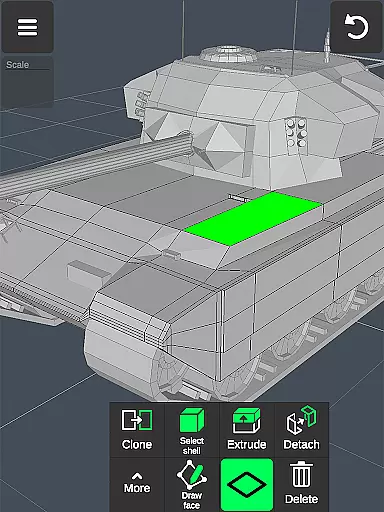
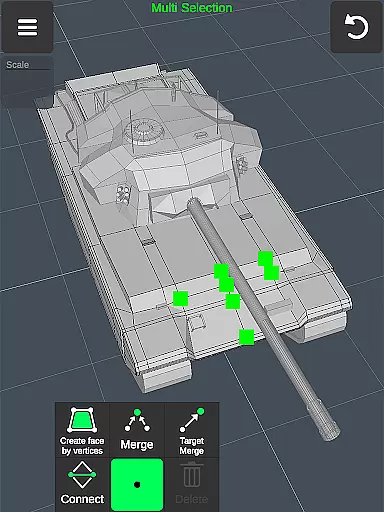
This 3D Modeling App offers an extensive array of features designed to streamline the creation process. The app facilitates a fast workflow with gesture controls for moving, rotating, and scaling 3D objects, alongside quick tool switching and multi-selection options for vertices, edges, faces, and objects.
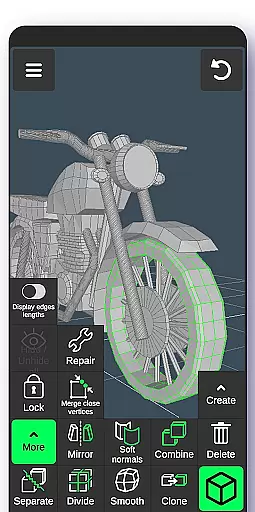
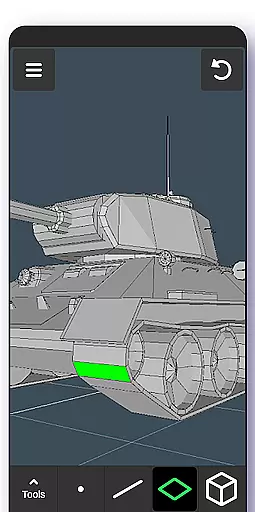
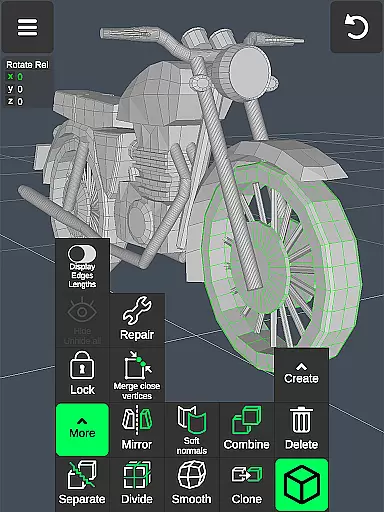
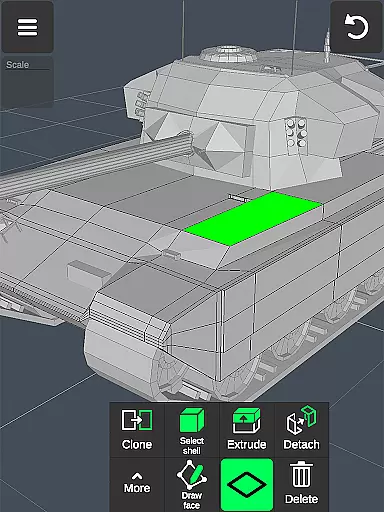
Users have access to specialized tools for vertex, edge, face, and object manipulation, as well as sculpting capabilities with adjustable brush settings. Display tools provide critical information such as triangle count and edge length, while coloring options allow for detailed material application. These features ensure precision and flexibility in every project.
With support for importing and exporting .obj files and compatibility with numerous 3D modeling and CAD software, this app serves as a bridge between mobile creativity and professional production environments. Its auto-save functionality and customizable display settings further enhance usability, ensuring that ideas are captured accurately and efficiently.
In the realm of 3D modeling and design, having a comprehensive suite of creative tools is essential for professionals and hobbyists alike. The 3D Modeling App excels in this area by offering an extensive array of features that cater to various aspects of 3D creation. From vertex, edge, and face tools to object manipulation and sculpting options, users are provided with everything needed to bring their visions to life.
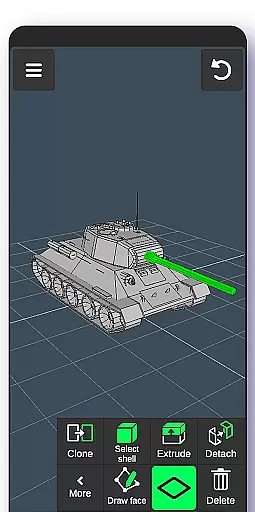
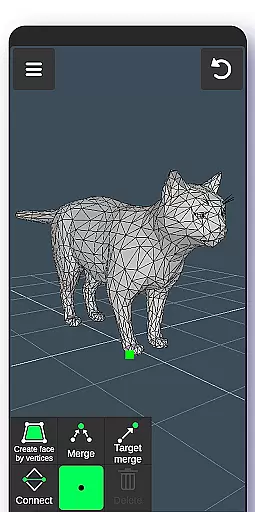
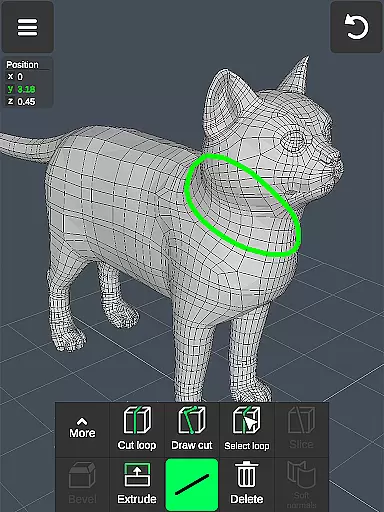
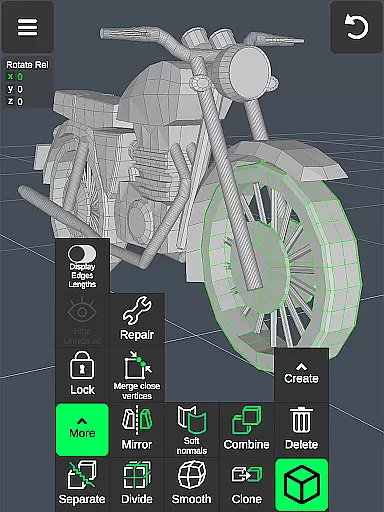
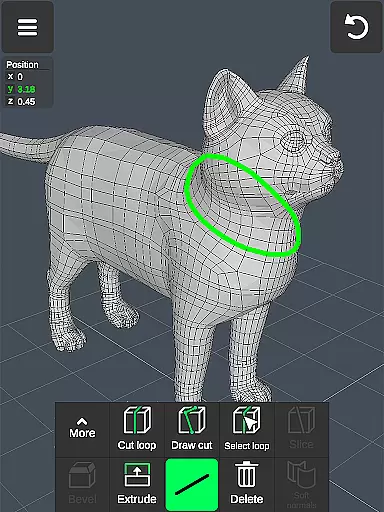
The app includes advanced functionalities such as merging vertices, creating loops, extruding faces, and mirroring objects, which allow for intricate detailing and complex designs. Sculpting enthusiasts will appreciate the move, smooth, push, and pull brushes, complete with adjustable size and strength settings. These capabilities ensure artists can achieve the desired effect with precision.
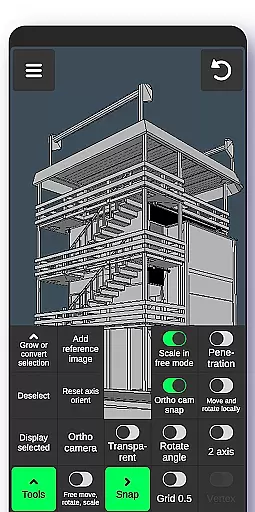
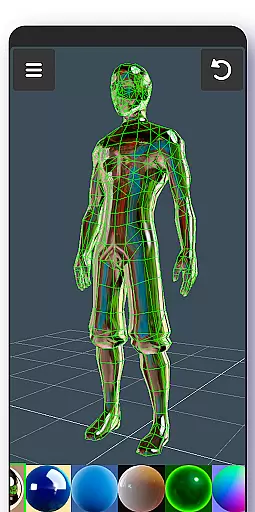
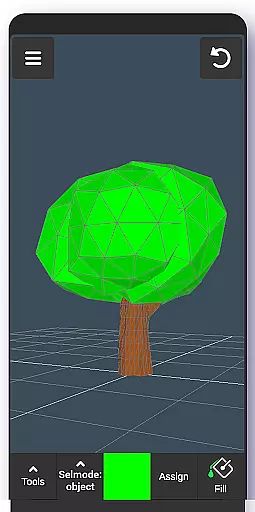
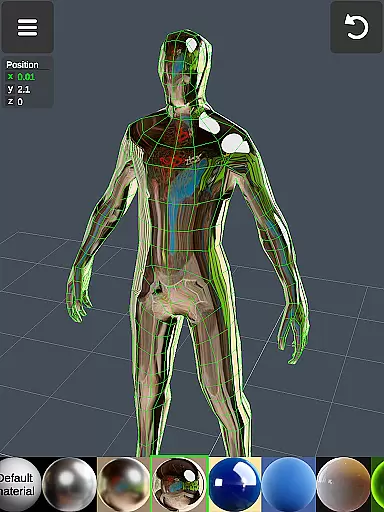
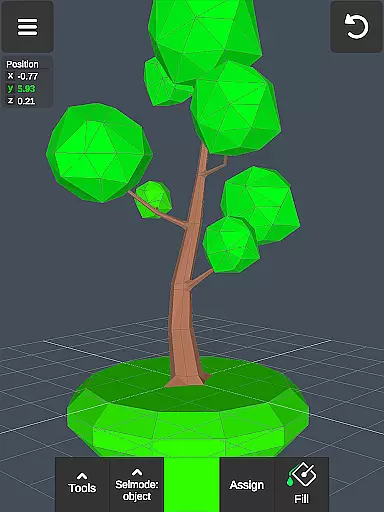
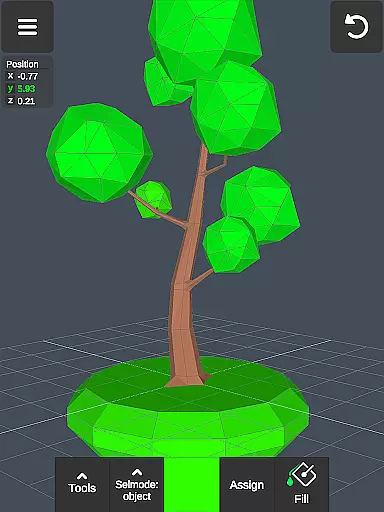
Moreover, display tools like wireframe views, shadows, axis indicators, and grid snapping enhance the modeling experience by giving users greater control over their workspace. With up to 20 materials that can be applied to objects and support for vertex color painting, creators have the freedom to experiment with textures and colors. This level of detail empowers users to produce high-quality 3D models that stand out.
By integrating these powerful tools into a mobile platform, the 3D Modeling App not only streamlines workflows but also makes sophisticated 3D design accessible on-the-go. Whether you're crafting characters or engineering components, this app provides a digital canvas that supports your creative journey from concept to completion.
A key aspect of any art and design application is its ability to adapt to different project requirements through flexible canvas and format options. The 3D Modeling App addresses this need by enabling users to work within a dynamic environment where they can manipulate 3D images using intuitive gestures. This flexibility allows for seamless scaling, rotating, and moving of objects, providing an adaptable space for creativity.
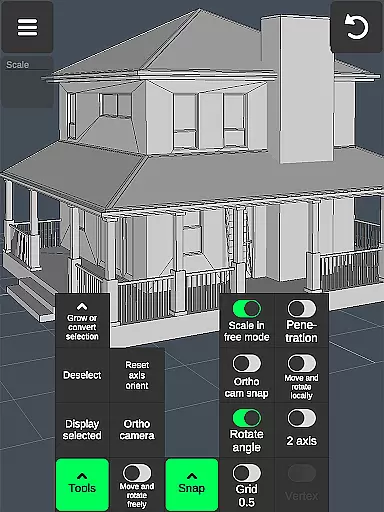
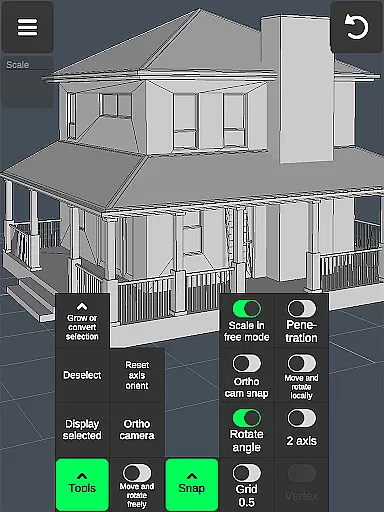
Professionals benefit from precise control over their creations with tools that let them set exact values for movement, rotation, and scaling. Additionally, features such as orthographic camera views and customizable grids with snapping capabilities give designers the accuracy required for detailed work. Users can isolate selections, grow their selection areas, and freely adjust elements without being constrained by grid snaps.
The app's versatility extends to file compatibility, supporting import and export of .obj files, which can then be used across a wide range of 3D modeling and CAD software. This interoperability ensures that projects started on the app can be further refined in other programs if needed. Furthermore, the potential to convert files into multiple formats using third-party converters adds another layer of adaptability.
Ultimately, the 3D Modeling App's commitment to canvas and format flexibility empowers creators to tackle diverse projects with confidence. By removing technical barriers and offering a robust platform for innovation, it enables artists and designers to focus on what truly mattersu2014their creative expression.
User-friendly interface
Wide range of tools
Professional compatibility
Gesture-based controls
Creative versatility
Steep learning curve
Advanced features may overwhelm
Requires powerful device
Limited free version
Occasional performance issues

Make your phone cooler and have a fantastic experience
 4.80
4.80
Unleash Your Creativity with Draw Cartoon - AR Drawing App
4.10
Create stunning video, photo & magic from text with FlixAI GPT video generator.
3.10
Draw glowing spinners, relax, and spin your creative art
4.60
Android 14 style widgets and wallpapers app.
4.2
Inky runs Inkscape on Android devices and Chromebooks
2.90
Share the joy of painting with ibis Paint! Drawing anime and manga art.
4.50
Turning simple sketches into captivating tales filled with life and motion
3.90
AI Tattoo Generator: Create Tattoo Designs & Get Ideas! Ink & Stencil Maker
4.50
Mobile pixel art editor. Simple. Fast. Portable.
4.80
Learn how to draw with step-by-step tutorials, fun lessons & multiplayer drawing
4.70
Draw beautiful mandala's very easily
4.60
Kling AI is an image and video generation and editing studio powered by AI.
4.50
Stylish letters, Stylish Keyboard, Symbols, Emojis, Cool nickname
4.40
Unleash the artist in you with our AR drawing and tracing tool for photo drawing
4.10
AI Face Swap, Video Effects Editor, Realtime Morph, Funny Video FX,AI Filters
3.70
AI Art Generator transforms your words into AI generated art & paintings.
3.70
Create trending AI photos & videos with powerful effects and 3D styles.
3.20
Art of Combination Wear OS Watch Faces
4.3


User Reviews