
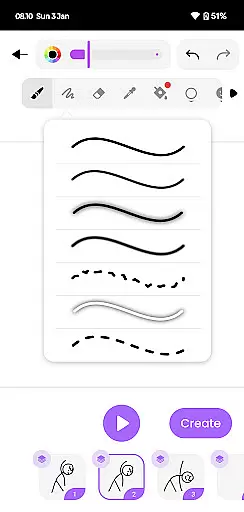
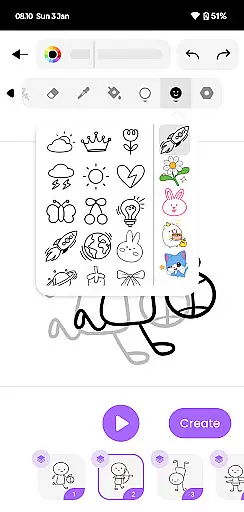
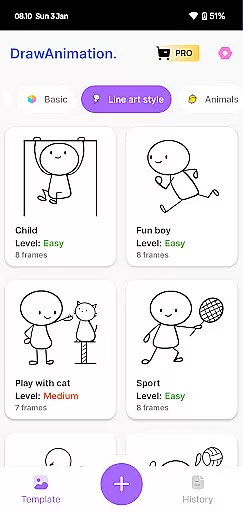
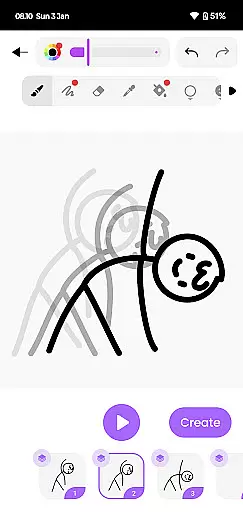
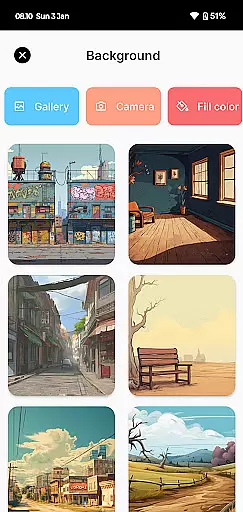
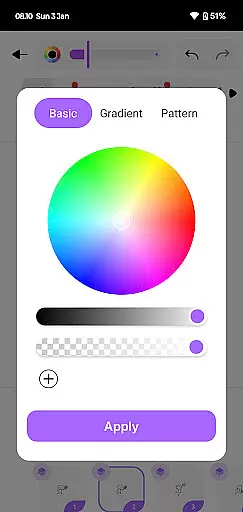
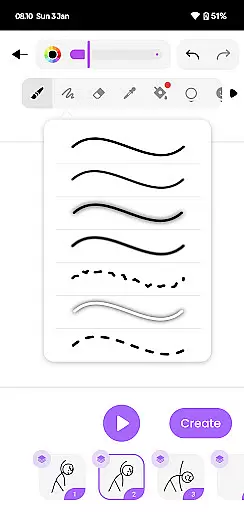
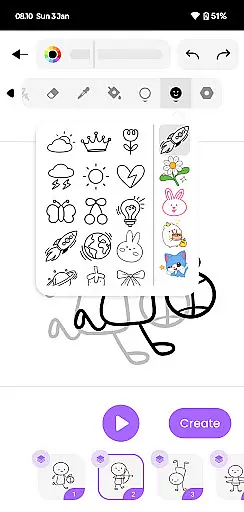
Draw Animation Maker is an innovative app that transforms simple doodles into captivating animations. Designed for both beginners and experienced animators, this tool offers a complete suite of features to create frame-by-frame animations with ease. The app provides a user-friendly interface where users can draw directly on their mobile devices, crafting unique animated stories.
One standout feature is its ability to save projects as GIFs or MP4 files, making it easy to share creations across various platforms. Whether you're looking to create short cartoon clips or more elaborate animated sequences, Draw Animation Maker provides all the necessary tools. Its intuitive design and powerful features make it perfect for artists who want to explore the world of animation without needing expensive equipment or software.
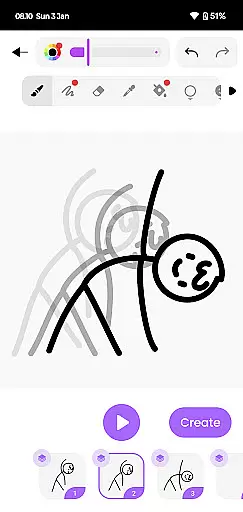
Draw Animation Maker stands out with its comprehensive set of animation tools. Users can create frame-by-frame animations using intuitive drawing tools that mimic traditional flipbook techniques. This approach allows for precise control over each movement and transition in the animation process.
The app includes features such as onion skinning, which helps maintain consistency between frames, and customizable frame rates for smooth motion. Additionally, users can add multiple layers to their projects, enabling complex compositions. With support for exporting in both GIF and MP4 formats, creators can easily distribute their work on social media or incorporate it into larger multimedia projects.
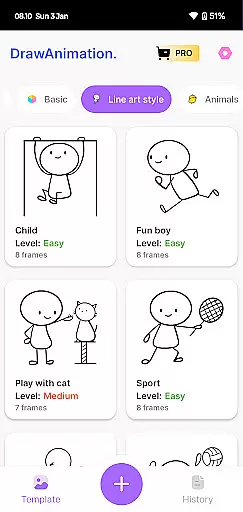
Another notable feature is the built-in library of templates and effects that help jumpstart the creative process. These resources are particularly useful for beginners who might need guidance when starting their first animation projects.
Draw Animation Maker offers a comprehensive suite of creative tools that cater to both novice and experienced animators. The app provides everything needed to transform simple doodles into captivating animations, ensuring users have access to features that support their creative vision.
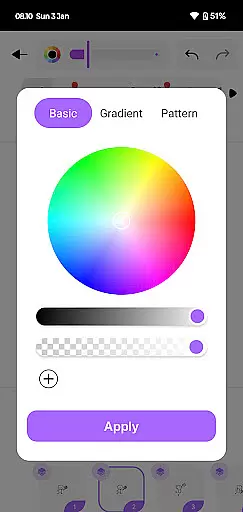
With functionalities ranging from frame-by-frame animation to the ability to save projects as GIFs and MP4 files, the app ensures that users can fully realize their artistic ideas. This complete toolkit includes drawing tools, character customization options, and various export features, all designed to enhance the creative process.
The availability of these diverse tools allows users to experiment with different animation styles and techniques. Whether crafting flipbook-style animations or developing more complex animated sequences, creators can rely on Draw Animation Maker to provide the necessary features to bring their concepts to life.
By offering such a robust set of creative instruments, Draw Animation Maker empowers users to push the boundaries of their imagination. This leads to a more engaging and fulfilling animation experience, ultimately resulting in higher-quality animated content that truly reflects the creator's artistic intent.
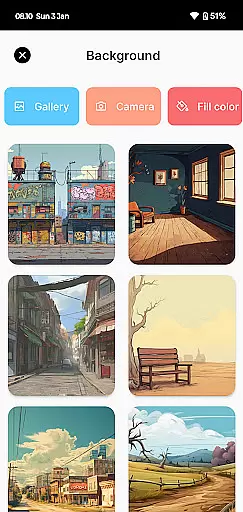
One of Draw Animation Maker's standout features is its exceptional canvas and format flexibility. Users can work with various canvas sizes and formats, allowing for greater creative freedom and adaptability in their animation projects. This flexibility ensures that artists can create animations that perfectly match their envisioned dimensions and style.
The app supports multiple export formats including GIF and MP4, giving users the ability to share their creations across different platforms and devices. This versatility in output options enables animators to reach wider audiences and utilize their work in diverse contexts, from social media to professional presentations.
Additionally, the frame-by-frame animation capability provides precise control over each animation segment. Users can adjust individual frames to achieve exact timing and movement effects, resulting in more polished and professional-looking animations.
This combination of flexible canvas options and versatile format support makes Draw Animation Maker suitable for various animation needs. Whether creating short cartoons or more elaborate animated sequences, users can trust that their final products will maintain the intended quality and presentation across different mediums.
User-friendly interface
Powerful drawing tools
Supports multiple formats
Onion skinning feature
Customizable frame rates
Limited advanced features
No collaboration tools
Few export options
Occasional bugs
Basic template library

Sketch, plan, take notes and illustrate on an infinite canvas.
 4.20
4.20
Create neon drawing with magic doodle and fun doodle art effects!
4.50
Trace, draw, and create art with AR - from memes to masterpieces!
4.30
Text to Image, Image to Video & AI Chat
4.20
Unleash your drawing and painting potential
4.50
Passport size photo maker, create ID photo and visa photo in seconds
4.80
Turn your drawings into flipbook-style animations with simple creative tools
4.60
2D animation studio for Android tablets - unlimited layers, infinite timeline
4.70
How to draw anime step by step for beginner easily by AR drawing sketch & paint.
3.60
Make your phone cooler and have a fantastic experience
4.80
Convert image to JPG PNG HEIC PDF, support almost all kinds of image formats
4.70
Draw glowing spinners, relax, and spin your creative art
4.60
Discover Cartoon Dream : Unleash Your Creativity with CuttingEdge AI
4.50
Digital illustration drawing & painting pad app to paint Anime and Manga art
4.50
Create color palette from Image, RGB & RYB Color wheel harmonies, Color Scheme
4.50
Video AI: Revolutionize Your Content Creation with Advanced Video Generation
4.50
Nano Banana AI Image Generator, Anime Filter, AI Portrait, AI Photo Generator
4.30
Customizable Outlined Fonts. Watch Face Format. Battery friendly Digital Clock.
4.20
Meet the magic aı 3d photo generator and smart AI video generator app.
3.20


User Reviews