
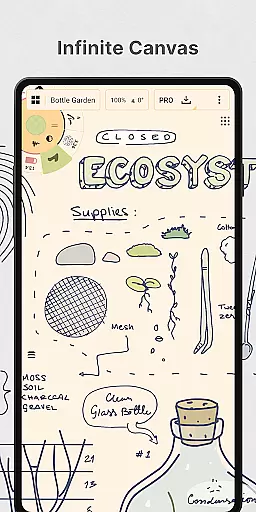
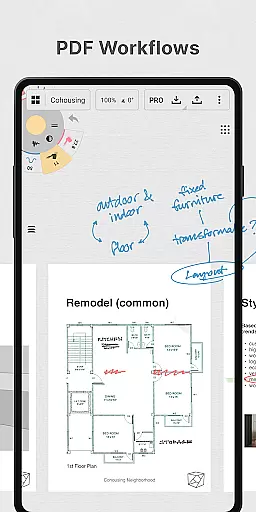
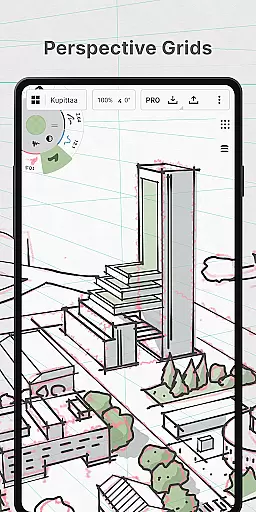
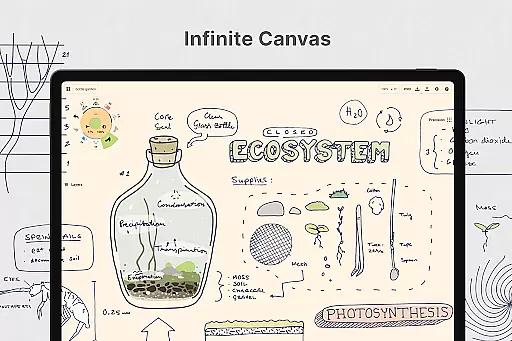
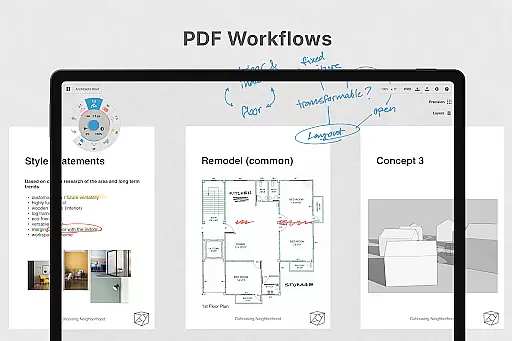
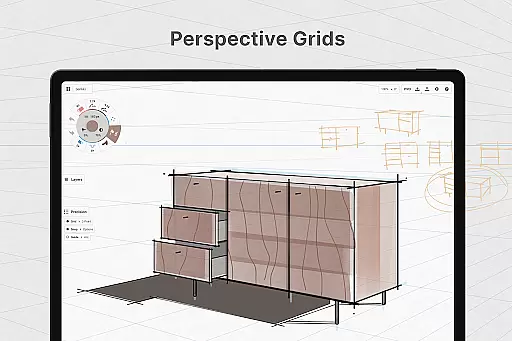
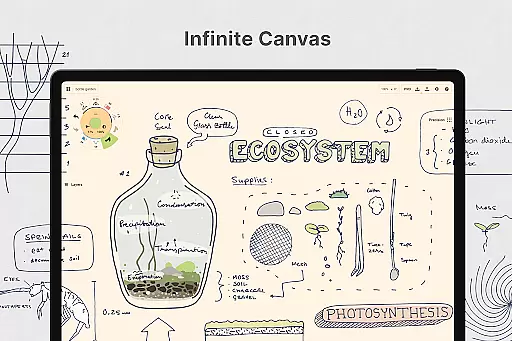
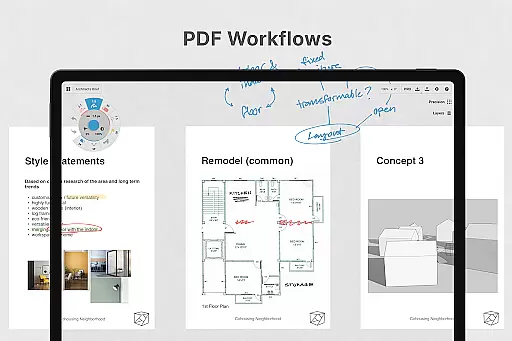
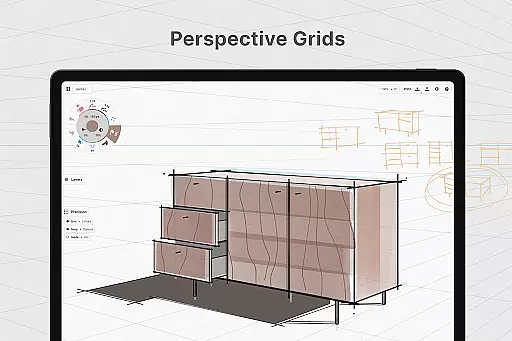
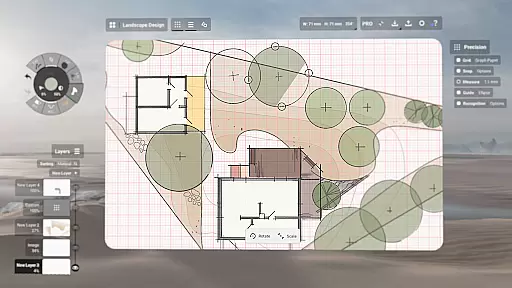
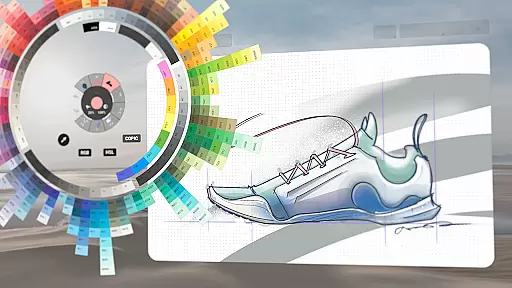
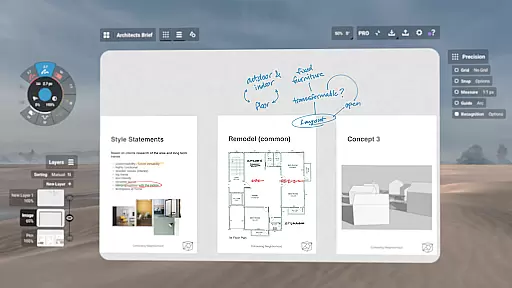
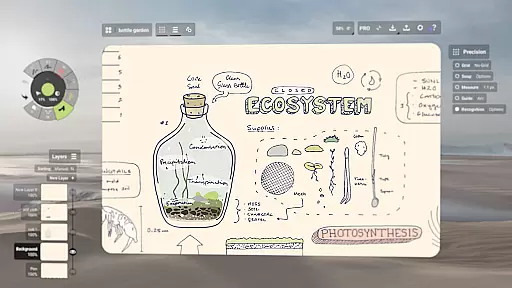
Concepts is a versatile vector-based creative workspace designed for artists, designers, and creators to bring their ideas to life. This digital sketchpad offers an infinite canvas where users can sketch, plan, and develop their concepts with precision. The app provides realistic drawing tools that respond to pressure, tilt, and velocity, making it ideal for detailed design work.
The platform supports various creative processes, from initial brainstorming to final design export. With customizable tools, layers, and color options, Concepts allows users to personalize their workspace. Its compatibility with the latest pen-enabled devices ensures a smooth and responsive experience, making it a go-to choice for professionals at leading companies like Disney and Apple.
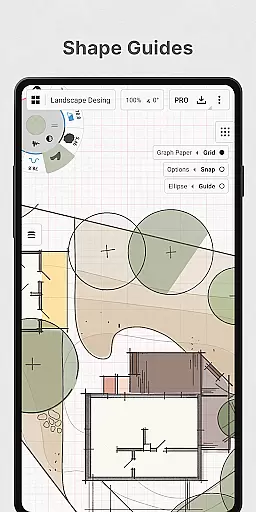
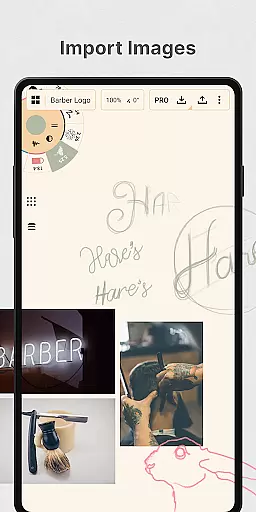
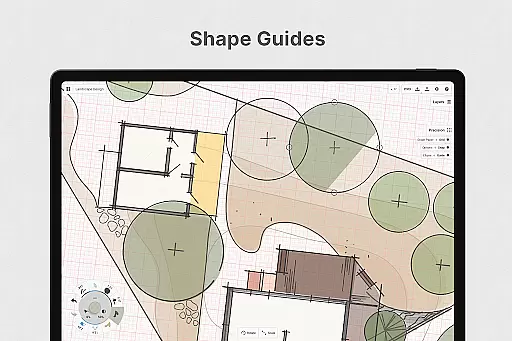
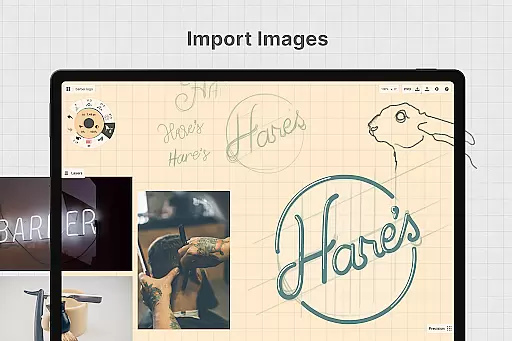
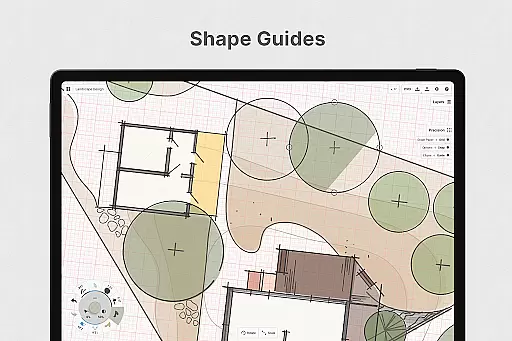
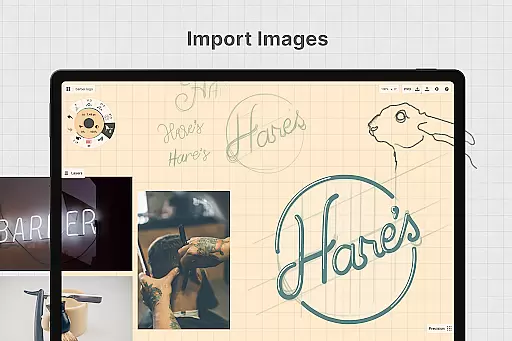
Concepts stands out with its flexible vector-based sketching capabilities. Every stroke is editable and scalable, allowing users to adjust elements without redrawing. The app includes advanced features like shape guides, live snap, and measurement tools for precise drawings. Users can also drag and drop images onto the canvas for reference or tracing.
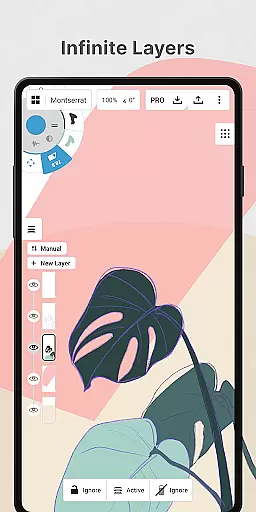
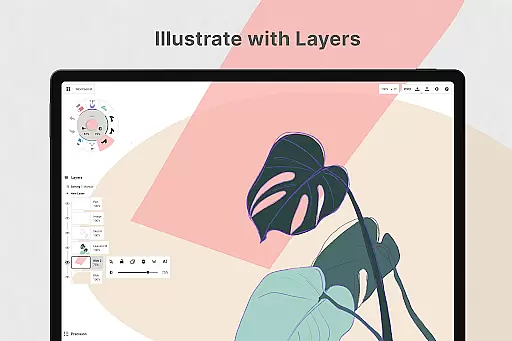
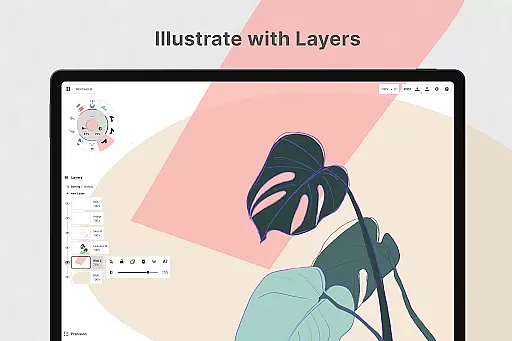
The app offers a customizable interface with a tool wheel or bar, multiple paper types, and custom grids. An infinite layering system with adjustable opacity helps organize complex projects. Creators can export their work in various formats, including PNG, PDF, and SVG, facilitating easy sharing and feedback. These features make Concepts suitable for both beginners and professional designers.
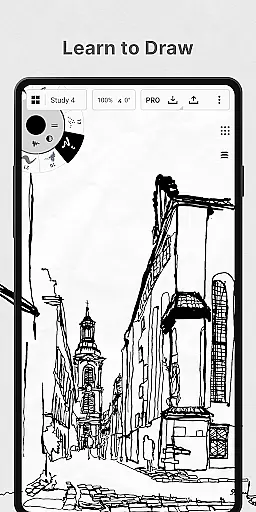
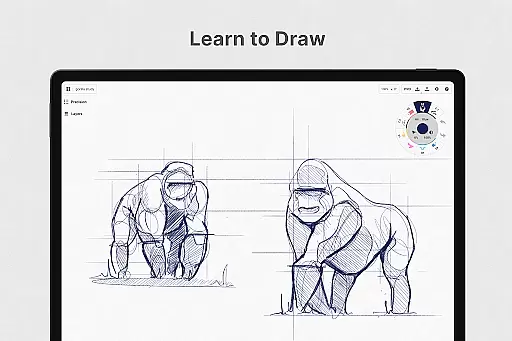
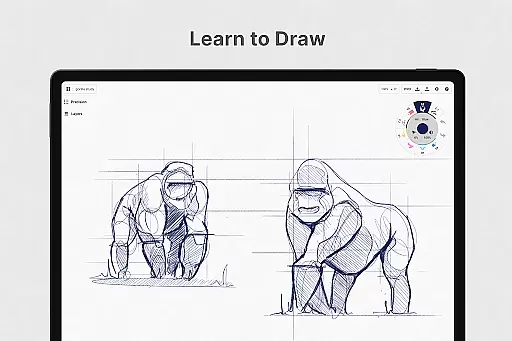
In the realm of digital creativity, having a comprehensive set of tools is paramount. Concepts offers an extensive array of creative instruments that cater to various artistic needs. The app provides realistic pencils, pens, and brushes that respond to pressure, tilt, and velocity, with adjustable live smoothing to refine your strokes.
Moreover, Concepts boasts an infinite canvas with multiple paper types and custom grids, allowing artists to explore vast creative landscapes without constraints. The inclusion of a customizable tool wheel or bar ensures quick access to preferred tools and presets, streamlining the creative process.
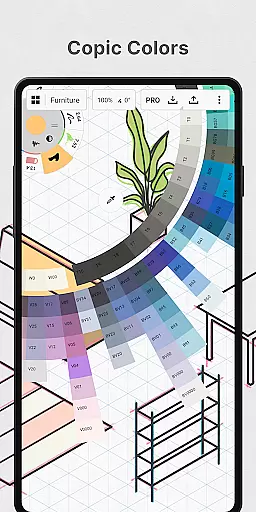
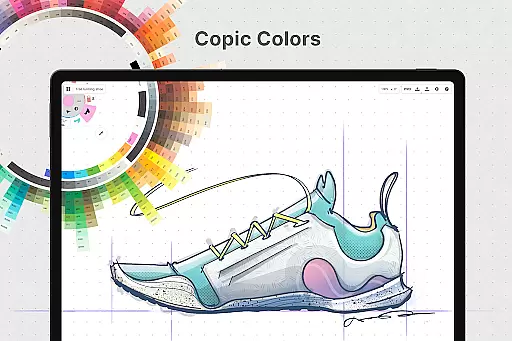
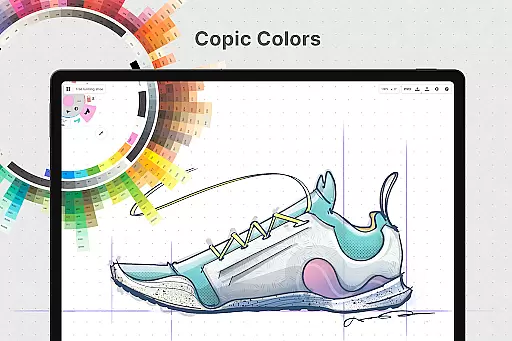
The app also features an infinite layering system with automatic sorting and adjustable opacity, empowering creators to manage complex compositions with ease. With HSL, RGB, and COPIC color wheels, artists can choose colors that harmonize beautifully, enhancing their work's visual appeal.
By providing these complete and flexible vector-based sketching tools, Concepts enables users to adjust their drawings anytime by tool, color, size, smoothing, and scale, ensuring every creative vision can be fully realized without compromise.
A versatile workspace is essential for unleashing creativity, and Concepts delivers remarkable canvas and format flexibility. Its infinite canvas allows creators to expand their ideas without boundaries, offering numerous paper types and custom grids that adapt to different project requirements.
Artists can personalize their canvas further with shape guides, live snap, and measurement features for precise and clean sketches. This flexibility extends to duplicating work for easy iterations directly within the gallery or on the canvas itself, fostering an environment where experimentation thrives.
Additionally, Concepts supports drag-and-drop functionality for images onto the canvas as references or tracing aids, integrating external materials seamlessly into the creative workflow. Users can export their creations in various formats such as images, PDFs, and vectors, facilitating printing or swift feedback exchanges between collaborators.
This level of canvas and format adaptability ensures that whether you're sketching out plans, drawing storyboards, or designing products, Concepts provides a dynamic platform that evolves with your creative process, making it indispensable for professionals and hobbyists alike.
User-friendly interface
Highly customizable tools
Infinite canvas and layers
Realistic drawing instruments
Cross-platform compatibility
Premium features are costly
Steep learning curve
Limited free features
Subscription required for full access
Occasional performance issues

Pose and morph realistic male and female models! 3D poser app
 3.00
3.00
Customizable Outlined Fonts. Watch Face Format. Battery friendly Digital Clock.
4.20
Sketch, trace and master AR drawing with awesome anime art!
3.30
Make your phone cooler and have a fantastic experience
4.80
AI Art Generator transforms your words into AI generated art & paintings.
3.70
Nano Banana AI Image Generator, Anime Filter, AI Portrait, AI Photo Generator
4.30
Create and Design Custom Logos in Seconds with AI-Powered Tools!
4.40
Explore future self face age filter & remove background image for a unique look.
3.50
An intuitive, high-performance painting app that lets you focus on creating
4.40
The ultimate tool for creating animations
4.60
Draw, fidget, and spin glow art! Relax and express your creativity with a finger
4.60
Photo blender app to create overlay photos & double exposure.
4.40
Everything you need to create hand drawn animation, anywhere you go!
4.40
Trace, draw, and create art with AR - from memes to masterpieces!
4.30
Create Logos, Tattoos, AI Art & more with our AI Photo Generator & Design Editor
4.20
Design unique, funny and adorable cat stickers that reflect your own style!
3.80
Resize photos and print photos in exact size with our powerful photo printer!
3.80
Art of Combination Wear OS Watch faces (for Wear OS 5+ devices)
3.00
A luxurious gold watch face for an elegant and refined look.
4.4


User Reviews