
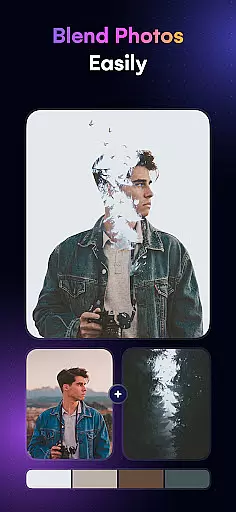
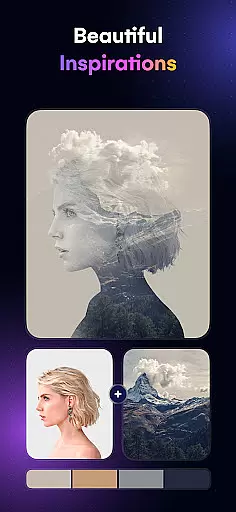
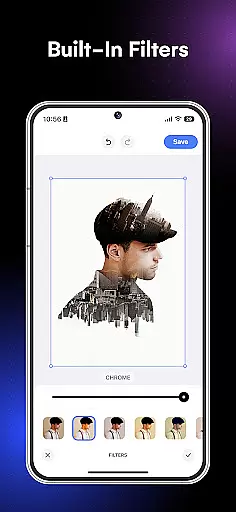
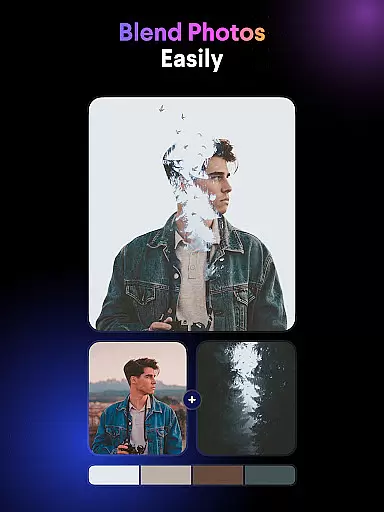
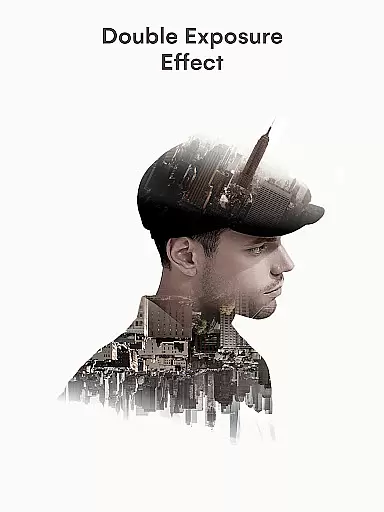
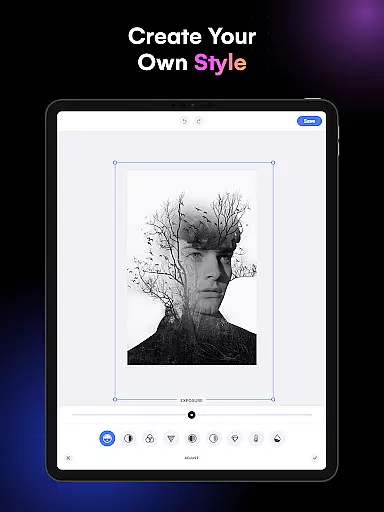
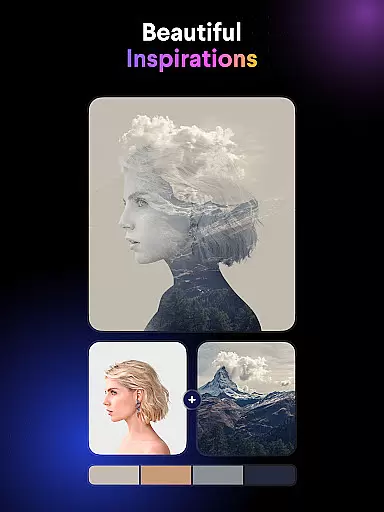
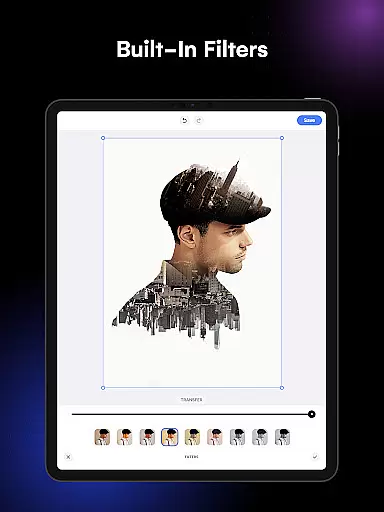
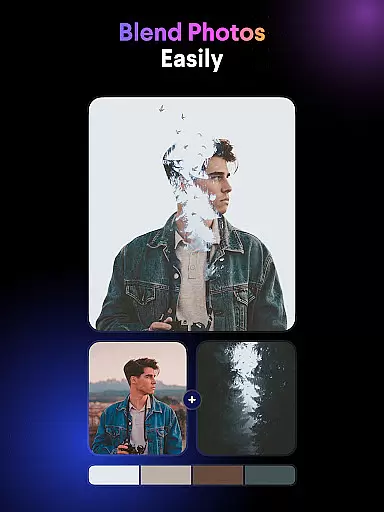
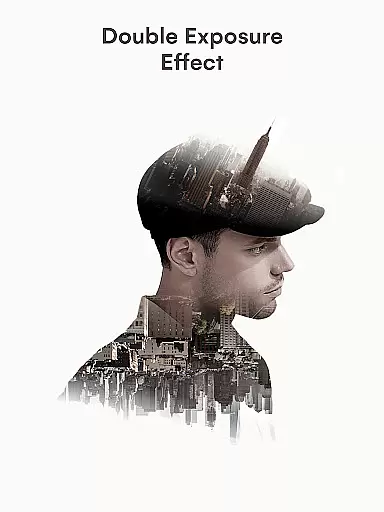
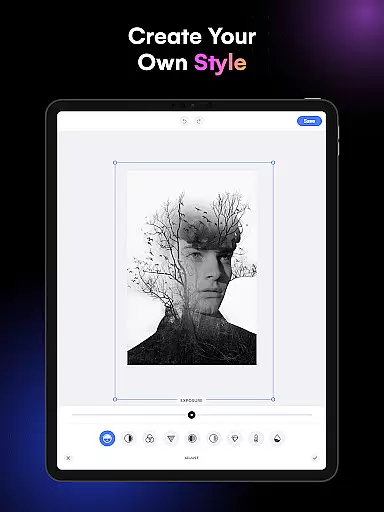
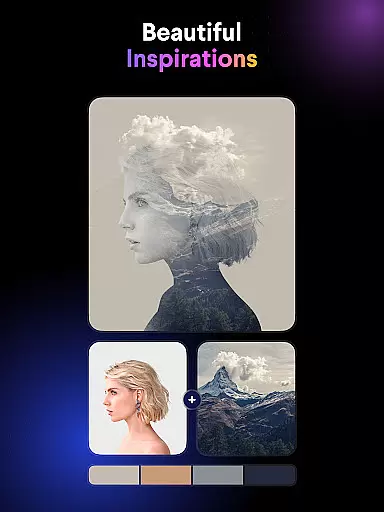
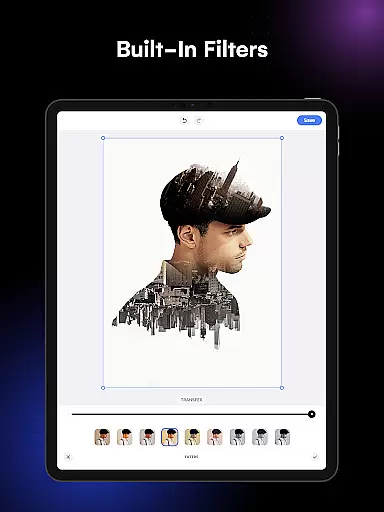
Blend Photos is an advanced photo editing application designed for both amateur and professional artists looking to create stunning double exposure images and photo overlays. The app offers a comprehensive suite of tools that allow users to blend photos with precision and ease, unlocking endless creative possibilities. With its intuitive interface and powerful features, Blend Photos makes it simple to produce professional-quality results in just a few taps.
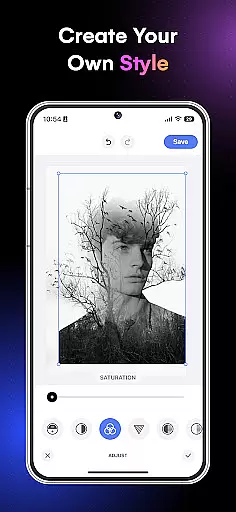
The core functionality includes automatic background removal, advanced adjustment options, shape masking, gradient blending, and cropping/rotation tools. Whether you're looking to craft artistic double exposures or simply enhance your photos with overlay effects, this app provides all the necessary tools at your fingertips. Its AI-powered technology ensures high-quality results while maintaining an accessible user experience.
Ideal for social media enthusiasts, photographers, and digital artists, Blend Photos enables users to quickly share their creations directly from the app to various platforms. The ability to save in HD resolution ensures that every project maintains exceptional quality, making it perfect for both personal and professional use.
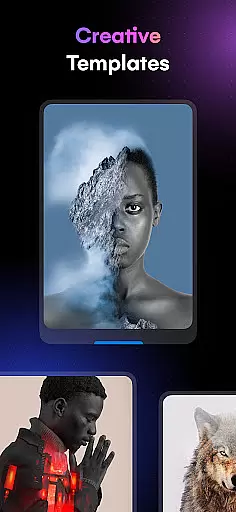
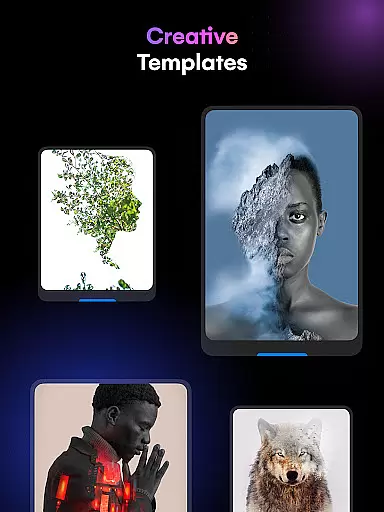
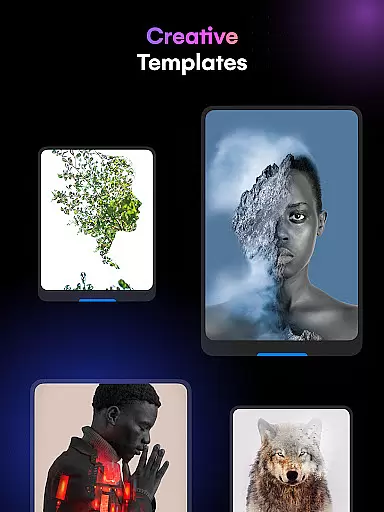
Blend Photos stands out with its diverse range of innovative features tailored to elevate your photo editing experience. One of the key highlights is the collection of customizable photo blender templates, which provide users with ready-to-use designs while allowing for personal adjustments. This feature is particularly useful for those who want quick yet professional-looking results without extensive manual editing.
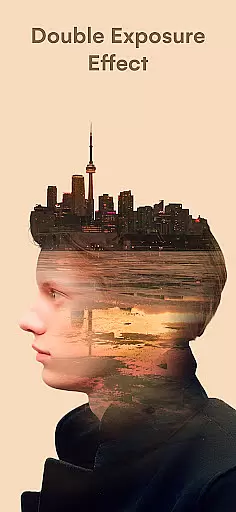
In addition to templates, the app incorporates smart AI technology that automatically removes backgrounds and fine-tunes photo adjustments. Users can experiment with advanced settings such as gradient blends, double exposure effects, and shape masks for picture overlays. These capabilities ensure that every creation is unique and polished. Furthermore, basic editing tools like crop and rotation are seamlessly integrated, offering a complete editing solution within a single platform.
Another notable advantage is the app's clutter-free interface, which prioritizes usability without compromising on functionality. The streamlined design allows users to focus on their creative process while enjoying a smooth and enjoyable editing experience. With support for HD resolution saving and direct sharing to social media, Blend Photos empowers users to showcase their work with confidence and ease.
Blend Photos offers a comprehensive suite of creative tools that cater to both novice and professional users. The app includes essential features such as cropping and rotating, alongside more advanced options like creating double exposure images and picture overlays.
With smart AI technology, the app automatically removes backgrounds and provides advanced adjustments for blending photos. This ensures that users can achieve polished and professional-looking results with minimal effort.
The inclusion of various photo blender templates and shape masks adds another layer of customization, allowing users to craft unique blend photos that stand out. These features collectively make Blend Photos a versatile tool for unleashing creativity.
Flexibility in canvas and format options is crucial for creative freedom, and Blend Photos excels in this area. Users can access HD resolution saving and sharing, ensuring their blended images maintain high quality across different platforms.
The app supports gradient blends and double exposure techniques, providing users with the tools needed to experiment with different artistic styles. This flexibility allows for a wide range of creative expressions within a single application.
Additionally, the clutter-free interface enhances the user experience by making it easy to navigate through the various features. Whether you're looking to create simple overlays or complex compositions, Blend Photos offers the necessary flexibility to bring your vision to life.
User-friendly interface
AI-powered editing tools
HD resolution support
Quick sharing options
Customizable templates
Limited free features
Occasional ads
Premium subscription required
Advanced tools may overwhelm beginners
Background removal not always accurate

Download now for a stylish and functional timepiece
 4.0
4.0
Customizable Outlined Fonts. Watch Face Format. Battery friendly Digital Clock.
4.20
Draw on screen: FP sDraw is a simple and lightweight drawing app
4.70
Paint with oils and sketch with natural tools on a realistic virtual canvas.
3.80
Your AI soulmate — meaningful chats, and unique emotional moments
4.70
Image resizer to resize, crop, rotate, flip, change dpi photo or picture in bulk
4.60
Just trace a projected picture on paper and color! Draw & Paint with AR drawing
4.40
Explore future self face age filter & remove background image for a unique look.
3.50
An intuitive, high-performance painting app that lets you focus on creating
4.40
See Color, Paint Color
4.90
Draw, fidget, and spin glow art! Relax and express your creativity with a finger
4.60
Painting, drawing, & sketching
4.50
Image/ Text to Video Generator
4.40
Draw, make movies & animate cartoons easily with our 2D animation maker app
4.40
Nano Banana AI Image Generator, Anime Filter, AI Portrait, AI Photo Generator
4.30
Bring One UI 8.5 Icons to life -elegant dark icons with a modern, premium touch.
4.30
Art of Combination Wear OS Watch faces (for Wear OS 5+ devices)
3.90
Retouch photos. Create or edit images. Endless capabilities.
2.70
Art of Combination Wear OS Watch faces
4.1


User Reviews