
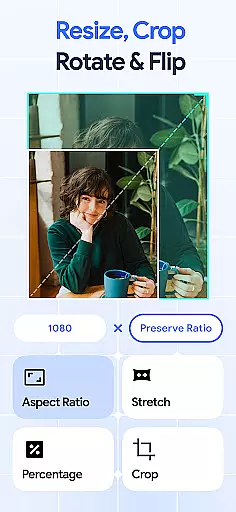
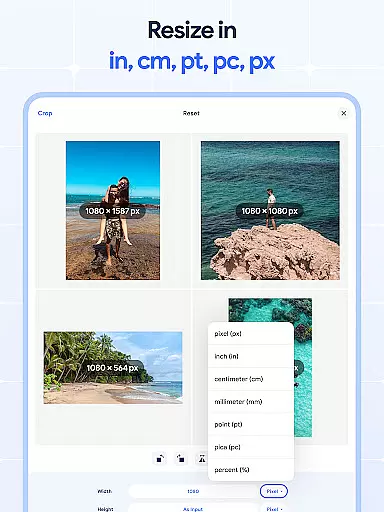
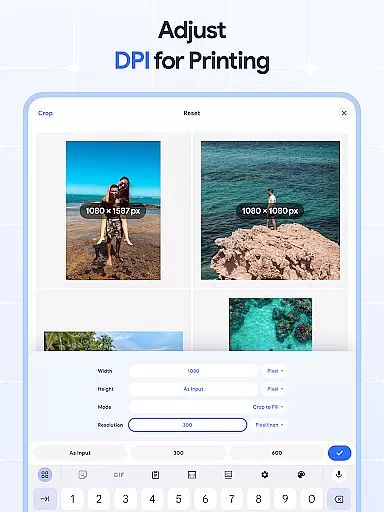
Image Resizer: Crop Photo is a versatile tool designed for resizing, cropping, rotating, flipping, and compressing images with ease. This app caters to users who need to adjust photo resolution, change image size, or prepare images for storage and sharing on social media platforms. With its intuitive interface, the app allows both quick edits and detailed adjustments, making it suitable for casual users and professionals alike.
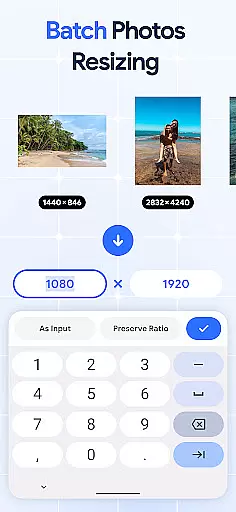
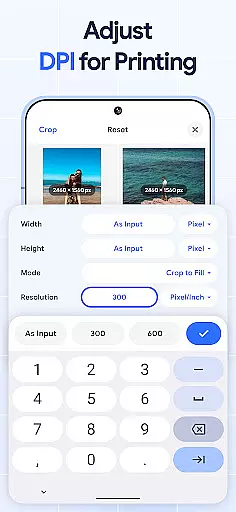
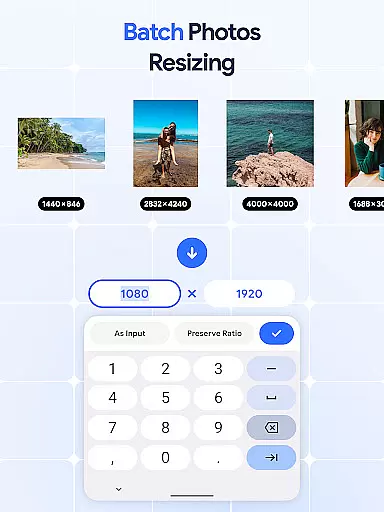
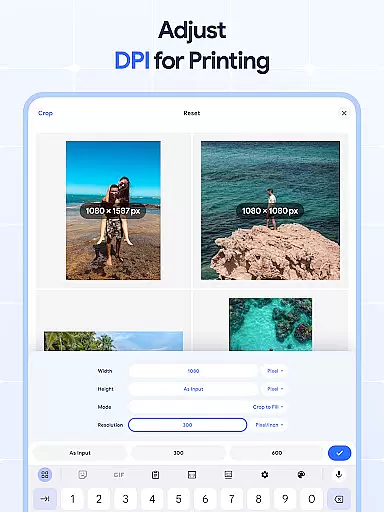
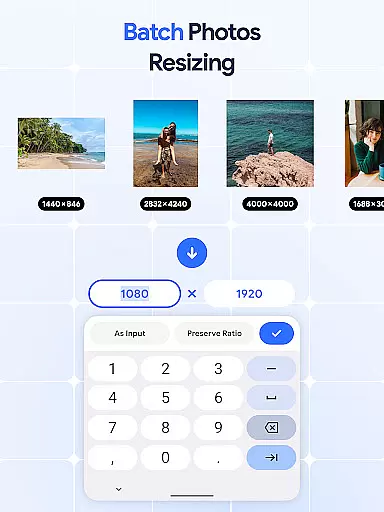
The application stands out with its batch processing capabilities, enabling users to resize multiple images simultaneously. Whether you need to crop pictures, rotate photos in bulk, or adjust DPI settings for print quality, Image Resizer provides all necessary tools in one place. Its comprehensive feature set ensures that users can optimize their images efficiently while maintaining high-quality results.
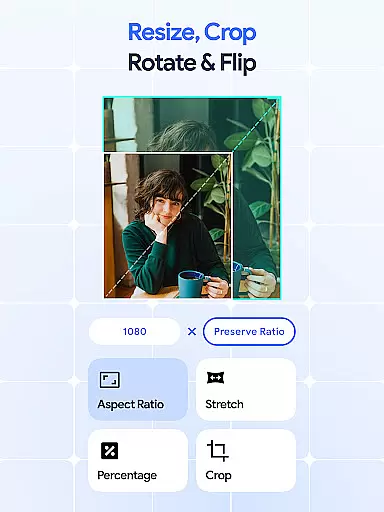
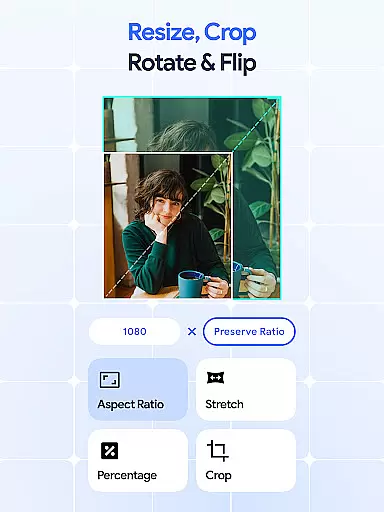
Image Resizer offers an extensive range of features tailored to meet various image editing needs. One of its core functionalities is the ability to resize images quickly, whether for social media optimization or storage efficiency. The app includes a precise cropping tool that lets users remove unwanted parts of an image, as well as a batch crop feature for handling multiple files at once.
In addition to resizing and cropping, the app provides powerful rotation and flipping options. Users can rotate pictures individually or use the bulk rotate feature to adjust multiple images simultaneously. The flip tool allows for creative mirrored effects, enhancing the versatility of the app. Furthermore, the built-in DPI changer helps modify image resolution, ensuring optimal quality for both digital use and physical prints.
For those concerned with file size, Image Resizer includes a robust compression feature that reduces image size without compromising quality. This makes it easier to manage storage space and share images online. The combination of these features in a single app streamlines the editing process, saving users time and effort while delivering professional-grade results.
Image Resizer offers a comprehensive suite of creative tools that cater to various image editing needs. This app allows users to resize, crop, rotate, flip, and adjust the DPI of images with ease.
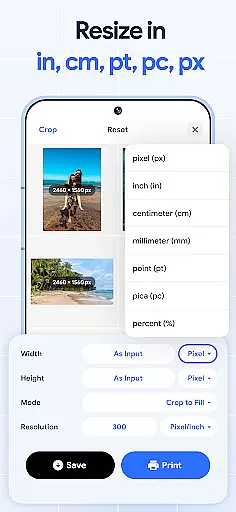
The resizing feature is particularly robust, supporting both individual and batch processing. Whether you need to resize a single photo or multiple images at once, the app provides precise control over dimensions and aspect ratios.
In addition to basic resizing, the app includes advanced features like DPI adjustment and photo compression. These tools ensure that your images maintain optimal quality while being optimized for storage and sharing.
With its complete set of creative tools, Image Resizer empowers users to make professional-grade edits without needing specialized software. This makes it an invaluable resource for designers, photographers, and casual users alike.
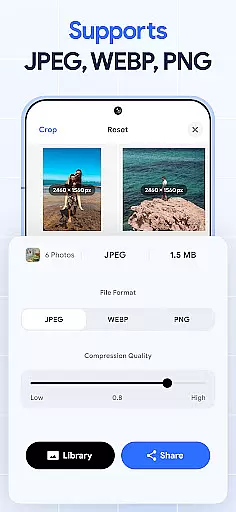
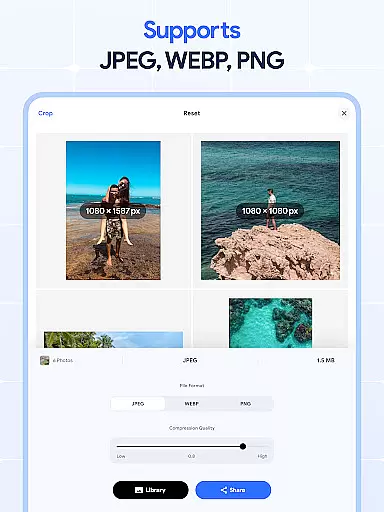
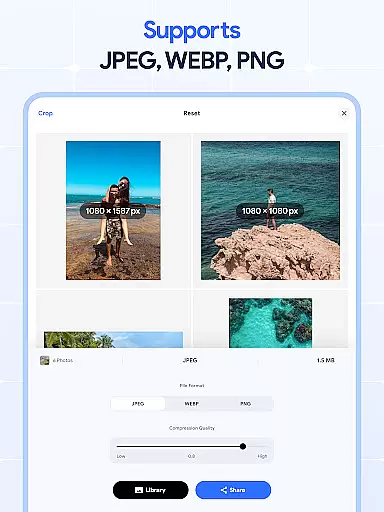
One of Image Resizer's standout features is its exceptional canvas and format flexibility. The app supports a wide range of image formats, allowing users to work with their preferred file types without compatibility issues.
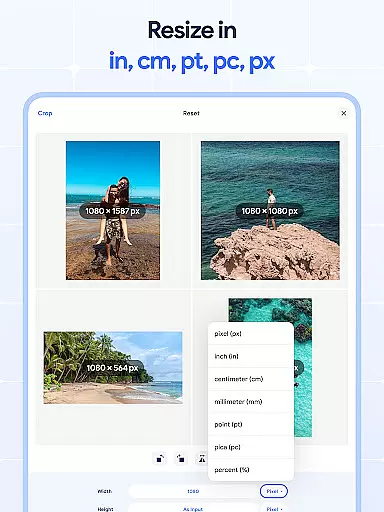
The canvas manipulation capabilities are equally impressive. Users can freely adjust image dimensions, aspect ratios, and resolutions to suit different platforms and purposes. This flexibility extends to both individual and batch editing.
Moreover, the app maintains excellent output quality across all supported formats. Whether you're working with JPEGs for web use or PNGs for print projects, Image Resizer ensures consistent results without compromising image integrity.
This level of format and canvas flexibility makes Image Resizer particularly valuable for professionals who need to adapt their work across multiple mediums and platforms while maintaining creative control.
User-friendly interface
Batch processing support
High-quality compression
Comprehensive editing tools
Efficient performance
Limited advanced filters
No cloud integration
Premium features locked
Occasional bugs
Ads in free version

Custom Character Creator & PFP Maker!
 4.20
4.20
AI Assistant, powered by ChatGPT GPT-4 & GPT-4o. Your intelligent companion.
3.50
Photo blender app to create overlay photos & double exposure.
4.40
Convert image to JPG PNG HEIC PDF, support almost all kinds of image formats
4.70
Unleash Your Creativity with Draw Cartoon - AR Drawing App
4.10
Design unique, funny and adorable cat stickers that reflect your own style!
3.80
800+ Drawing, Painting Lessons App to Practice, Sketch & Paint Art.
4.30
2D animation studio for Android tablets - unlimited layers, infinite timeline
4.70
Create Logos, Tattoos, AI Art & more with our AI Photo Generator & Design Editor
4.20
Photo stitcher for automatically screenshot stitching into a long screenshot
4.70
Turn your drawings into flipbook-style animations with simple creative tools
4.60
Create color palette from Image, RGB & RYB Color wheel harmonies, Color Scheme
4.50
Create and Design Custom Logos in Seconds with AI-Powered Tools!
4.40
Customizable Outlined Fonts. Watch Face Format. Battery friendly Digital Clock.
4.20
Create stylish invitation cards using templates for weddings, birthdays & RSVP.
4.20
Digital Drawing: Draw & Paint
4.10
Unleash the artist in you with our AR drawing and tracing tool for photo drawing
4.10
Art of Combination Wear OS Watch Faces
3.30
Draw anime easily with AR guidance, sketch templates & trace tools!
3.10


User Reviews