
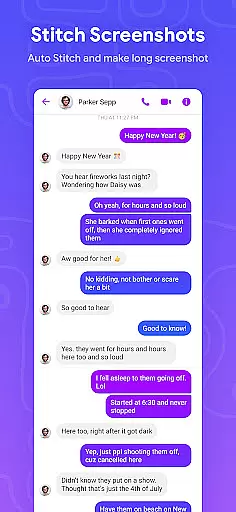
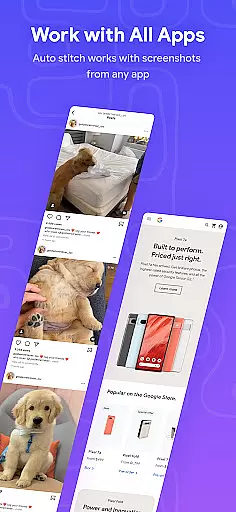
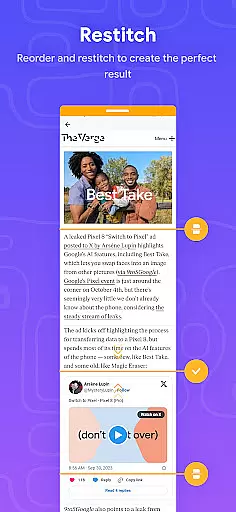
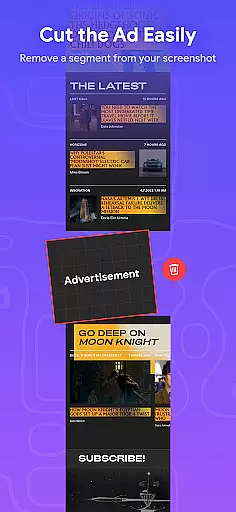
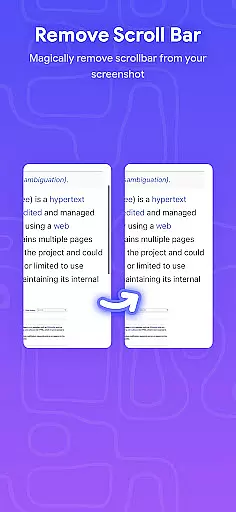
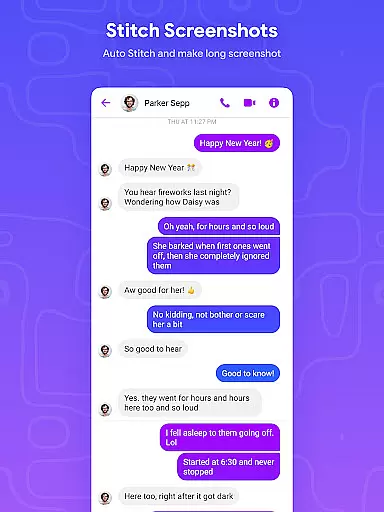
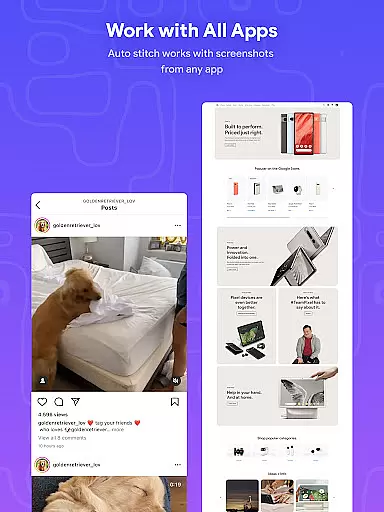
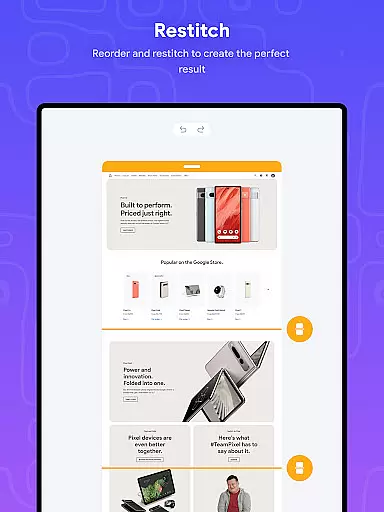
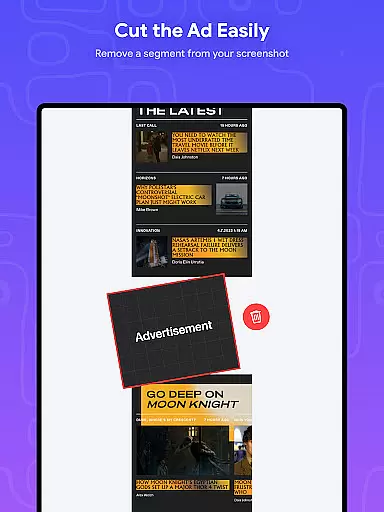
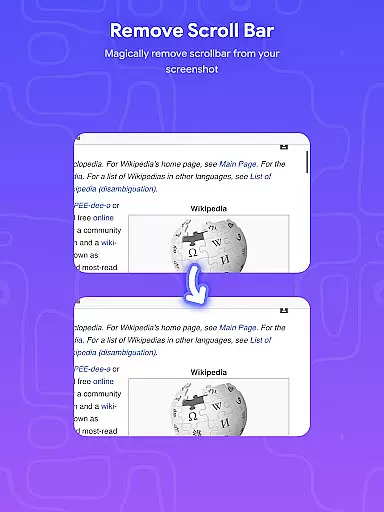
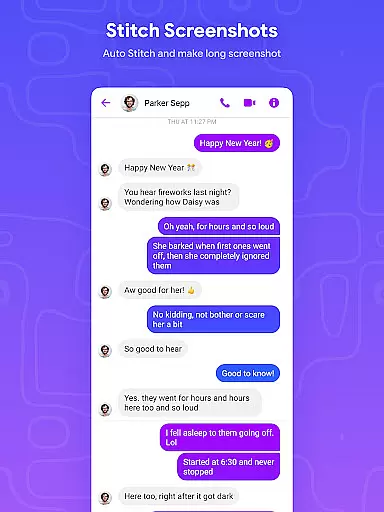
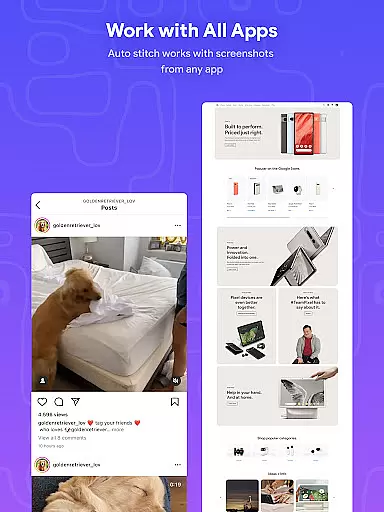
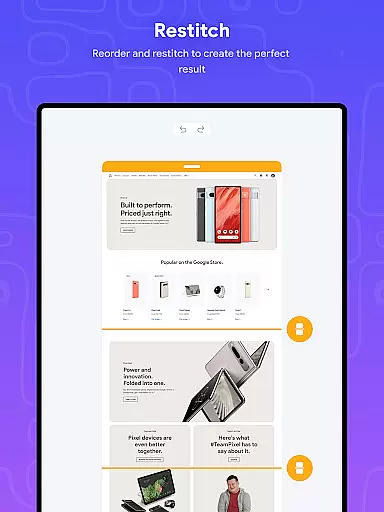
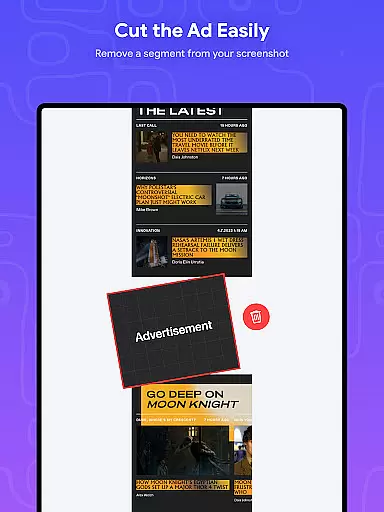
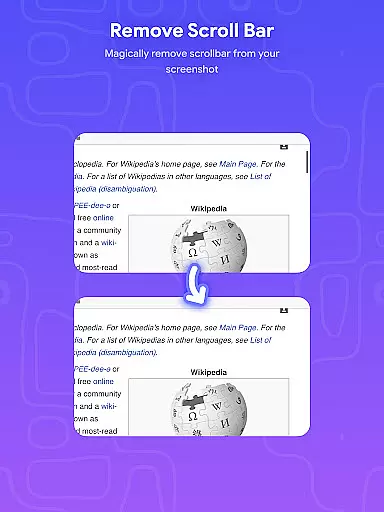
Stitch Photos is an innovative photo stitching app designed for users who want to create seamless panoramas and document scans with ease. Using advanced AI-powered technology, the app can automatically recognize and stitch screenshots or long website captures both vertically and horizontally.
The app is perfect for capturing majestic landscapes or telling a story through images. It ensures that no detail is missed, providing users with high-resolution, flawless results every time. Whether you're looking to stitch multiple images together or capture entire web pages, Stitch Photos offers a user-friendly interface for a hassle-free experience.
Stitch Photos stands out with its powerful features tailored for photo enthusiasts. The app allows automatic stitching of photos both vertically and horizontally, making it versatile for various use cases. Its ability to seamlessly stitch long screenshots or website captures is particularly useful for creating comprehensive document scans.
In addition to its core functionality, Stitch Photos supports high-resolution long screenshot saving, ensuring that the final images retain their quality. The intuitive user interface enhances the overall experience, allowing users to effortlessly create seamless images in one touch. With direct sharing options to social media, this app makes it easy to showcase your creations instantly.
In the realm of digital creativity, having a comprehensive set of tools is paramount. Stitch Photos rises to the occasion by offering an innovative suite of features that cater to all your photo stitching needs. With capabilities ranging from automatic recognition of images to stitching them seamlessly in both vertical and horizontal orientations, this app ensures you have everything required for creating stunning panoramas and document scans.
The application leverages AI-powered technology to deliver high-resolution outputs every time you stitch photos or capture long website screenshots. This technological edge not only enhances the quality of stitched images but also simplifies complex tasks like aligning multiple shots into one cohesive pictureu2014a task that traditionally requires meticulous effort and expertise.
For users seeking convenience without compromising on functionality, Stitch Photos provides a user-friendly interface alongside its advanced feature set. Whether it's majestic landscapes or detailed document scans, this app guarantees an effortless experience while maintaining professional standards in output quality. By prioritizing creative freedom with precision tools at your disposal, Stitch Photos becomes an indispensable asset for anyone looking to explore their artistic potential fully.
Flexibility in canvas size and format options can significantly enhance the creative process when working with digital imagery. Stitch Photos excels in providing unparalleled adaptability through its versatile design capabilities. Users can effortlessly switch between different orientationsu2014vertical or horizontalu2014to suit their project requirements best while enjoying seamless integration across various formats such as panoramas, document scans, and more.
This adaptability extends beyond mere orientation adjustments; it encompasses high-resolution saving options ensuring each creation retains crisp details regardless of how they are used afterwardu2014be it printing large-scale posters or sharing online via social media platforms directly from within the app itself. Such versatility empowers creators not just to visualize but also execute their ideas without being constrained by technical limitations often found elsewhere.
Moreover, Stitch Photosu2019 commitment towards delivering glitch-free experiences further amplifies its appeal among professionals who demand nothing less than perfection from their tools. The ability to capture entire websites accurately adds another layer of utility making it ideal whether you're crafting visual stories spanning vast landscapes or compiling extensive research materials digitallyu2014all underpinned by robust performance metrics designed around user-centric principles enhancing overall satisfaction levels consistently over time.
User-friendly design
AI-powered stitching
High-resolution output
Seamless panorama creation
Direct social sharing
Limited customization
Occasional glitches
Few filter options
Ads in free version
Subscription required

Pose and morph realistic male and female models! 3D poser app
 3.00
3.00
Unleash your drawing and painting potential
4.50
Art of Combination Wear OS Watch Faces
4.0
800+ Drawing, Painting Lessons App to Practice, Sketch & Paint Art.
4.30
Minecraft & Roblox Clothes
4.70
Mobile pixel art editor. Simple. Fast. Portable.
4.80
Beauty Camera - Selfie Camera is the ultimate beauty camera and selfie app
4.30
Turning simple sketches into captivating tales filled with life and motion
3.90
AI Tattoo Generator: Create Tattoo Designs & Get Ideas! Ink & Stencil Maker
4.50
Learn how to draw with step-by-step tutorials, fun lessons & multiplayer drawing
4.70
Get an overview over all your embroidery threads, projects and more.
4.60
Draw anime & manga drawing, art with templates to create stunning picture!
4.50
Create neon drawing with magic doodle and fun doodle art effects!
4.50
Draw Trace image sketch by, AR art projector app, Easy to trace any image.
4.50
AI generated images & photos, turn your words into drawing, painting & pictures.
4.30
AI Assistant, powered by ChatGPT GPT-4 & GPT-4o. Your intelligent companion.
3.50
Meet the magic aı 3d photo generator and smart AI video generator app.
3.20
Art of Combination Wear OS Watch faces (for Wear OS 5+ devices)
3.00
Your Essential Color Theory Guide: Red, Yellow, Blue (RYB)
4.3


User Reviews