
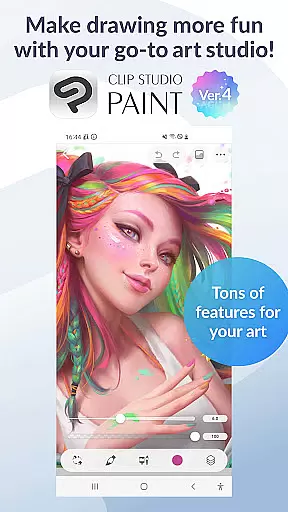
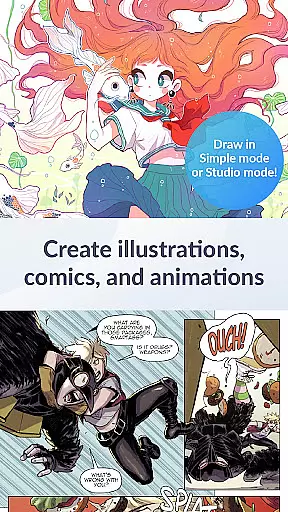
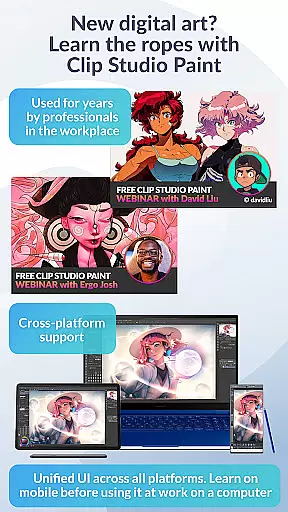
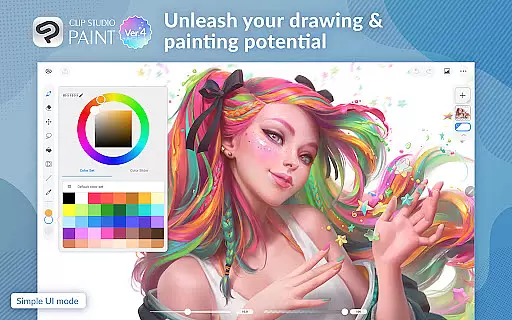
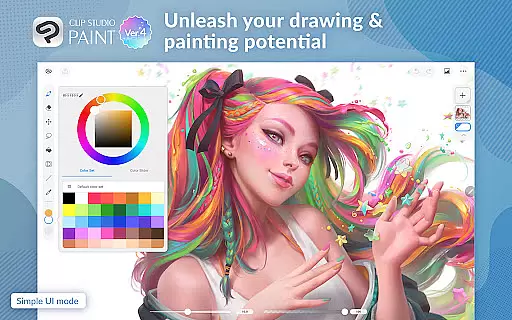
Clip Studio Paint is a premier digital art application designed for artists and creators who want to bring their ideas to life. With its robust set of features, the app offers a comprehensive toolkit for drawing, painting, and animating on both tablets and smartphones.
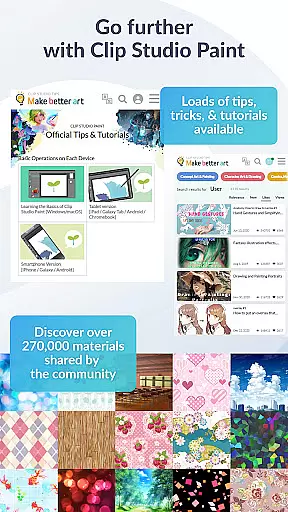
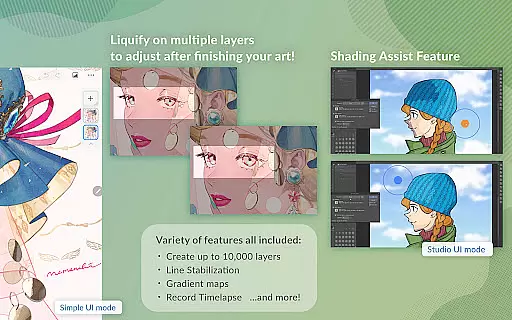
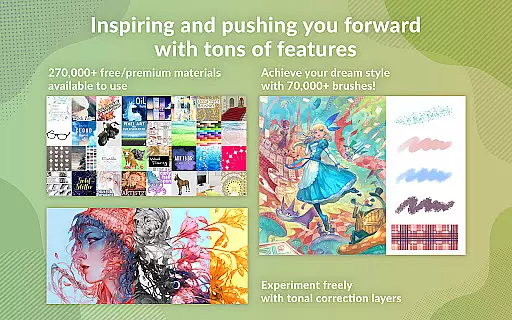
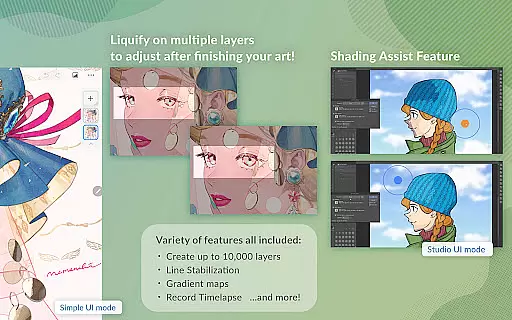
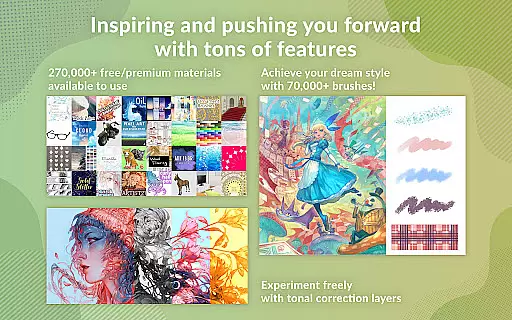
The app provides users with access to over 270,000 free and premium materials, including brushes and textures, as well as advanced tools like 3D model posing, gradient maps, and puppet warp. Whether you're sketching characters or designing complex layouts, Clip Studio Paint supports up to 10,000 layers and delivers professional-grade capabilities that cater to both beginners and pros.
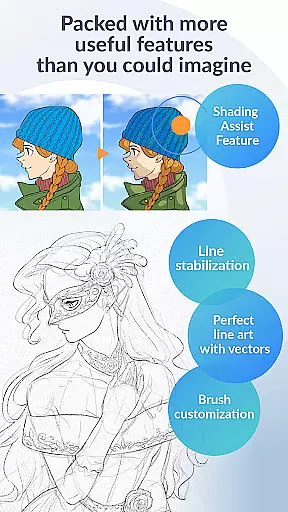
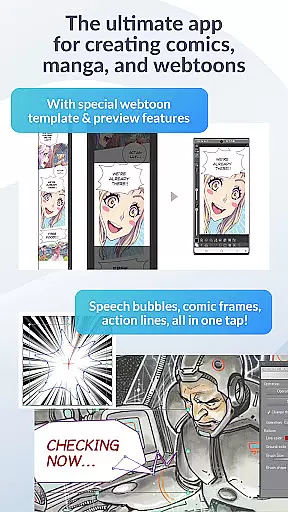
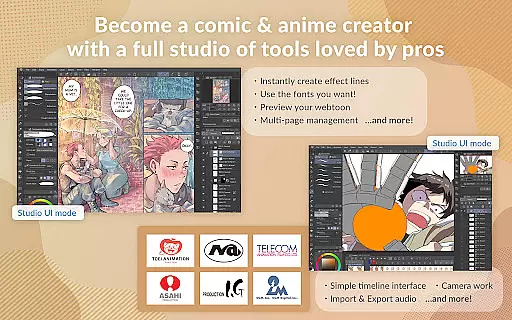
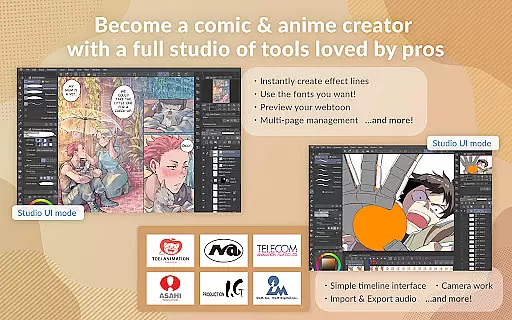
Ideal for comic, manga, or webtoon creation, it includes specialized features such as speech bubbles, frames, and shading assist. Additionally, the animation tools allow users to create anything from simple GIFs to full-length animations with sound and camera movements.
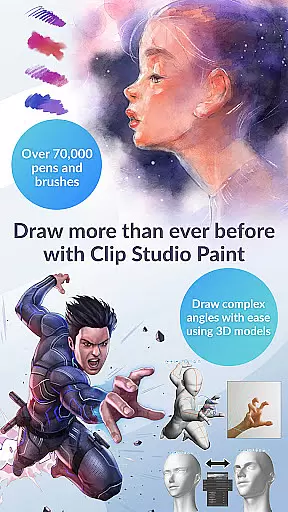
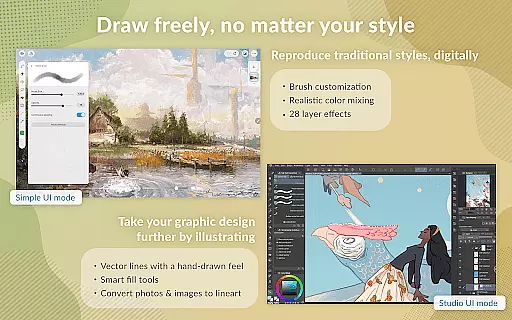
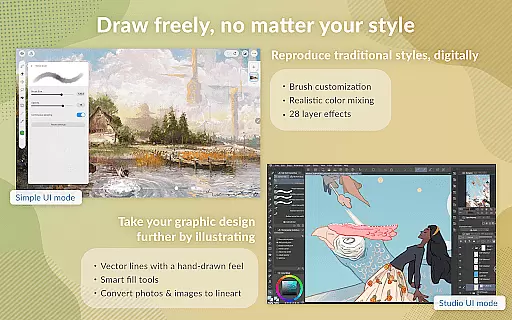
Clip Studio Paint stands out with its extensive feature set tailored for digital artists. The app's brush engine offers more than 70,000 brushes crafted by artists worldwide, allowing for unparalleled customization and creativity. Users can enjoy vector painting, ensuring their artwork scales without quality loss, and utilize 28 layer effects to refine their creations.
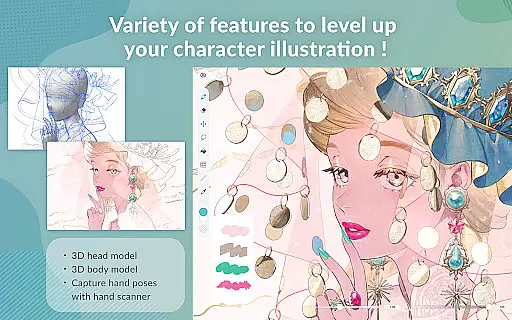
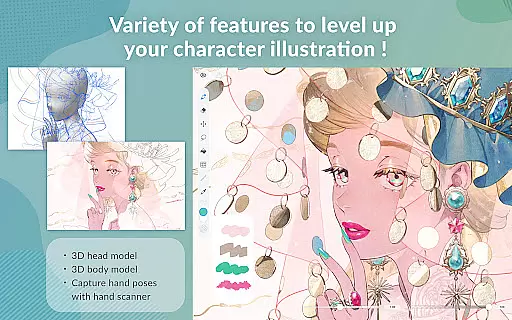
Advanced functionalities include line stabilization for smoother line art, 3D primitives for quick layout ideas, and perceptual color mixing for realistic paint blending. The app also supports sophisticated drawing techniques such as liquify adjustments across multiple layers and snap tools for precise object placement.
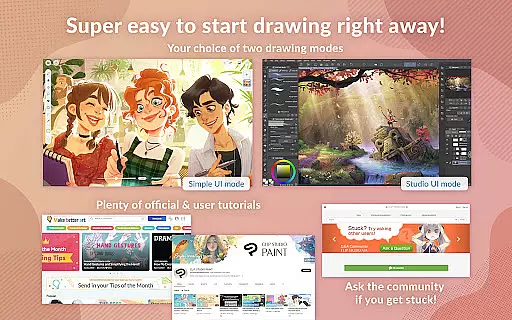
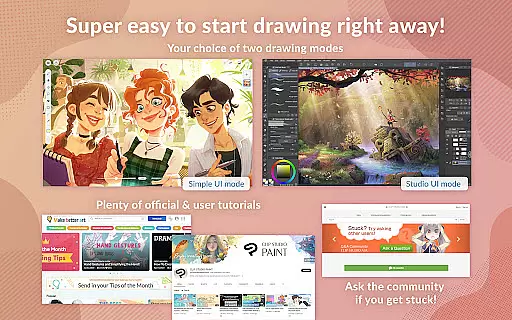
For comic creators, Clip Studio Paint provides essential tools like customizable speech bubbles and instant shadow effects. Moreover, the platform encourages learning and skill-building through free tutorials and thousands of user tips available online, making it an all-encompassing solution for digital art enthusiasts.
Creative tool completeness is a crucial aspect of any art and design application, and Clip Studio Paint excels in this area. The app provides an extensive array of features that cater to both amateur artists and professionals. With access to over 70,000 brushes crafted by artists globally, users can find the perfect brush for their needs, whether they prefer painting with vectors or using traditional brush strokes.
Moreover, Clip Studio Paint offers more than 270,000 materials, including textures and other assets, which are available for free or as premium content. This vast library allows creators to experiment with different styles and techniques without limitations. Advanced tools such as 3D primitives for quick layout ideas, customizable brush settings, and dual brush options empower users to innovate and refine their artwork efficiently.
The inclusion of professional features like gradient maps, layer effects, and perceptual color mixing ensures that artists have full control over their creations. These tools not only enhance the quality of the artwork but also streamline the creative process, making it easier for users to bring their visions to life with precision and flair.
Canvas and format flexibility in Clip Studio Paint sets it apart from other art applications. Artists can create up to 10,000 layers, allowing for incredibly detailed and complex artworks. This level of detail is essential for professionals who require high-resolution outputs and intricate compositions. Additionally, the ability to adjust line art and colors across multiple layers using liquify tools ensures that artists maintain creative control throughout the editing process.
Clip Studio Paint supports vector drawing, enabling users to scale their artwork without losing quality. This feature is particularly beneficial when working on projects that demand various output sizes, from web graphics to large-scale prints. Furthermore, the app's compatibility with different file formats means that artists can export their work in the most suitable format for their specific needs, whether it be for digital platforms or physical reproduction.
For those interested in animation, the software facilitates the creation of anything from simple GIFs to full-length animations. Users can add sound, camera movements, and tweening, expanding the possibilities beyond static images. Such versatility in handling diverse artistic expressions underlines Clip Studio Paint's commitment to providing a comprehensive and adaptable creative environment.
User-friendly interface
Extensive brush library
Powerful layer management
Comprehensive tutorial resources
Versatile animation tools
Subscription required for full features
Limited free trial on smartphones
High system requirements
Complex for beginners
Occasional performance issues

Floor Plan Creator lets you create, edit and share floor plans.
 4.00
4.00
Text to Image, Image to Video & AI Chat
4.20
Design unique, funny and adorable cat stickers that reflect your own style!
3.80
800+ Drawing, Painting Lessons App to Practice, Sketch & Paint Art.
4.30
OneUI 8.5 icons ✨ Smooth, modern & based on the latest Play Store design ??
4.10
Unleash the artist in you with our AR drawing and tracing tool for photo drawing
4.10
Bring One UI 8.5 Icons to life -elegant dark icons with a modern, premium touch.
4.30
Retouch photos. Create or edit images. Endless capabilities.
2.70
Multiplayer Drawing game, Coloring, Painting・Sketch, Handwriting・Paint, draw
4.30
Make your phone cooler and have a fantastic experience
4.80
Painting, drawing, & sketching
4.50
Beauty Camera - Selfie Camera is the ultimate beauty camera and selfie app
4.30
Create stylish invitation cards using templates for weddings, birthdays & RSVP.
4.20
Design your dream room with AI. Get decor ideas & plan home interiors
3.90
Resize photos and print photos in exact size with our powerful photo printer!
3.80
Your homescreen as an elegant glass with customized blur, lighting, and visuals.
3.70
Create sweet, cool and unique couple avatars easily, in just a few steps!
3.40
Draw anime easily with AR guidance, sketch templates & trace tools!
3.10
Art of Combination Wear OS Watch Faces
4.5


User Reviews