
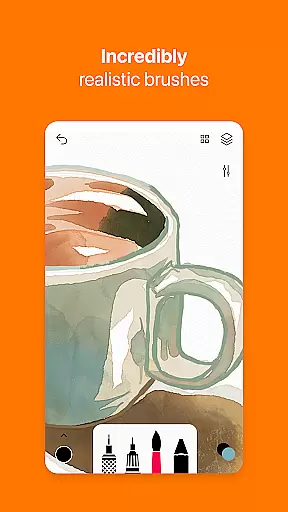
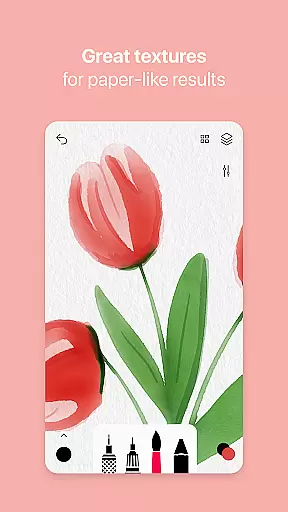
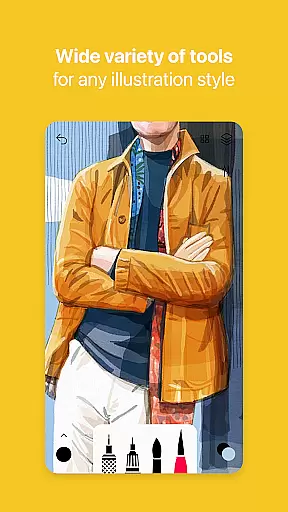
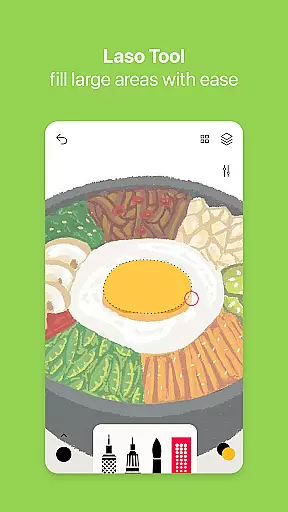
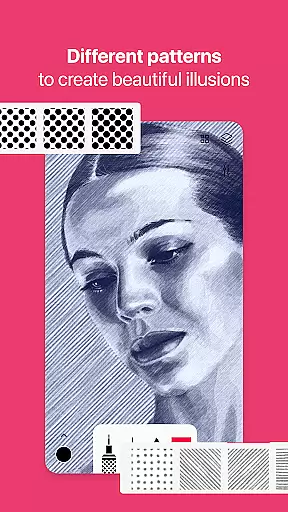
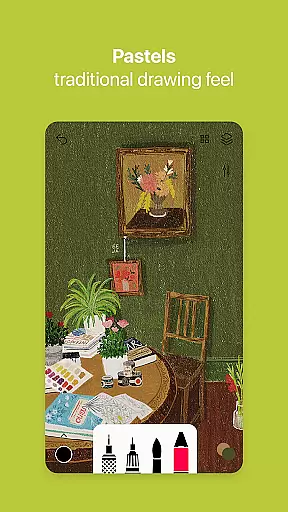
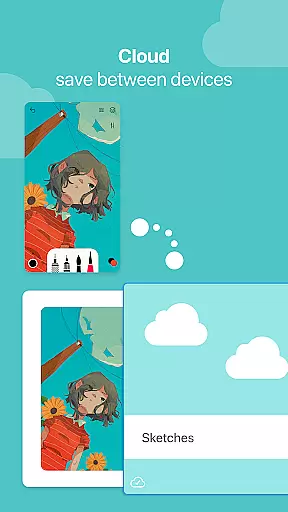

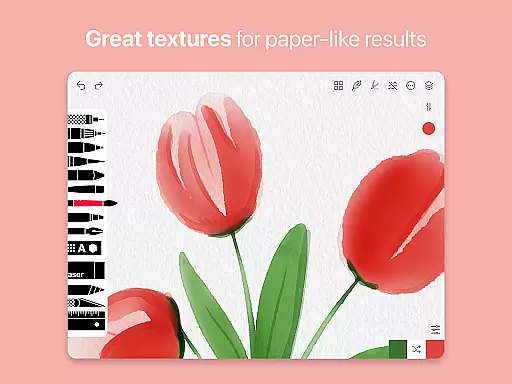
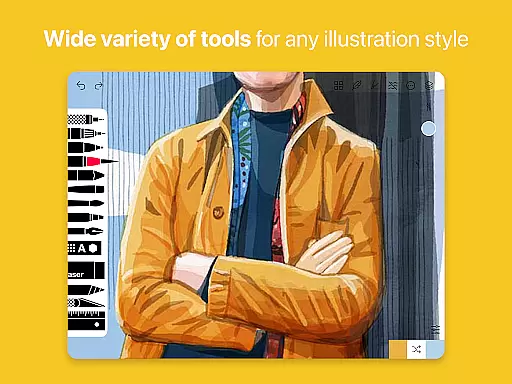
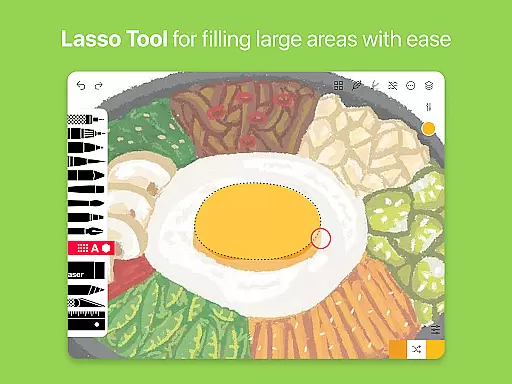
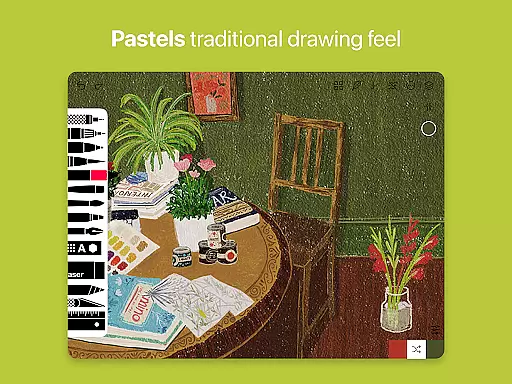
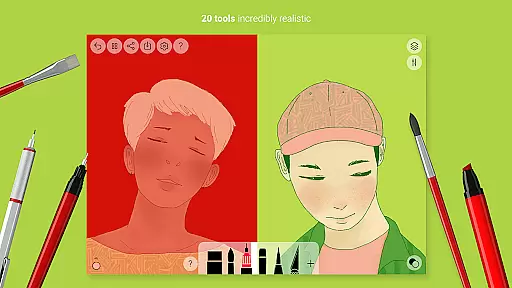
Tayasui Sketches is a premier drawing application designed for artists and creatives who value precision and beauty in their digital artwork. The app offers an impressive selection of over 20 ultra-realistic tools, each meticulously crafted to mimic traditional art mediums. These include various brushes such as watercolor, acrylic, and oil pastel, which dynamically respond to the user's movements by adjusting pressure, angle, and width.
One of the standout features of Tayasui Sketches is its intuitive interface that combines powerful functionality with ease of use. Artists can take advantage of advanced options like layers, a brush editor, and color eyedropper to refine their work. Additionally, the app supports importing photos and offers extensive sharing capabilities, making it versatile for both personal projects and professional collaborations.
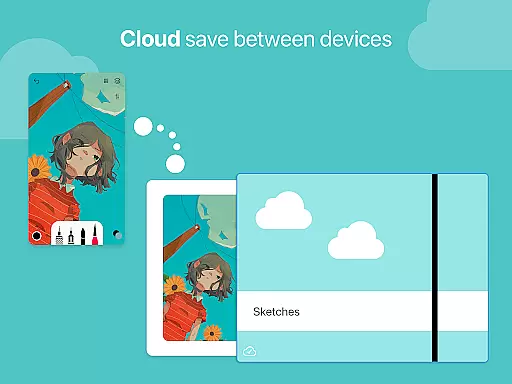
Whether you're sketching ideas on the go or creating detailed illustrations, Tayasui Sketches provides a seamless experience across Android devices. With premium subscription options available, users can unlock even more features such as additional tool variants and enhanced export functions, ensuring they have everything needed to bring their creative visions to life.
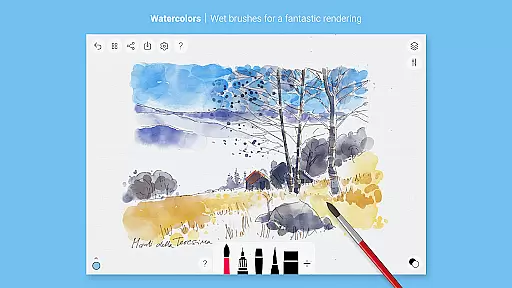
Tayasui Sketches distinguishes itself through its commitment to realism and quality in digital art tools. Each brush has been carefully designed to behave vividly and truly like its real-world counterpart, offering an unparalleled level of authenticity. For instance, the watercolor wet brush simulates actual paint behavior, allowing colors to blend naturally on the canvas.
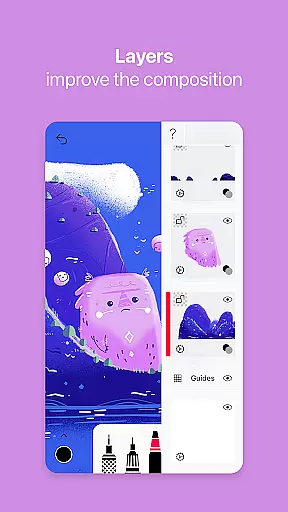
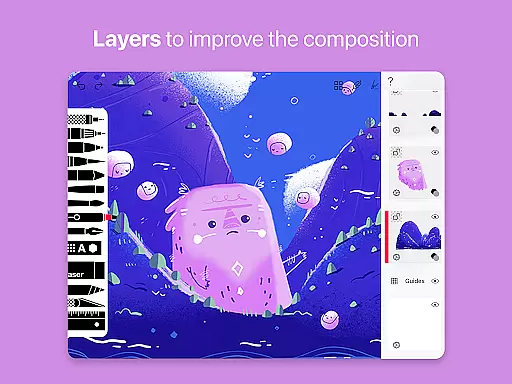
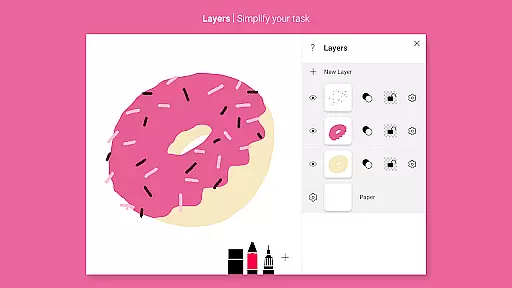
Beyond its core set of brushes, Tayasui Sketches includes several advanced features that cater to professional artists. The Layers feature simplifies complex tasks by enabling non-destructive editing, while the Brushes Editor allows customization of stroke attributes. Furthermore, support for stylus input enhances precision, providing a tactile drawing experience akin to working with pen and paper.
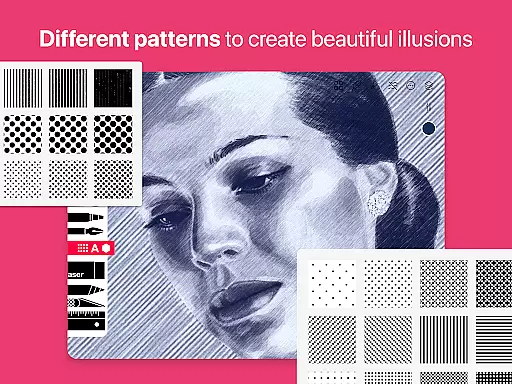
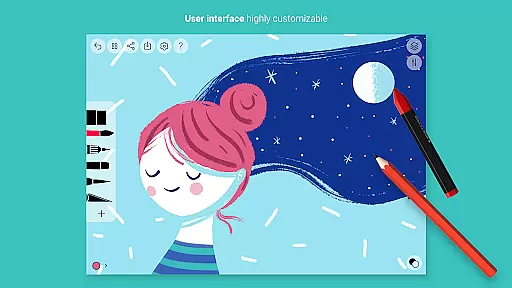
The app also excels in usability, thanks to its minimalist design philosophy. Despite the wealth of features, navigation remains straightforward due to well-organized menus and clear icons. Users can easily access essential functions such as importing images, using the color picker, or applying patterns and shapes. This balance between sophistication and simplicity ensures that both beginners and seasoned professionals can make the most out of Tayasui Sketches.
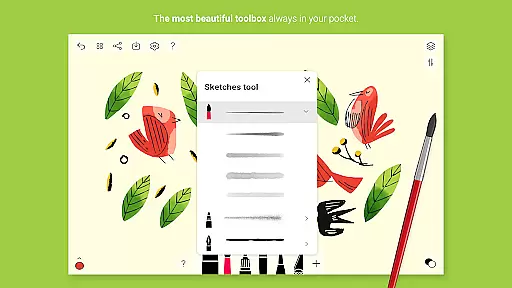
In the realm of digital art, having a comprehensive set of creative tools is paramount. Tayasui Sketches offers over 20 ultra-realistic instruments, ranging from pens and brushes to advanced features like layers and an intuitive Brushes Editor.
Each tool within the application has been meticulously crafted to mimic real-world counterparts. The watercolor wet brush, for instance, provides an incredibly lifelike experience that adapts to the user's movements in terms of pressure, angle, and width.
Artists benefit greatly from this attention to detail as it allows them to execute their vision with precision. With options such as oil pastels, acrylic brushes, airbrushes, and even a smudge tool, creators can explore various artistic techniques without limitation.
The app also supports importing photos and includes advanced sharing capabilities, making it not just a canvas but a complete studio on your device. This holistic approach ensures artists have everything they need at their fingertips for an uninterrupted workflow.
A versatile canvas is essential for any artist looking to express themselves fully. Tayasui Sketches excels in format flexibility by providing users with customizable canvases that adapt to different project requirements.
With support for layers, artists can work on complex compositions while maintaining control over individual elements. This feature simplifies tasks and enhances productivity by allowing non-destructive editingu2014a crucial aspect when refining artwork or experimenting with new ideas.
Moreover, the inclusion of stylus support caters to those who prefer traditional drawing methods. It ensures precision and comfort, bridging the gap between digital and analog art forms seamlessly.
Whether you're sketching quick concepts or working on detailed masterpieces, Tayasui Sketches' adaptable environment empowers artists to push boundaries without being constrained by technical limitations. Its thoughtful design makes it suitable for both beginners and professionals alike.
User-friendly interface
Highly realistic brushes
Advanced layer management
Customizable brush settings
Intuitive photo import
Premium features require subscription
Limited free trial availability
Auto-renewal policy
No refunds for unused periods
Some tools iPad-exclusive

Floor Plan Creator lets you create, edit and share floor plans.
 4.00
4.00
Sketch, plan, take notes and illustrate on an infinite canvas.
4.20
Remove Background, Magic Eraser, Photo Enhancer, Story Templates, Collage Maker
4.30
See Color, Paint Color
4.90
Draw glowing spinners, relax, and spin your creative art
4.60
2D animation studio for Android tablets - unlimited layers, infinite timeline
4.70
Beauty Camera - Selfie Camera is the ultimate beauty camera and selfie app
4.30
An intuitive, high-performance painting app that lets you focus on creating
4.40
All-in-One art, logo & collage maker. Design photos and edit video backgrounds
4.80
Passport size photo maker, create ID photo and visa photo in seconds
4.80
Minecraft & Roblox Clothes
4.70
The ultimate tool for creating animations
4.60
Turn your drawings into flipbook-style animations with simple creative tools
4.60
Create Logos, Tattoos, AI Art & more with our AI Photo Generator & Design Editor
4.20
Art of Combination Wear OS Watch faces (for Wear OS 5+ devices)
3.90
Design unique, funny and adorable cat stickers that reflect your own style!
3.80
Powerful home decoration & house design that allows you to design dream home.
3.80
Meet the magic aı 3d photo generator and smart AI video generator app.
3.20
Art of Combination Wear OS Watch Faces
4.4


User Reviews