
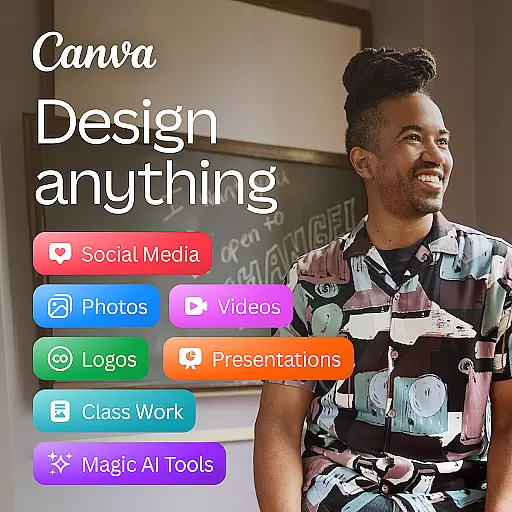

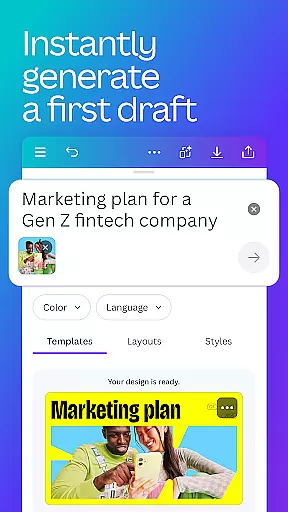
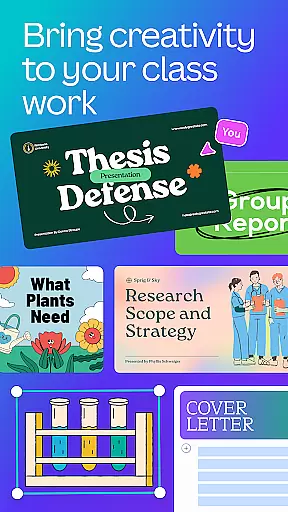
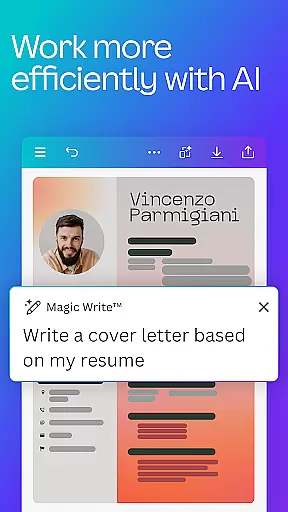
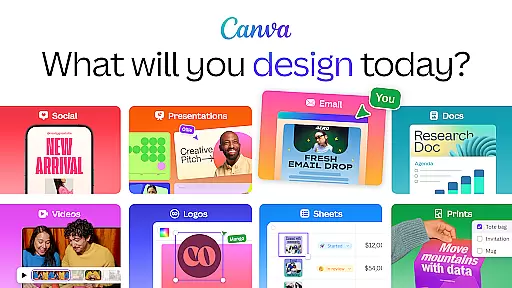
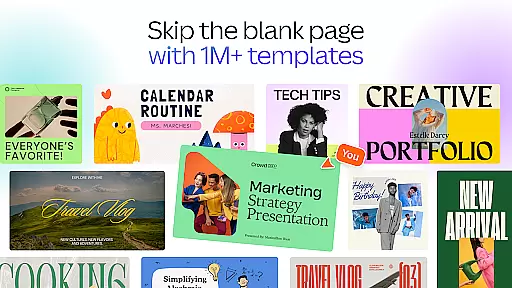
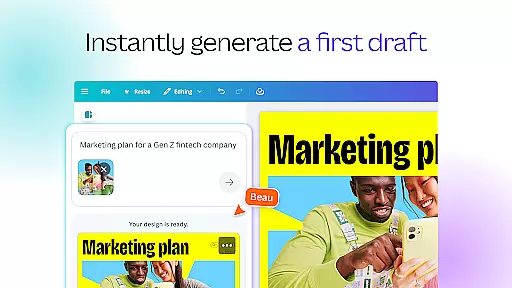
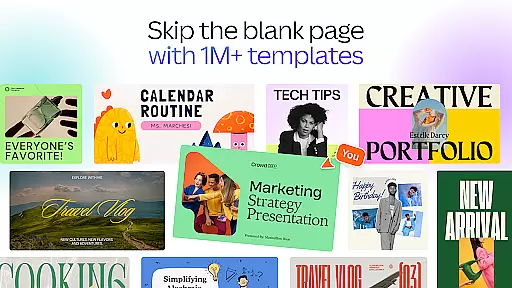
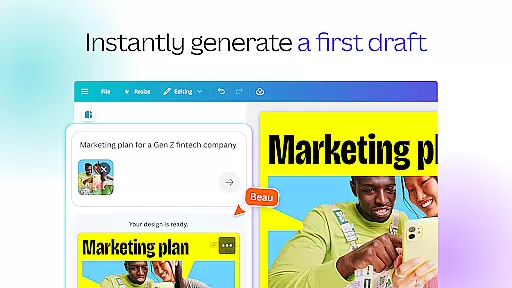
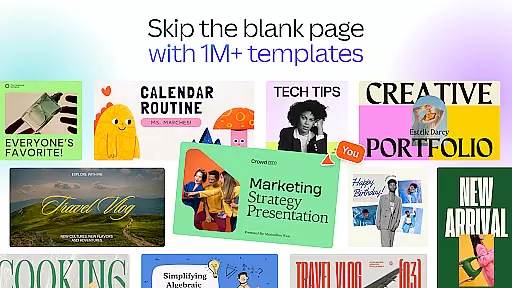
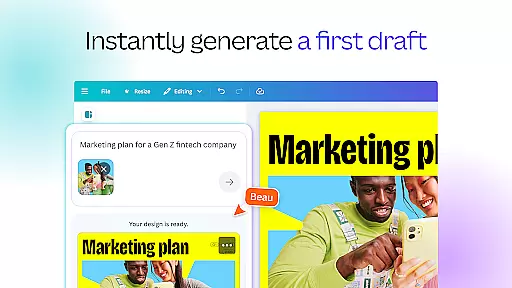
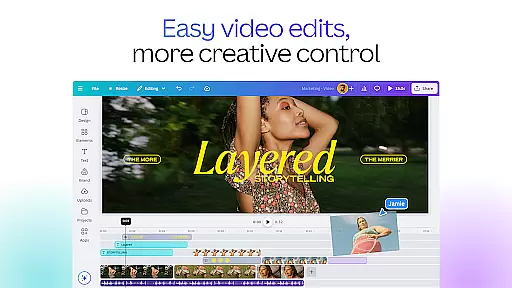
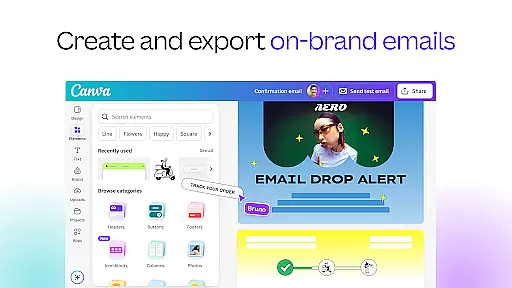
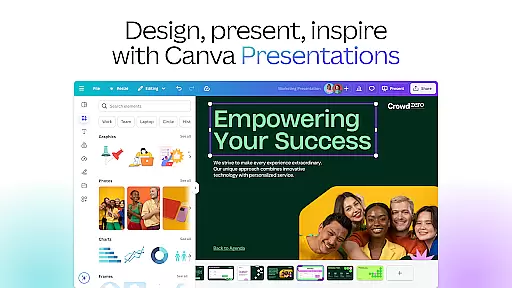
Canva is a versatile design application that combines photo editing, logo creation, collage making, and video editing into one powerful platform. It features built-in AI tools such as the AI image generator, which allows users to transform text into images quickly. With customizable templates for social media posts, presentations, flyers, and more, Canva enables users to create professional designs effortlessly.
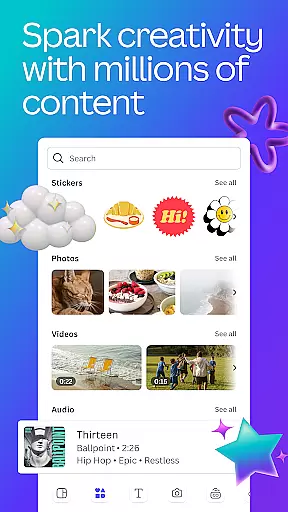
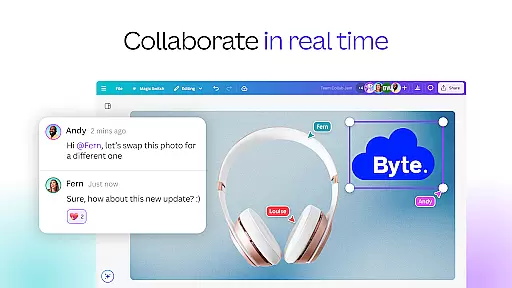
The app offers an extensive range of features including an AI art generator, photo editor, and video maker. Users can edit photos by cropping, flipping, adjusting brightness, contrast, and saturation. The video editor supports professional video production with cloud storage and real-time collaboration. Canva also provides a free content library with over 2 million assets, including royalty-free images, videos, and audio tracks.
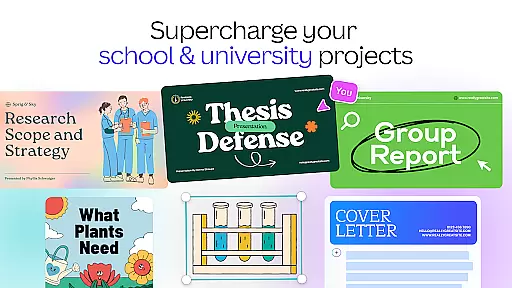
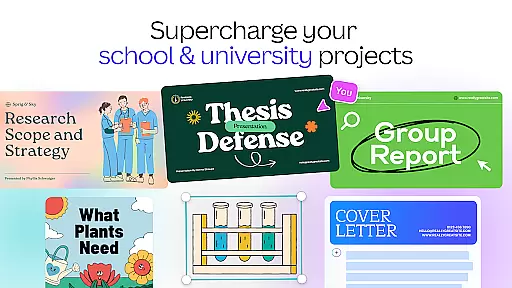
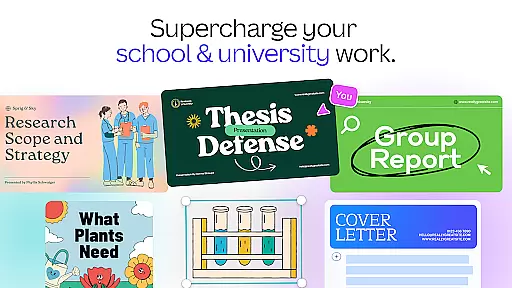
Canva is suitable for personal use, entrepreneurs, students, teachers, and social media managers. Its intuitive interface and powerful tools make it an ideal choice for creating digital art, designing logos, and producing videos. Whether you need to design for Instagram, create a resume, or produce marketing materials, Canva's comprehensive suite of tools delivers exceptional value.
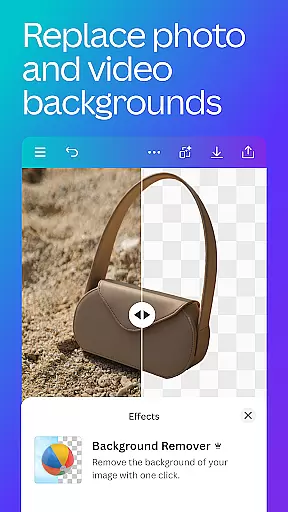
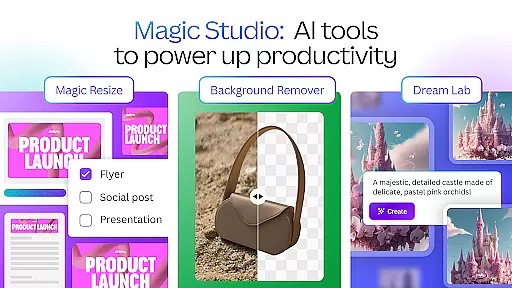
Canva boasts a rich set of features designed to enhance the creative process. One standout feature is the AI art generator, which transforms text into visually appealing images. This tool is complemented by a robust photo editor that allows users to crop, flip, adjust brightness, contrast, and saturation, and even remove backgrounds with ease.
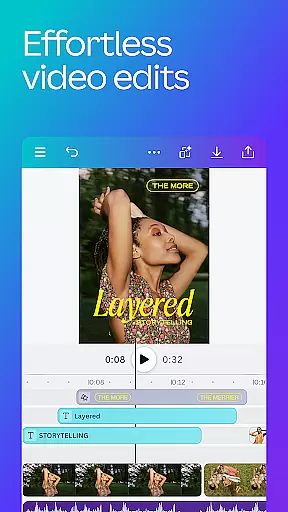
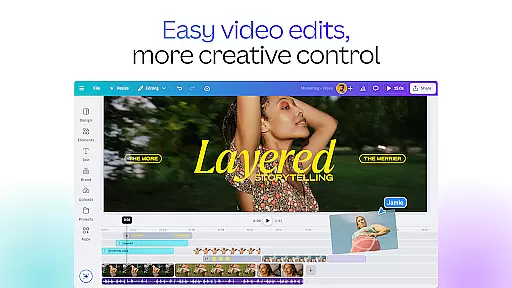
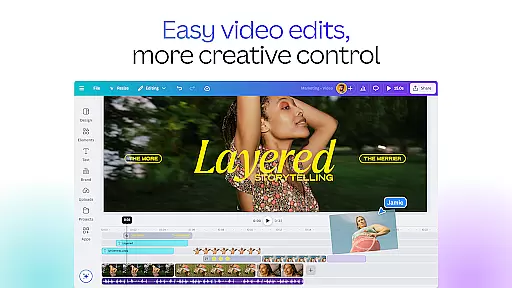
The video editing capabilities are equally impressive, offering professional-grade tools such as real-time collaboration, cloud storage, and advanced editing options like slow motion and reverse playback. Users can add subtitles, music, and effects to their videos, making them stand out on social media platforms.
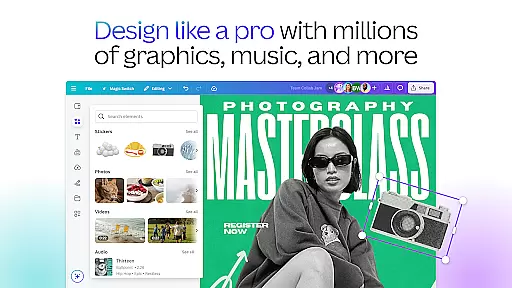
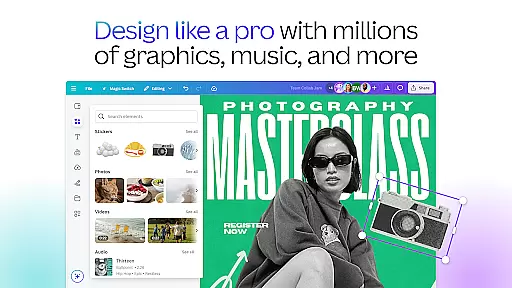
Additional features include a vast content library with over 2 million royalty-free assets, thousands of watermark-free videos, and 25,000+ pre-licensed audio tracks. Canva Pro users gain access to premium templates, one-click background removal, and brand management tools. These features collectively empower users to create high-quality designs and videos efficiently.
In the realm of graphic design and content creation, having access to a comprehensive suite of creative tools is paramount. Canva addresses this need by offering an all-in-one editing app that includes functionalities such as a photo editor, logo maker, collage creator, and video editor. These tools are further enhanced by powerful AI capabilities, including an AI image generator that transforms text into images within minutes.
Canva's feature set extends beyond basic editing. It encompasses professional design elements like Facebook posts, Instagram layouts, banner designs, and presentation templates. The inclusion of an invitation maker, resume templates, and data visualization tools ensures that users can create compelling visuals for various purposes. With over 2 million royalty-free images, thousands of watermark-free videos, and 25,000+ pre-licensed audio tracks, Canva provides a rich library of assets to enhance creativity.
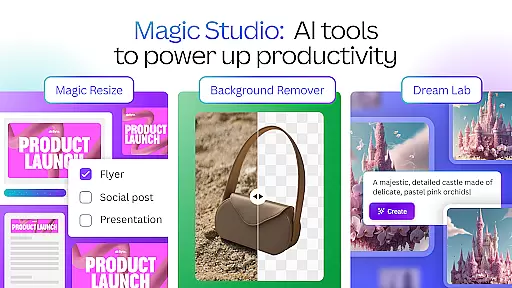
The application also integrates advanced AI-powered features such as Magic Design, which generates designs from uploaded images, and Magic Edit, allowing users to modify existing images effortlessly. Additional innovations include automatic translation in more than 100 languages and the Magic Eraser, which removes unwanted objects from images. These tools collectively ensure that Canva users have everything they need to produce high-quality designs efficiently.
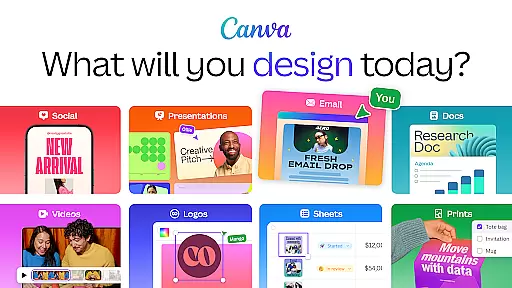
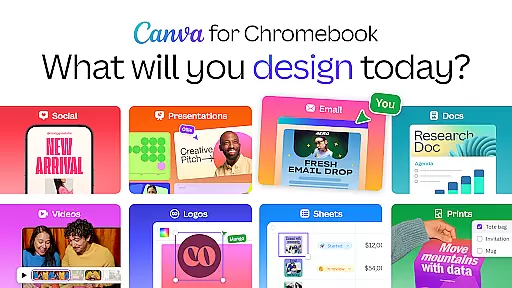
Flexibility in canvas and format options is crucial for accommodating diverse design needs and ensuring that projects can be tailored precisely to user specifications. Canva excels in this area by providing customizable templates for a wide array of outputs, including social media posts, presentations, flyers, logos, CVs, and video collages. This versatility allows users to adapt their work seamlessly across different platforms and mediums.
Canva supports detailed adjustments in its photo editor, enabling users to crop, flip, adjust brightness, contrast, saturation, and apply Auto Focus to sharpen subjects while blurring backgrounds. The platform also offers extensive customization through its text tools, photo grids, filters, and layout options, empowering users to craft unique digital art pieces. Moreover, Canva's video editor facilitates cropping, resizing, flipping, and applying effects like slow motion and reverse playback, along with adding subtitles and changing backgrounds in green screen videos.
For professionals seeking advanced capabilities, Canva Pro enhances canvas and format flexibility with features like one-click Background Remover, Magic Resize for photos and videos, and Brand Hub for consistent logo, font, and color usage. These premium offerings enable businesses, educators, students, and social media managers to optimize their visual content strategy effectively, making Canva a versatile choice for all design requirements.
User-friendly interface
Extensive template library
Powerful AI tools
Versatile design options
Comprehensive asset library
Limited free features
Subscription cost
Advanced tools require learning
Occasional bugs
Internet connection needed

Paint with oils and sketch with natural tools on a realistic virtual canvas.
 3.80
3.80
Art of Combination Wear OS Watch Faces
4.2
Digital, Abstract, Classic - all types of color wheels in one app!
4.60
Nano Banana AI Image Generator, Anime Filter, AI Portrait, AI Photo Generator
4.30
Draw Trace image sketch by, AR art projector app, Easy to trace any image.
4.50
Draw glowing spinners, relax, and spin your creative art
4.60
Minecraft & Roblox Clothes
4.70
Video AI: Revolutionize Your Content Creation with Advanced Video Generation
4.50
An intuitive, high-performance painting app that lets you focus on creating
4.40
Learn how to draw with step-by-step tutorials, fun lessons & multiplayer drawing
4.70
Painting, drawing, & sketching
4.50
Kling AI is an image and video generation and editing studio powered by AI.
4.50
Just trace a projected picture on paper and color! Draw & Paint with AR drawing
4.40
800+ Drawing, Painting Lessons App to Practice, Sketch & Paint Art.
4.30
Beauty Camera - Selfie Camera is the ultimate beauty camera and selfie app
4.30
Easy 3D drawing design maker & creator. Model designing, Sculpting. Create&paint
4.00
AI Face Swap, Video Effects Editor, Realtime Morph, Funny Video FX,AI Filters
3.70
Create sweet, cool and unique couple avatars easily, in just a few steps!
3.40
Create stunning video, photo & magic from text with FlixAI GPT video generator.
3.10


User Reviews