
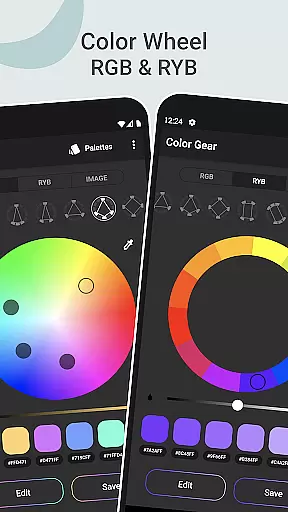
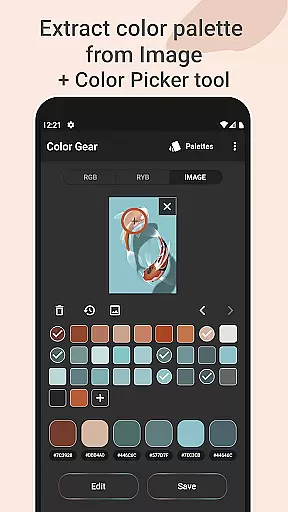
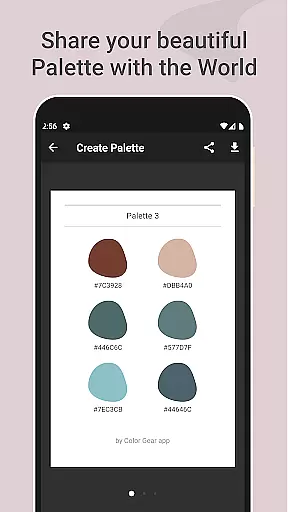
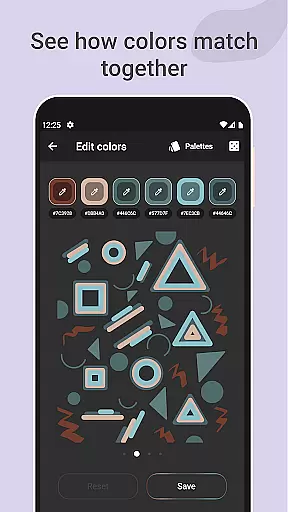
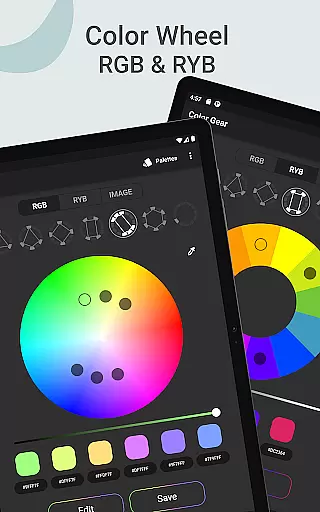
Color Gear is an essential tool for designers and artists seeking to master color theory and create harmonious palettes. The app provides a comprehensive suite of features including two types of color wheels - RGB and Itten (RYB), which cater to both digital media and traditional art forms. With over 10 color schemes available, users can explore various combinations to find the perfect palette.
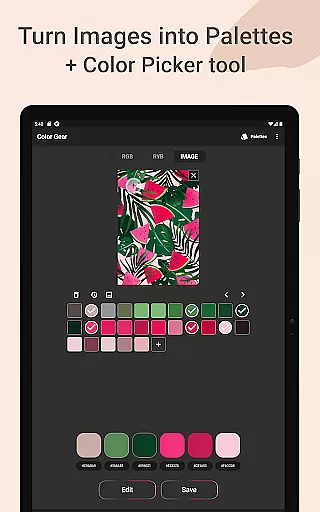
The app goes beyond basic color selection by allowing users to extract palettes from images, manually pick colors with a Hex Color Picker, and edit color values with precision. Whether you're designing for digital platforms or painting on canvas, Color Gear adapts to your needs while offering advanced color editing and easy management of color palettes in multiple formats.
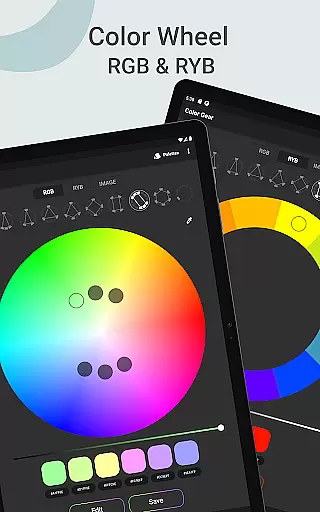
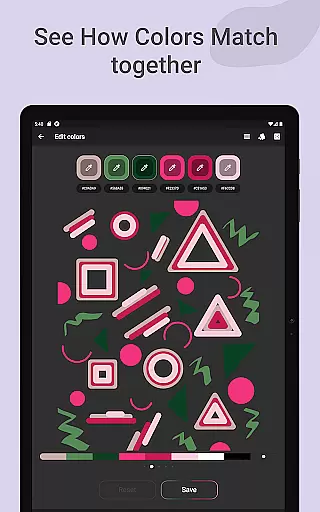
One of the standout features of Color Gear is its support for two distinct color models: RGB for digital creations and Itten's RYB for traditional art. This dual support allows users to apply more than 10 color schemes to either model, providing unparalleled flexibility in palette creation. Additionally, the app enables users to input specific HEX or RGB codes to generate matching harmonies, making it ideal for projects requiring exact color specifications.
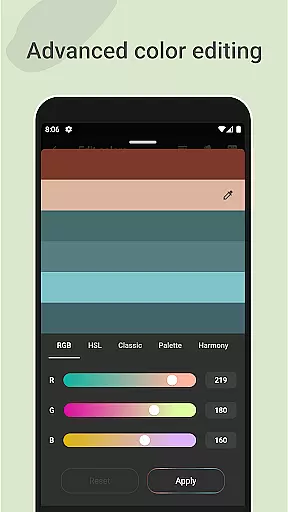
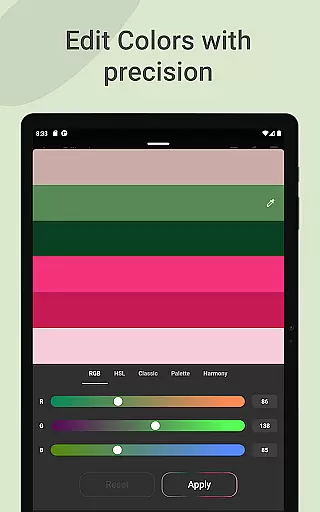
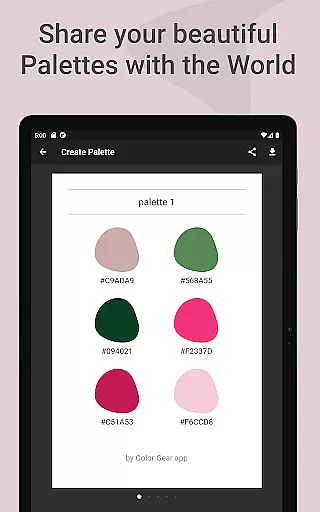
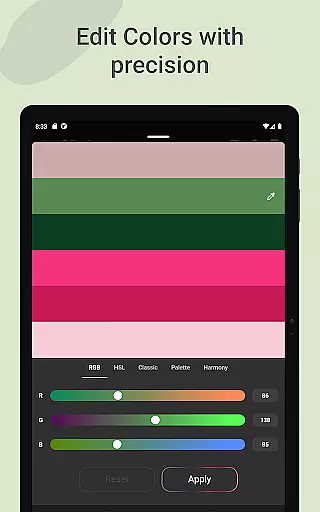
Color Gear also includes powerful tools such as extracting palettes directly from images, advanced color editing options like Hue, Saturation, and Lightness adjustments, and seamless sharing capabilities across six different color formats. These features ensure that whether you're developing web designs or crafting physical artworks, Color Gear offers the precision and versatility needed to bring your creative visions to life.
Color Gear offers a comprehensive suite of creative tools that cater to both designers and artists. The application supports two color models - RGB Color Wheel and Itten Color Wheel, allowing users to work within digital media or traditional paint and pigment formats. This dual support ensures that whether you are designing for screen or preparing a palette for painting, the app adapts to your specific needs.
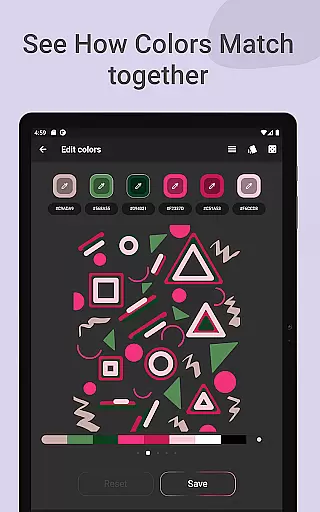
The app doesn't stop at just providing color wheels; it extends its functionality by offering over 10 color schemes applicable to both RGB and RYB models. This means that users can explore a wide range of color harmonies, which is crucial for creating visually appealing designs and artworks. By integrating advanced color editing features, users can precisely adjust Hue, Saturation, and Lightness values, giving them complete control over their palettes.
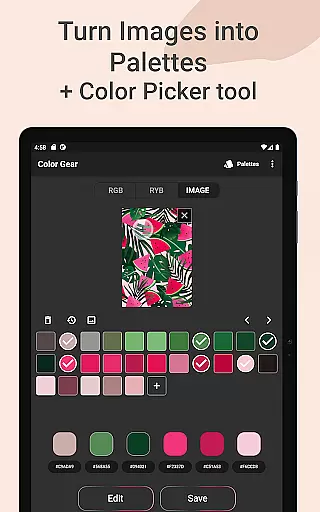
Additionally, Color Gear facilitates the extraction of palettes from images, transforming any photo into a source of color inspiration. With the Hex Color Picker, users can manually select colors from photos, ensuring that every shade and hue can be captured and utilized in their projects. This feature not only enhances creativity but also streamlines the workflow of professionals who draw inspiration from the world around them.
Flexibility in canvas and format options is where Color Gear truly shines. Users can input a specific HEX or RGB color code and instantly generate matching color harmonies. This feature is particularly beneficial for those who have a precise color in mind and wish to build a cohesive palette around it. The ability to enter exact color values ensures that the resulting palettes are tailored to the user's unique requirements.
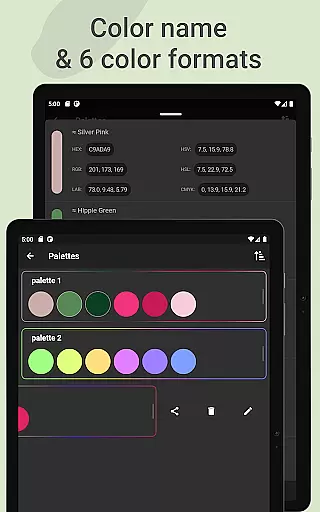
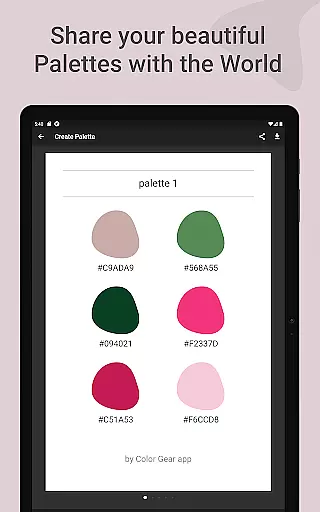
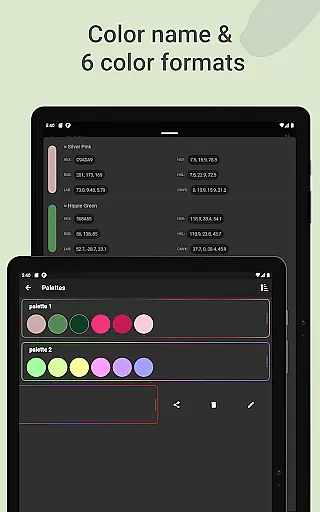
Moreover, the app provides extensive sharing capabilities, supporting six different color formats including RGB, HEX, LAB, HSV, HSL, and CMYK. This versatility allows users to seamlessly integrate their palettes into various design environments, regardless of the software they use. Whether you need to share a palette with a team or apply it across multiple platforms, Color Gear makes the process straightforward and efficient.
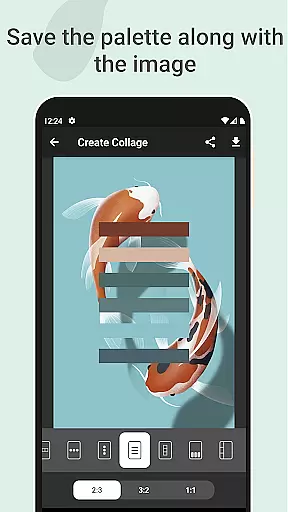
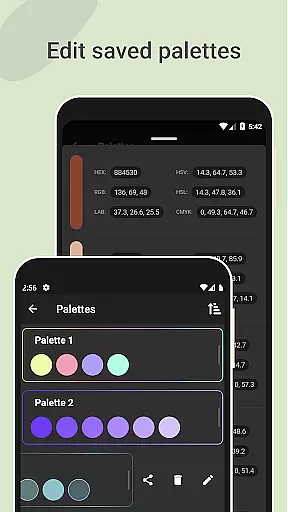
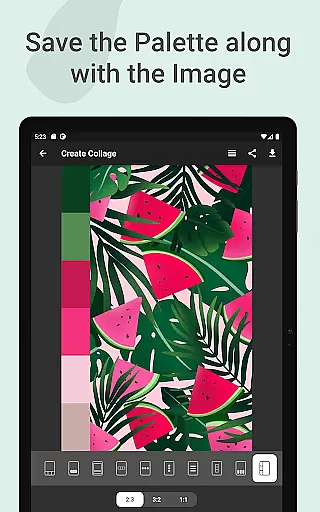
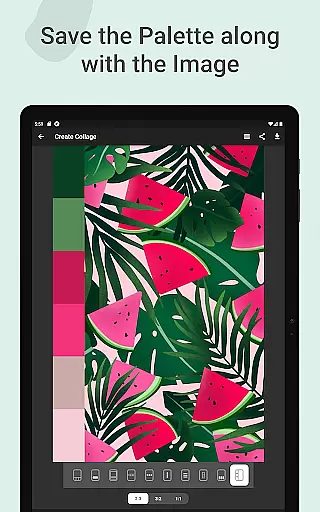
Saving and managing palettes is equally flexible, thanks to the app's intuitive interface. Users can save their palettes along with corresponding images, creating collages that serve as both reference and inspiration. This feature not only helps in organizing color schemes but also adds a visual context that can be invaluable during the creative process. With all these tools available offline, Color Gear ensures that your creative workflow is never interrupted by connectivity issues.
User-friendly interface
Comprehensive color theory tools
Supports multiple color models
Advanced color editing
Offline functionality
Limited advanced features for free version
Interface may overwhelm beginners
No real-time collaboration
Fewer presets compared to competitors
Occasional bugs reported

Vidu is an AI video generator made for creators and aspiring makers.
 3.30
3.30
AI generated images & photos, turn your words into drawing, painting & pictures.
4.30
Transform photos into amazing monochrome dither art with professional algorithms
4.5
Text to Image, Image to Video & AI Chat
4.20
Novices can also easily complete diamond painting masters
4.70
OneUI 8.5 icons ✨ Smooth, modern & based on the latest Play Store design ??
4.10
Share the joy of painting with ibis Paint! Drawing anime and manga art.
4.50
Turning simple sketches into captivating tales filled with life and motion
3.90
Draw, fidget, and spin glow art! Relax and express your creativity with a finger
4.60
Convert image to JPG PNG HEIC PDF, support almost all kinds of image formats
4.70
Draw beautiful mandala's very easily
4.60
Create neon drawing with magic doodle and fun doodle art effects!
4.50
Stylish letters, Stylish Keyboard, Symbols, Emojis, Cool nickname
4.40
Just trace a projected picture on paper and color! Draw & Paint with AR drawing
4.40
Beauty Camera - Selfie Camera is the ultimate beauty camera and selfie app
4.30
Create stylish invitation cards using templates for weddings, birthdays & RSVP.
4.20
Design your dream room with AI. Get decor ideas & plan home interiors
3.90
Powerful home decoration & house design that allows you to design dream home.
3.80
Premium version of Shimeji-ee app with no ads & no limit active shimeji
4.5


User Reviews