
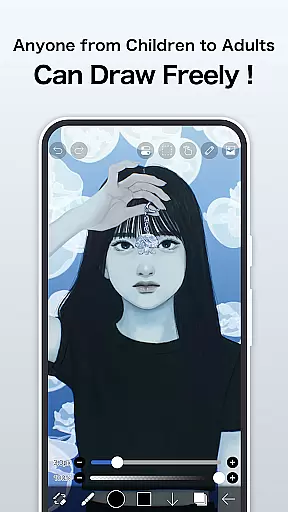
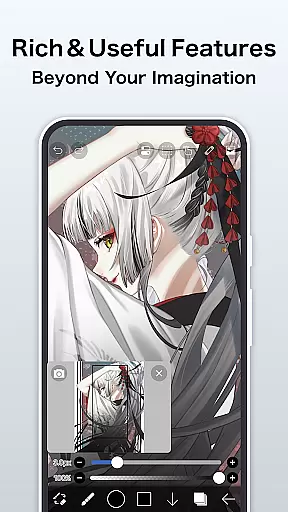
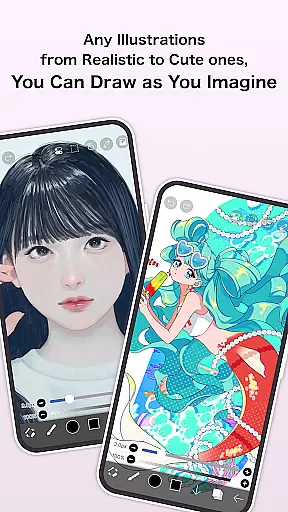
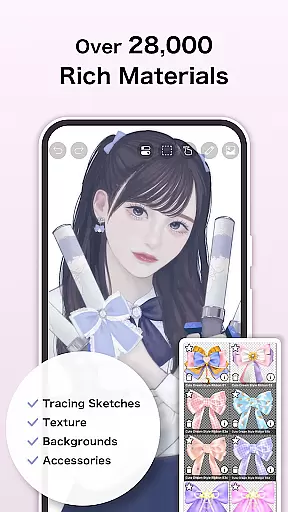
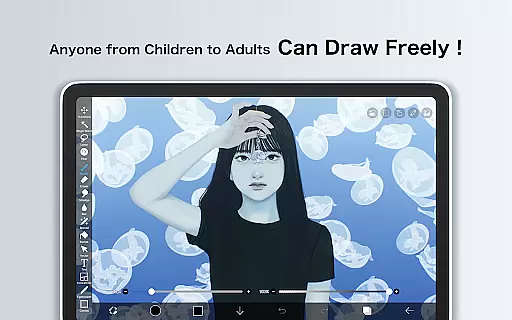
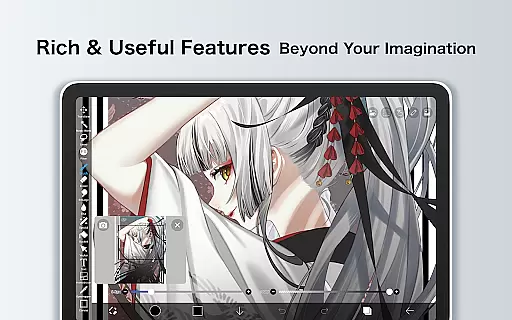
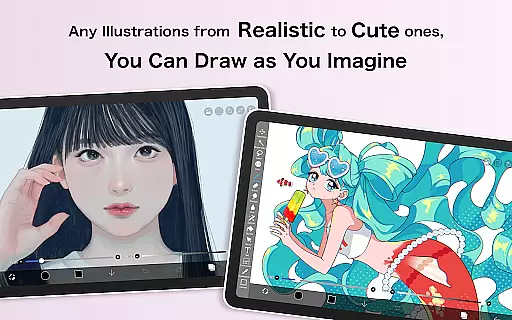
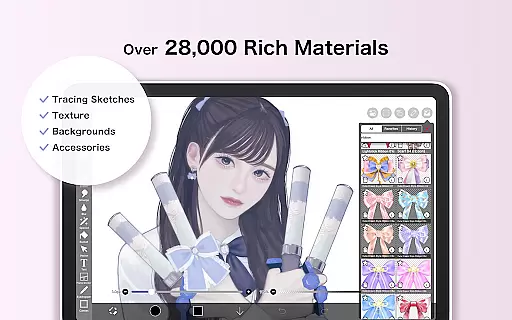
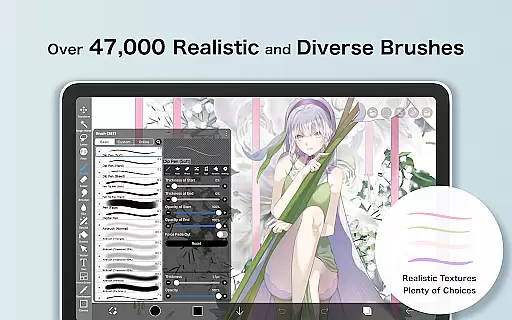
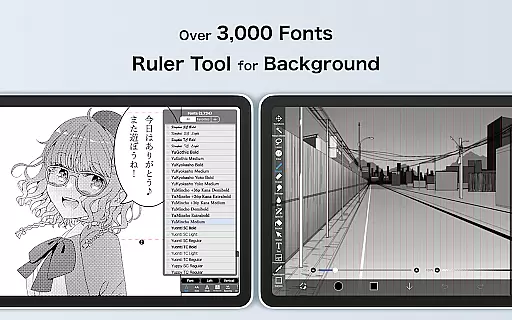
ibis Paint is a premier digital art application designed for both amateur and professional artists. This app offers an extensive suite of drawing tools, including over 47000 brushes, 27000 materials, and 2100 fonts, enabling users to create intricate artwork with precision. With advanced features like stroke stabilization, various rulers, and blending modes, it caters to a wide range of artistic styles and techniques.
The app also includes manga creation capabilities with its advanced text tool, allowing creators to incorporate vertical, horizontal, and stroke text seamlessly. Additionally, ibis Paint supports sharing your creative process with others through video recordings of drawing sessions. Available on multiple platforms, this versatile app empowers artists to produce professional-quality work on the go.
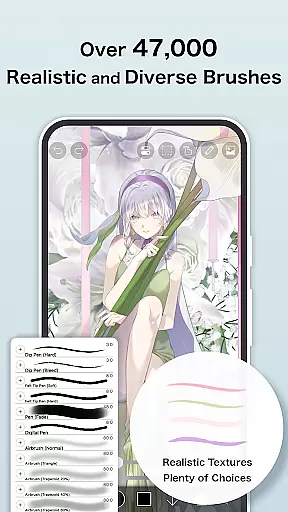
One of the standout features of ibis Paint is its vast selection of customizable brushes, which include dip pens, airbrushes, oil brushes, and more, ensuring that every stroke can be tailored to the artist's preference. The app also provides layer functionality comparable to desktop graphic software, with unlimited layers and individual layer parameter settings such as opacity and blending modes.
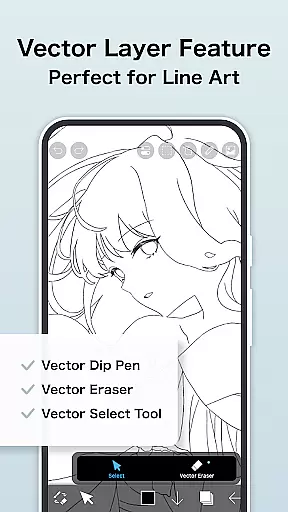
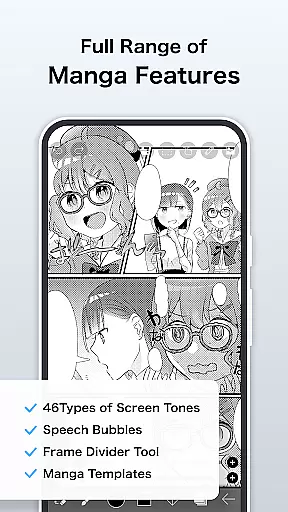
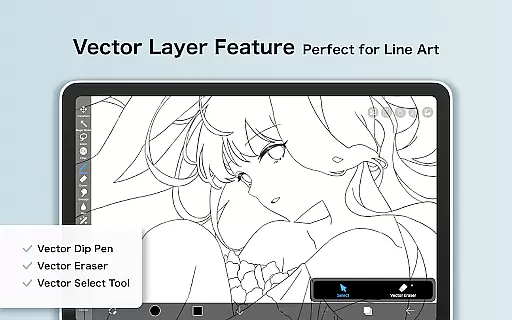
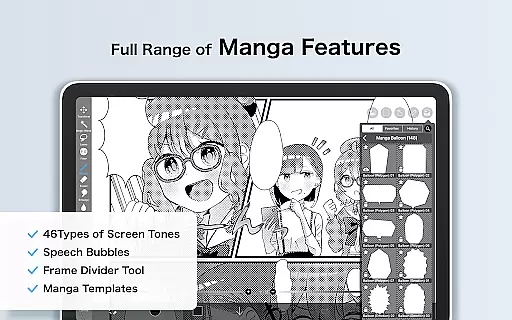
For manga artists, ibis Paint offers specialized tools like screentones and advanced text options. The Prime Membership unlocks additional premium features, including vector tools, cloud storage, and exclusive materials. These functionalities make ibis Paint not just a painting app but a comprehensive art studio that fits in your pocket.
In the realm of digital art, ibis Paint stands as a paragon of creative tool completeness. This application offers over 47000 brushes, including dip pens, felt tip pens, and even oil brushes, catering to an expansive range of artistic styles and preferences. The inclusion of more than 27000 materials and 2100 fonts further amplifies its versatility, allowing artists to experiment with textures and typography.
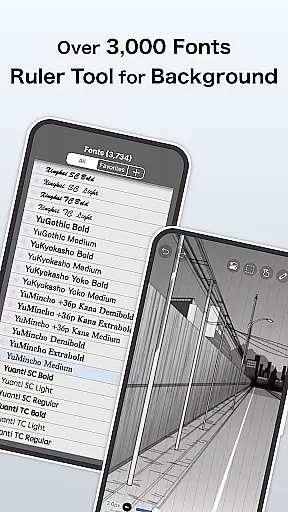
Layer functionality in ibis Paint is robust, providing users with unlimited layer capacity and individual layer parameters such as opacity and blending modes. This facilitates complex compositions and detailed editing, which are essential for professional-grade artwork. Additionally, unique features like radial line rulers and symmetry rulers empower artists to achieve precision in their work that was once only possible with traditional tools.
The app's manga features incorporate an advanced text tool, enabling vertical, horizontal, stroke-based, and multiple text functions. Such depth supports both casual doodlers and serious manga artists alike. With AI Disturbance and vector tools available to Prime Members, creators can explore new dimensions in their art-making process while enjoying up to 60 fps smooth drawing performance.
Ultimately, ibis Paint transforms any tablet or smartphone into a comprehensive digital art studio by consolidating these extensive creative tools within a single platform. Artists can seamlessly transition from sketching to coloring, adding intricate details, and finally sharing their masterpieces with easeu2014all without compromising on quality or creative freedom.
Canvas and format flexibility are crucial for digital artists who require adaptability in their creative workflows, and ibis Paint excels in this domain. Users have access to a variety of canvas sizes and formats, accommodating everything from quick sketches to large-scale illustrations. This ensures that no matter the project scope, artists can select the perfect canvas size that aligns with their vision.
ibis Paint goes beyond static canvas dimensions by offering dynamic features such as zooming in/out, layer rotation, and moving capabilities. These functions provide unparalleled control over the minutiae of artwork, allowing for meticulous adjustments and refinements. Moreover, the ability to import images from the photo library directly onto layers enhances creative possibilities, letting artists blend personal photographs with their digital creations.
For those subscribed to Prime Membership, exclusive benefits like Vector Tool usageu2014albeit limited without membershipu2014and advanced filters elevate the level of customization available. Features such as Tone Curve filter and Levels Adjustment filter enable precise color correction and mood setting within artworks. The provision of 20GB cloud storage further supports flexible working conditions, ensuring that large files can be stored securely and accessed across devices.
By prioritizing canvas and format flexibility, ibis Paint empowers artists to push boundaries without being constrained by technical limitations. Whether crafting detailed manga panels or experimenting with abstract forms, users can trust that their creative intent will be faithfully realized through this sophisticated applicationu2019s adaptable framework.
User-friendly interface
Extensive brush library
Advanced layer management
Professional manga tools
Active community support
Prime Membership cost
In-app purchases needed
Complex for beginners
Occasional bugs reported
High device requirements

Vidu is an AI video generator made for creators and aspiring makers.
 3.30
3.30
Learn how to draw with step-by-step tutorials, fun lessons & multiplayer drawing
4.70
Sketch, trace and master AR drawing with awesome anime art!
3.30
Create stylish invitation cards using templates for weddings, birthdays & RSVP.
4.20
Powerful home decoration & house design that allows you to design dream home.
3.80
Just trace a projected picture on paper and color! Draw & Paint with AR drawing
4.40
Draw, make movies & animate cartoons easily with our 2D animation maker app
4.40
Sketch and paint on your device with the feel and freedom of drawing on paper
4.00
An intuitive, high-performance painting app that lets you focus on creating
4.40
2D animation studio for Android tablets - unlimited layers, infinite timeline
4.70
Photo editor for art, avatars, filters & fun transformations.
4.60
Draw anime & manga drawing, art with templates to create stunning picture!
4.50
Create and Design Custom Logos in Seconds with AI-Powered Tools!
4.40
Remove Background, Magic Eraser, Photo Enhancer, Story Templates, Collage Maker
4.30
Customizable Outlined Fonts. Watch Face Format. Battery friendly Digital Clock.
4.20
Design your dream room with AI. Get decor ideas & plan home interiors
3.90
Paint with oils and sketch with natural tools on a realistic virtual canvas.
3.80
AI Face Swap, Video Effects Editor, Realtime Morph, Funny Video FX,AI Filters
3.70
Transform photos into amazing monochrome dither art with professional algorithms
4.1


User Reviews