
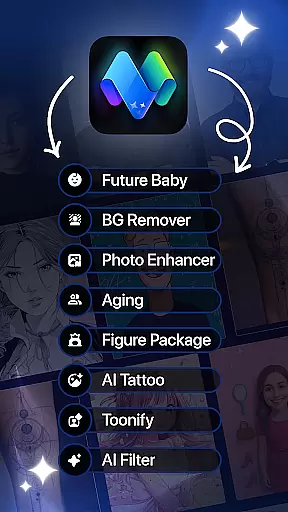
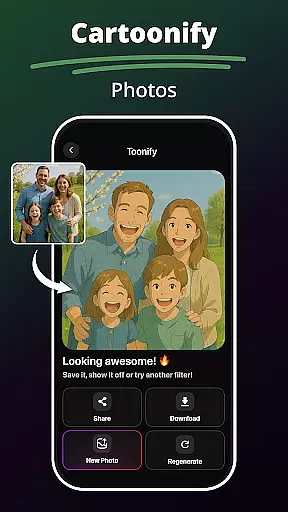
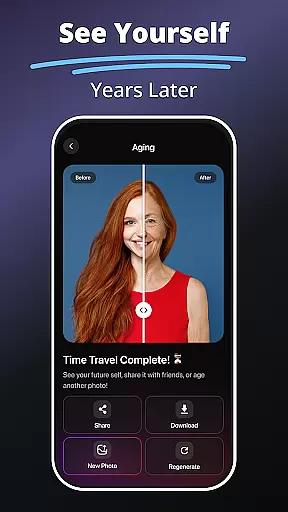
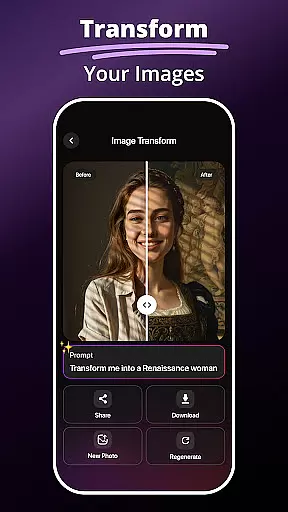
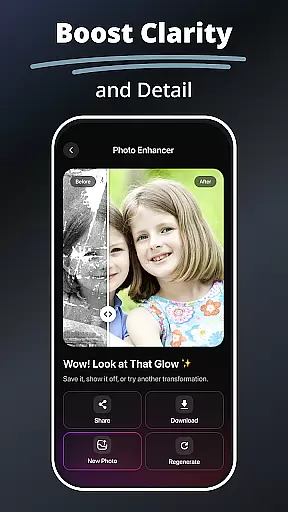
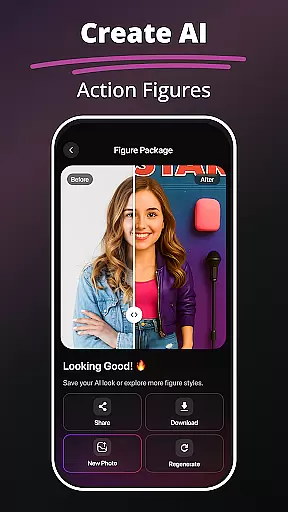
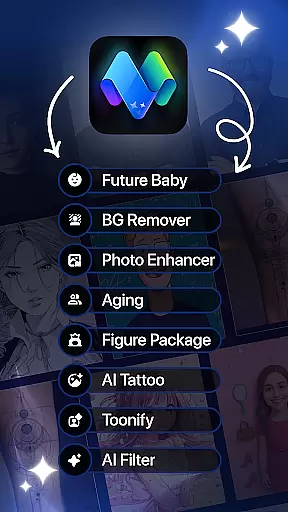
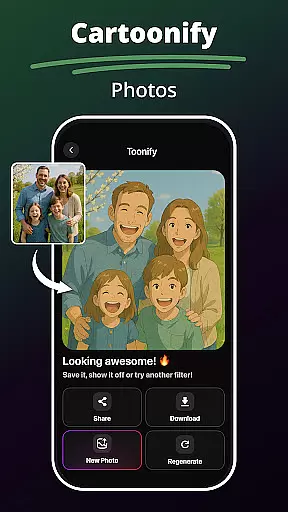
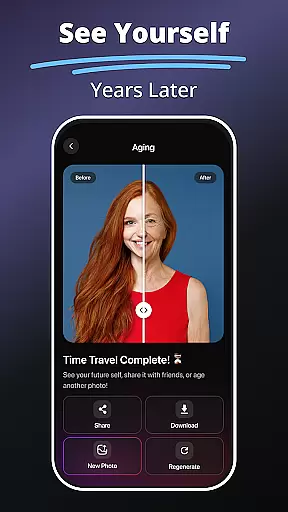
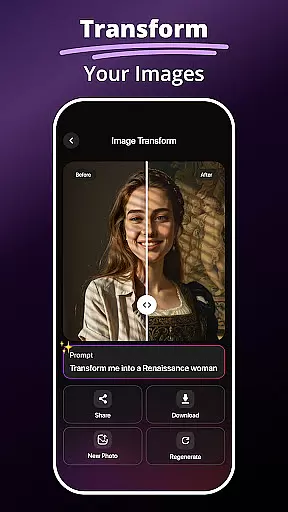
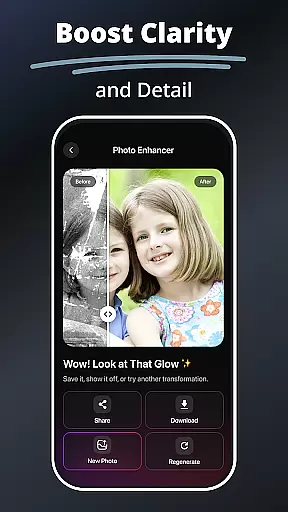
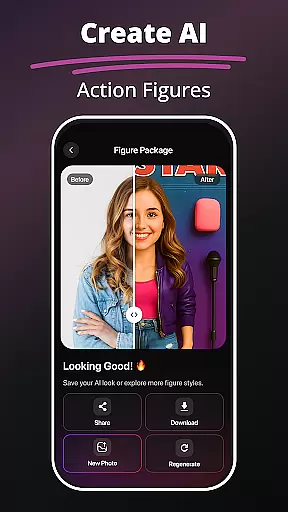
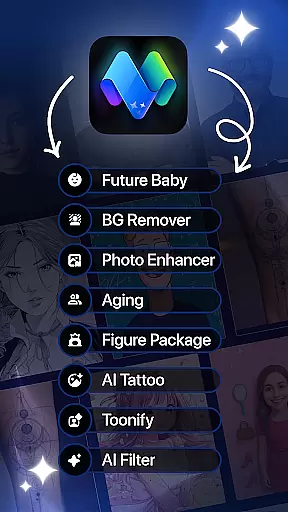
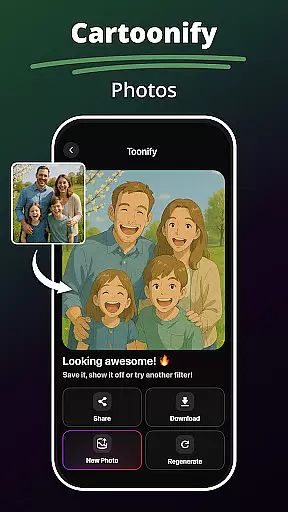
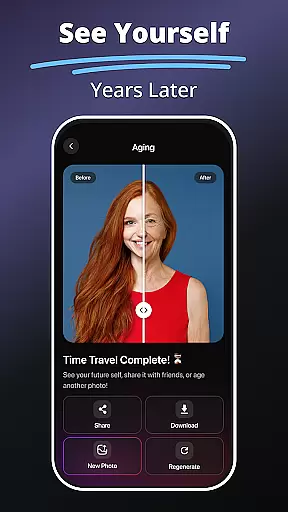
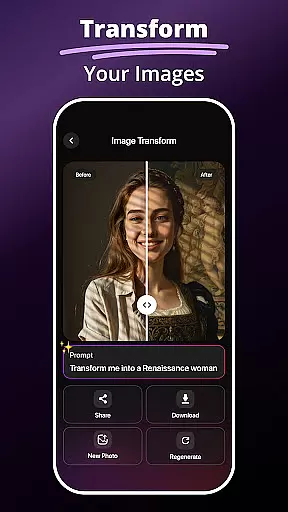
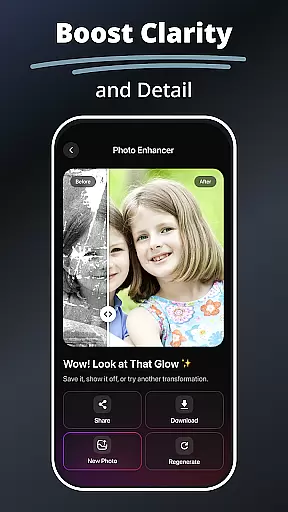
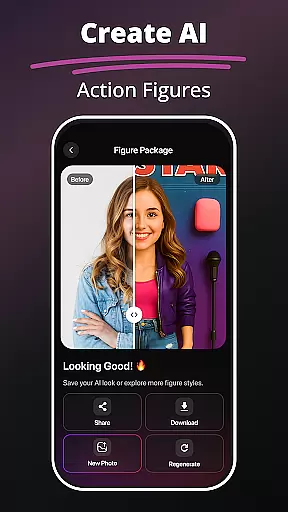
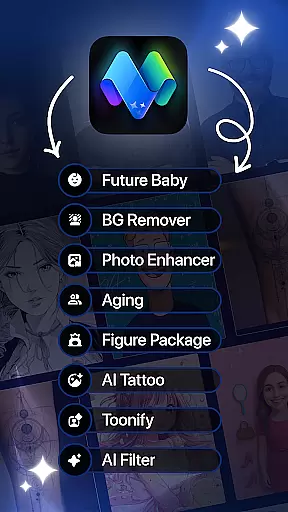
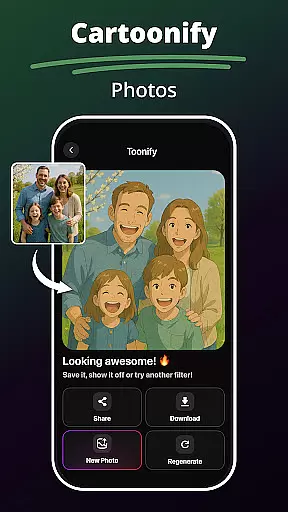
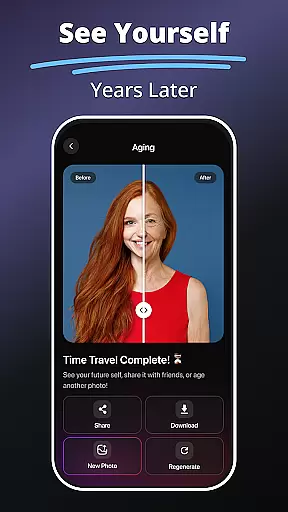
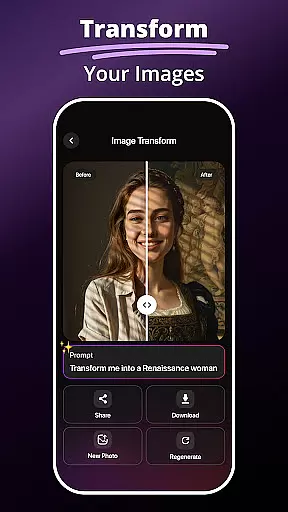
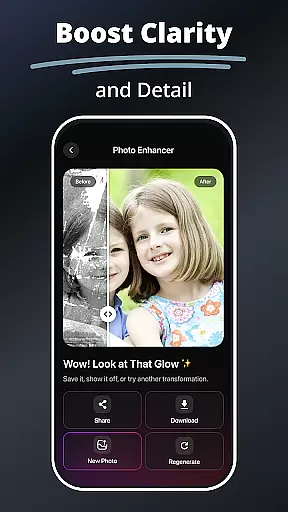
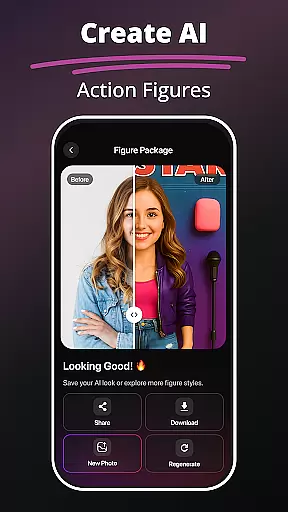
MePic is an innovative AI-powered photo editor designed for both casual users and creative professionals. This all-in-one app allows you to transform ordinary photos into stunning digital art with advanced editing tools and imaginative features. From portrait enhancements to creative visual effects, MePic offers a complete suite of functionalities that cater to various artistic needs.
One standout feature is the Text to Image tool, which lets users generate unique visuals simply by describing their ideas. Additionally, fun tools like the Future Baby Generator and Avatar Creator provide engaging ways to experiment with creativity. Whether you're looking to enhance selfies, design professional avatars, or explore imaginative concepts, MePic delivers powerful tools in a user-friendly interface.
The app is particularly suited for social media enthusiasts and digital artists who want to produce high-quality content effortlessly. With its intuitive design and diverse features, MePic helps users express their creativity while saving time on complex edits.
MePic stands out with its comprehensive set of AI-driven features tailored for creative expression. The Text to Image functionality uses cutting-edge algorithms to interpret text prompts and generate corresponding visuals, making it ideal for brainstorming or creating concept art. Another highlight is the Avatar Creator, which allows users to customize avatars in multiple styles—cartoon, fantasy, or realistic—for personal or professional use.
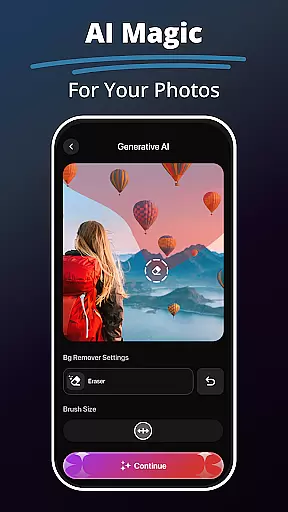
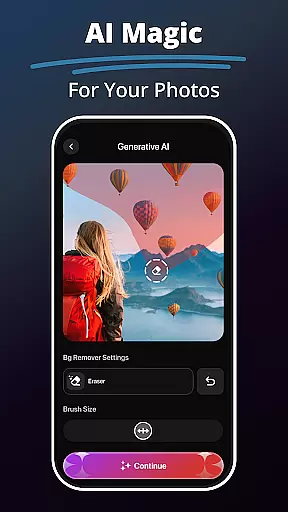
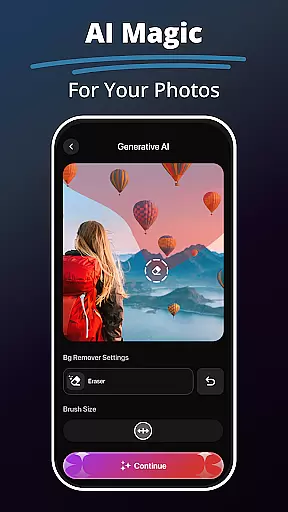
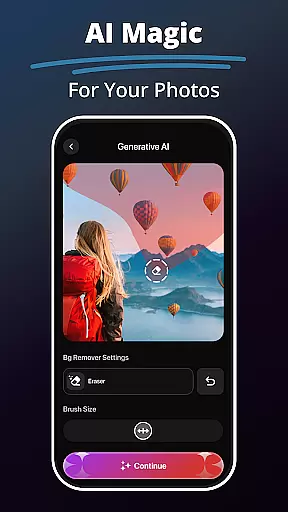
For portrait editing, MePic provides advanced tools such as skin smoothing, object removal, and facial enhancement filters. Users can also experiment with the Hair & Beard Changer to preview different hairstyles without commitment. The Background Remover simplifies complex tasks like replacing backgrounds or erasing unwanted elements, ensuring clean and polished results.
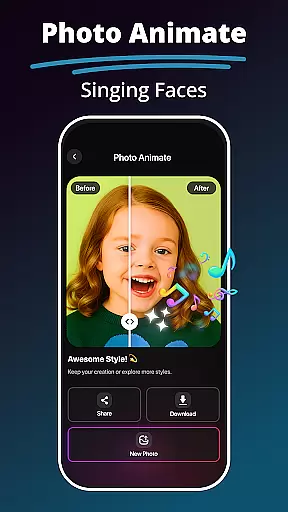
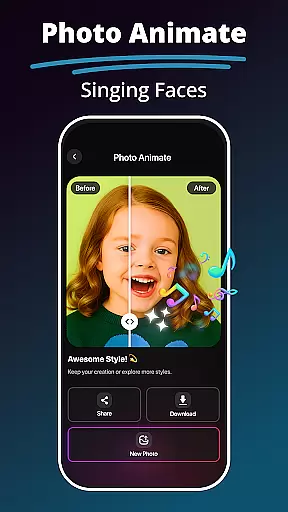
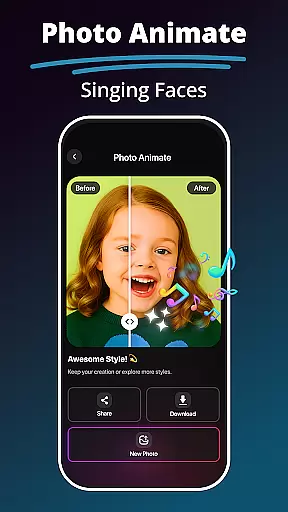
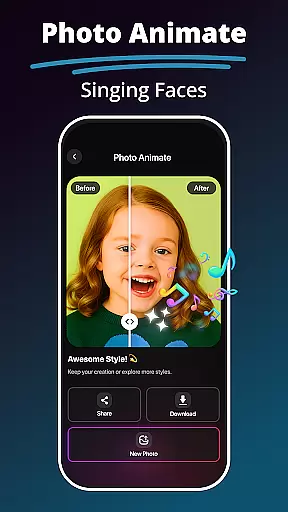
Additional creative options include Photo Animate, which adds motion effects to static images, and the Future Baby Generator, offering a playful way to visualize future possibilities. These features collectively make MePic a versatile choice for anyone seeking to elevate their photo editing experience.
In the realm of digital art and photo editing, having a comprehensive set of creative tools is essential for unleashing one's imagination. MePic stands out by offering an extensive suite of features that cater to various artistic needs. From AI-powered Text to Image generation that transforms descriptive words into unique visuals, to an Avatar Creator that allows personalization in multiple styles, the app ensures that users have everything they need at their fingertips.
Moreover, MePic provides advanced editing capabilities such as object removal, background replacement, and facial animation. These functionalities enable users to refine their creations with precision and ease. Whether it's enhancing portraits with sophisticated filters or experimenting with hair and beard styles virtually, MePic delivers a complete package for creativity without limits.
The true value of MePic lies in its ability to make professional-grade design accessible to everyone. By integrating powerful AI algorithms with intuitive controls, even beginners can achieve impressive results. This democratization of design not only saves time but also encourages experimentation, making MePic an indispensable companion for anyone looking to explore the boundaries of digital art.
Flexibility in canvas size and format options is crucial for adapting artwork to different platforms and purposes. MePic addresses this need by providing versatile formatting capabilities that allow users to customize their projects according to specific requirements. Whether creating content for social media, professional portfolios, or personal enjoyment, the app supports various dimensions and resolutions to ensure optimal quality across all mediums.
Beyond static images, MePic extends its flexibility through dynamic features like Photo Animate, which brings still pictures to life with motion effects. Users can create engaging loops and animations that captivate audiences on any screen. Additionally, the Background Remover tool simplifies the process of isolating subjects from their original settings, facilitating seamless integration into new contexts or compositions.
This adaptability empowers creators to push beyond traditional constraints and explore innovative ways of storytelling. With MePicu2019s flexible canvas and format options, artists can confidently tackle diverse projects knowing they have the right tools to deliver exceptional results every time.
AI-Powered Editing
Fun Creative Tools
User-Friendly Interface
Versatile Avatar Options
Advanced Filters
Subscription Required
High System Demands
Limited Free Features
Occasional Glitches
Learning Curve

Floor Plan Creator lets you create, edit and share floor plans.
 4.00
4.00
Design your dream room with AI. Get decor ideas & plan home interiors
3.90
Unleash your drawing and painting potential
4.50
Draw on screen: FP sDraw is a simple and lightweight drawing app
4.70
800+ Drawing, Painting Lessons App to Practice, Sketch & Paint Art.
4.30
Get creative and make art with your Sesame Friends!
4.00
Get an overview over all your embroidery threads, projects and more.
4.60
Turning simple sketches into captivating tales filled with life and motion
3.90
Explore future self face age filter & remove background image for a unique look.
3.50
Passport size photo maker, create ID photo and visa photo in seconds
4.80
Learn how to draw with step-by-step tutorials, fun lessons & multiplayer drawing
4.70
Convert image to JPG PNG HEIC PDF, support almost all kinds of image formats
4.70
Novices can also easily complete diamond painting masters
4.70
Create and Design Custom Logos in Seconds with AI-Powered Tools!
4.40
Create sweet, cool and unique couple avatars easily, in just a few steps!
3.40
Create stunning video, photo & magic from text with FlixAI GPT video generator.
3.10
Your Essential Color Theory Guide: Red, Yellow, Blue (RYB)
4.0
Android 14 style widgets and wallpapers app.
4.4
A luxurious gold watch face for an elegant and refined look.
4.0


User Reviews