
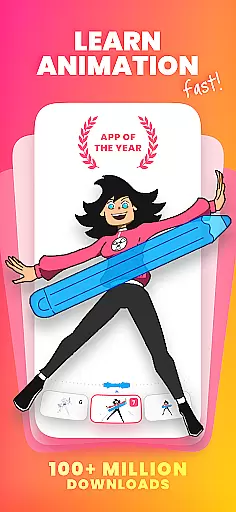
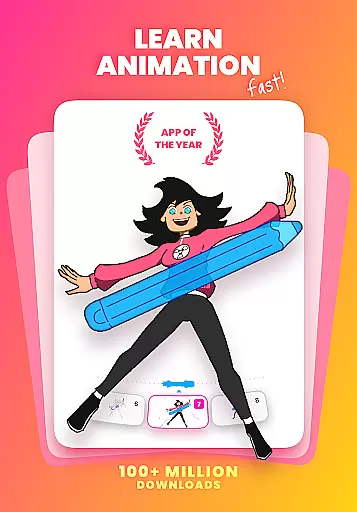
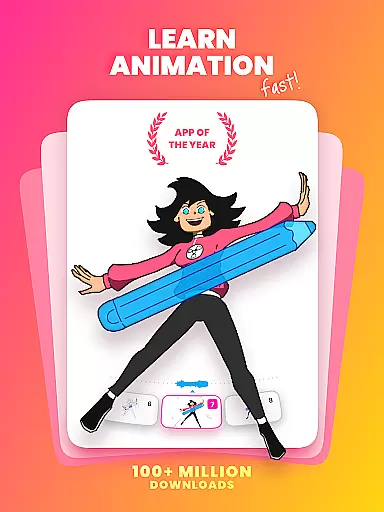
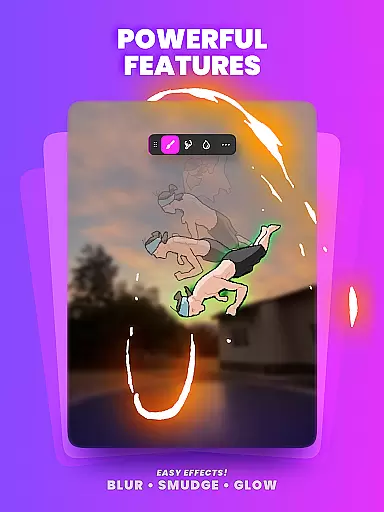
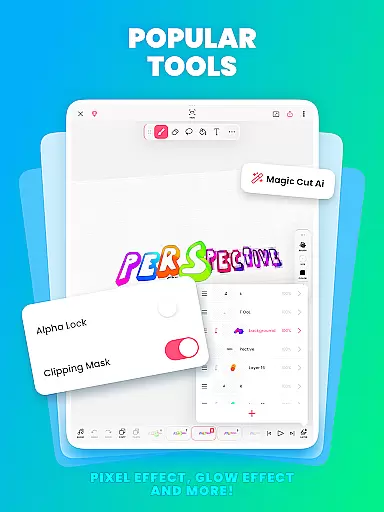
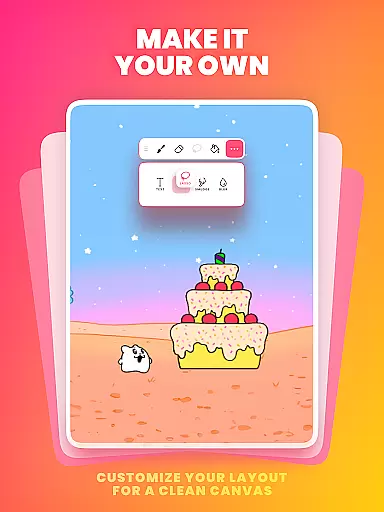
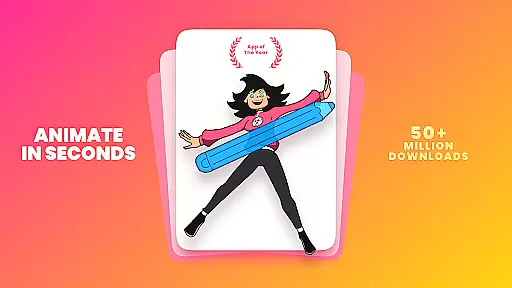
FlipaClip is a leading 2D animation app designed for both beginners and professionals in the Art & Design category. This powerful tool allows users to create frame-by-frame animations, draw cartoons, and design short animated movies with remarkable ease. The app's intuitive interface combines traditional flipbook animation principles with advanced digital tools, making it simple to bring creative ideas to life.
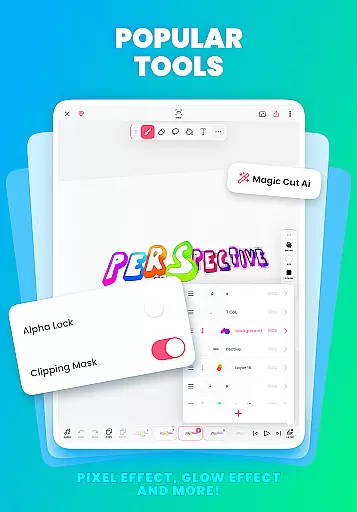
The application stands out with its comprehensive suite of professional-grade features including onion skinning, multi-layer support, and AI-powered tools like Magic Cut. Whether you're creating anime, storyboards, or social media content, FlipaClip provides all necessary tools in one place. Its versatility makes it perfect for artists, influencers, and creators looking to produce high-quality animations on mobile devices.
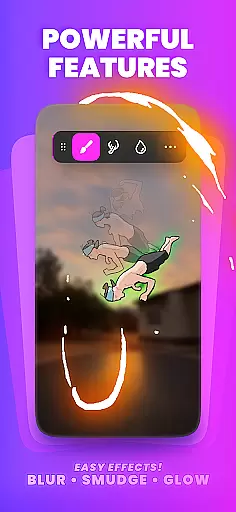
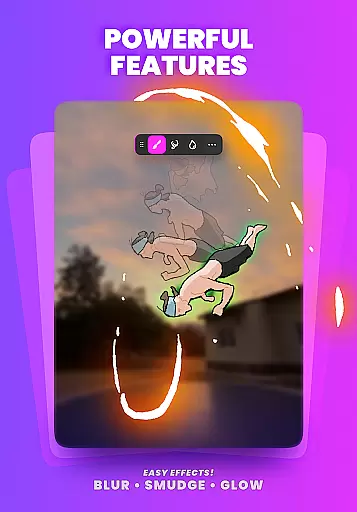
FlipaClip offers an impressive array of features that cater to various animation needs. The app's frame-by-frame animation timeline gives creators precise control over their work, while the onion skin tool ensures smooth transitions between frames. Users can work with up to 10 layers (3 free) for complex drawings and utilize advanced effects like glow and blending modes.
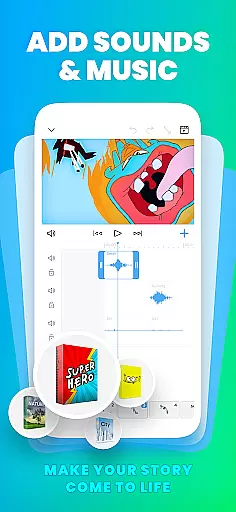
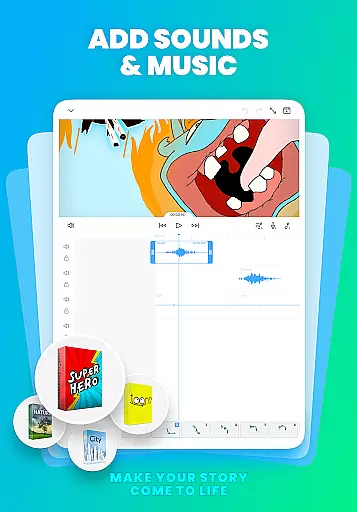
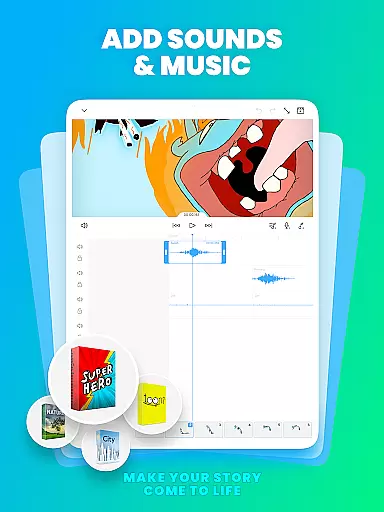
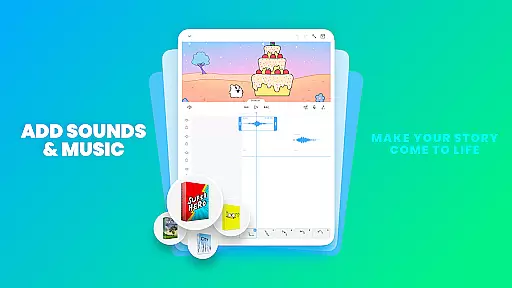
One of the app's standout capabilities is its support for multiple audio tracks, allowing creators to add music, voiceovers, and sound effects perfectly synced with animations. The AI Voice Maker feature enables natural-sounding narration, while the Magic Cut tool simplifies object removal from frames. With export options including MP4, GIF, and PNG sequences with transparency, plus pressure-sensitive stylus support, FlipaClip delivers professional-grade tools in an accessible package.
FlipaClip stands out as a comprehensive 2D animation app, offering an extensive suite of creative tools that cater to both beginners and professionals. The app provides frame-by-frame animation capabilities with precise control over every detail, ensuring smooth transitions through its onion skin feature.
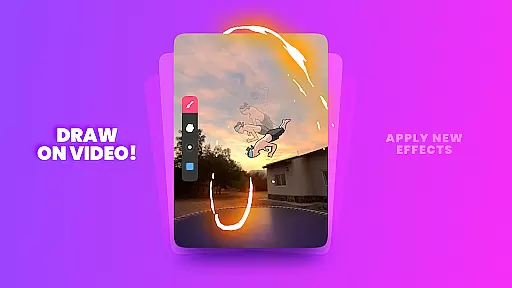
Users can take advantage of up to 10 layers for complex drawings, with 3 layers available for free. Additional features include glow effects, blending modes, and the ability to import photos or videos for rotoscope animations. These professional-grade tools allow creators to bring their drawings, cartoons, anime, and stories to life seamlessly.
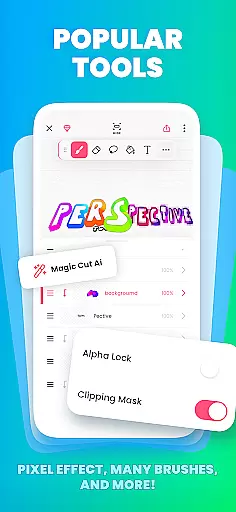
The inclusion of AI-powered tools like Magic Cut enhances the creative process by enabling users to slice images and objects from frames effortlessly. This combination of traditional drawing tools and innovative AI features ensures that FlipaClip is a complete package for anyone looking to dive into the world of animation.
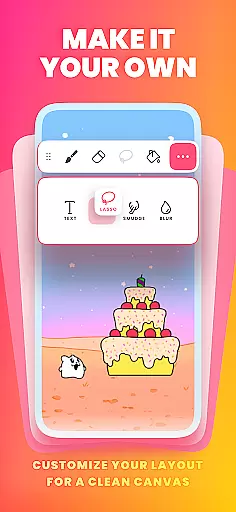
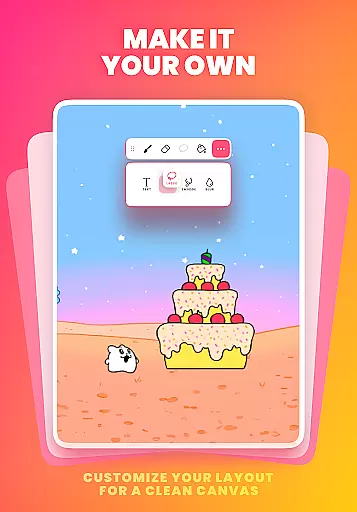
Flexibility in canvas and format options is crucial for any art and design application, and FlipaClip excels in this area. Users can draw on custom canvas sizes, allowing them to create frame-by-frame animations that fit their specific needs and preferences.
The app supports exporting animations in various formats such as MP4, GIF, or PNG sequences with transparency. This versatility enables creators to share their work across multiple platforms like TikTok, YouTube, Instagram, and more, without worrying about compatibility issues.
Additionally, FlipaClip's support for pressure-sensitive stylus devices like Samsung S Pen and SonarPen makes the drawing experience more natural and precise. Whether you're sketching simple doodles or crafting professional scenes, FlipaClip's adaptable canvas and format options ensure your creativity knows no bounds.
User-friendly interface
Powerful animation tools
Excellent community support
Versatile export options
Innovative AI features
Limited free layers
Premium features locked
Steep learning curve
Occasional bugs
High storage usage

Transform photos into amazing monochrome dither art with professional algorithms
 4.1
4.1
Draw anime & manga drawing, art with templates to create stunning picture!
4.50
AI Face Swap, Video Effects Editor, Realtime Morph, Funny Video FX,AI Filters
3.70
AI Art Generator transforms your words into AI generated art & paintings.
3.70
Nano Banana AI Image Generator, Anime Filter, AI Portrait, AI Photo Generator
4.30
Get an overview over all your embroidery threads, projects and more.
4.60
Bring One UI 8.5 Icons to life -elegant dark icons with a modern, premium touch.
4.30
Create cute cat emojis & PFPs! Fun, custom avatars for cat lovers.
3.70
Create amazing pictures and unleash your creative genius with AR Drawing Sketch
4.40
See Color, Paint Color
4.90
Draw on screen: FP sDraw is a simple and lightweight drawing app
4.70
Novices can also easily complete diamond painting masters
4.70
Digital illustration drawing & painting pad app to paint Anime and Manga art
4.50
AI generated images & photos, turn your words into drawing, painting & pictures.
4.30
Create stylish invitation cards using templates for weddings, birthdays & RSVP.
4.20
Art of Combination Wear OS Watch faces (for Wear OS 5+ devices)
3.90
Art of Combination Wear OS Watch faces (for Wear OS 5+ devices)
3.00
Download now for a stylish and functional timepiece
4.2
Art of Combination Wear OS Watch Faces
4.3


User Reviews