
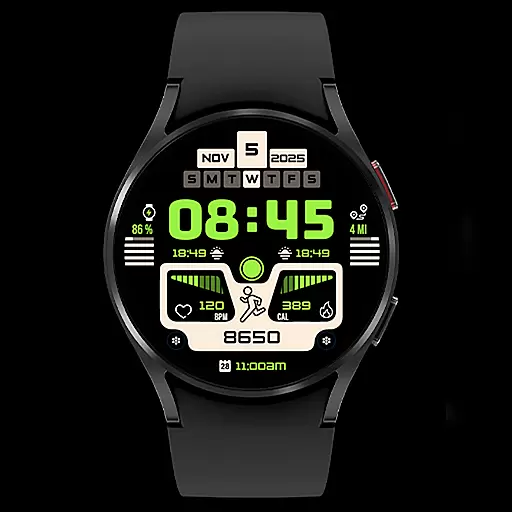
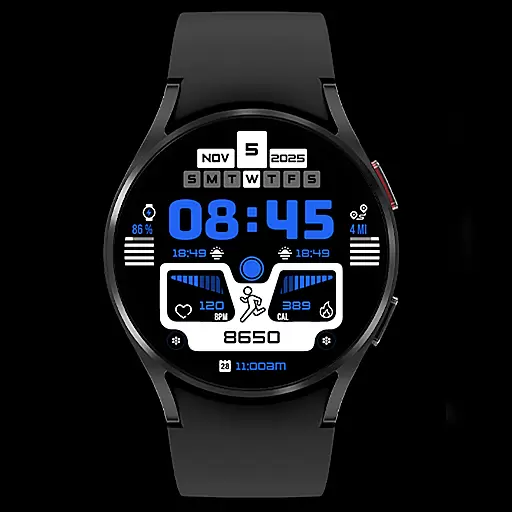
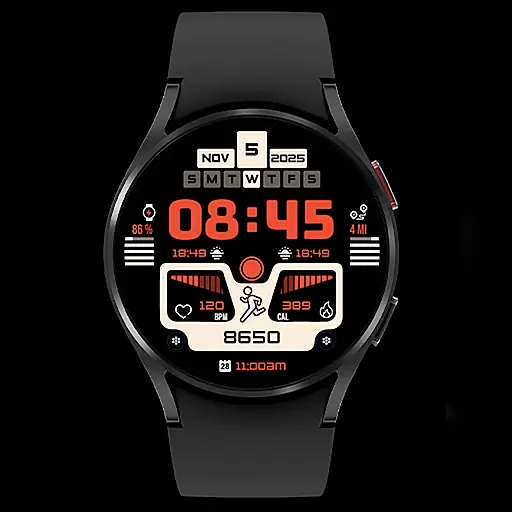
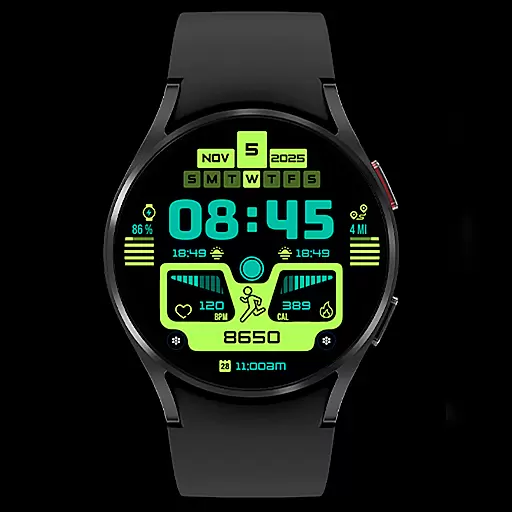
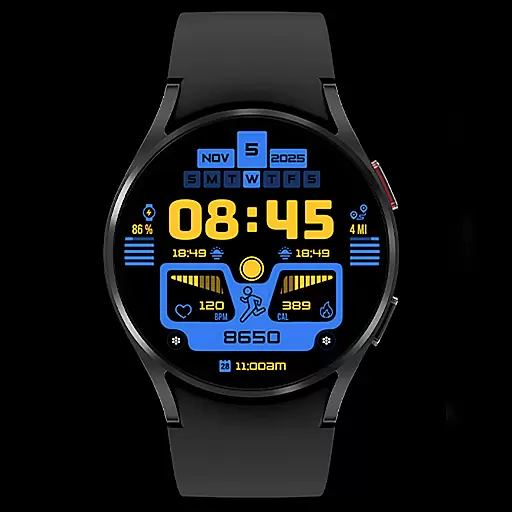
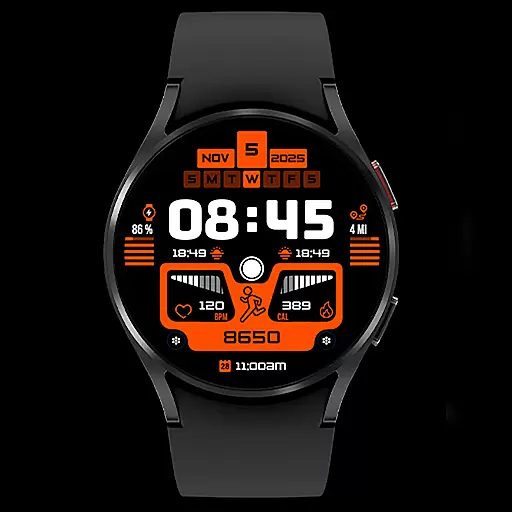
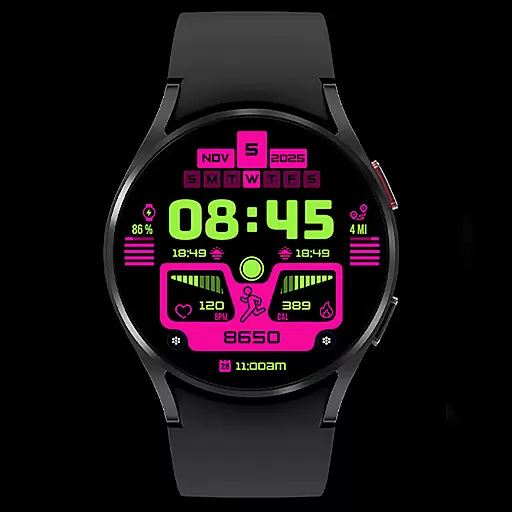
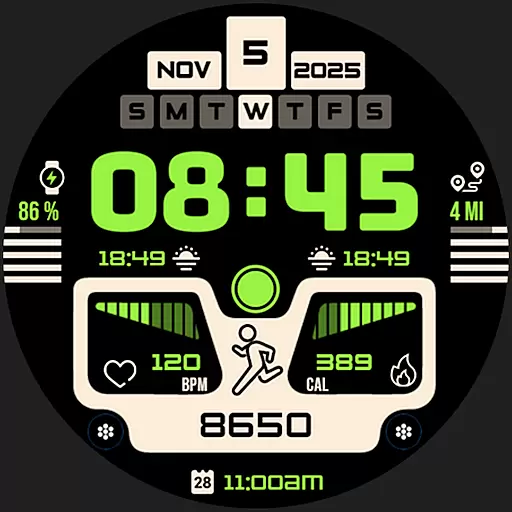
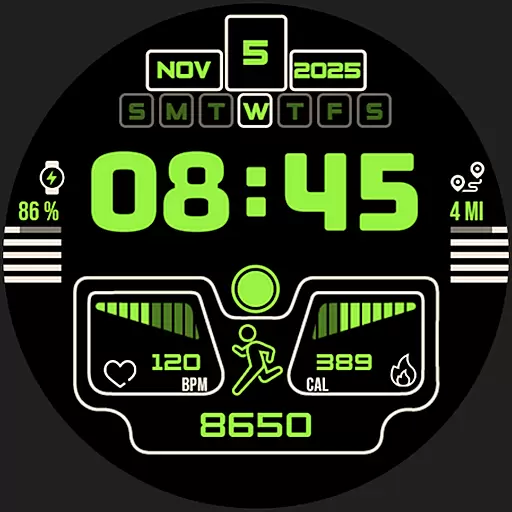
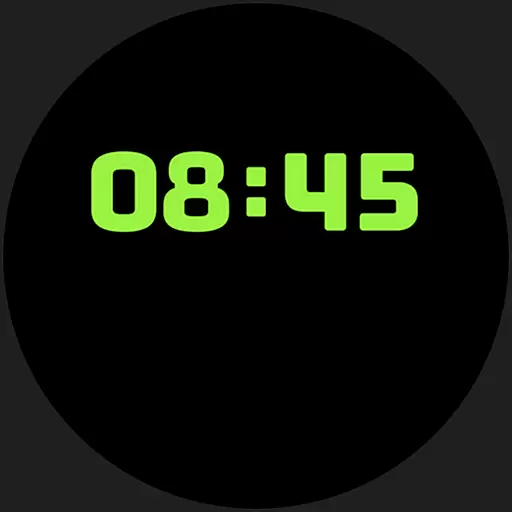
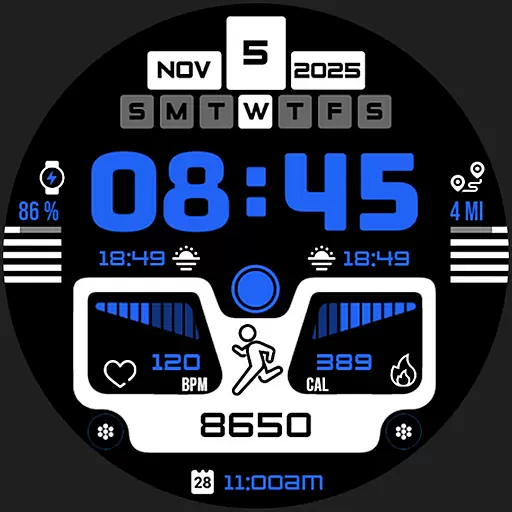
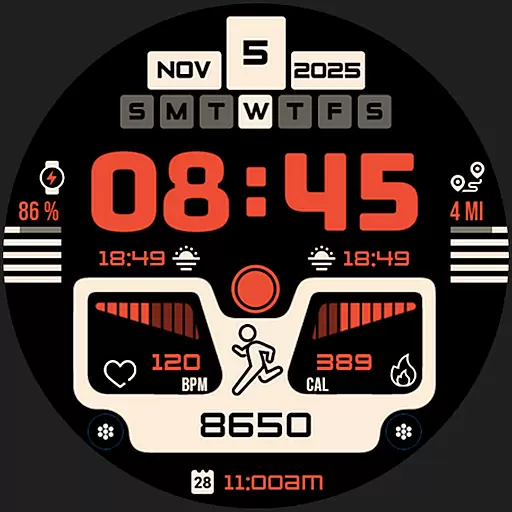
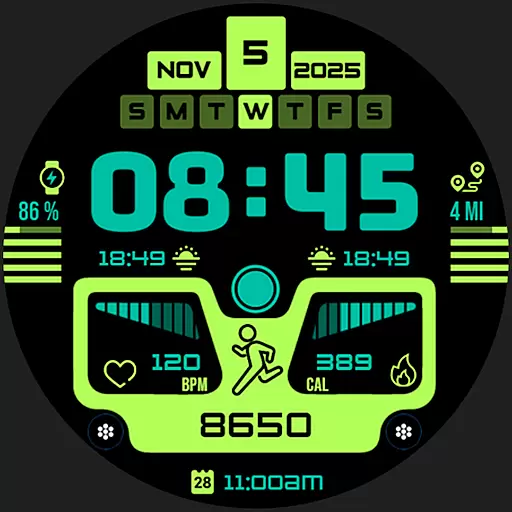
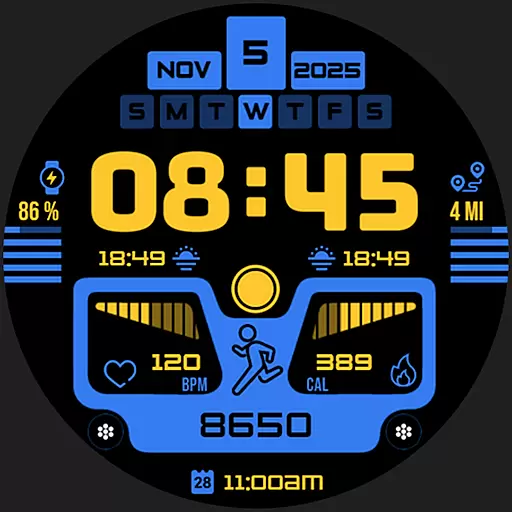
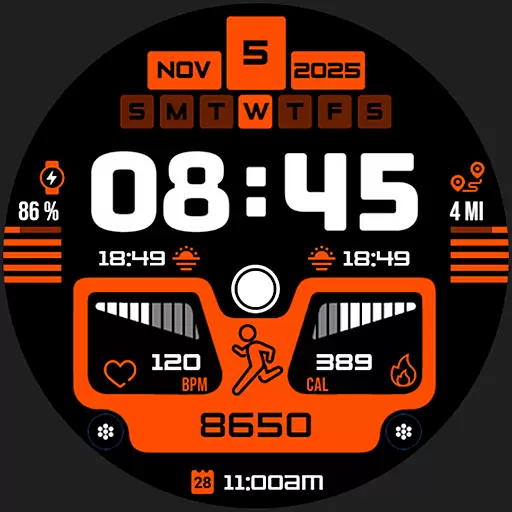
Silas Watch Face is a premium Wear OS application designed to elevate your smartwatch experience. This stylish timepiece combines elegant design with essential functionality, offering users a personalized and practical watch face solution.
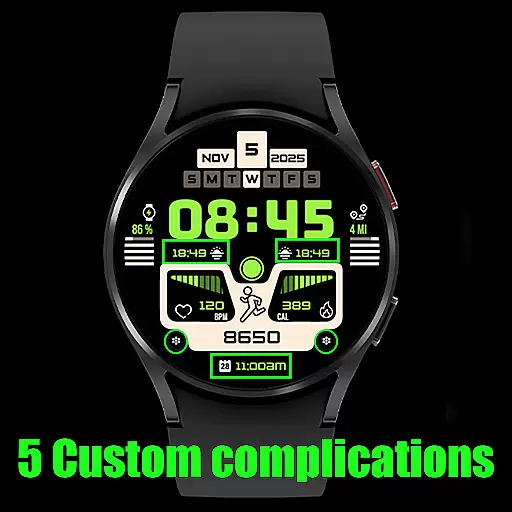
Core features include real-time digital time display, date tracking, battery life indicator, heart rate monitoring, and fitness tracking elements like steps, distance, and calories burned. The app also showcases moon phases and offers five customizable complications for a tailored experience.
Ideal for fashion-conscious professionals and fitness enthusiasts alike, Silas Watch Face transforms your smartwatch into both a style statement and a functional tool. Its perfect balance of aesthetics and utility makes it an essential download for smartwatch owners seeking enhanced timekeeping capabilities.
The application boasts an impressive array of features designed to enhance daily wearability. Its real-time digital display ensures accurate timekeeping while maintaining a sleek profile on your smartwatch screen.
Advanced health and fitness tracking capabilities include heart rate monitoring, step counting, distance measurement in both kilometers and miles, and calorie tracking. These features are complemented by practical indicators such as battery life status and current date display.
Unique customization options allow users to personalize their experience through five configurable complications. The inclusion of moon phase tracking adds a distinctive touch, making Silas Watch Face stand out among other Wear OS applications in the Art & Design category.
When it comes to designing a smartwatch face, having a comprehensive set of creative tools is essential. Silas Watch Face offers an impressive array of features that allow users to customize their watch face with ease.
The app includes date and real-time digital time display, ensuring you are always up-to-date with the current time. Additionally, a battery life indicator helps you manage your device's power efficiently.
For fitness enthusiasts, the heart rate display, step counter, distance tracker (in km/miles), and calorie counter provide valuable insights into daily activities. The moon phases indicator adds a unique touch for those interested in celestial events.
With 5 customizable complications, users can tailor their watch face to suit personal preferences, making Silas Watch Face not just a timepiece but a personalized expression of style.
A versatile canvas is crucial for creating a personalized and functional smartwatch face. Silas Watch Face excels in providing flexibility in both design and format options.
The app supports various customizable elements such as date, time, and battery indicators, allowing users to arrange and display information according to their needs. This adaptability ensures that the most important details are always visible at a glance.
In addition to basic functionalities, Silas Watch Face includes advanced features like heart rate monitoring, step counting, and distance tracking. These health and fitness metrics cater to users who prioritize an active lifestyle.
Furthermore, the inclusion of moon phase indicators and customizable complications enhances the overall user experience by offering a dynamic and interactive interface. This level of customization makes Silas Watch Face a must-have for any Wear OS smartwatch owner looking to elevate their timekeeping experience.
Stylish design
Real-time tracking
Customizable options
Fitness features
Battery indicator
Wear OS only
Limited compatibility
No analog option
Premium features
Complex settings

Stylish letters, Stylish Keyboard, Symbols, Emojis, Cool nickname
 4.40
4.40
Digital Drawing: Draw & Paint
4.10
AI Assistant, powered by ChatGPT GPT-4 & GPT-4o. Your intelligent companion.
3.50
Draw anime easily with AR guidance, sketch templates & trace tools!
3.10
The perfect place to start sketching! Use Sketchbook to draw and paint sketches.
4.50
AR Anime Drawing: How to draw anime with AR drawing & sketching apps!
4.00
Draw glowing spinners, relax, and spin your creative art
4.60
Bring One UI 8.5 Icons to life -elegant dark icons with a modern, premium touch.
4.30
Explore future self face age filter & remove background image for a unique look.
3.50
Mobile pixel art editor. Simple. Fast. Portable.
4.80
Photo blender app to create overlay photos & double exposure.
4.40
Create and Design Custom Logos in Seconds with AI-Powered Tools!
4.40
Remove Background, Magic Eraser, Photo Enhancer, Story Templates, Collage Maker
4.30
Nano Banana AI Image Generator, Anime Filter, AI Portrait, AI Photo Generator
4.30
Sketch, plan, take notes and illustrate on an infinite canvas.
4.20
Get creative and make art with your Sesame Friends!
4.00
AI Face Swap, Video Effects Editor, Realtime Morph, Funny Video FX,AI Filters
3.70
Meet the magic aı 3d photo generator and smart AI video generator app.
3.20
Create stunning video, photo & magic from text with FlixAI GPT video generator.
3.10


User Reviews