![[KNA017] RETRO](https://cdn.linksharehub.com/ocp/?u=https%3A%2F%2Fl1.fancapitalize.com%2Fimages%2F2025%2F12%2Fbcfa0218032e2e821c877c72827d41eb.jpg&t=webp)
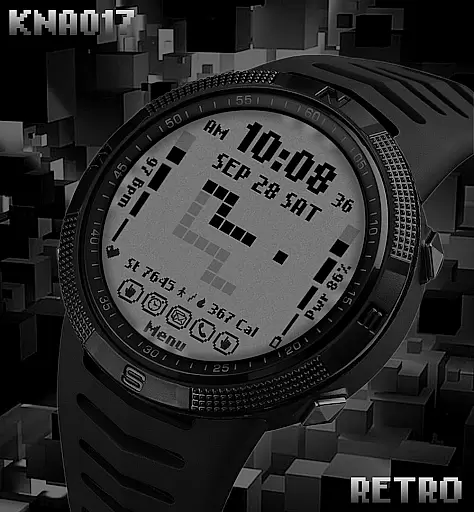
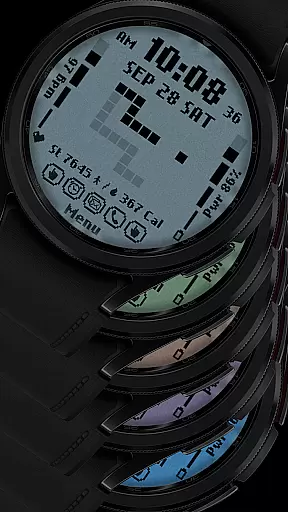
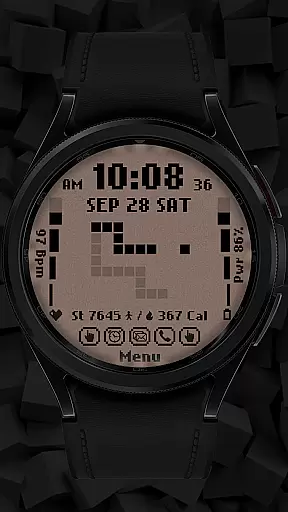
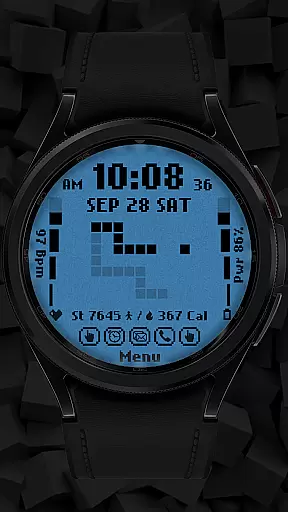
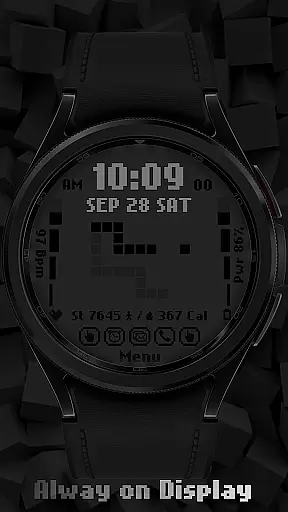
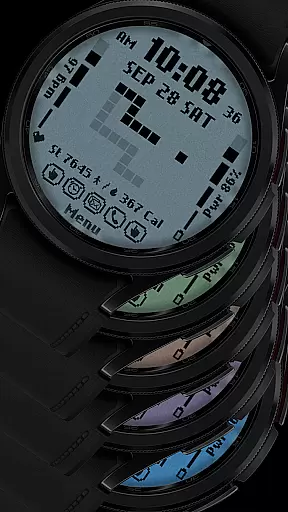
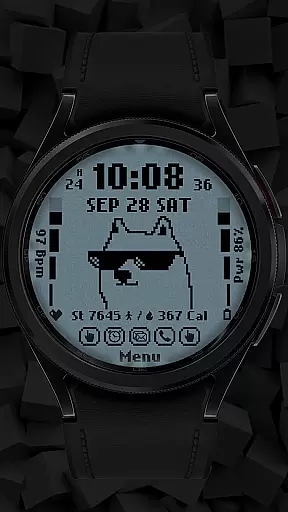
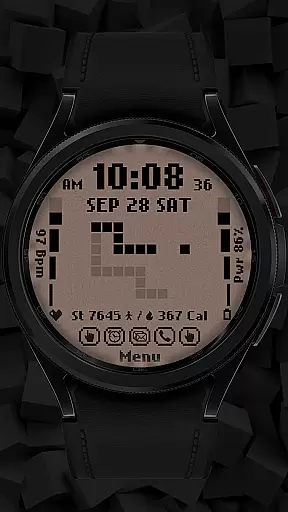
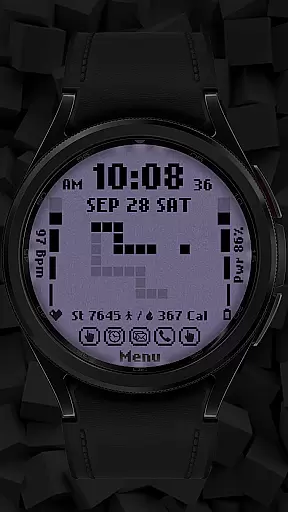
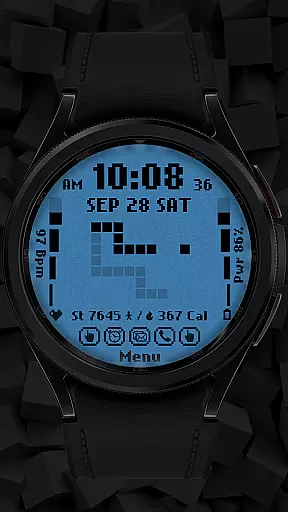
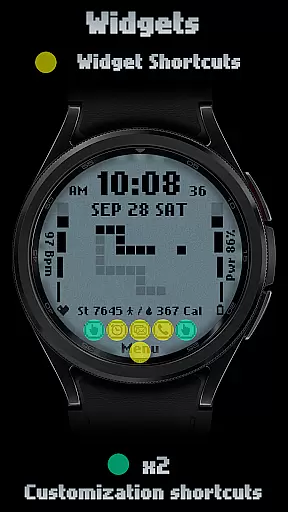
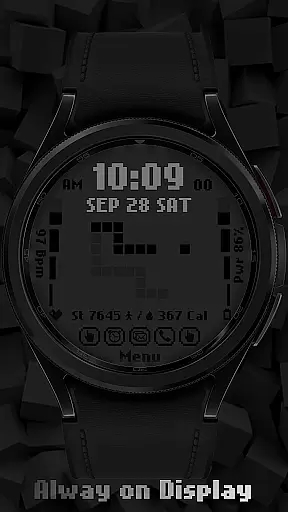
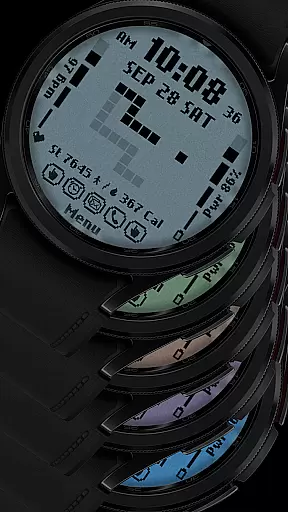
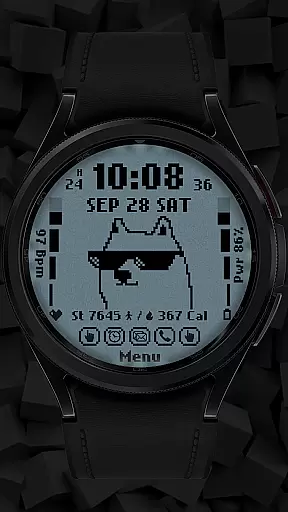
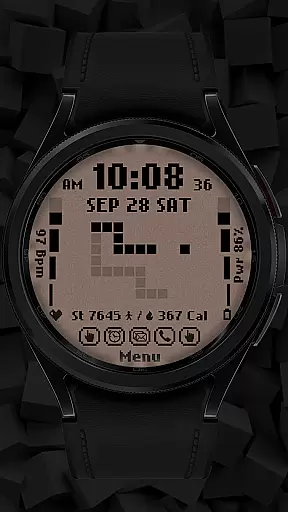
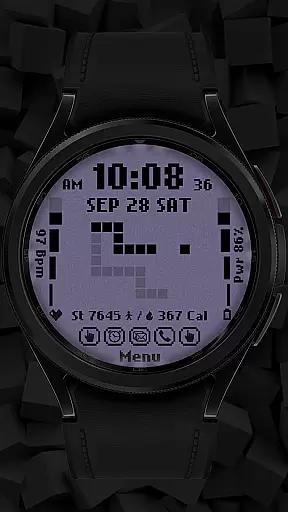
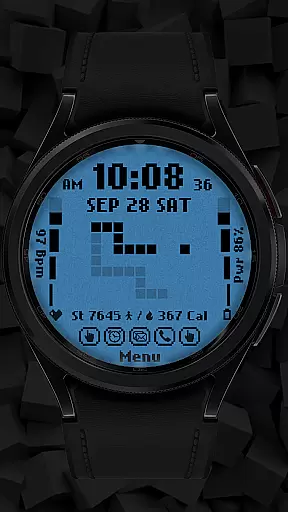
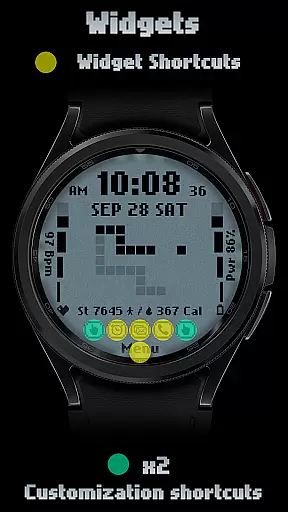
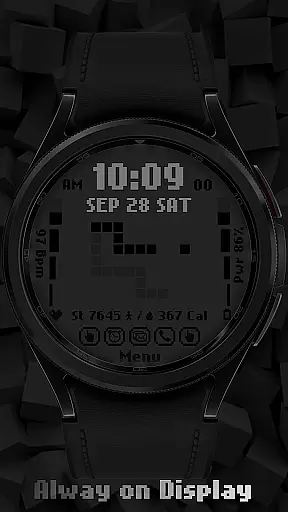
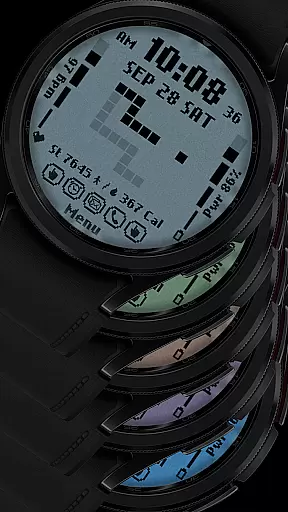
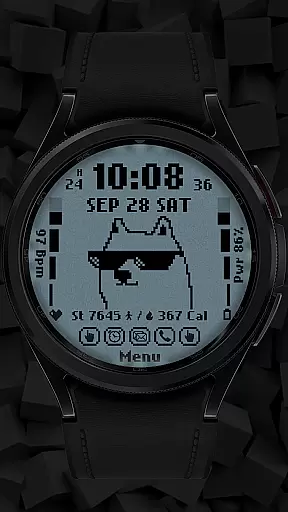
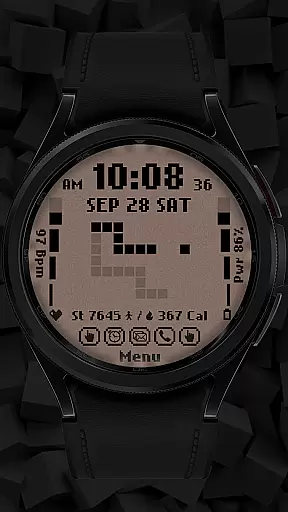
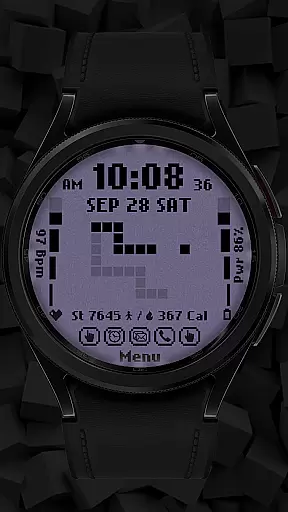
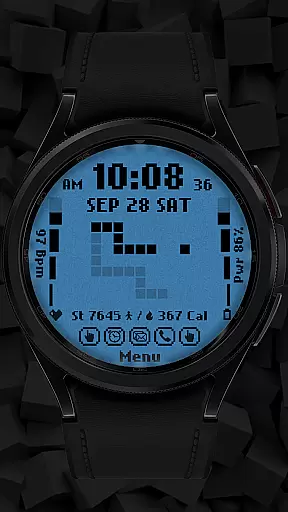
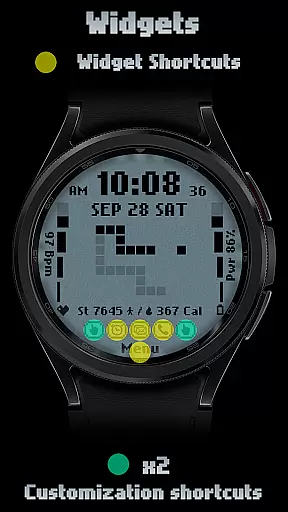
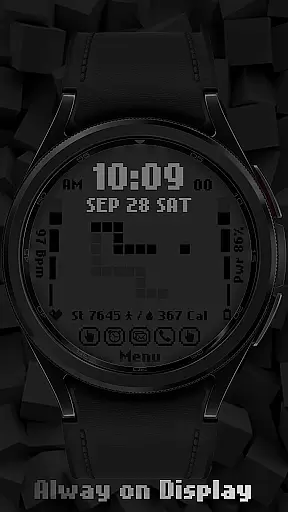
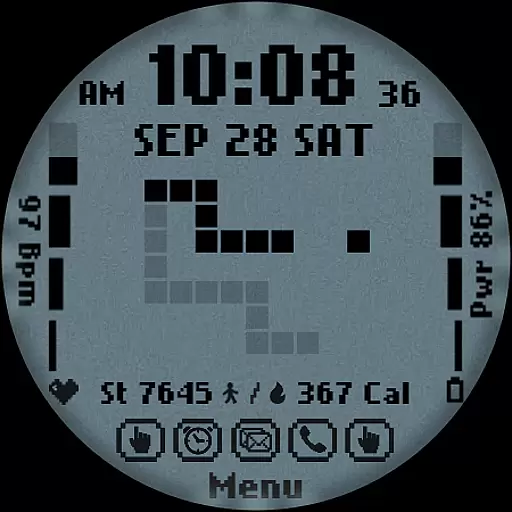
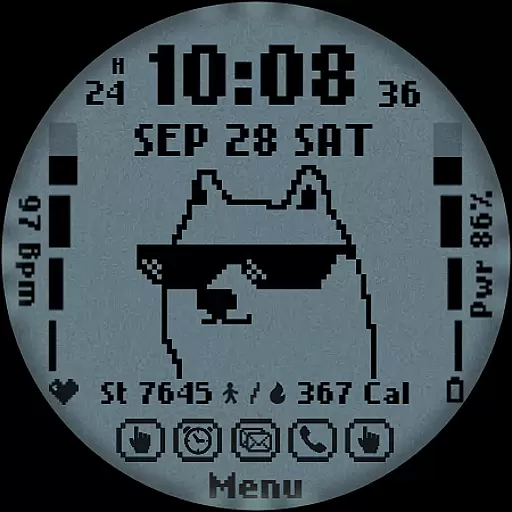
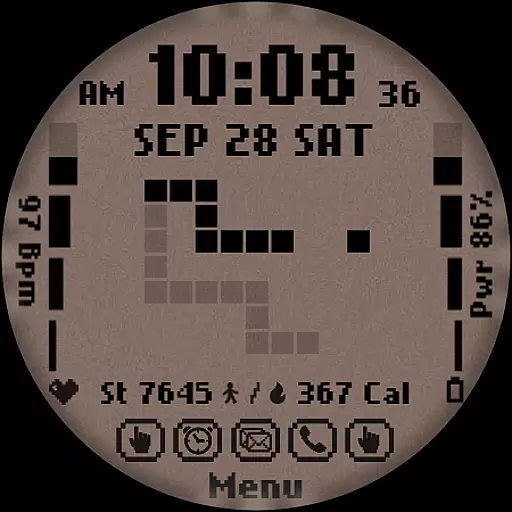
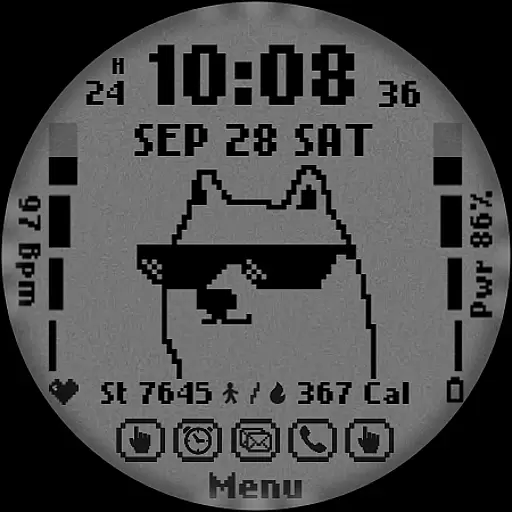
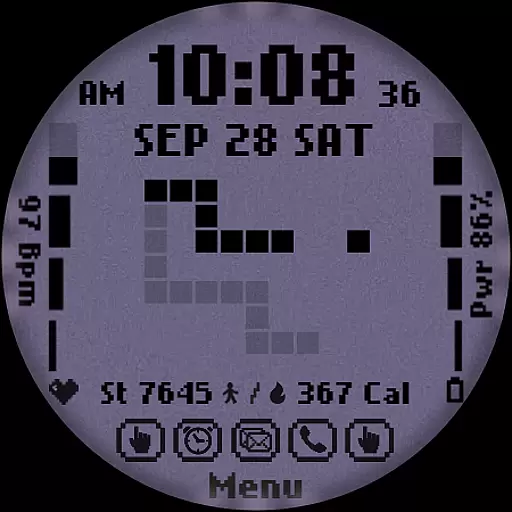
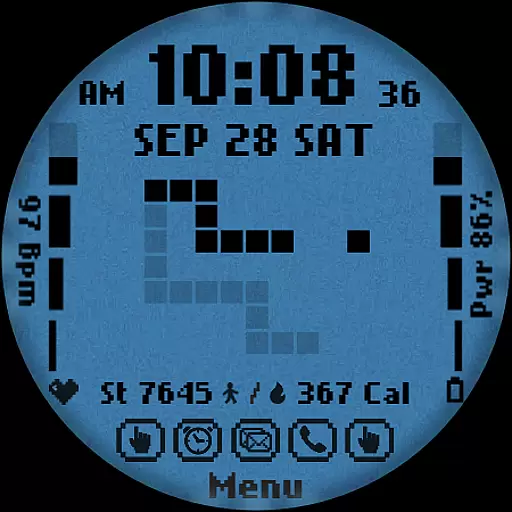
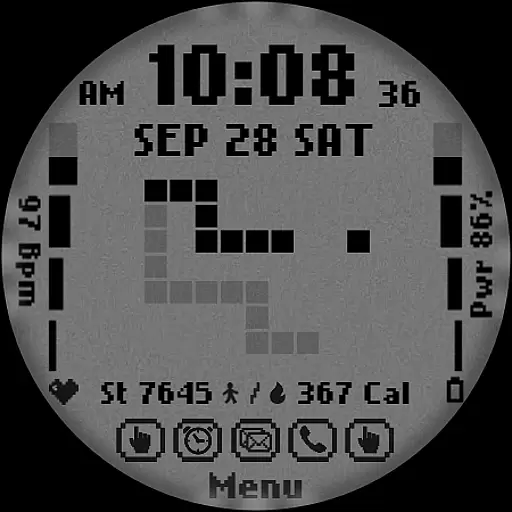
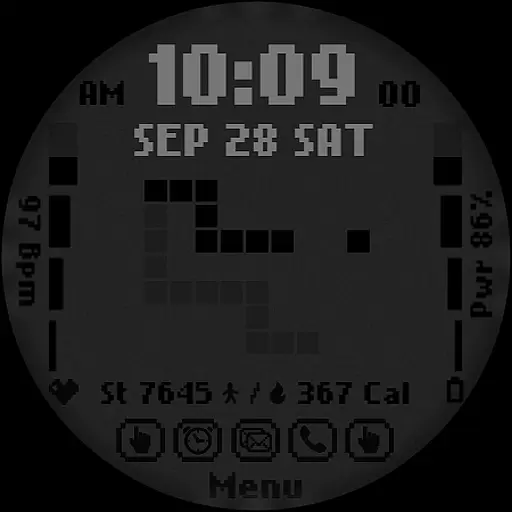
[KNA017] RETRO is a customizable watch face designed specifically for Wear OS devices, offering users a retro-style digital interface with modern functionality. Compatible with API level 30+ devices such as Google Pixel and Galaxy Watch 4, 5, 6 series, this watch face brings both aesthetic appeal and practical utility to your smartwatch.
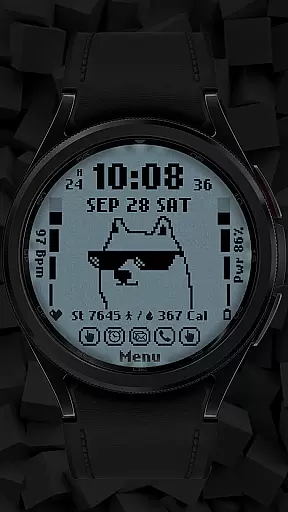
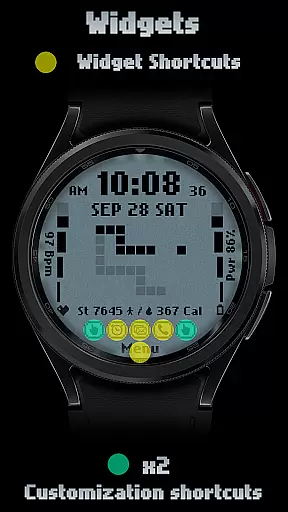
The watch face features multiple display options including 12/24 hour time formats, date, day of the week, and month. It also includes two customizable shortcuts and supports up to six color and style variations. Users can track essential health and activity metrics like step count, heart rate, battery level, and calorie calculation directly from their watch face.
One of the key highlights of [KNA017] RETRO is its customizable complications, allowing users to personalize their watch face with various data points such as weather, world clock, and more. This versatile design makes it suitable for individuals who value both style and functionality in their wearable technology.
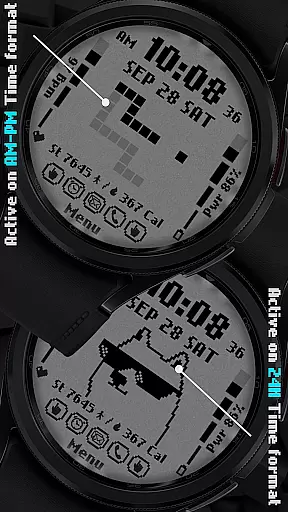
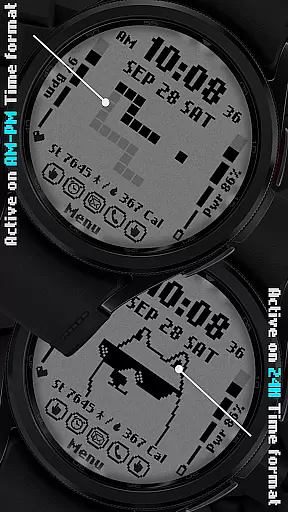
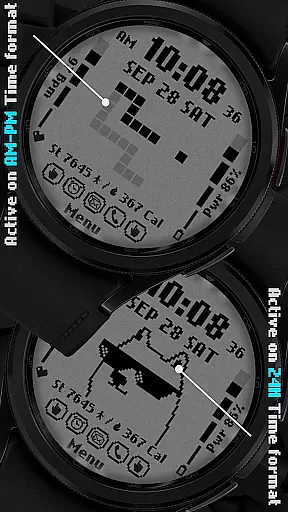
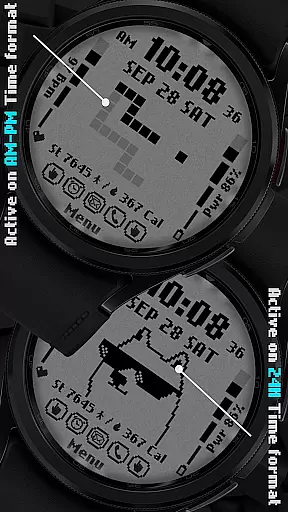
This Wear OS watch face stands out with its unique combination of retro aesthetics and modern functionality. The digital styles support both 12-hour and 24-hour time formats, complete with eye-catching animations that change based on the time format selected (AM-PM or 24H).
Users can customize their experience through intuitive touch controls. By simply touching and holding the display, users can access the customization menu where they can adjust various settings. The watch face offers six distinct colors and styles, ensuring there's an option for every personal preference.
Another notable feature is the inclusion of two customizable shortcuts and complications. These allow users to display relevant information such as weather updates, world clocks, and health metrics like step count, heart rate, and battery levels. While some features may vary across different watch models, the core functionality remains consistent, providing a personalized and engaging user experience.
In the realm of digital art and design, having a comprehensive suite of creative tools is essential for unleashing an artist's full potential. The [KNA017] RETRO Wear OS watch face stands out by offering a rich palette of features that cater to customization aficionados. With options ranging from digital styles in both 12 and 24-hour formats to displaying the date, day of the week, and month, it ensures users have critical information at a glance.
Moreover, this watch face provides not one but two customizable shortcuts alongside six distinct colors and styles. This level of personalization empowers users to tailor their watch faces according to their preferences or mood, making each glance at their wrist a unique experience. The inclusion of health and activity metrics such as step count, heart rate, battery level, and calorie calculation further enhances its utility beyond mere aesthetics.
The true beauty of [KNA017] RETRO lies in its retro-style animation that dynamically changes with the time format, adding an element of nostalgia to your modern wearable technology. By touching and holding the display, then tapping on the customize option, users can easily modify these settings. Such thoughtful design considerations ensure that creativity isn't just encouraged; itu2019s seamlessly integrated into daily life.
Flexibility in canvas size and format is crucial for designers who wish to explore various artistic expressions without being constrained by technical limitations. The [KNA017] RETRO Wear OS watch face excels in this aspect by providing compatibility across a wide range of devices including those running on API level 30+ like Google Pixel watches and Galaxy Watch series 4 through 6 among other Wear OS models.
This broad device support underscores the productu2019s commitment to ensuring every user can enjoy a personalized experience regardless of their hardware choice. Furthermore, complicationsu2014a key feature allowing additional data overlaysu2014are highly customizable within this application. Users can select from a plethora of data types such as weather updates, world clocks, sunrise/sunset times, or even barometric pressure readings.
It's important to note though that while extensive customization options are available, some features might not be accessible on all watches due to inherent device restrictions. Nevertheless, the ability to adapt the watch face layout so extensively means that whether you're tracking fitness goals or staying informed about global events, thereu2019s likely a configuration suited perfectly for your needs right at your fingertips.
Customizable complications
Retro-style animations
Health metric tracking
Multiple color options
Intuitive customization
Limited device compatibility
Some features not available
No automatic application
Requires latest Android
Varied feature support

AI generated images & photos, turn your words into drawing, painting & pictures.
 4.30
4.30
Learn how to draw with step-by-step tutorials, fun lessons & multiplayer drawing
4.70
Create trending AI photos & videos with powerful effects and 3D styles.
3.20
Sketch, plan, take notes and illustrate on an infinite canvas.
4.20
Unleash Your Creativity with Draw Cartoon - AR Drawing App
4.10
Painting, drawing, & sketching
4.50
Image resizer to resize, crop, rotate, flip, change dpi photo or picture in bulk
4.60
Share the joy of painting with ibis Paint! Drawing anime and manga art.
4.50
AI-powered photo & video creation—fast, fun, and effortless with Quick Actions
4.60
Digital, Abstract, Classic - all types of color wheels in one app!
4.60
Turn your drawings into flipbook-style animations with simple creative tools
4.60
Get an overview over all your embroidery threads, projects and more.
4.60
Discover Cartoon Dream : Unleash Your Creativity with CuttingEdge AI
4.50
Digital illustration drawing & painting pad app to paint Anime and Manga art
4.50
Stylish letters, Stylish Keyboard, Symbols, Emojis, Cool nickname
4.40
Create and Design Custom Logos in Seconds with AI-Powered Tools!
4.40
Create stylish invitation cards using templates for weddings, birthdays & RSVP.
4.20
Transform photos into amazing monochrome dither art with professional algorithms
4.1
Art of Combination Wear OS Watch faces
4.0


User Reviews