

Adobe Express is a versatile design application that empowers users to create professional-quality marketing materials while maintaining brand consistency. The app offers an array of features including video editing, photo enhancement, background removal, and QR code generation, all tailored for both beginners and experienced creators. With customizable templates and AI-powered tools, Adobe Express simplifies the process of producing high-impact content for business needs.
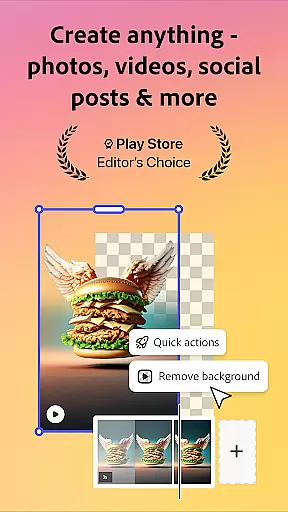
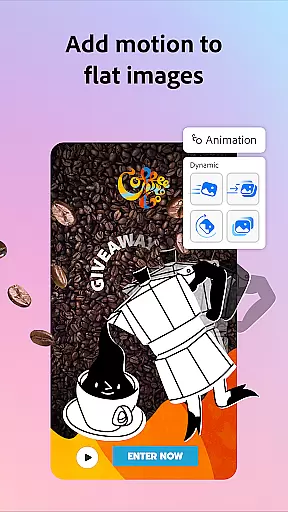
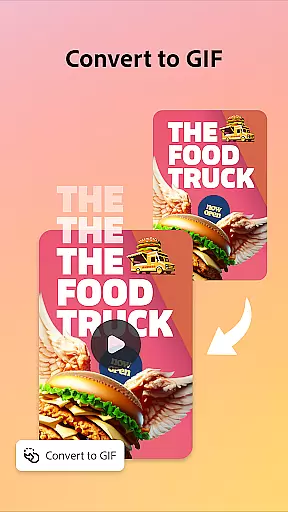
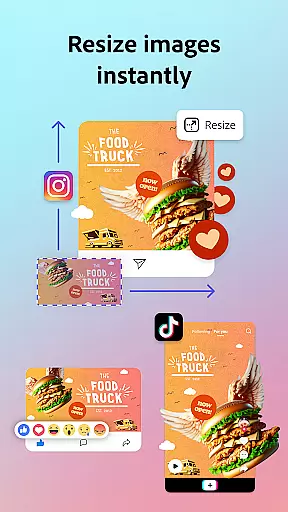
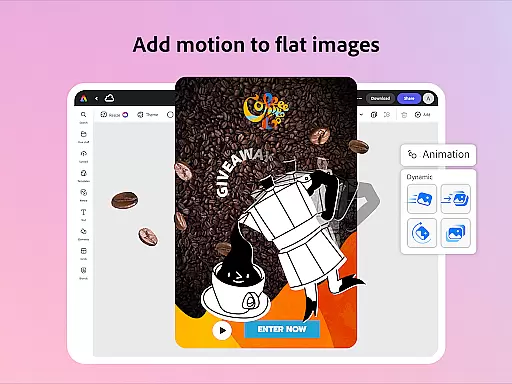
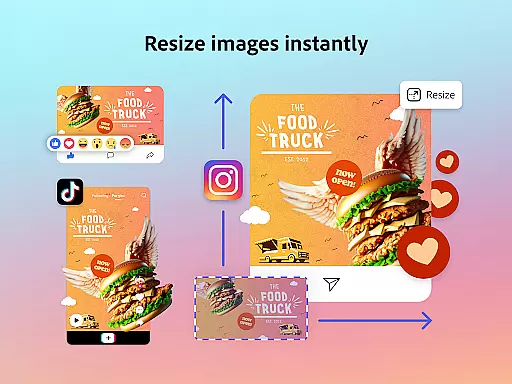
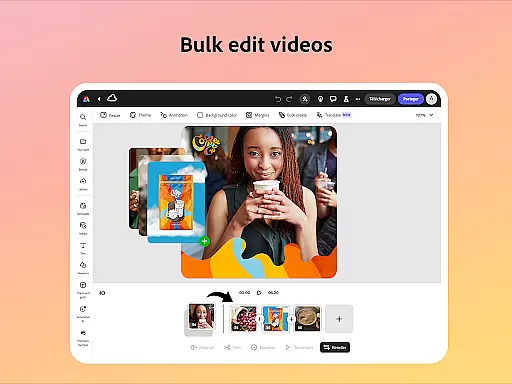
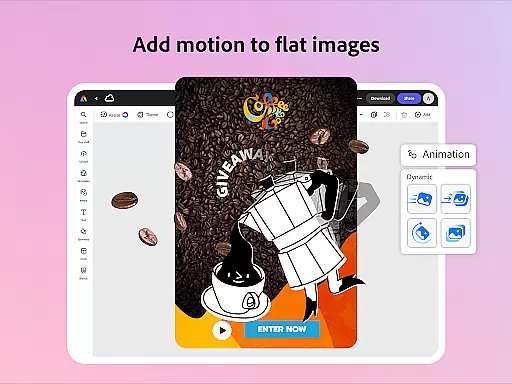
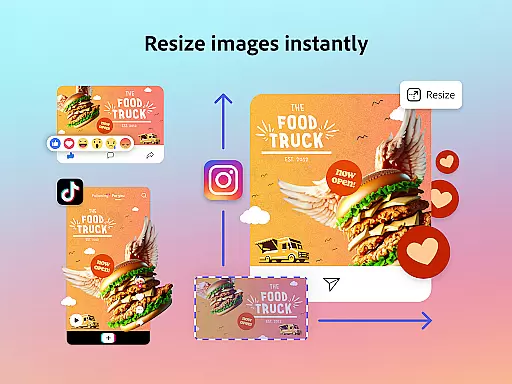
The app's intuitive interface allows users to trim and combine footage, add text and sound effects, and even remove video backgrounds effortlessly. Its Quick Action tools enable resizing designs for various platforms, converting images to GIFs, and animating characters with voice commands. These capabilities ensure that businesses can produce engaging multimedia content that stands out across different channels.
For teams and individuals seeking brand cohesion, Adobe Express provides brand kits to store fonts, colors, and logos for consistent application in every project. Premium membership unlocks additional features such as access to millions of royalty-free Adobe Stock assets and advanced generative credits. This makes Adobe Express not just a design tool but a comprehensive solution for elevating your brand's visual presence.
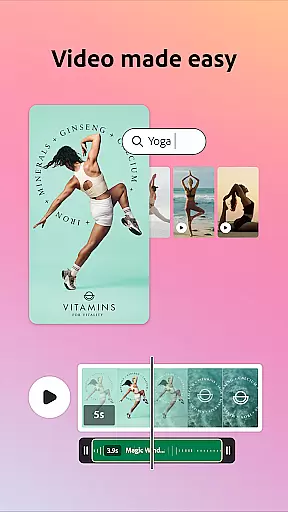
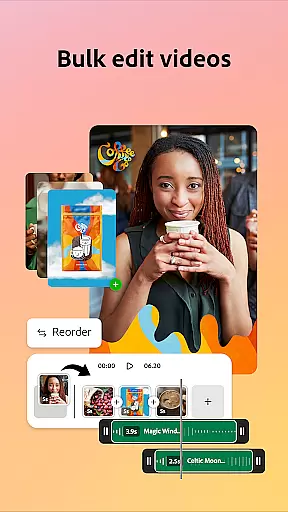
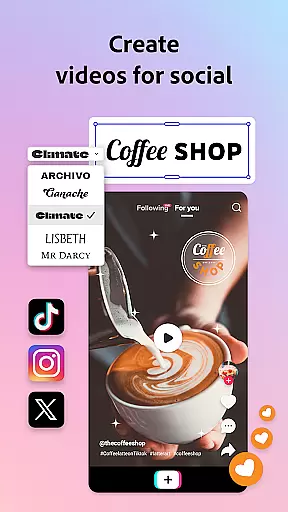
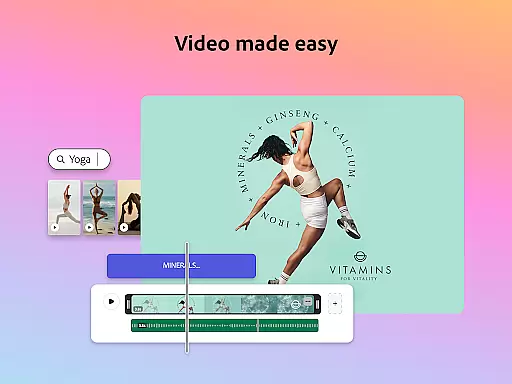
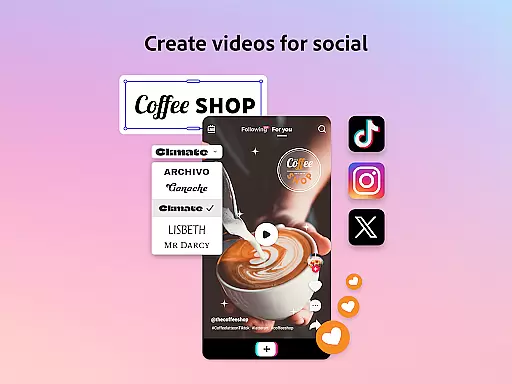
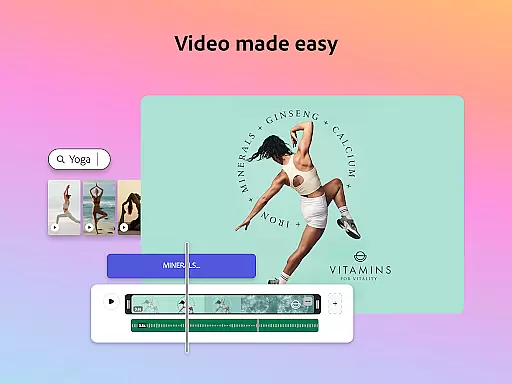
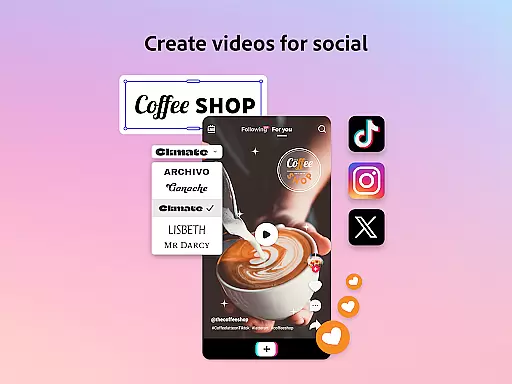
Adobe Express boasts a rich set of features designed to streamline content creation. One standout capability is its video editing functionality, which includes customizable templates, trimming tools, text overlays, music integration, and automatic captioning. Users can also reframe videos for social media and eliminate background noise, ensuring polished final products suitable for diverse platforms.
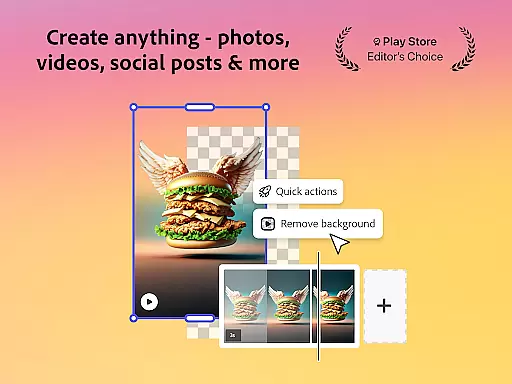
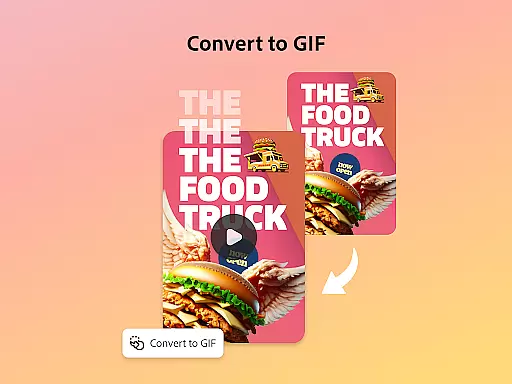
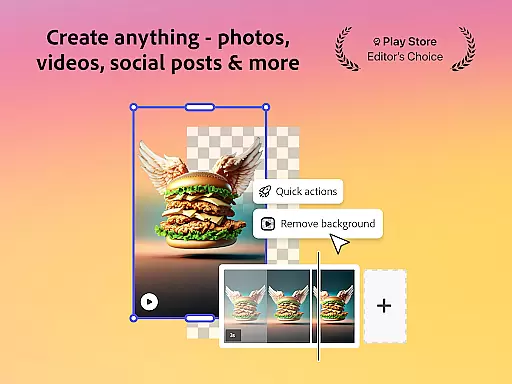
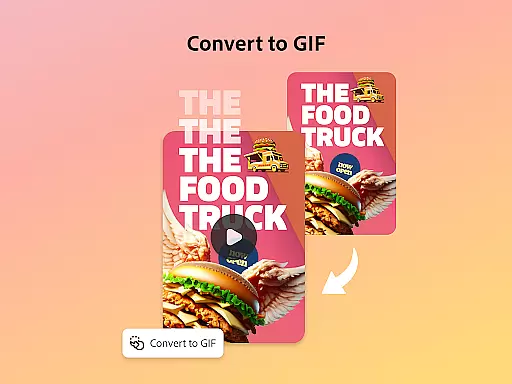
In addition to video editing, Adobe Express excels in photo manipulation with AI-driven enhancements. The app allows users to add or remove objects from photos using AI technology, apply Photoshop-powered filters, and generate unique photo art instantly. Another remarkable feature is the effortless background removal from both images and videos, enabling quick conversions into formats like GIFs without compromising quality.
Furthermore, Adobe Express simplifies PDF editing by allowing users to update content, swap images, refine layouts, and incorporate brand-specific visuals with ease. The inclusion of Quick Action tools enhances productivity by enabling tasks such as cropping photos, converting file types, animating characters, and importing PDFs seamlessly. These robust features collectively make Adobe Express an indispensable tool for modern content creators aiming to maintain brand consistency while maximizing efficiency.
Adobe Express offers a comprehensive suite of creative tools that cater to both beginners and seasoned creators. The app provides customizable templates for video editing, intuitive photo editing features powered by AI, and Quick Actions for effortless background removal and image resizing.
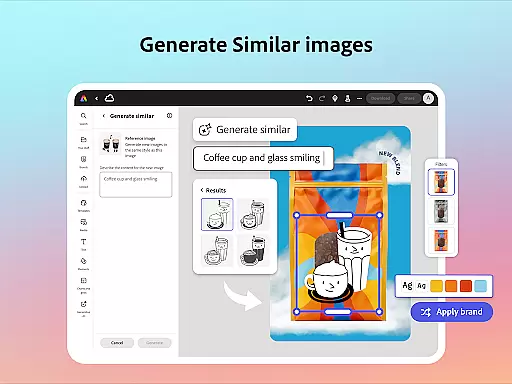
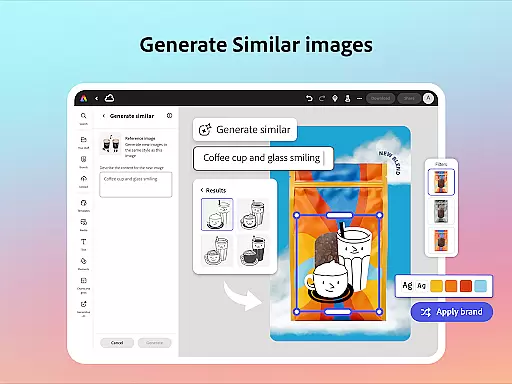
The inclusion of brand kits ensures that users can maintain brand consistency across all their designs. With Generate Similar functionality, refining and adjusting designs becomes seamless, allowing users to create high-quality marketing materials while preserving their unique brand identity.
For PDF editing, Adobe Express allows users to update content, swap images, and refine layouts with ease. This feature extends the creative capabilities beyond traditional design work, making it an all-in-one solution for various content creation needs.
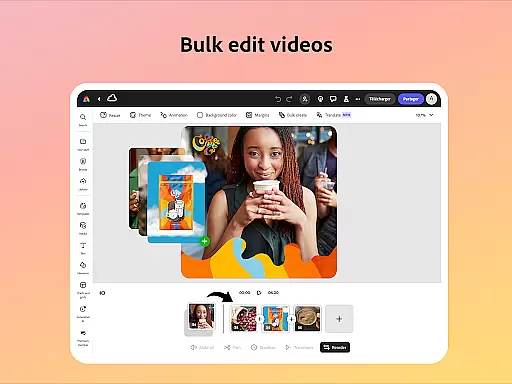
Additional Quick Action tools such as trimming and resizing designs, converting images to GIFs, and animating characters with voice further enhance the creative possibilities. These tools collectively ensure that Adobe Express is a complete creative package for diverse user requirements.
Adobe Express excels in providing canvas and format flexibility, enabling users to adapt their creations for any platform or medium. The ability to resize designs for different channels ensures that content looks professional and cohesive, regardless of where it's displayed.
Users can crop photos and convert image files to suit specific project requirements. The option to convert videos and images into GIFs adds another layer of versatility, allowing for dynamic content creation tailored to audience preferences.
The app supports importing PDFs, giving users the flexibility to edit existing documents and incorporate them into new designs. This feature bridges the gap between static documents and interactive digital content, enhancing workflow efficiency.
While some advanced features may not be available on all devices currently, Adobe continues to roll out support, ensuring that users will have access to an increasingly flexible and adaptable creative environment over time.
User-friendly interface
Extensive template library
Advanced AI capabilities
Brand consistency tools
Comprehensive feature set
Premium features locked
Device support limited
Occasional bugs reported
Internet connection required
Learning curve for new users

Art of Combination Wear OS Watch faces
 4.3
4.3
Your Essential Color Theory Guide: Red, Yellow, Blue (RYB)
4.2
See Color, Paint Color
4.90
Convert image to JPG PNG HEIC PDF, support almost all kinds of image formats
4.70
Resize photos and print photos in exact size with our powerful photo printer!
3.80
Unleash the artist in you with our AR drawing and tracing tool for photo drawing
4.10
Retouch photos. Create or edit images. Endless capabilities.
2.70
Create amazing pictures and unleash your creative genius with AR Drawing Sketch
4.40
All-in-One art, logo & collage maker. Design photos and edit video backgrounds
4.80
2D animation studio for Android tablets - unlimited layers, infinite timeline
4.70
Painting, drawing, & sketching
4.50
AI Tattoo Generator: Create Tattoo Designs & Get Ideas! Ink & Stencil Maker
4.50
Trace, draw, and create art with AR - from memes to masterpieces!
4.30
Easy 3D drawing design maker & creator. Model designing, Sculpting. Create&paint
4.00
AI Face Swap, Video Effects Editor, Realtime Morph, Funny Video FX,AI Filters
3.70
Inky runs Inkscape on Android devices and Chromebooks
2.90
Download now for a stylish and functional timepiece
4.0
Transform photos into amazing monochrome dither art with professional algorithms
4.3
Art of Combination Wear OS Watch faces
4.0


User Reviews