
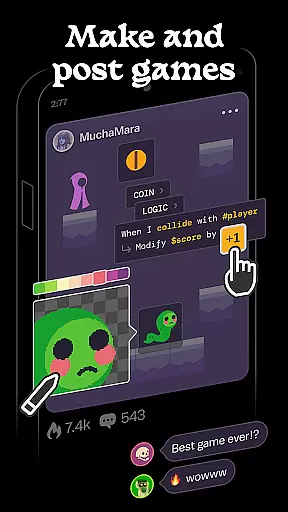
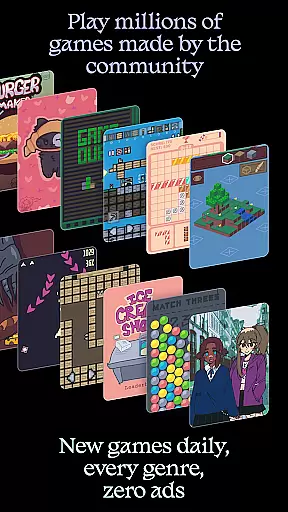
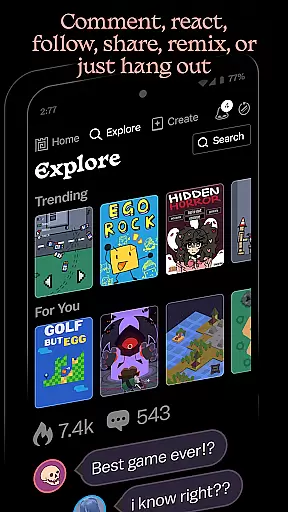
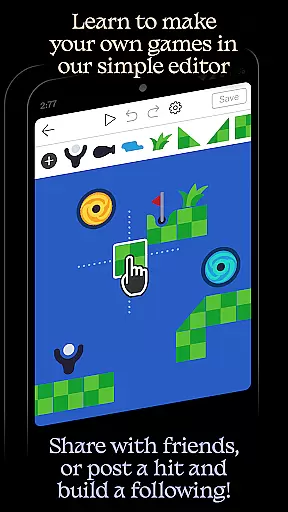
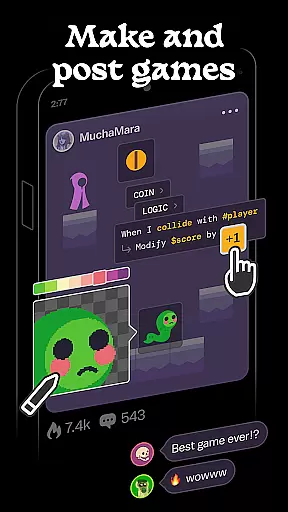
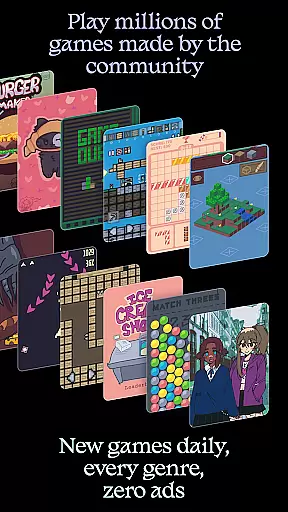
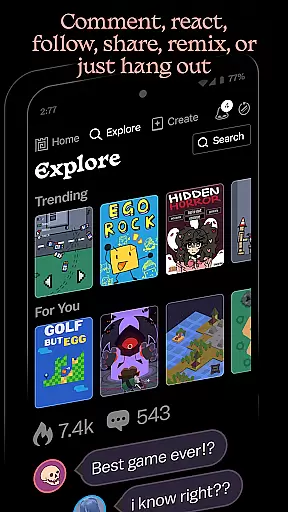
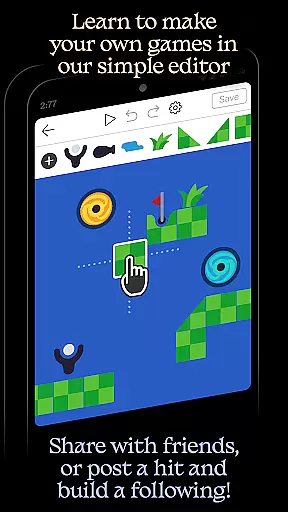
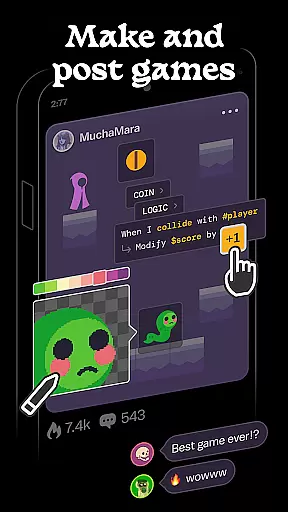
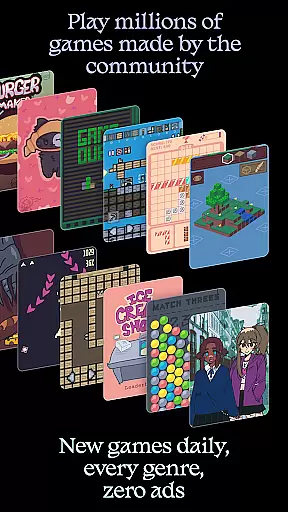
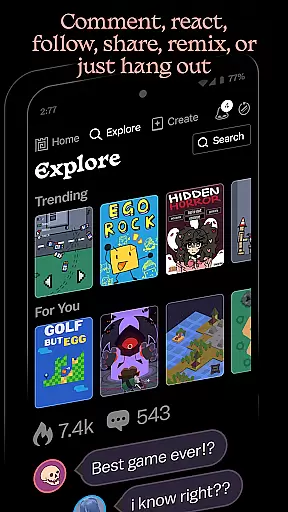
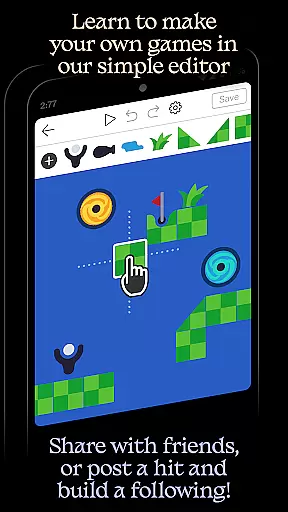
Castle is a dynamic social media platform designed specifically for game creation and interaction. This app allows users to design their own games using an intuitive editor, share them with the community, and explore millions of games created by others. With features like simple templates, remixing capabilities, and a vast library of game objects, Castle empowers creativity while offering a seamless experience across multiple platforms.
The app's core strength lies in its ability to combine game development with social networking. Users can follow favorite creators, compete for high scores, and collect achievements. Whether you're a beginner or an experienced creator, Castle provides tools for art, physics, logic, music, and sound that help bring ideas to life. While some advanced promotional features may require in-app purchases, creating and sharing games remains completely free.
Castle offers a comprehensive suite of features tailored for creative expression and social engagement. The app includes a powerful yet user-friendly editor that supports everything from basic game creation to complex interactive designs. Its built-in library contains millions of game objects, enabling users to create virtually anything they can imagine.
One standout feature is the ability to remix existing games, allowing creators to add personal touches to shared projects. The platform also emphasizes community building through features like commenting, following creators, and competing for high scores. Additionally, Castle provides educational value by helping users develop lasting skills in art, logic, and sound design. These robust features make Castle an ideal choice for aspiring game developers looking to build a following and engage with a vibrant creative community.
In the realm of digital creativity, having a comprehensive suite of tools is paramount. Castle delivers an impressive array of creative instruments that cater to various aspects of game design and development. From art and physics to logic and sound, this platform ensures that all the essentials, as well as innovative features, are at your fingertips.
Castle's editor is engineered to be both accessible for novices and deep enough for seasoned creators. It offers functionalities for designing intricate game mechanics, composing original music scores, and developing complex physics simulations. This empowers users not only to craft visually appealing games but also to infuse them with depth and interactivity.
The availability of these robust tools means that creators can focus on unleashing their imaginations without being constrained by technical limitations. Whether itu2019s drawing characters, scripting actions, or tuning gameplay dynamics, Castle stands out in supporting a seamless transition from concept to creation.
Flexibility in canvas and format options is crucial for realizing diverse artistic visions within digital platforms. Castle excels in providing adaptable environments where creators can experiment with different styles and dimensions without feeling restricted by predefined settings or formats.
This adaptability allows artists and designers to customize their workspace according to specific project requirements or personal preferences. Whether adjusting resolution sizes for optimal performance across devices or tweaking aspect ratios for unique visual effects, Castle accommodates a wide range of specifications.
Moreover, this flexibility extends beyond mere aesthetics; it enhances productivity by enabling efficient asset management and integration. Creators can import assets from varied sources, manipulate them freely within the editor, then export their finished projects in formats suitable for sharing or further refinement elsewhereu2014all while maintaining high standards of quality and compatibility.
User-friendly interface
Vast creative resources
Strong community focus
Educational value
Free game creation
Premium features costly
Steep learning curve
Limited offline use
Occasional bugs
High system requirements

AI generated images & photos, turn your words into drawing, painting & pictures.
 4.30
4.30
Floor Plan Creator lets you create, edit and share floor plans.
4.00
Meet the magic aı 3d photo generator and smart AI video generator app.
3.20
Draw beautiful mandala's very easily
4.60
Draw anime easily with AR guidance, sketch templates & trace tools!
3.10
Create stunning video, photo & magic from text with FlixAI GPT video generator.
3.10
Photo editor for art, avatars, filters & fun transformations.
4.60
Photo stitcher for automatically screenshot stitching into a long screenshot
4.70
Create Logos, Tattoos, AI Art & more with our AI Photo Generator & Design Editor
4.20
Draw on screen: FP sDraw is a simple and lightweight drawing app
4.70
Create neon drawing with magic doodle and fun doodle art effects!
4.50
Unleash your drawing and painting potential
4.50
Stylish letters, Stylish Keyboard, Symbols, Emojis, Cool nickname
4.40
Image/ Text to Video Generator
4.40
Get creative and make art with your Sesame Friends!
4.00
Sketch and paint on your device with the feel and freedom of drawing on paper
4.00
Resize photos and print photos in exact size with our powerful photo printer!
3.80
Art of Combination Wear OS Watch Faces
3.30
Your Essential Color Theory Guide: Red, Yellow, Blue (RYB)
4.2


User Reviews