
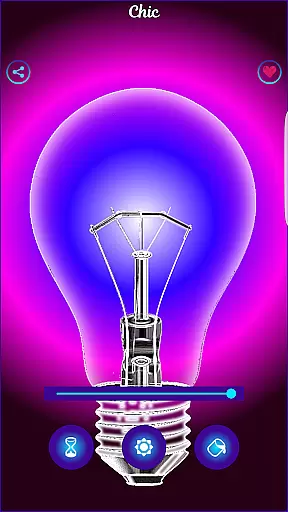
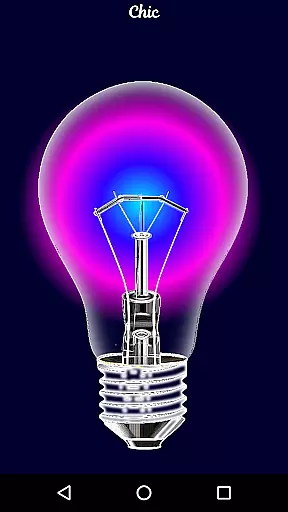
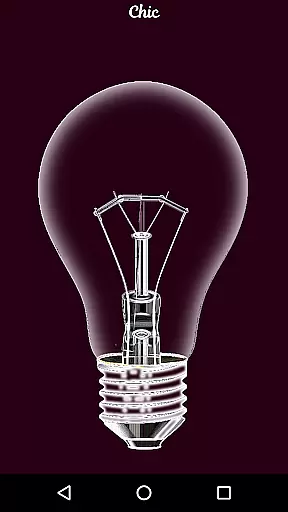
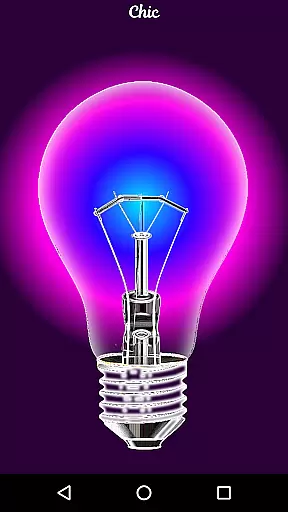
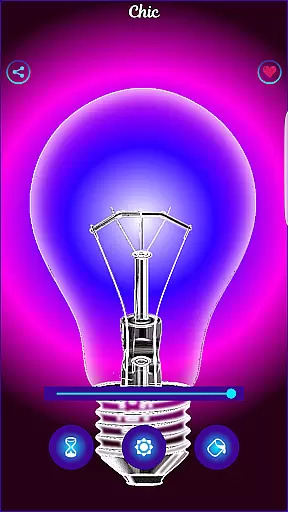
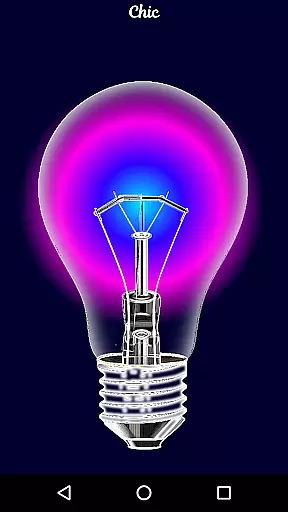
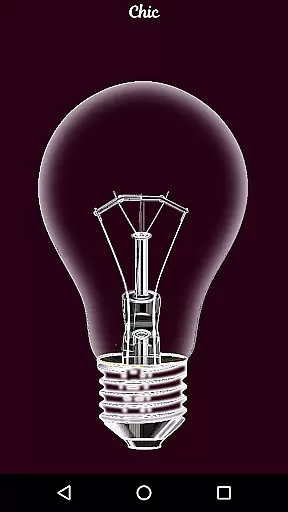
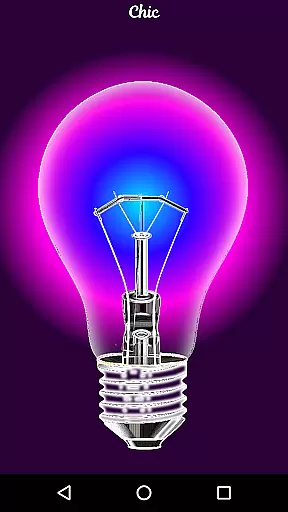
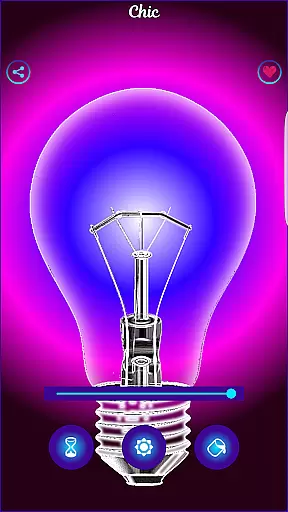
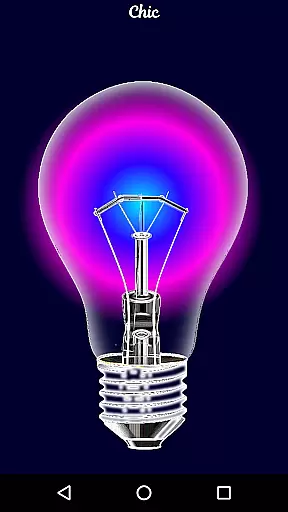
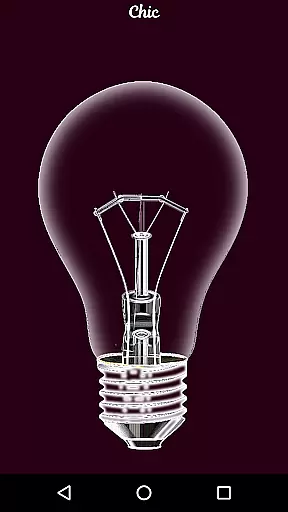
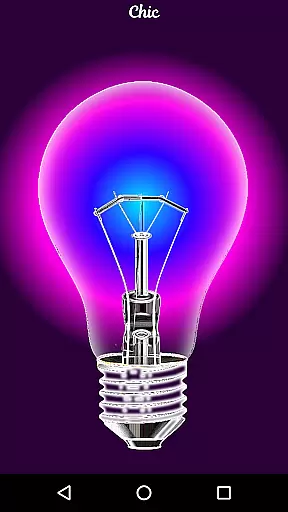
Black Light is a unique simulator app designed to mimic the effects of real black light. The app allows users to customize their experience by adjusting the tone, time, and brightness settings to create an immersive radiant effect in dark environments. With deep purple color variations optimized for visual impact, this app offers an engaging way to enhance nighttime activities or create ambient lighting for fun occasions.
While Black Light doesn't produce actual black light, it provides a realistic simulation that can be used purely for entertainment purposes. Whether you're setting the mood for a party or experimenting with different lighting effects, this app delivers a simple yet effective solution for creating captivating visual experiences on your mobile device.
Black Light stands out with its customizable features that give users control over their black light experience. The app includes adjustable settings for color tone, allowing users to select from various deep purple shades for the most visually striking effect. Additionally, users can set a timer to control how long the screen remains active, ensuring optimal battery usage during extended use.
The brightness adjustment feature enables users to fine-tune the intensity of the simulated black light effect. All color variations have been carefully optimized to produce powerful radiance in dark environments. While primarily designed for entertainment, these features combine to create a versatile tool for anyone looking to experiment with creative lighting effects using their mobile device.
Functionality completeness is a crucial aspect of any application, ensuring that users have access to all necessary features for an optimal experience. Black Light offers a comprehensive set of tools that allow users to simulate a real black light experience on their devices.
The app provides options to change and select the tone of color with deep purple variations, set the duration for which the screen will be active, and adjust the brightness level. These features are meticulously designed to mimic the radiant effect of black light in dark environments, enhancing user engagement.
By offering these functionalities, Black Light ensures that users can customize their experience according to their preferences. This level of control not only adds to the fun aspect but also showcases the app's commitment to delivering a complete simulation experience.
Ultimately, the functionality completeness of Black Light translates into higher user satisfaction as it meets various user needs within its niche. The ability to fine-tune settings makes it a versatile choice for those looking to explore the unique effects of black light on their mobile screens.
Usability and operational smoothness are key factors that determine how easily users can interact with an application. Black Light excels in providing a seamless user experience by focusing on intuitive design and efficient performance.
The interface of Black Light is crafted to ensure that users can effortlessly navigate through different settings. Options to modify color tones, set timers, and adjust brightness levels are presented in a straightforward manner, making it easy for users to achieve their desired black light effect without any hassle.
Moreover, the app optimizes all colors to deliver a powerful radiant effect in the dark, showcasing attention to detail in operational execution. This optimization enhances the overall usability by ensuring consistent performance across various devices.
In summary, Black Light stands out in the Libraries & Demo category by prioritizing usability and operational smoothness. Users benefit from a polished application that operates smoothly, allowing them to enjoy a realistic black light simulation with minimal effort.
User-friendly interface
Customizable settings
Vibrant color options
Timer functionality
Optimized brightness
No real UV effect
Limited practical use
Battery consumption
Basic feature set
Dark-only visibility

If you are looking for melon playground mod that fun you deffinitely try our app
 2.70
2.70
SmartCast mirrors Android phone to TV screen With Cast Screen, Chromecast.
4.80
A great tool help you to format Micro SD memory Card
3.10
Easily evaluate the performance of Scandit's barcode and ID scanning SDK
4.10
Mirror link car connector to share your screen with car dashboard
3.80
Barcode scanning made simple!
4.40
DamonSx2 is the open Source LGPL Emulator
3.20
Game booster GFX may reduce interruptions and improve gaming experience.
4.50
Expo is a free & open source platform to build apps using JavaScript and React.
4.70
The Free Catholic Latin American Bible in complete Spanish
4.60
An impressive collection of tools, characters, weapons, skins and more!
4.30
Test DPC is a sample device policy controller for use with Android Enterprise.
4.20
The best PS2 games from your childhood come to life in their mobile version!
4.00
With Endoscope Camera Connector you can connect your phone with endoscope cam
3.70
Ps2 plugins for 64 bit artitechture
3.70
Now Available on Android ™
3.40
Identify securely online
3.10
Read Quran pak offline & listen online mp3 Quran in Al Quran Majeed app
4.4
Turn your phone into a wireless Xbox controller – play, stream & control anytime
4.1


User Reviews