
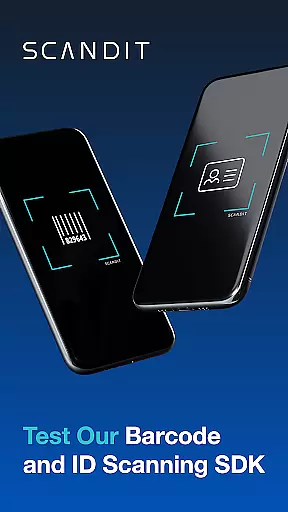
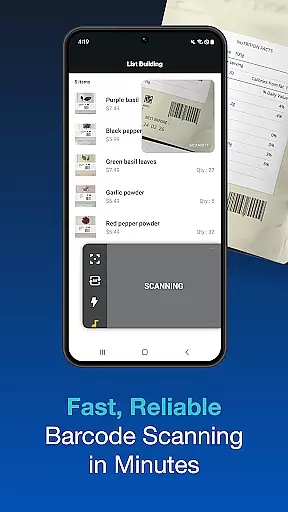
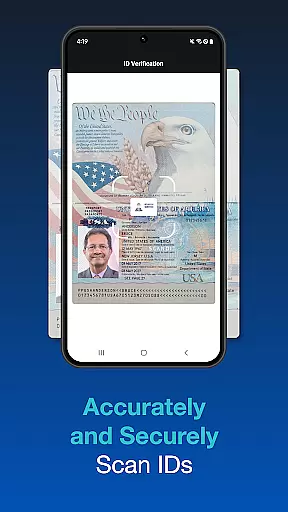
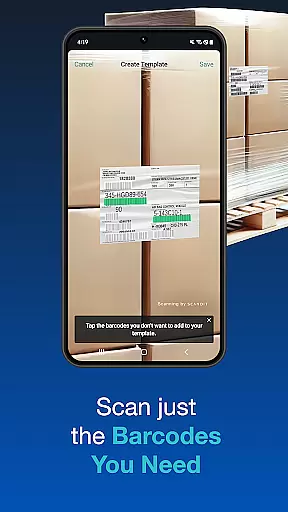
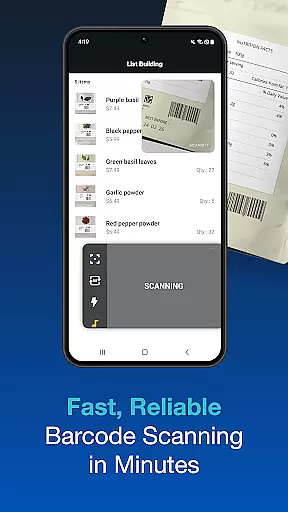
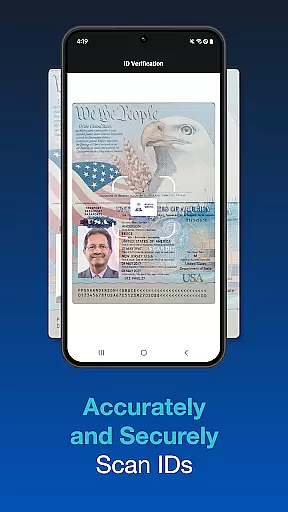
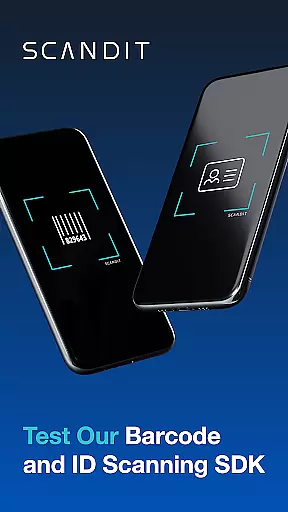
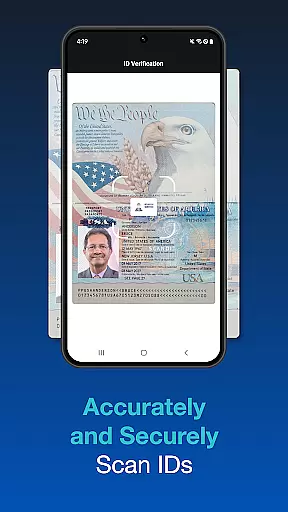
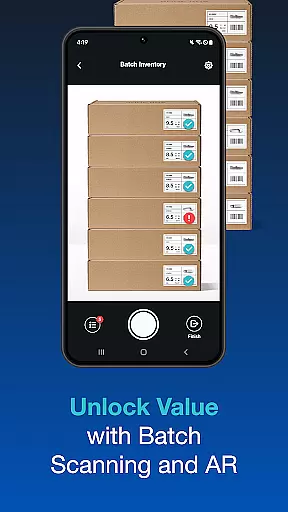
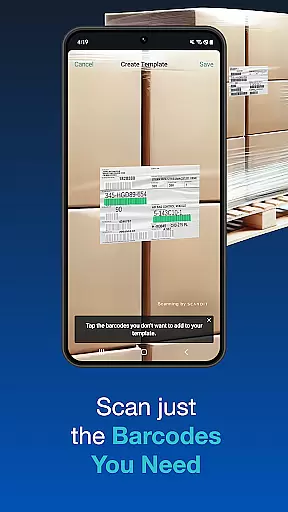
Scandit SDK Showcase is a powerful demonstration tool that allows developers and businesses to explore the capabilities of Scandit's data capture technology. This app highlights advanced barcode scanning features, supporting over 30 common barcode formats, and provides secure ID scanning for more than 2500 ID documents globally.
In addition to its core scanning abilities, the app includes pre-built user interfaces for quick integration, augmented reality overlays, batch scanning, and selective barcode scanning. These features make it an ideal solution for enterprises looking to streamline operations such as inventory management, ticketing, and retail checkout systems.
With its high-performance scanning engine and versatile functionality, Scandit SDK Showcase serves as a practical evaluation tool for companies considering smart data capture solutions. Its no-code approach enables users to test these capabilities without any development effort, making it accessible for technical and non-technical users alike.
Scandit SDK Showcase offers a comprehensive set of features designed to meet diverse data capture needs. The app's high-performance barcode reader supports over 30 barcode formats, ensuring compatibility with various industries. It also includes fast and accurate ID document scanning, covering more than 2500 types of IDs from around the world.
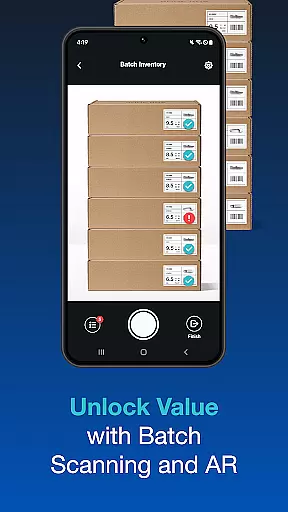
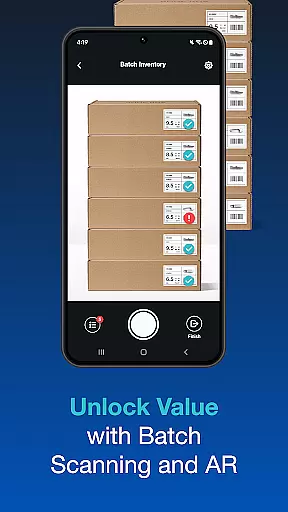
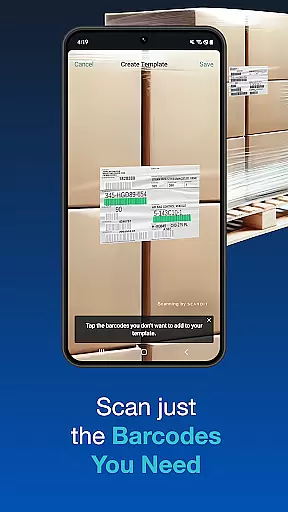
One standout feature is its ability to perform batch scanning, allowing users to scan multiple barcodes simultaneously. This is complemented by augmented reality (AR) overlays, which enhance the scanning experience by providing real-time visual feedback. Additionally, the app can handle complex scanning tasks, such as reading multiple barcodes on a single label or selecting one specific barcode from a crowded environment.
The inclusion of ready-to-use scanning interfaces accelerates integration into existing workflows. These features collectively empower businesses to improve efficiency in areas like logistics, retail, and security checks while reducing manual errors and operational costs.
Functionality completeness is a critical aspect of any software development kit, and Scandit SDK Showcase excels in this area. The app provides a comprehensive suite of smart data capture capabilities, allowing developers to evaluate its features without writing a single line of code. With support for over 30 common barcodes and the ability to scan 2500+ ID documents worldwide, Scandit ensures broad compatibility and utility.
The SDK includes pre-built scanning user interfaces which significantly reduce integration time, making it easier for businesses to adopt and implement. Advanced features such as batch scanning, augmented reality overlays, and the ability to scan multiple barcodes on a single label further enhance its functionality. These features collectively ensure that Scandit SDK Showcase covers a wide range of use cases, from retail to logistics.
For developers and companies looking to integrate robust barcode and ID scanning solutions, Scandit's extensive feature set offers a reliable and versatile option. The ability to select and scan one barcode out of many adds another layer of precision and control, essential for complex scanning environments. This completeness in functionality empowers businesses to streamline operations and improve efficiency.
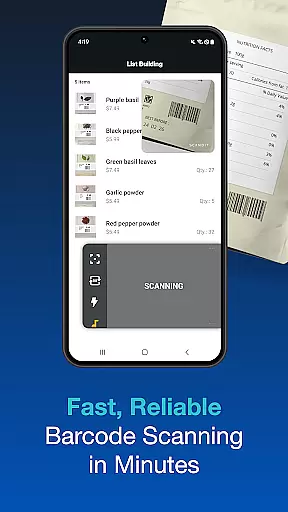
Usability and operational smoothness are vital for ensuring that an SDK can be effectively utilized in real-world applications. Scandit SDK Showcase stands out by offering a high-performance barcode reader that is both fast and accurate. This performance is crucial for maintaining operational efficiency, particularly in high-volume scanning environments where speed and accuracy directly impact productivity.
In addition to performance, Scandit provides secure ID scanning capabilities, supporting over 2500 ID documents globally. This extensive coverage ensures that users can rely on the SDK for various identification needs, enhancing its usability across different industries. The inclusion of pre-built scanning interfaces further simplifies the integration process, allowing developers to quickly deploy solutions without extensive customization.
Operational smoothness is also evident in advanced functionalities like batch scanning and augmented reality overlays, which provide seamless user experiences. These features not only improve usability but also enable innovative applications such as inventory management and interactive marketing. Overall, Scandit SDK Showcase delivers a smooth and efficient operational experience, making it a valuable tool for developers seeking to incorporate advanced scanning capabilities into their applications.
High-performance scanning
Wide barcode compatibility
Secure ID scanning
Augmented reality support
Batch scanning capability
Limited free trial
Complex setup required
Premium pricing model
No offline functionality
Steep learning curve

View your cameras anywhere and anytime
 4.20
4.20
Demo for Key Attestation feature of the Android system.
4.80
Sad ringtones full of feeling, sad music ringtones
3.90
Android secret code for smart phone, mobile codes, with secret codes app
4.20
With Endoscope Camera Connector you can connect your phone with endoscope cam
3.70
use your smartphone as Remote control drones .
4.20
Zlink Carplay Android a mirror link app with a Carplay interface style
4.0
Study Bible King James Version: the correct way to learn the Bible with audio
4.80
Turn your phone into a wireless Xbox controller – play, stream & control anytime
4.1
Block and secure the microphone and protect from secret listening and recording.
4.50
An essential GFX utility developed for specific FPS mobile games
4.50
Game booster GFX may reduce interruptions and improve gaming experience.
4.50
Do you want to drive easy ? do you wanna full mirror link Mobile with your car
4.10
Ps2 plugins for 64 bit artitechture
3.70
CloudEye 365 is a easy-handling APP
3.60
Mirror phone to TV effortlessly! Stream, share & connect with Airplay ease.
3.60
Endoscope camera an app to connect with endoscope cam or any device
3.30
Identify securely online
3.10
Mirror Link Car Display to share your screen with car dashboard wirelessly
4.0


User Reviews