
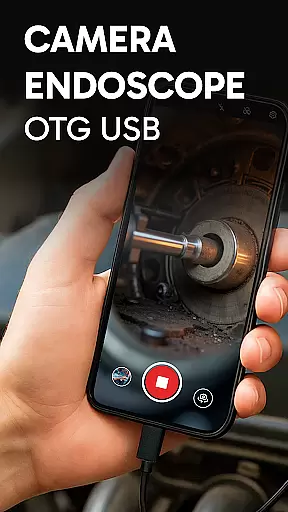
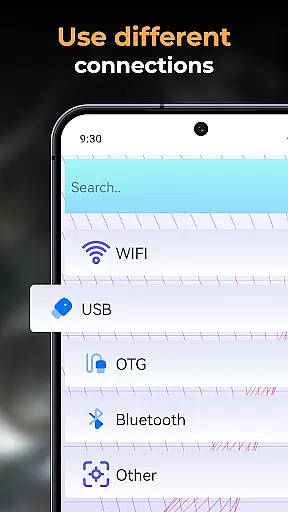
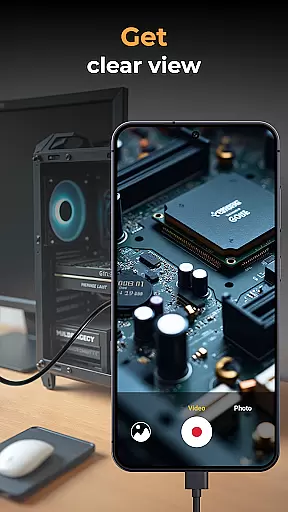
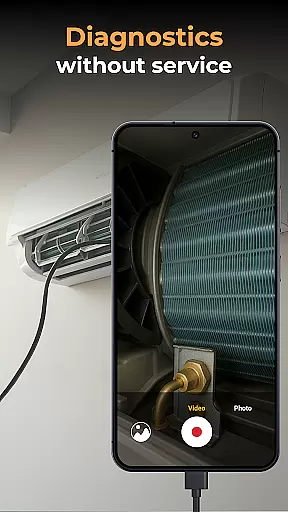
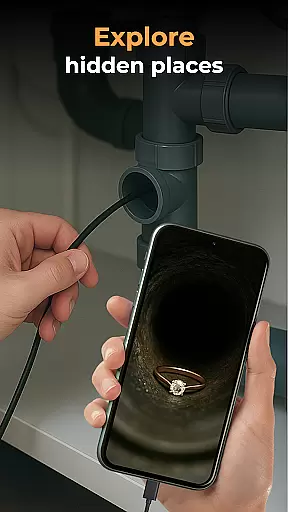
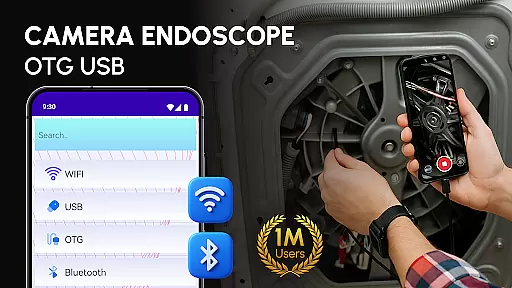
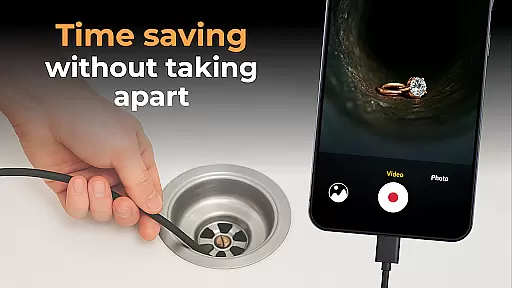
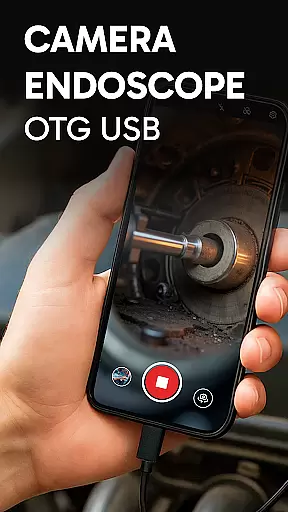
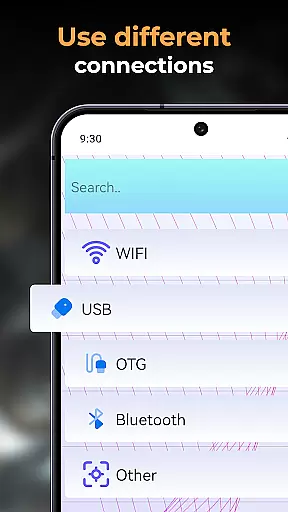
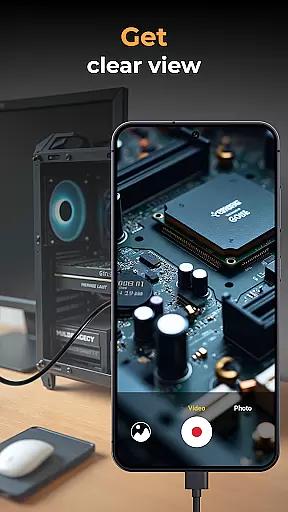
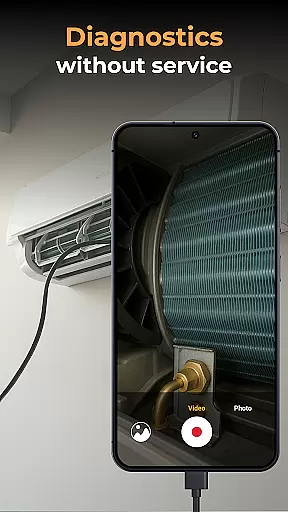
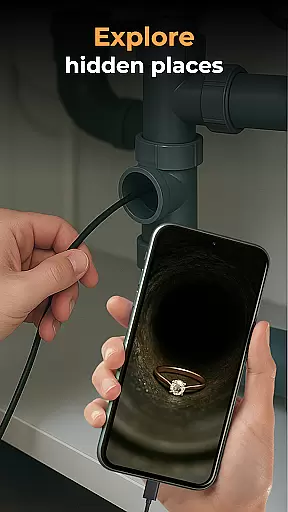
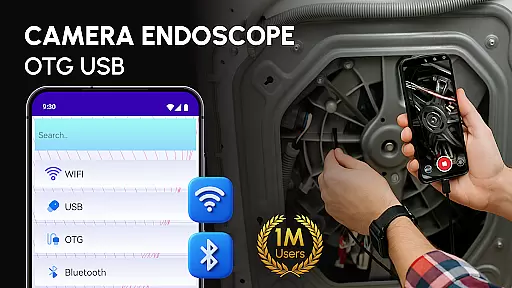
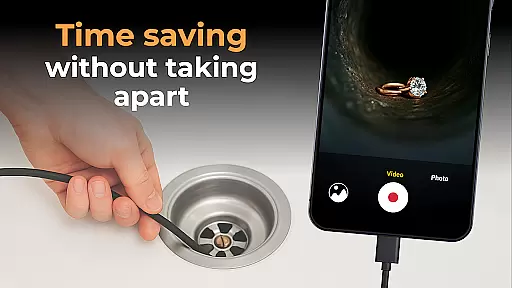
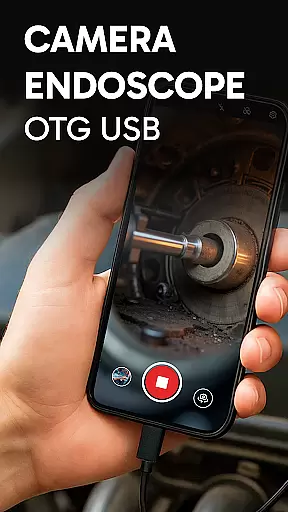
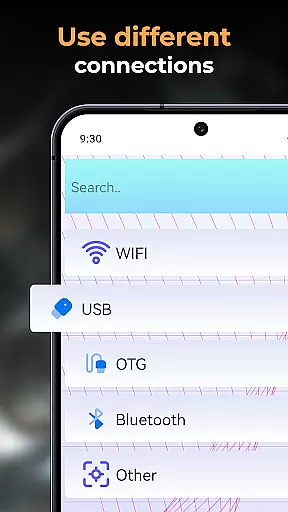
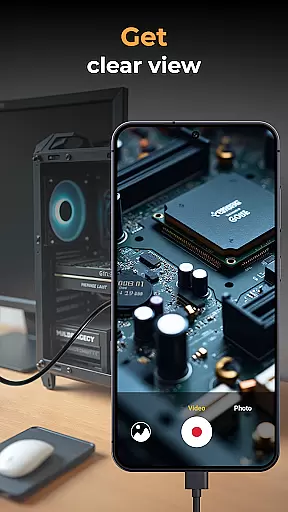
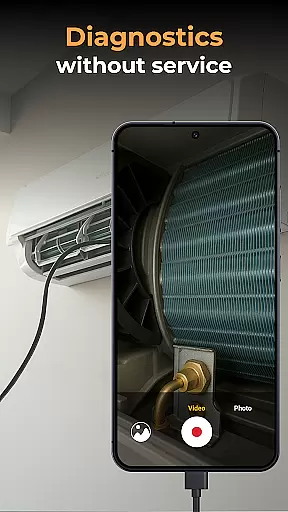
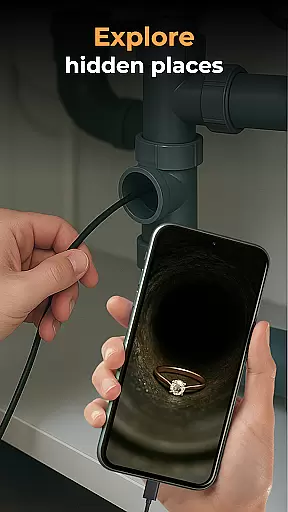
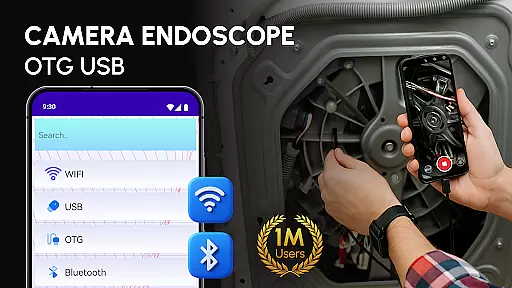
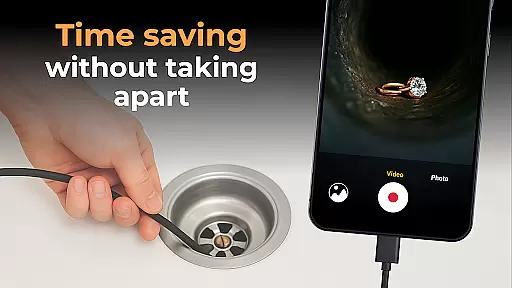
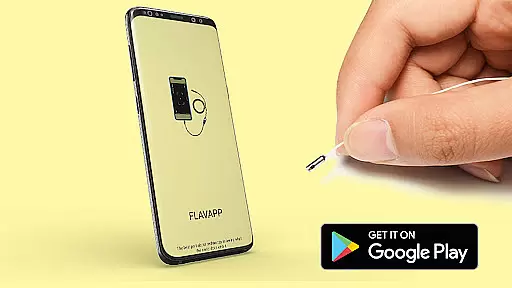
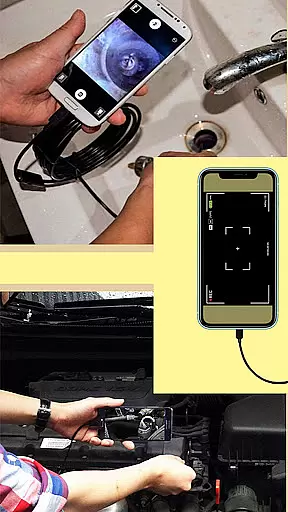
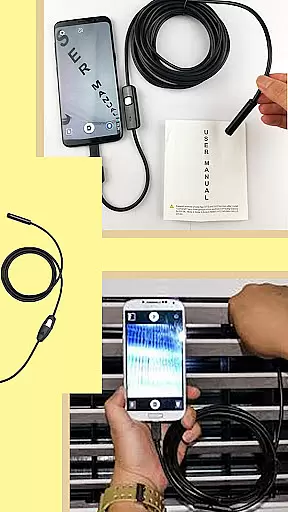
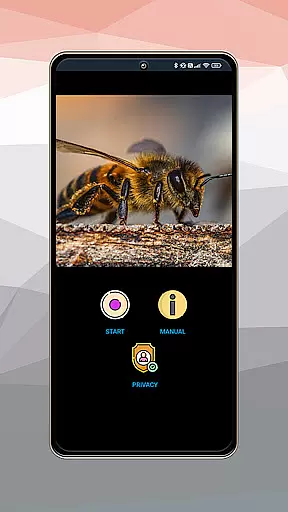
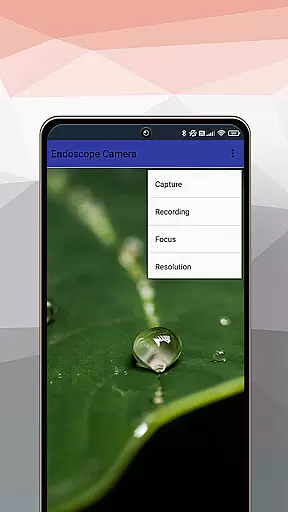
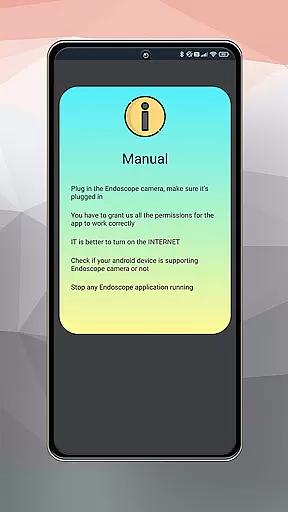
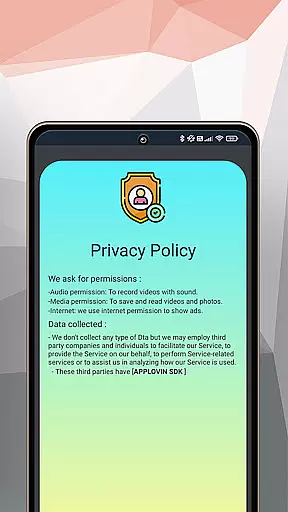
Camera endoscope / OTG USB is an innovative application that transforms your Android device into a powerful inspection tool. Designed for both professional and personal use, this app allows users to connect external cameras such as borescopes and microscopes through the USB OTG interface. Whether you're examining tight spaces or inspecting small components of machinery, the app provides real-time video capturing capabilities with high-quality output.
The software supports various essential functions including video recording, image capturing, and media management. Users can conveniently store, view, delete, and share their captured content directly within the app's built-in gallery. Its plug-and-play feature ensures ease of use, making it ideal for DIY enthusiasts, technicians, and everyday users who need reliable inspection tools at their fingertips.
One of the standout features of Camera endoscope / OTG USB is its compatibility with a wide range of external devices. The app seamlessly integrates with borescopes, microscopes, and other inspection tools, providing users with flexibility in their choice of equipment. With support for real-time video and image capturing, it ensures that every detail is captured accurately and efficiently.
In addition to its primary functionalities, the app offers robust media management options. Users can organize their photos and videos within a dedicated gallery, where they have access to actions like deleting unwanted files or sharing important findings instantly. This comprehensive suite of features not only enhances productivity but also simplifies workflows for professionals across various industries.
Functionality completeness refers to the app's ability to provide a comprehensive set of features that cater to its intended purpose. In the case of Camera Endoscope / OTG USB, this application excels by offering a complete package for inspection tasks.
The app supports real-time video image capturing, making it possible to explore tight spaces with ease. It is compatible with various external devices like borescopes and microscopes, which expands its utility beyond just one type of inspection task. This compatibility ensures that users can connect their preferred tools without hassle.
Additionally, the app provides media management functions such as delete, view, and share options, allowing users to handle their captured content efficiently. With an intuitive interface for managing all video and photo files within a built-in gallery, users experience seamless interaction with their media.
By covering a wide range of functionalities from live camera viewing to file organization, Camera Endoscope / OTG USB demonstrates its commitment to delivering a full-featured solution for both professional and everyday use cases.
Usability is a critical factor in determining how effectively users can interact with an application. For Camera Endoscope / OTG USB, usability is at the forefront of its design, ensuring that even those new to endoscopic tools can operate it with confidence.
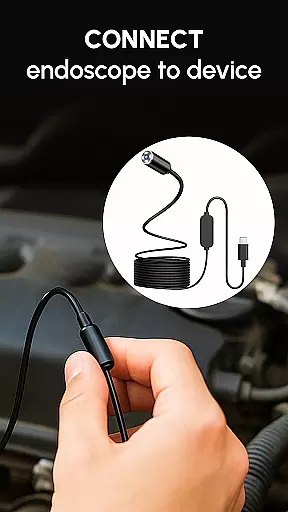
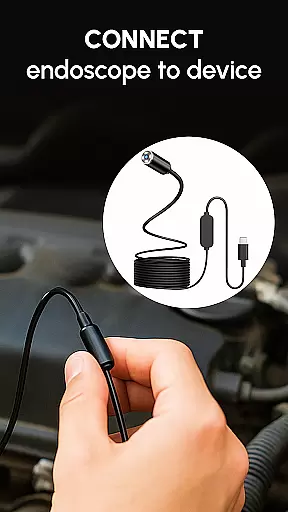
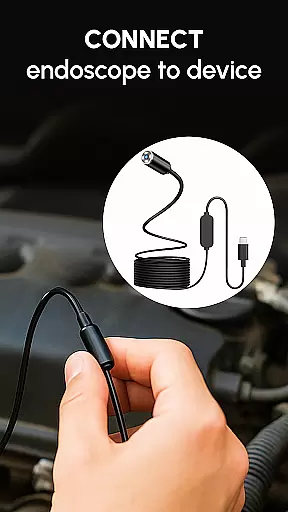
The setup process is straightforward; simply connect a compatible device via USB OTG cable, launch the app, and select the camera icon for a live view. This plug-and-play approach simplifies the user experience significantly, eliminating complex configurations or steep learning curves.
Operational smoothness is evident through stable fast connections whether inspecting pipes or examining tiny machine parts. The app optimizes performance for Android users, providing clear images and responsive controls during inspections.
With easy-to-use features tailored for DIY enthusiasts, technicians, and general purposes alike, Camera Endoscope / OTG USB stands out as a reliable tool that combines practicality with efficiency, enabling users to focus on getting the job done rather than struggling with complicated software operations.
User-friendly interface
Real-time capturing
Wide device compatibility
Efficient media management
High-quality output
Limited free features
Requires compatible hardware
Occasional connectivity issues
No cloud backup option
Heavy on battery usage

Do you want to drive easy ? do you wanna full mirror link Mobile with your car
 4.10
4.10
Collection of high-quality, trendy skins and outfits!
4.3
With Endoscope Camera Connector you can connect your phone with endoscope cam
3.70
You can remote control and play much easier.
4.10
use your smartphone as Remote control drones .
4.20
Mirror Link Car Display to share your screen with car dashboard wirelessly
4.5
Ps2 plugins for 64 bit artitechture
3.70
Expo is a free & open source platform to build apps using JavaScript and React.
4.70
Unlock the hidden menus of your phone with our mobile secret codes app.
4.20
Tune your game graphics with our GFX optimizer for optimal gaming experience
4.50
Enjoy Minecraft Mod Scary Neighbor Granny for Minecraft PE.
4.30
Game Booster GFX for smoother gaming experience. Enjoy 120 FPS and 4x Game Space
4.20
charging your phone by other phone easly
4.00
a wireless controller that provides a seamless and gaming experience for players
3.80
Mobile Connect To TV - HDMI USB & WiFi Screen Mirroring
3.70
Mobs maker Minecraft help MCPE creators make their own mob by using Blockbench
3.50
Simulator of real black light
3.50
A great tool help you to format Micro SD memory Card
3.10
Read Quran pak offline & listen online mp3 Quran in Al Quran Majeed app
4.0


User Reviews