
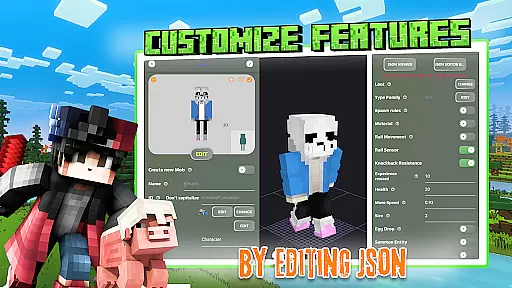
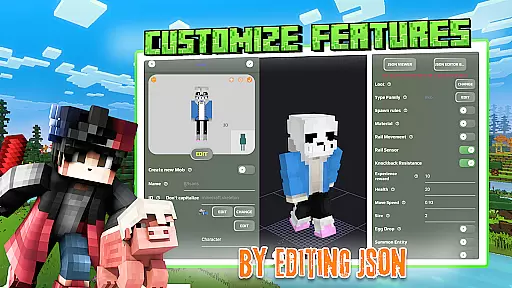
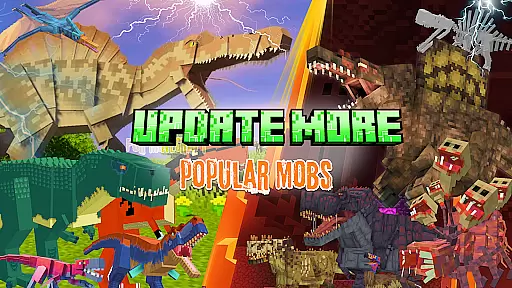
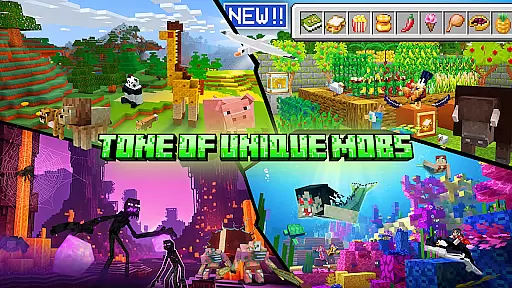
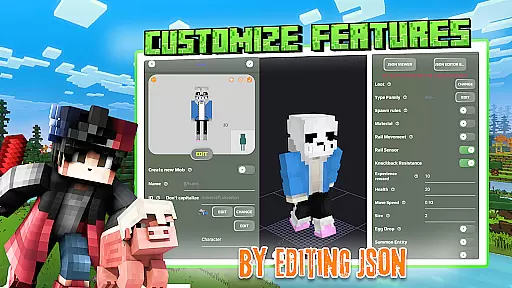
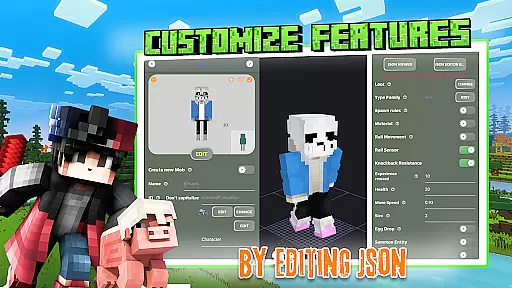
Mobs Maker for Minecraft PE is a powerful toolkit designed to help users create custom mobs and player models for Minecraft Pocket Edition without requiring coding skills. The app offers an intuitive interface that allows both beginners and advanced users to modify 2D/3D textures, skins, animations, and JSON behaviors with ease.
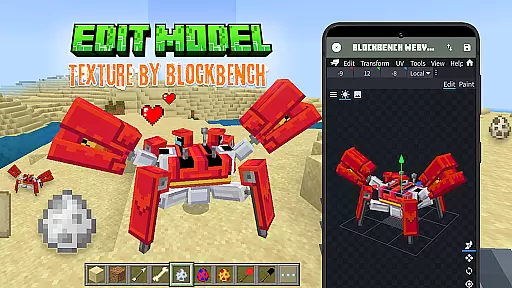
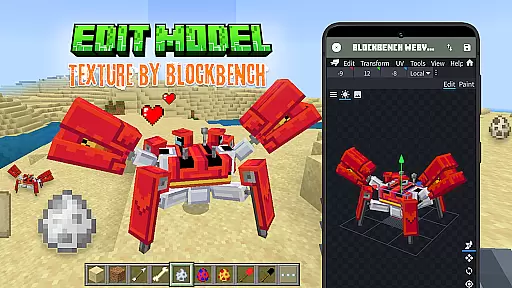
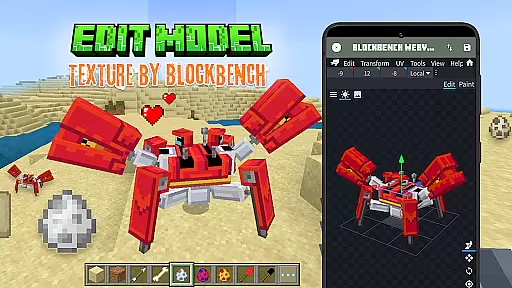
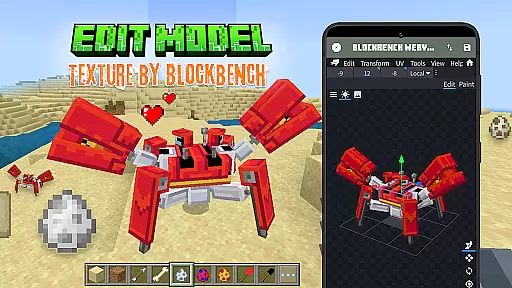
One of the standout features of this app is its seamless integration with Blockbench, a professional 3D model editor, which enables users to design unique animals and mobs with detailed animation and behavior settings. Once created, users can export their models directly into Minecraft Bedrock Edition, allowing them to enhance their gameplay with personalized content.
This app is ideal for Minecraft enthusiasts who want to expand their gaming experience by creating custom addons. With access to a vast library of community-shared models and regular updates promising new features, Mobs Maker for Minecraft PE provides endless opportunities for creativity and customization.
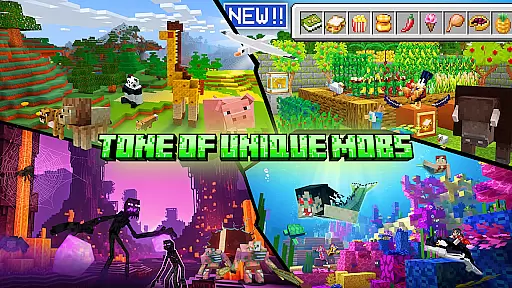
The app boasts a comprehensive set of features tailored for Minecraft addon creation. Users can edit official mobs or craft entirely new creatures using the built-in 3D editor. Advanced tools allow for precise modifications of skins, textures, and animations, ensuring each creation is unique and fits seamlessly into the game.
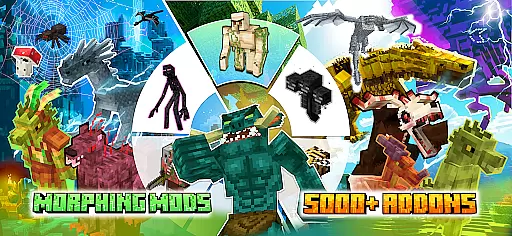
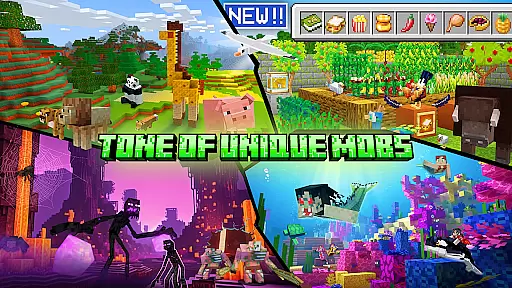
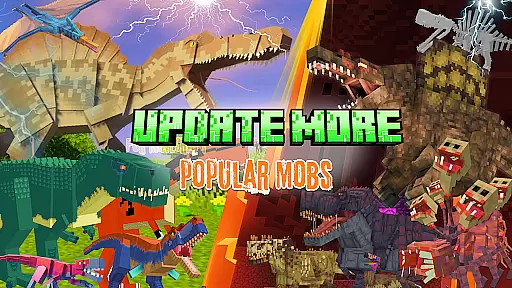
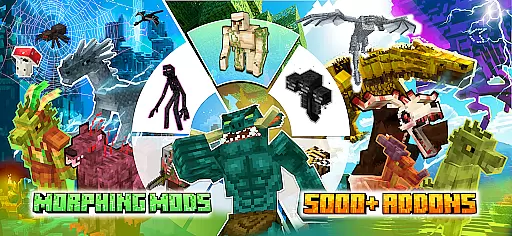
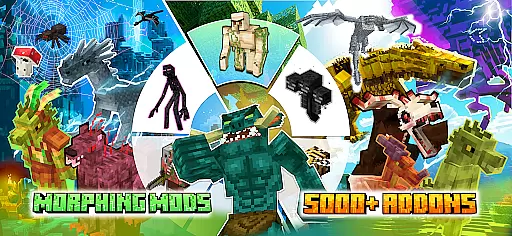
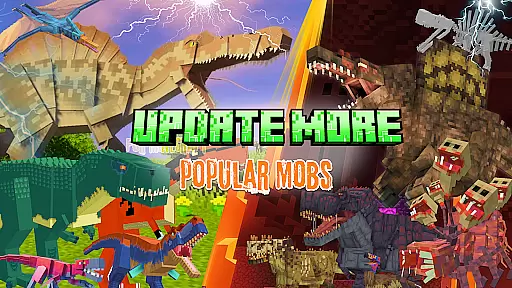
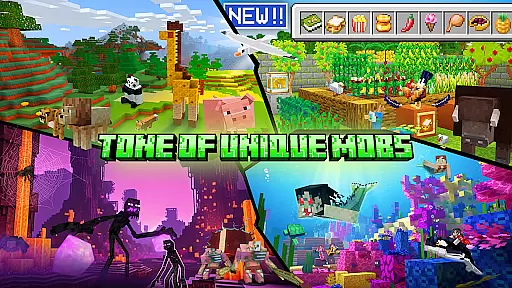
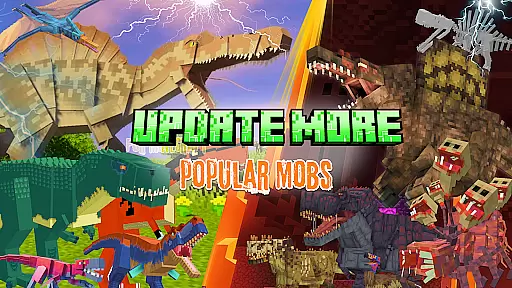
Mobs Maker for Minecraft PE also includes a rich library of rare mobs contributed by the community. This resource not only inspires new ideas but also allows users to download trending mods and addons such as the Ender Dragon, Golem, and Warden. Additionally, the app supports importing custom mobs directly into Minecraft PE, streamlining the process from creation to gameplay.
Looking ahead, the development team plans to introduce even more robust features, including advanced mob creation tools, enhanced animation capabilities, and UI improvements. These ongoing updates ensure that Mobs Maker for Minecraft PE remains at the forefront of Minecraft customization technology.
Functionality completeness is a critical aspect of any software tool, especially for applications like Mobs Maker for Minecraft PE. This app offers an extensive toolkit that allows users to create custom mobs and player models without requiring advanced coding skills or expert drawing abilities. The inclusion of features such as the ability to edit official mobs, modify 2D/3D textures, skins, animations, and JSON behaviors ensures that users have all the necessary tools at their disposal.
The app's support for Blockbench, a professional 3D model editor, enhances its functionality by allowing creators to design unique animals and mobs with detailed animation and JSON editing capabilities. Users can also import their custom creations directly into Minecraft Bedrock Edition, which demonstrates the app's comprehensive approach to the entire creation and integration process.
By providing access to a collection of rare mobs from the community and enabling sharing of personal creations, Mobs Maker for Minecraft PE extends its functionality beyond just creation to include a social and collaborative element. This positions the app not only as a creation tool but also as a platform for inspiration and expansion within the Minecraft Addons PE ecosystem.
Usability and operational smoothness are essential for ensuring that users can effectively utilize an application's features without frustration. Mobs Maker for Minecraft PE excels in this area by offering an intuitive interface that supports ease of use, even for those who may not have prior experience with 3D modeling or game addon creation. Its design eliminates the need for moving cubes or advanced drawing skills, making it accessible to a wider audience.
The app streamlines the workflow for creating and editing models by integrating powerful editing options such as modifying skins, textures, and animations directly within the app environment. This consolidation of features contributes to a smoother operation, as users can execute their vision seamlessly, from conceptualization to exporting their work into Minecraft.
Furthermore, the developers' commitment to regular updates and improvements, including advanced mob creation tools and UI enhancements, underscores the app's dedication to refining its usability. By continuously evolving and expanding its feature set, Mobs Maker for Minecraft PE ensures that it remains a cutting-edge tool that maintains operational fluidity and meets the needs of its users.
User-friendly interface
Extensive customization options
Active community support
Regular feature updates
Seamless Minecraft integration
Limited to Minecraft PE
Requires Blockbench familiarity
Some features under development
No Mojang affiliation
Premium content may require payment

Do you want to drive easy ? do you wanna full mirror link Mobile with your car
 4.10
4.10
Enjoy Minecraft Mod Scary Neighbor Granny for Minecraft PE.
4.30
Demo for Key Attestation feature of the Android system.
4.80
Easily evaluate the performance of Scandit's barcode and ID scanning SDK
4.10
Mirror link car connector to share your screen with car dashboard
3.80
CloudEye 365 is a easy-handling APP
3.60
An impressive collection of tools, characters, weapons, skins and more!
4.30
Mobile Connect To TV - HDMI USB & WiFi Screen Mirroring
3.70
Phone Software Update Quick Checker helps you to keep your phone apps up to date
4.50
Game booster GFX may reduce interruptions and improve gaming experience.
4.50
Al QURAN-القرأن الكريم app to read Quran offline just like an actual Quran book
4.30
Manage apps & elevate your gaming experience with Game Launcher: Gaming Hub app.
4.30
use your smartphone as Remote control drones .
4.20
Demo version of the mcpro24fps manual video camera. Try and buy a full version!
4.00
Ps2 plugins for 64 bit artitechture
3.70
Now Available on Android ™
3.40
DamonSx2 is the open Source LGPL Emulator
3.20
Record with Double Camera Video Recording using Dual Camera Front and Back Video
3.00
Read Quran pak offline & listen online mp3 Quran in Al Quran Majeed app
4.5


User Reviews