
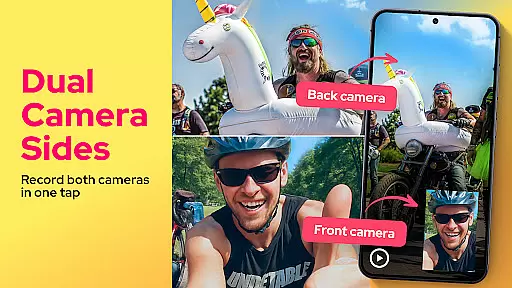
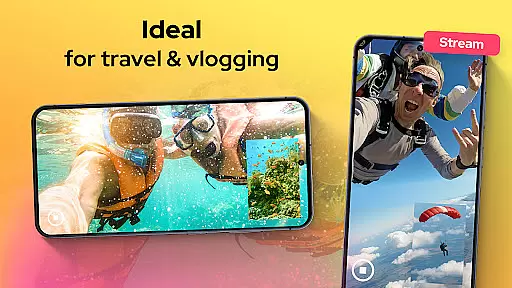
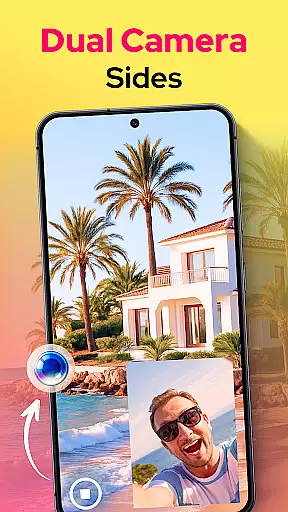
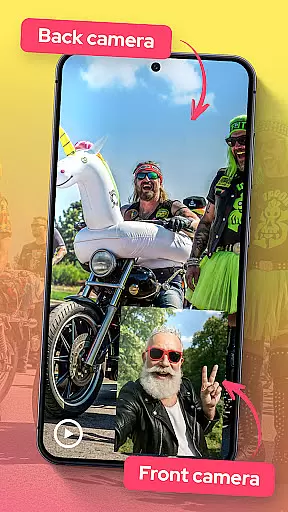

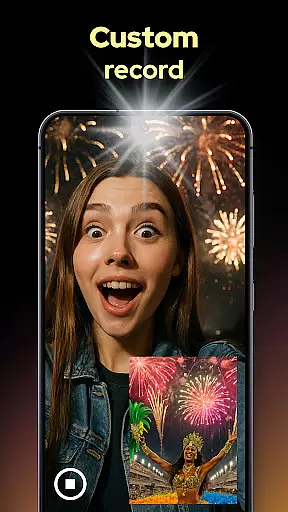
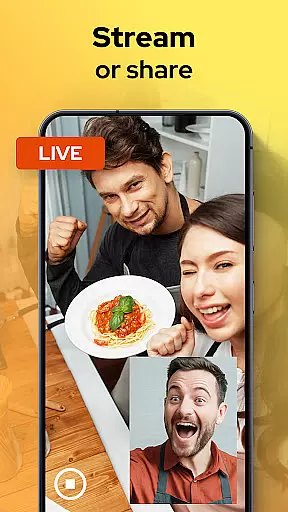
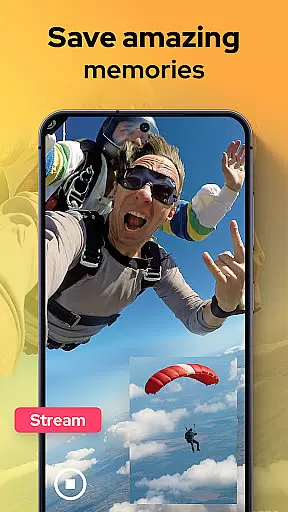
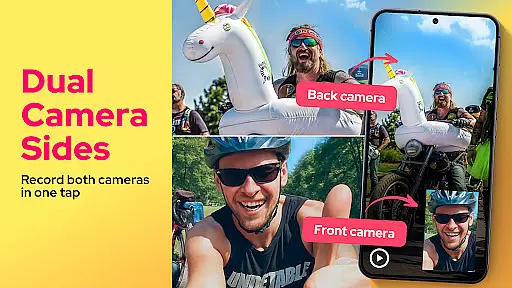
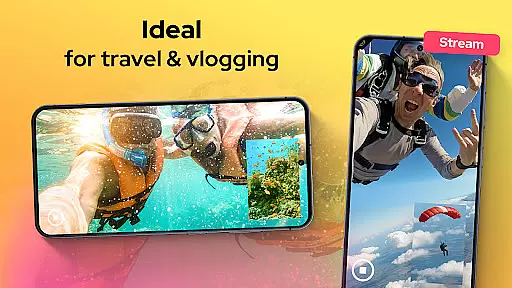
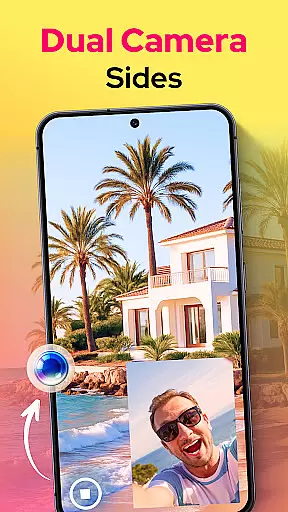
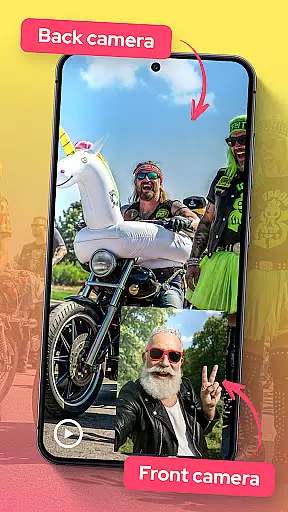

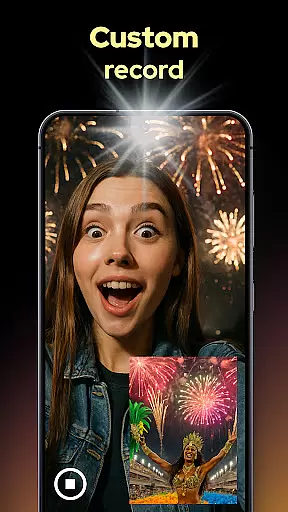
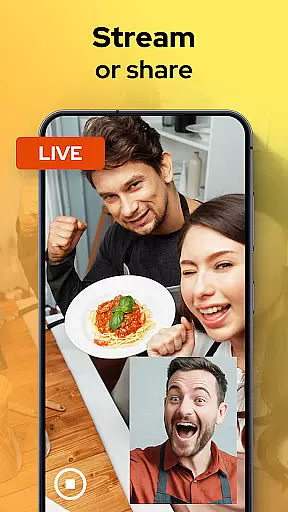
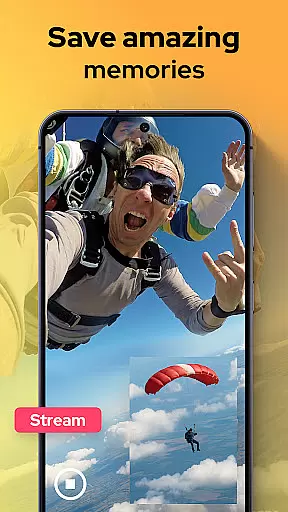
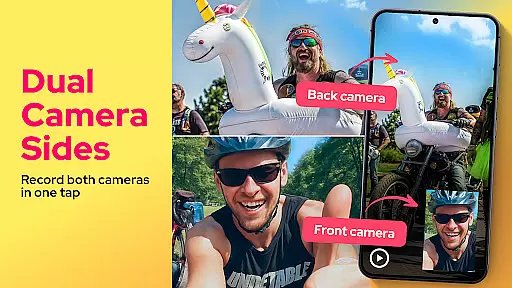
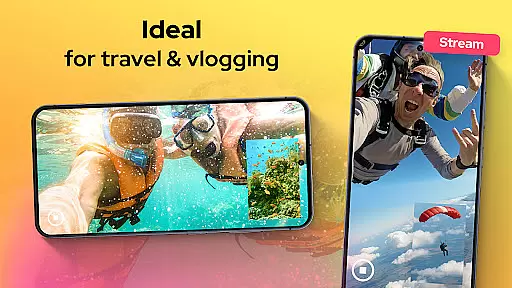
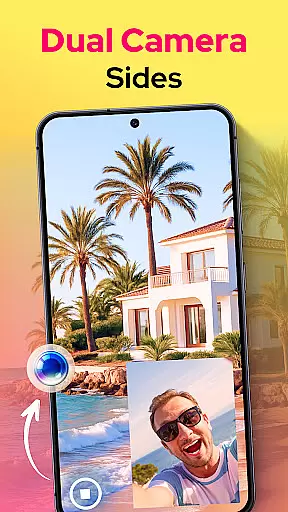
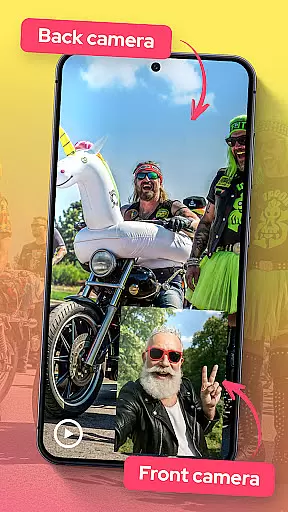

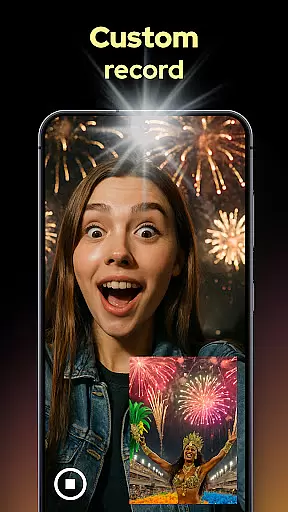
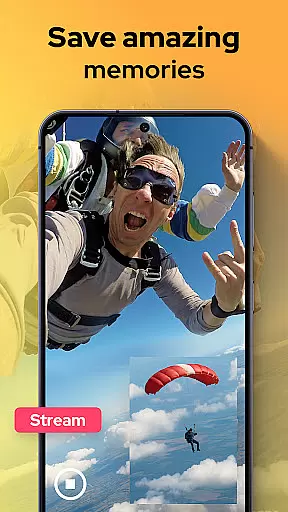
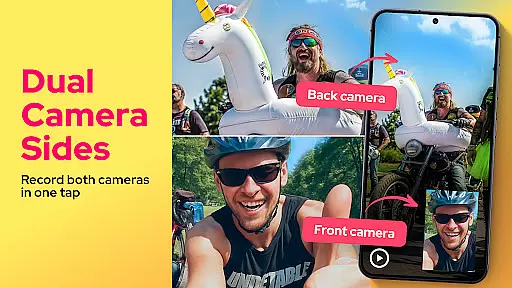
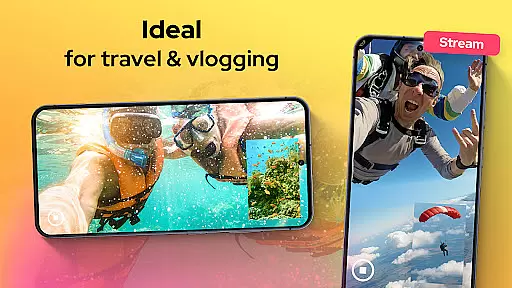
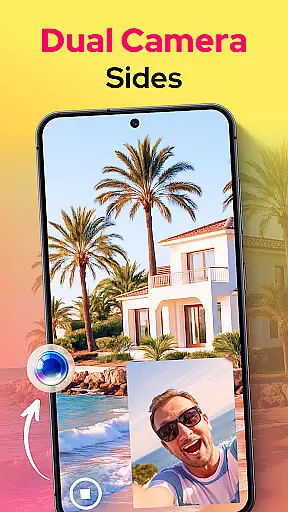
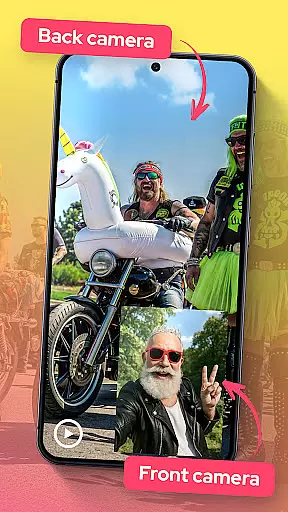

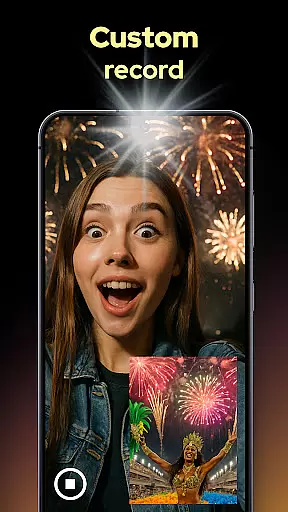
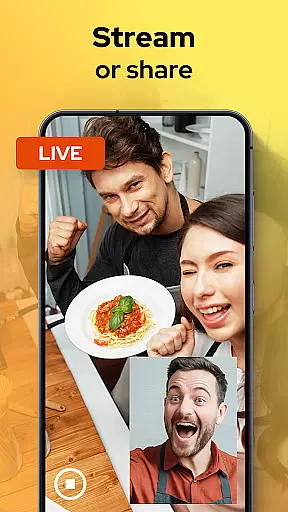
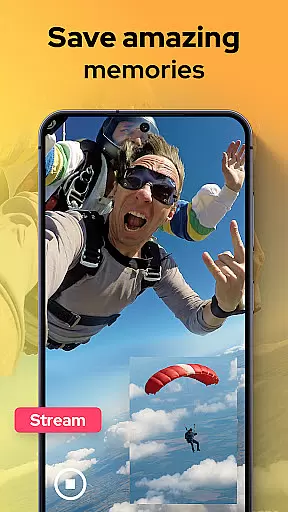
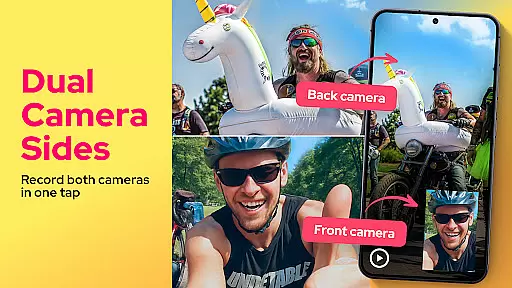
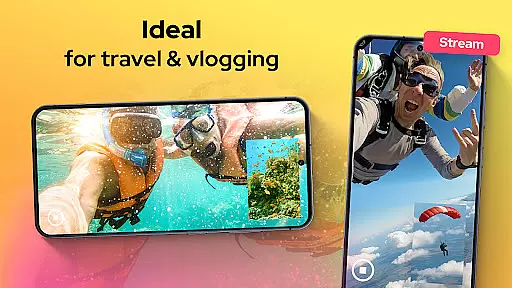
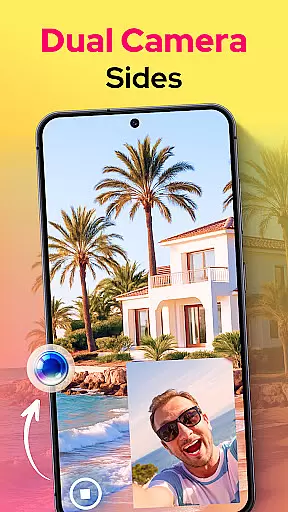
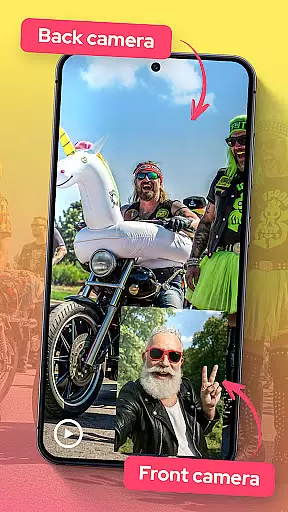

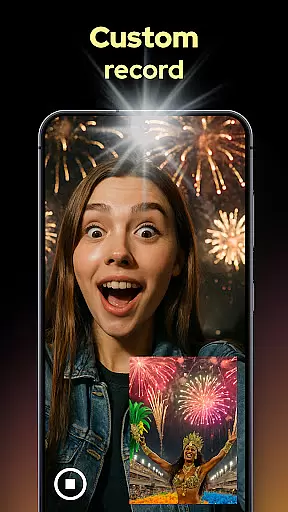
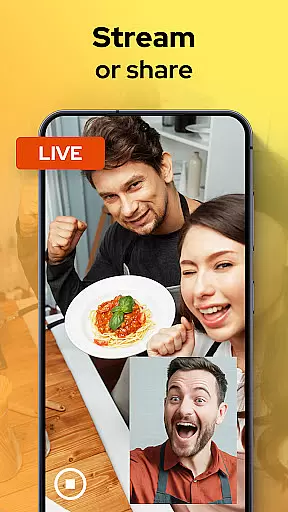
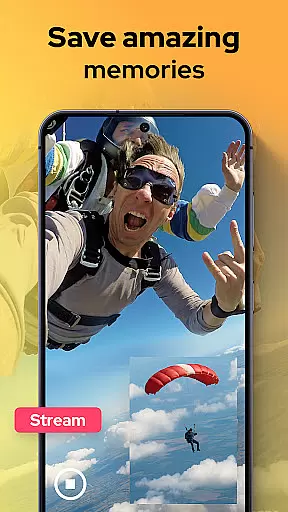
Dual Camera Sides is an innovative app in the Libraries & Demo category that allows users to record videos using both front and back cameras simultaneously. This dual-camera functionality is perfect for vloggers, storytellers, and anyone who wants to capture every angle of their moments.
The app offers multiple creative options such as picture-in-picture or split-screen modes, enabling dynamic video recording. With features like quick Doubletake shots and adjustable focus, brightness, and exposure settings, Dual Camera Sides provides professional-grade results while maintaining ease of use.
Whether you're shooting tutorials, reaction clips, or daily vlogs, this app ensures you never miss a moment from either perspective. Its seamless integration and ability to run in the background make it versatile for various scenarios, enhancing your storytelling capabilities significantly.
Dual Camera Sides stands out with its unique dual-camera recording feature, allowing simultaneous capture from both front and rear lenses. Users can choose between picture-in-picture or split-screen layouts, providing flexibility in how they want to present their content.
The app includes a Doubletake function for snapping quick photos without interrupting video recording. Additionally, users have manual control over focus, brightness, and exposure settings, ensuring high-quality footage tailored to specific needs. The ability to switch angles on the fly adds another layer of convenience and creativity.
Another notable feature is the background mode, which keeps the app running while multitasking. This ensures uninterrupted recording even when switching between apps, making it ideal for capturing spontaneous moments without any hassle.
Functionality completeness refers to the extent to which an application delivers on its promised features and capabilities. For Dual Camera Sides, this means providing users with a seamless experience in capturing videos from both front and back cameras simultaneously. The app achieves this by offering multiple recording modes such as picture-in-picture and split-screen, allowing creators to choose the best format for their content.
The app also covers various use cases, making it versatile for different types of video projects. Whether you're filming a reaction video, tutorial, or vlog, Dual Camera Sides ensures that no moment is missed by recording from both perspectives. This dual capture functionality is crucial for storytellers who want to convey both their reactions and the action happening around them.
Additionally, the app provides manual controls for focus, brightness, and exposure, giving users the ability to fine-tune their recordings for professional-grade results. These comprehensive features ensure that users have all the tools they need to create high-quality dual-camera videos without needing additional equipment or software.
Usability is a critical factor in determining how easily users can operate an application and achieve their desired outcomes. Dual Camera Sides excels in this area by offering intuitive controls and a user-friendly interface. Users can quickly switch between different recording modes and adjust settings like focus and exposure with minimal effort, ensuring a smooth operational experience.
Operational smoothness is further enhanced by the app's ability to run in the background while still capturing footage. This feature allows users to multitask without interrupting their recording sessions, which is particularly useful for content creators who need to manage multiple apps simultaneously. By maintaining performance even when running in the background, Dual Camera Sides demonstrates its commitment to delivering a reliable and efficient user experience.
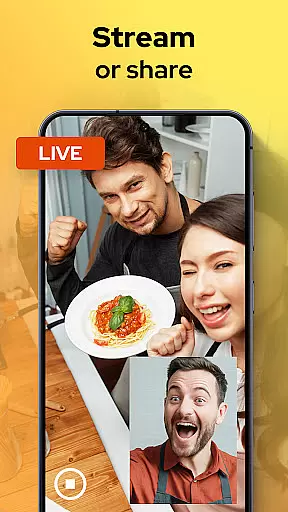
Moreover, the app supports quick sharing and exporting of videos, enabling users to upload their creations to social media platforms or store them locally without hassle. This ease of use not only saves time but also encourages users to experiment with different creative ideas, knowing they can effortlessly share their work with others.
User-friendly interface
High-quality video output
Versatile shooting modes
Real-time angle switching
Background recording capability
Limited to specific devices
Higher battery consumption
Premium feature lock
Occasional glitches
Learning curve for beginners

If you are looking for melon playground mod that fun you deffinitely try our app
 2.70
2.70
Demo for Key Attestation feature of the Android system.
4.80
Connect and find your Smarttag devices through our app.
4.00
Collection of Maps and Mods for Dmod
3.30
use your smartphone as Remote control drones .
4.20
Study Bible King James Version: the correct way to learn the Bible with audio
4.80
Mirror link car connector to share your screen with car dashboard
3.80
Al QURAN-القرأن الكريم app to read Quran offline just like an actual Quran book
4.30
Ps2 plugins for 64 bit artitechture
3.70
An impressive collection of tools, characters, weapons, skins and more!
4.30
Recite Quran Majeed القران with special 16 line real Kuran page in hand
4.30
Game Booster GFX for smoother gaming experience. Enjoy 120 FPS and 4x Game Space
4.20
Do you want to drive easy ? do you wanna full mirror link Mobile with your car
4.10
Easily evaluate the performance of Scandit's barcode and ID scanning SDK
4.10
The best PS2 games from your childhood come to life in their mobile version!
4.00
CloudEye 365 is a easy-handling APP
3.60
Experience virtual reality on your smartphone with Cardboard.
3.50
Endoscope camera an app to connect with endoscope cam or any device
3.30
Read Quran pak offline & listen online mp3 Quran in Al Quran Majeed app
4.3


User Reviews