
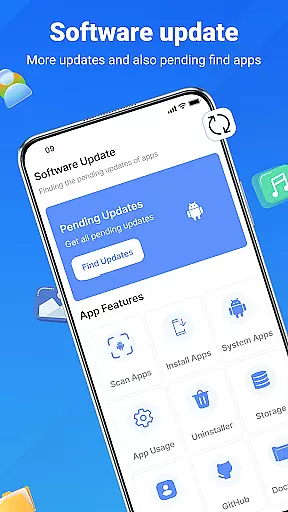
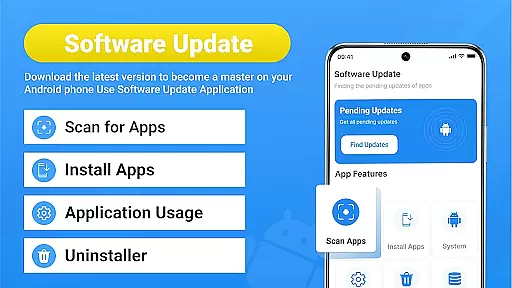
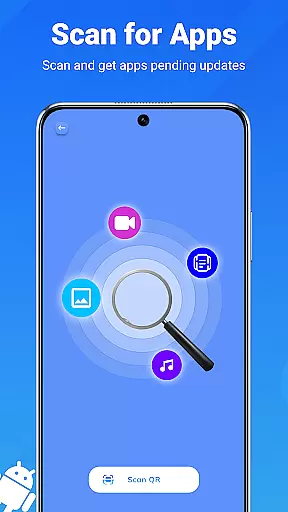
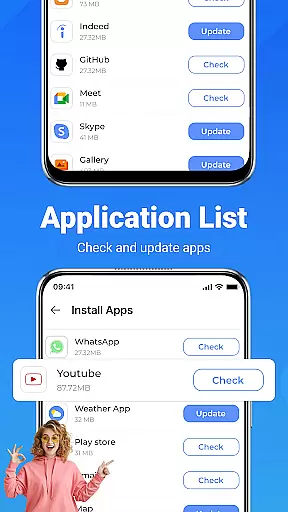
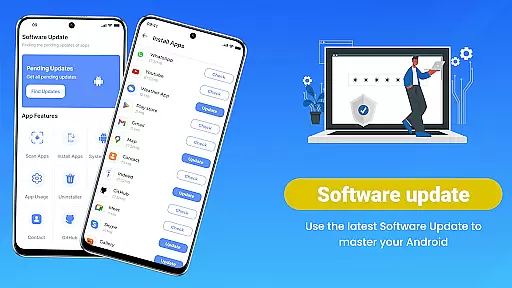
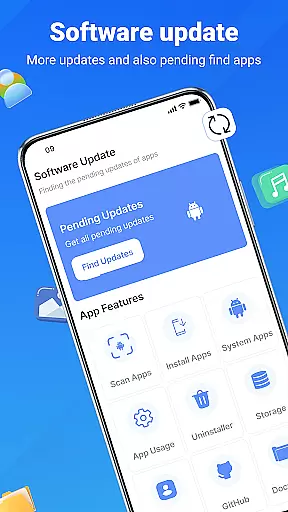
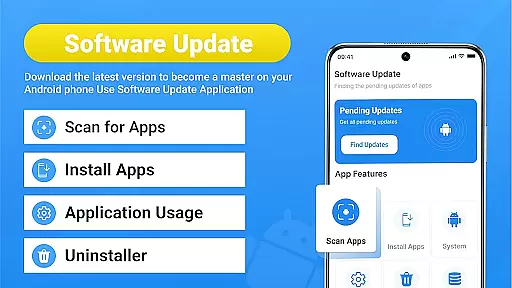
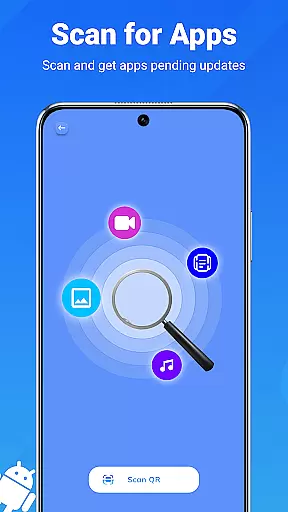
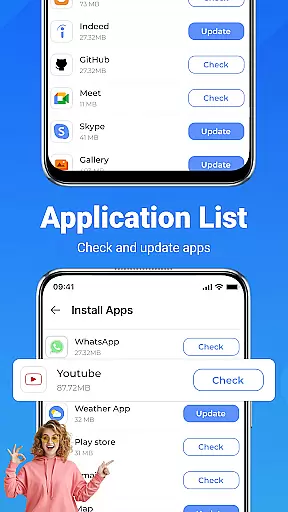
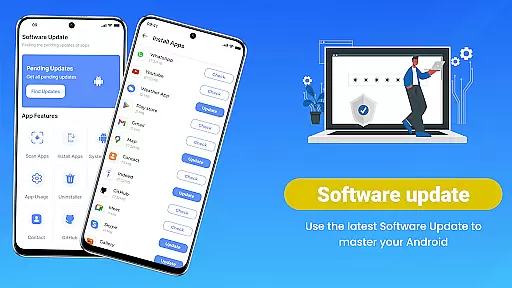
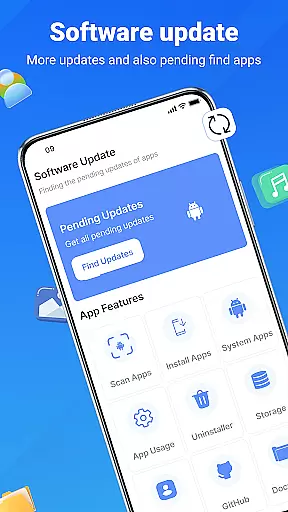
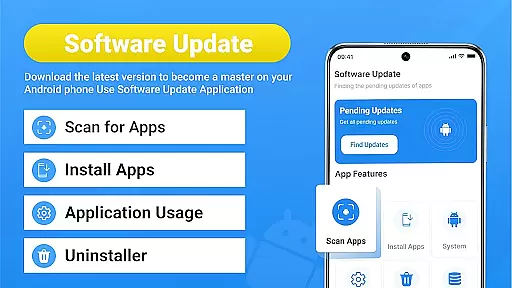
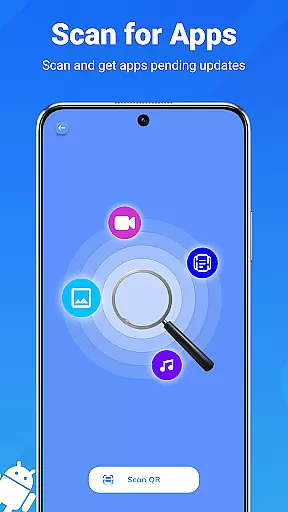
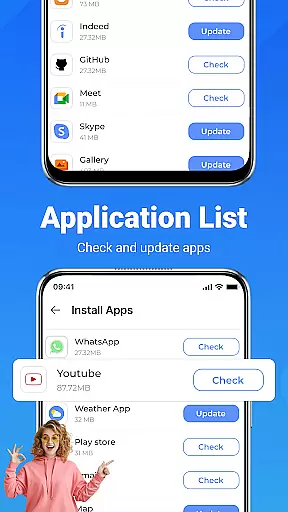
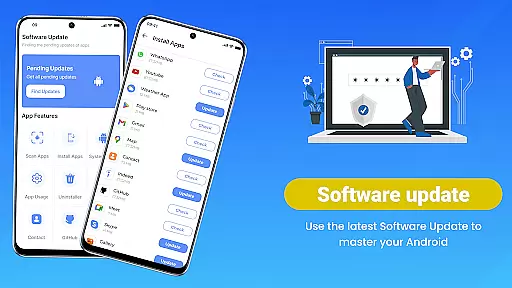
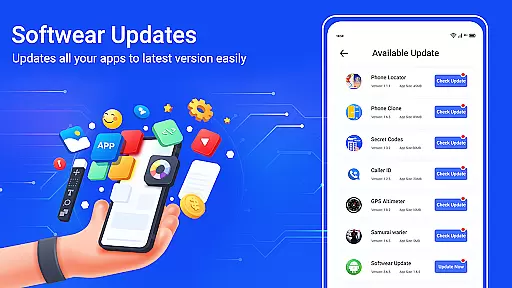
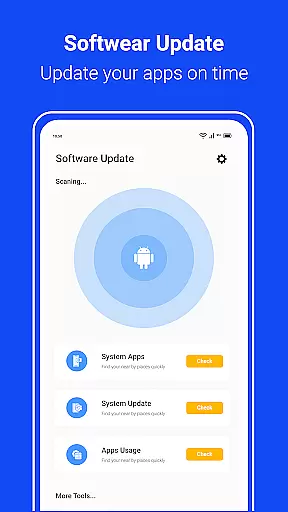
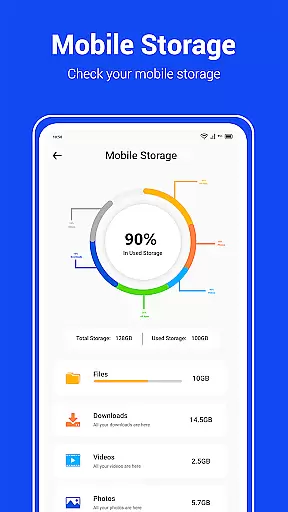
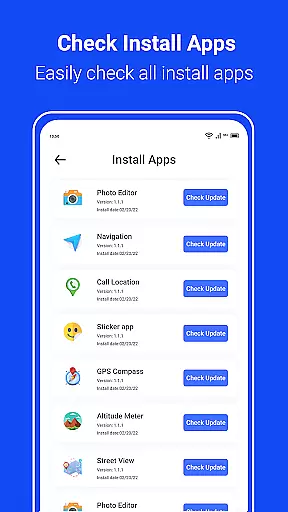
Update Software App is a comprehensive app management tool designed to keep your Android device running optimally. The app specializes in managing and updating installed applications, ensuring that users always have the latest versions for optimal performance.
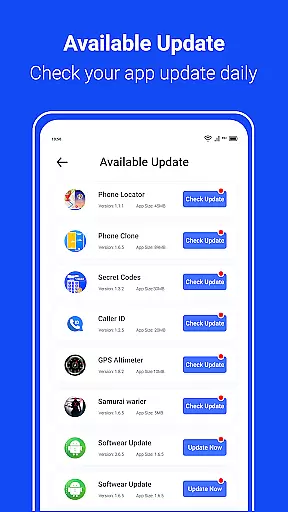
The core functionality revolves around its ability to scan for available updates across all installed apps, offering both single-app and bulk update options. This streamlines the maintenance process significantly, saving users time and effort while enhancing their device's efficiency.
A key scenario where this app shines is during routine device maintenance. Users who want to ensure their apps are up-to-date without manually checking each one can benefit greatly from this automated solution. The app's real-time scanning and one-tap update features provide tangible value by simplifying what would otherwise be a tedious process.
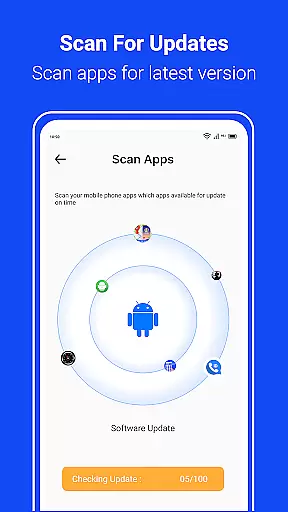
Update Software App distinguishes itself through several notable features that enhance the app management experience. The real-time app scanning capability provides instant insights into which applications require updates, enabling users to take immediate action.
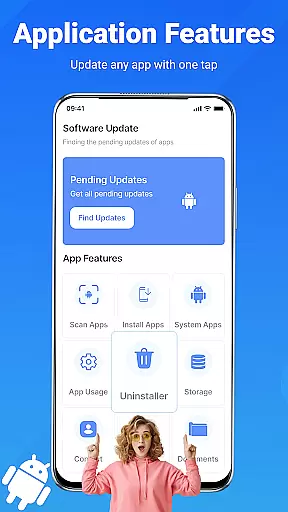
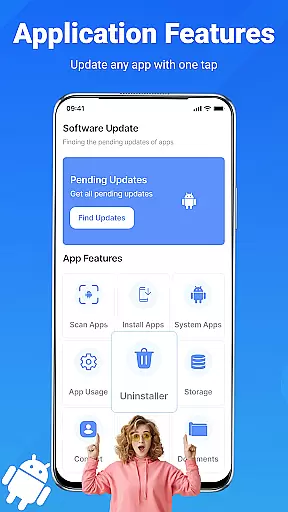
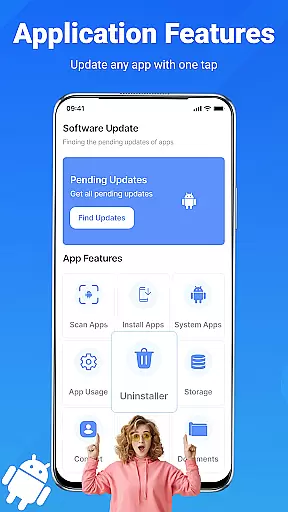
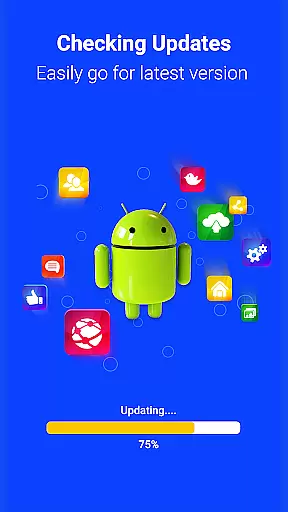
One of the standout features is the one-tap update functionality, allowing users to update all apps simultaneously with minimal effort. This feature is particularly beneficial for users who manage multiple applications and want to maintain peak performance without spending time on individual updates.
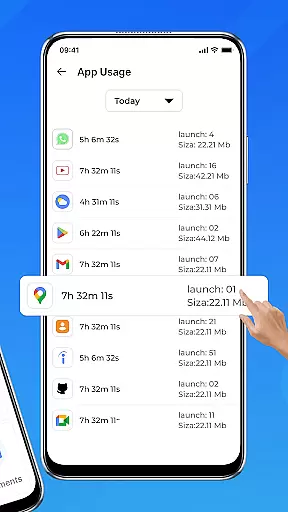
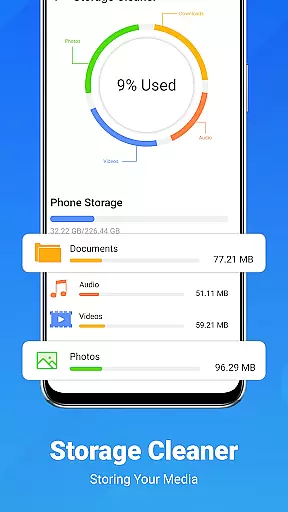
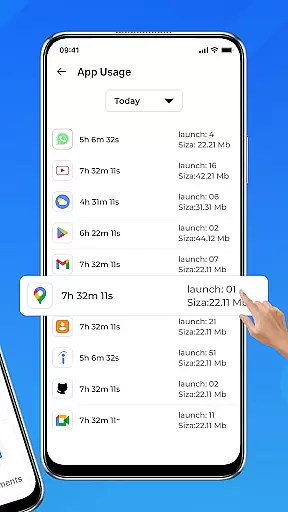
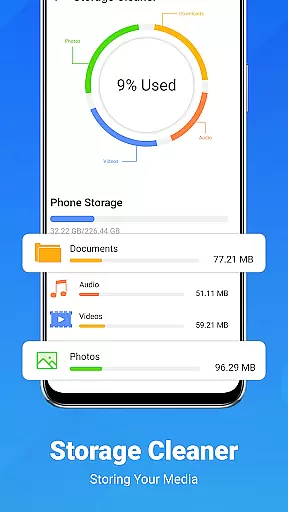
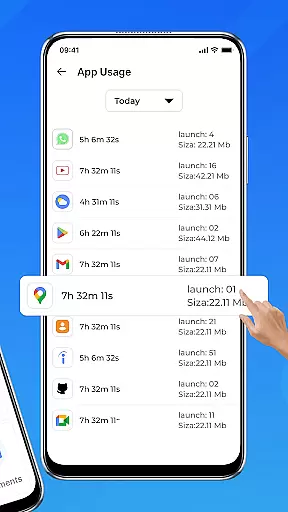
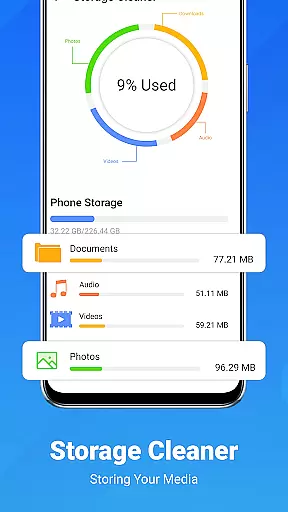
Additional features include system software update checks, bulk uninstall options for unused apps, detailed device information reports, and app usage monitoring tools. These capabilities collectively create a robust maintenance solution that goes beyond simple update management, providing users with comprehensive control over their device's software ecosystem.
Functionality completeness is a critical aspect of any software tool, and the Update Software App excels in this area. This app provides comprehensive features that cover all essential aspects of app management and device maintenance.
The app offers real-time scanning for pending updates, ensuring users are always aware of the latest versions available for their installed apps. It also includes a one-tap update function, allowing users to update all apps simultaneously with minimal effort. Additionally, the system and app software update checker ensures that both applications and the operating system remain current.
Beyond updates, the app provides tools for bulk uninstallation of unused apps, detailed device information, and app usage monitoring. These features collectively contribute to a complete Android maintenance solution, enhancing both device performance and user experience.
By integrating these extensive capabilities into a single platform, the Update Software App delivers significant value to users seeking an efficient and thorough approach to managing their Android devices.
Usability and operational smoothness are crucial factors that determine how effectively users can interact with an application. The Update Software App stands out by offering a clean, intuitive interface designed for ease of use across different age groups.
Its user-friendly design allows even those unfamiliar with advanced device management tools to navigate effortlessly. Key functions such as scanning for updates, viewing detailed device info, and managing app installations are accessible within just a few taps.
The app's automatic notifications further enhance usability by alerting users to available updates without requiring manual checks. This feature ensures that users never miss important updates while maintaining a non-intrusive presence in daily operations.
Overall, the combination of an intuitive layout, straightforward functionality, and smart notification systems makes the Update Software App a reliable choice for seamless device maintenance.
User-friendly interface
Real-time scanning
One-tap updates
Bulk uninstall option
Detailed system info
Limited iOS support
Advanced features locked
Occasional false positives
Notification overload
Drains battery life

Game Booster GFX for smoother gaming experience. Enjoy 120 FPS and 4x Game Space
 4.20
4.20
The Free Catholic Latin American Bible in complete Spanish
4.60
Block and secure the microphone and protect from secret listening and recording.
4.50
Connect your phone to any endoscope camera, USB camera, or borescope with ease.
3.70
With Endoscope Camera Connector you can connect your phone with endoscope cam
3.70
Looking to connect your phone to your car screen? Mirror Link is the solution.
3.20
A Pydroid Quick Install repository provider.
4.00
Simulator of real black light
3.50
Experience virtual reality on your smartphone with Cardboard.
3.50
Game booster GFX may reduce interruptions and improve gaming experience.
4.50
use your smartphone as Remote control drones .
4.20
Do you want to drive easy ? do you wanna full mirror link Mobile with your car
4.10
charging your phone by other phone easly
4.00
Ps2 plugins for 64 bit artitechture
3.70
Connect and find your Smart Tag 2 devices through our app.
3.60
A great tool help you to format Micro SD memory Card
3.10
Record with Double Camera Video Recording using Dual Camera Front and Back Video
3.00
Collection of high-quality, trendy skins and outfits!
4.1
Enjoy hours of entertainment with our Roblox mobile games app
4.4


User Reviews