
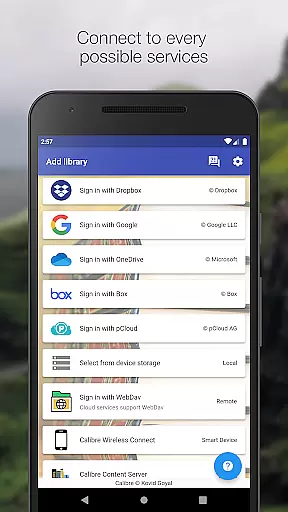
Calibre Sync is a comprehensive solution for managing and accessing your Calibre libraries across multiple cloud services. It supports popular platforms like Google Drive, Dropbox, OneDrive, and more, allowing users to browse, sort, search, download, and read books directly from their devices. The app transforms your device into a wireless smart device emulator that connects effortlessly to Calibre, even supporting external storage and content servers.
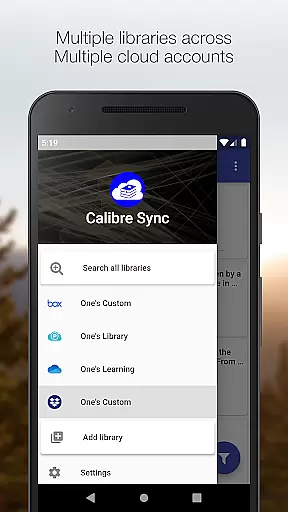
This application is particularly beneficial for avid readers who maintain extensive digital libraries. With support for unlimited libraries and the ability to switch between them seamlessly, Calibre Sync ensures that your entire collection is always at your fingertips. Whether you're at home or on the go, this app provides an efficient way to manage your eBooks without the need for subscriptions or additional charges.
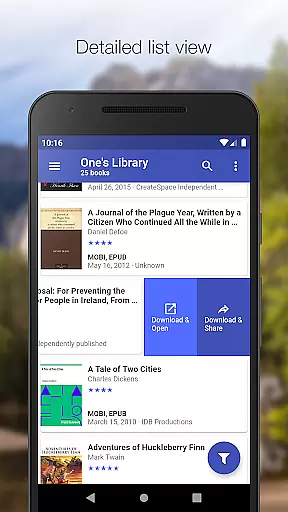
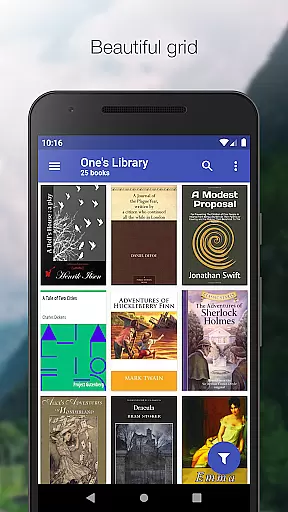
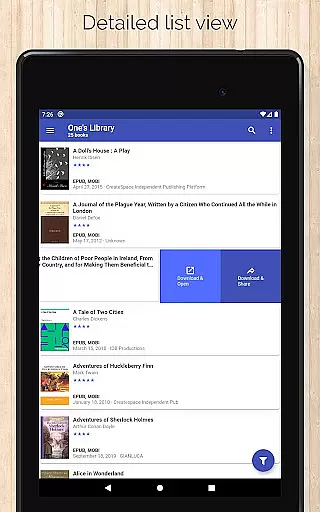
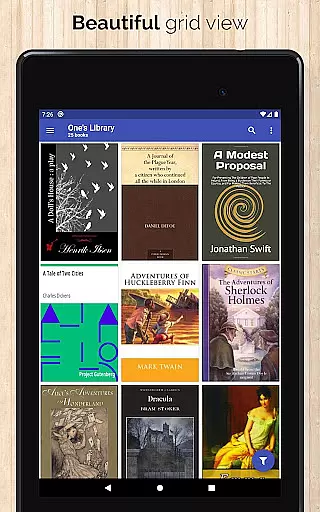
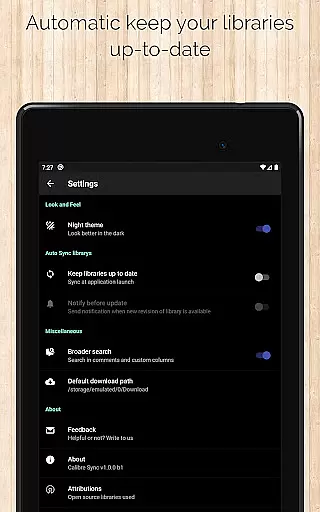
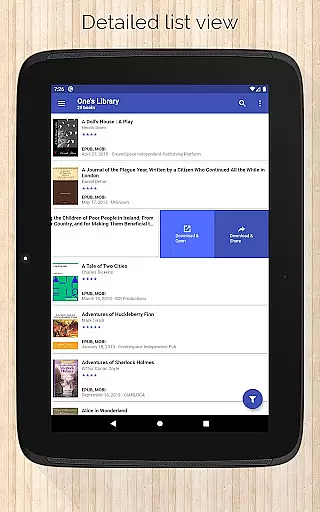
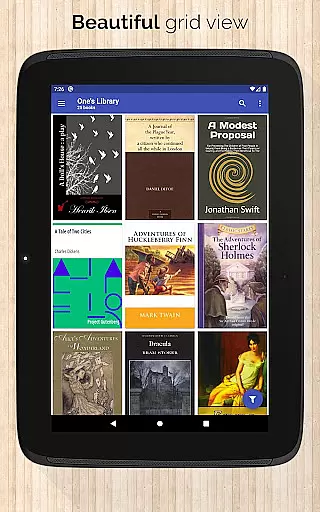
Calibre Sync offers a rich set of features designed to enhance the eBook management experience. Users can connect wirelessly to Calibre as a smart device, with automatic library updates upon launching the app. The interface supports various book list layouts including List, Grid, and Carousel, catering to different user preferences.
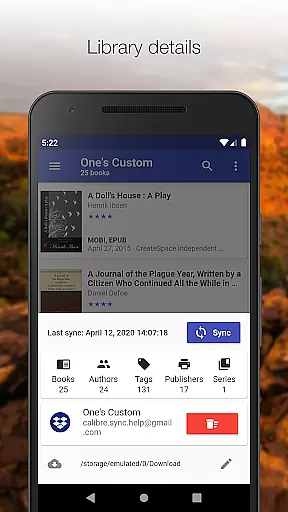
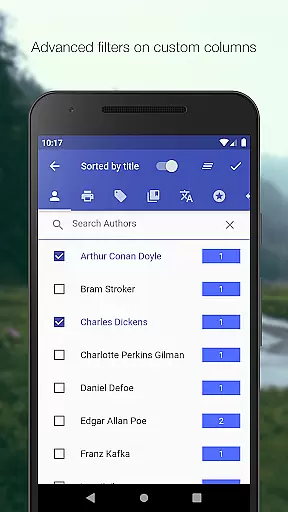
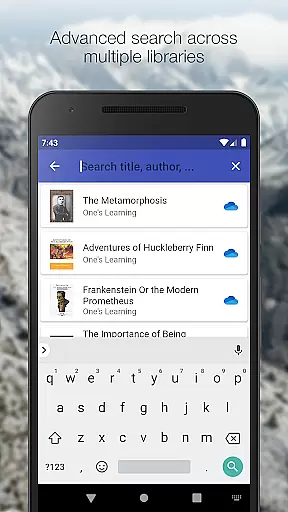
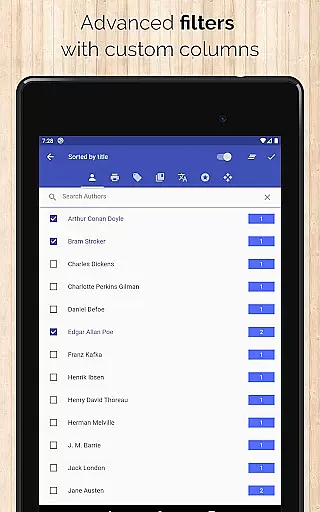
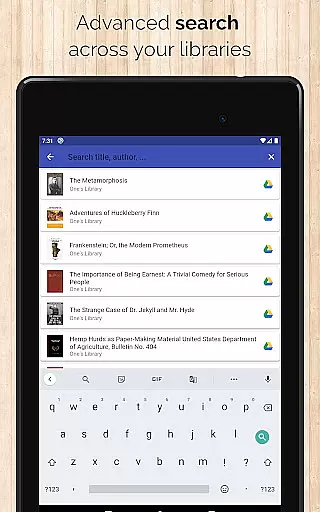
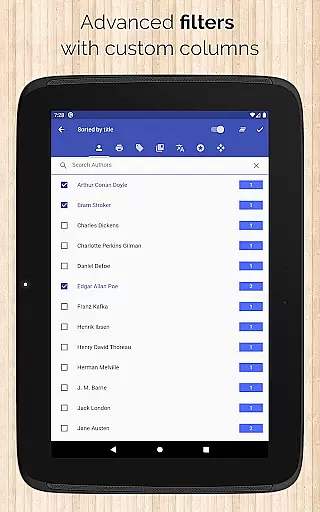
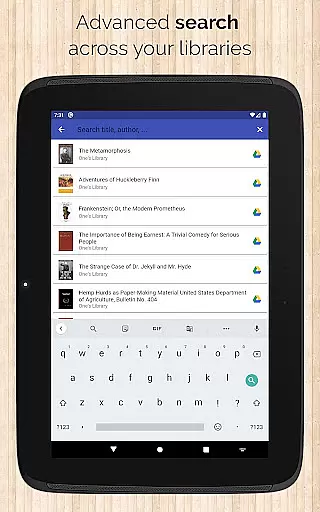
Advanced search and filter options allow users to find books by title, author, comments, and custom columns. Sorting capabilities include options by title, author, ratings, and date, in both ascending and descending order. Additionally, the app provides detailed library statistics, quick access to book downloads, and sharing functionalities. With support for dark/light themes and custom column views, Calibre Sync delivers a personalized and versatile reading management tool.
Calibre Sync offers an impressive e-book library management system that allows users to access unlimited Calibre libraries across multiple cloud services. The app supports popular platforms like Google Drive, Dropbox, and Microsoft OneDrive, ensuring extensive coverage for various user preferences.
The application guarantees the authenticity of its content by enabling direct synchronization with Calibre libraries, which are known for maintaining high standards in digital book organization and metadata accuracy. Users can be confident that their e-books come from legitimate sources, preserving the integrity of copyrighted materials.
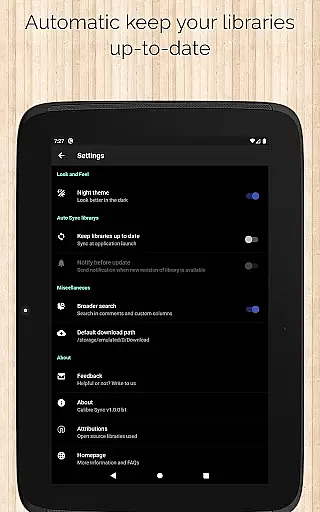
With features such as automatic library updates and support for custom columns, Calibre Sync ensures that users always have access to the latest versions of their collections while maintaining proper attribution and organization of copyrighted works.
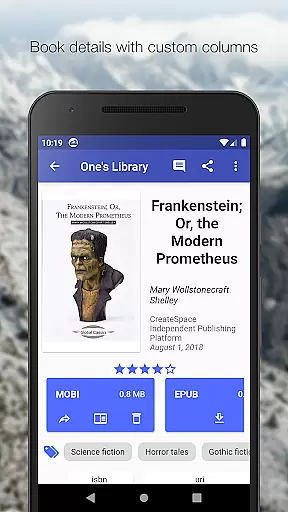
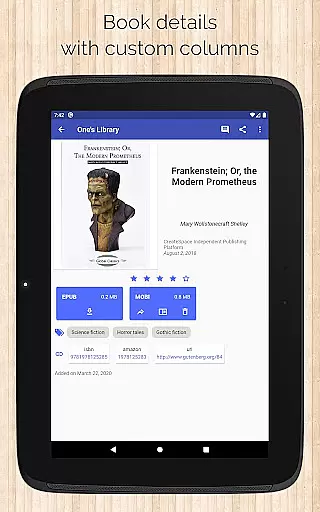
One of Calibre Sync's standout features is its exceptional format compatibility. The app supports a wide range of book formats, allowing users to view file sizes for each format and access books through different layouts including List, Grid, and Carousel views.
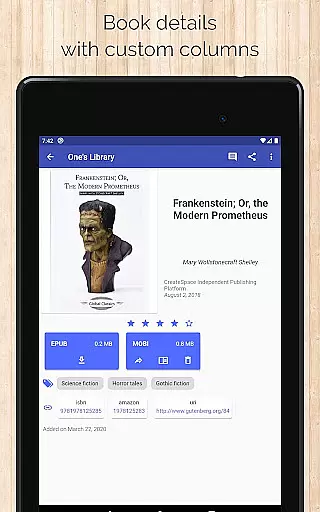
The application enables seamless integration with various reader apps, making it easy for users to open and read downloaded books in their preferred reading environment. This flexibility extends to its support for custom columns in book details, enhancing the metadata viewing experience.
Additionally, Calibre Sync provides comprehensive format information, showing book identifiers and linking to sources like ISBN, Amazon, and Google Books. This feature-rich approach ensures that users can effectively manage and enjoy their digital libraries regardless of the original file format or source.
User-friendly interface
Extensive cloud service support
Automatic library updates
Multiple layout options
Advanced search functionality
No built-in reader app
Limited OneDrive support
Requires storage permission
External dependencies for full functionality
Potential sync delays with large libraries

Novels, audiobooks, ebooks & fanfiction. Read anytime, anywhere!
 3.40
3.40
The Psalms for singing
4.4
Track your Star Wars book collection across Canon & Legends
4.80
The favorite Christmas story comes to life!
4.80
Improve your vocabulary and grammar with the 15 biggest Oxford Dictionaries.
4.30
“It is fun to have fun, but you have to know how!”
4.40
What’s that bird? Just answer 5 questions, snap a photo, or record its song!
4.90
A lightweight reader for comics and mangas files (.cbr, .cbz, .cbt, .pdf, ...)
4.80
Learn to tie more than 200 knots in 3D!
4.90
Flora of Virginia Project (www.floraofvirginia.org)
5.00
Bible, Catechism, Study, Saints, Mass Readings, Rosary, Prayer, Bible in a Year
4.80
Plan of Life that Saint Josemaría recommended
4.80
World's most comprehensive dictionary app: 13 languages, all online or offline!
4.80
Contains the 365 daily readings and everything other thing needed for catholics
4.70
Read unlimited novels, audiobooks, stories & Unlock ebooks, fanfiction and more!
4.70
Daily Devotional Widgets & Hourly Verses. Listen to Bible & Watch Holy Stories
4.70
F9 Cookbook Mobile App
4.60
Provides location information of vehicle Shift Interlock releases.
4.30
"BIG A, little a. What begins with A?"
4.10


User Reviews