
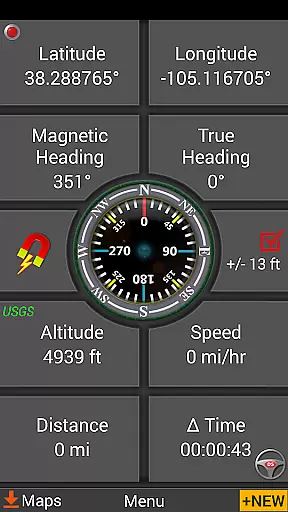
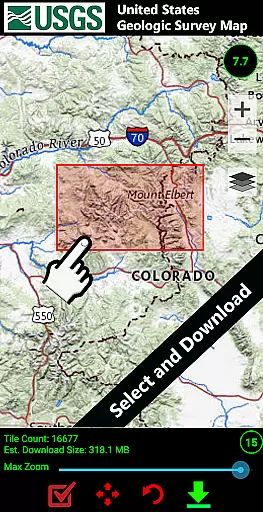
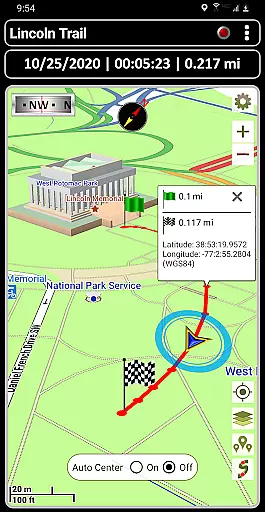
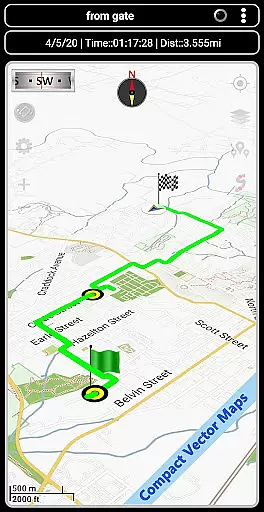
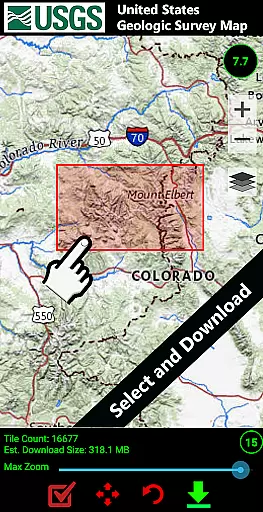
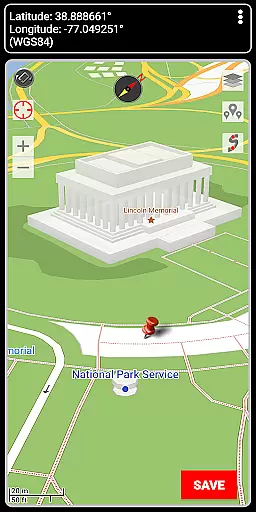

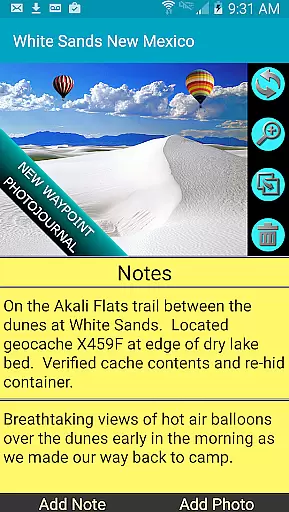
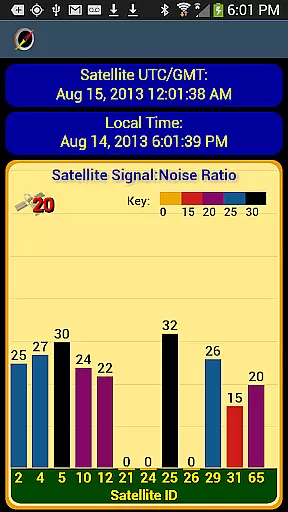
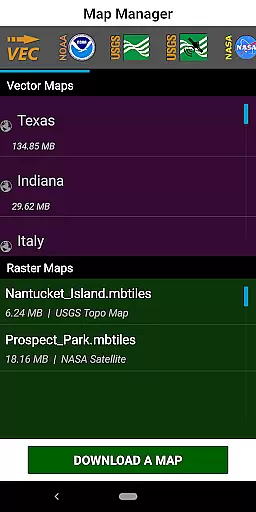
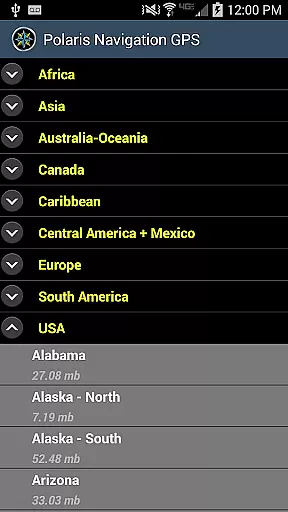

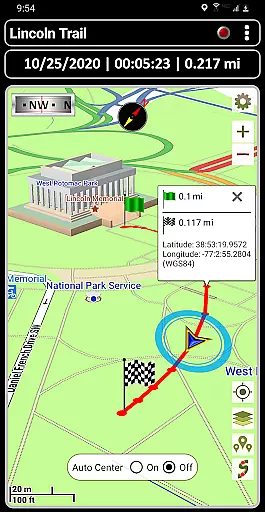
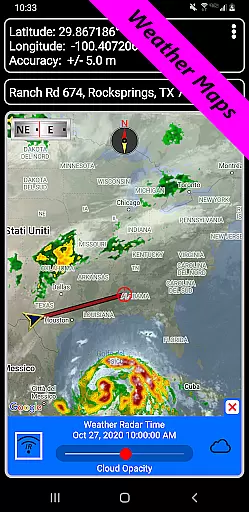
GPS Waypoints Navigator is a comprehensive navigation app that transforms your smartphone into a powerful GPS tool. Designed for outdoor enthusiasts, it offers offline maps and tools for trail hiking, maritime navigation, geocaching, and more. The app provides access to over 400 vector and raster maps, including topographic and nautical charts, all downloadable for offline use.
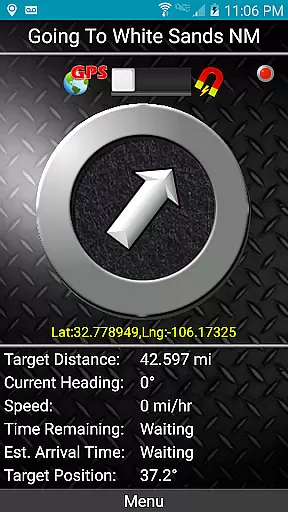
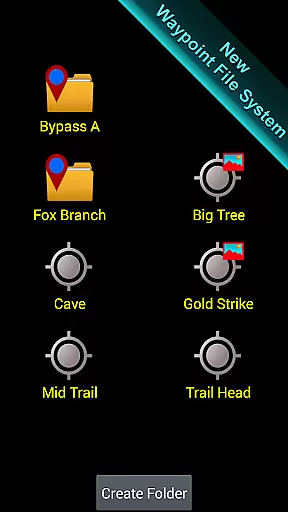
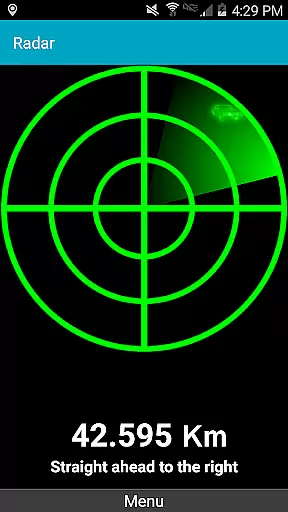
One of its standout features is the advanced waypoint management system, allowing users to create, organize, and tag waypoints with photos and notes. Whether you're exploring the wilderness or navigating city streets, the dynamic waypoint compass and pseudo-radar guidance ensure you stay on course. The app also supports multiple coordinate formats and integrates seamlessly with Google Earth for enhanced functionality.
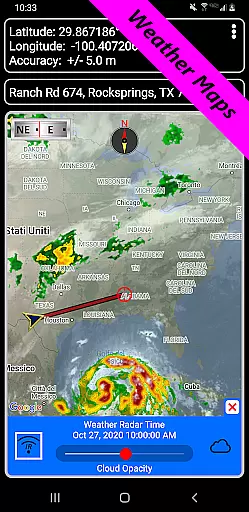
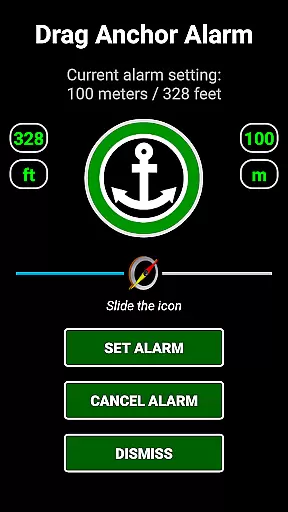
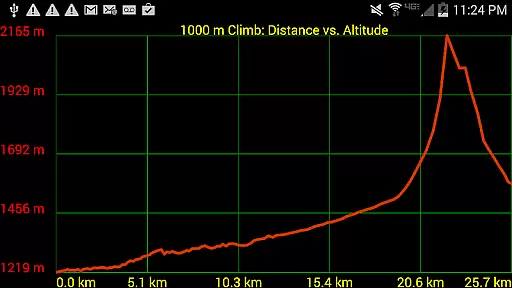
This app is particularly valuable for adventurers who venture beyond network coverage. With features like drag anchor alerts, altitude profiles, and weather maps with live Doppler radar, GPS Waypoints Navigator equips users with the tools needed for safe and efficient navigation in any environment.
GPS Waypoints Navigator stands out with its extensive map library and versatile navigation tools. The app provides unlimited access to over 400 maps, including topographic, satellite, and nautical charts, all optimized for offline use. Users can download maps directly to their SD card, preserving device memory while ensuring reliable access in remote areas.
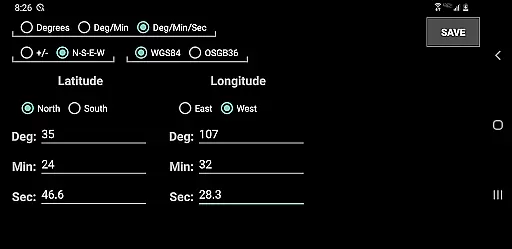
The app's waypoint management system is exceptionally robust. It allows users to create waypoints through various methods - entering coordinates, dropping pins on maps, or saving current locations. Each waypoint can be enriched with coordinate-tagged photos and notes, creating a detailed photojournal of your journeys. Additionally, the app supports importing and exporting KML, GPX, and KMZ files, enabling seamless data sharing with platforms like Google Earth.
Other notable features include specialized compasses for navigation, trail recording capabilities, and proximity alerts for waypoints. The inclusion of live weather maps, sunrise/sunset reports, and marine navigation tools makes this app indispensable for serious explorers and professionals alike.
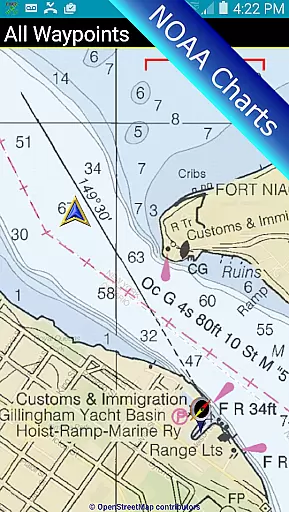
Map accuracy is a fundamental aspect of any navigation application, and GPS Waypoints Navigator excels in this area. The app offers access to over 400 maps through its 3D vector map library, ensuring users have detailed and precise mapping data at their fingertips. These maps are not only abundant in quantity but also diverse in type, including topographical, satellite, and nautical charts.
The significance of accurate maps cannot be overstated when navigating unfamiliar terrains or engaging in outdoor activities like hiking, maritime navigation, or geocaching. With offline capabilities, the app ensures that even beyond network reach, adventurers can rely on pre-downloaded maps with confidence. This feature is crucial for maintaining orientation and safety in areas where internet connectivity is non-existent.
GPS Waypoints Navigator supports multiple map sources such as Google Maps, OpenStreetMaps, and NOAA Nautical Charts, among others. Users can switch between different map types depending on their activity, whether it's cycling, trail hiking, or exploring cityscapes. This versatility enhances the user experience by providing contextually relevant information tailored to specific needs.
Moreover, the ability to transfer maps to an SD card optimizes device storage without compromising functionality. By prioritizing both precision and accessibility, GPS Waypoints Navigator empowers users to explore new environments safely and efficiently, making every journey more predictable and enjoyable.
Route planning is a critical component of GPS Waypoints Navigator, designed to simplify navigation across various terrains and activities. Whether you're trail hiking, navigating waterways, or exploring urban landscapes, the app provides tools that make planning your route straightforward and efficient. One standout feature is the searchable waypoint and trail management system, which allows users to organize and retrieve waypoints effortlessly.
For those who venture into remote areas, the app's offline capabilities ensure that route planning remains uninterrupted. Users can create waypoints using multiple methods: entering coordinates, dropping a pin on the map, saving the current position, or inputting an address. This flexibility caters to different preferences and scenarios, enhancing the overall usability of the app.
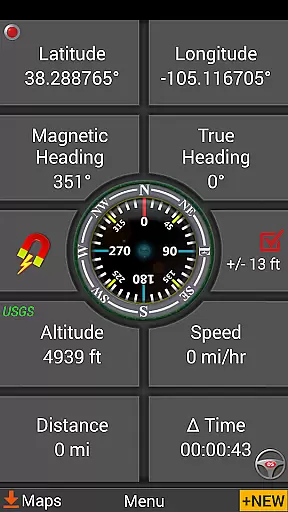
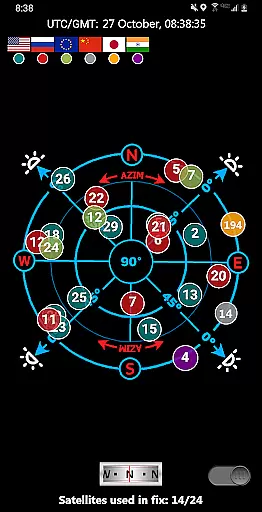
Additionally, GPS Waypoints Navigator includes advanced guidance systems such as dynamic waypoint compasses and GPS Reflected Pseudo-Radar. These tools provide real-time directional assistance, ensuring that users stay on course regardless of environmental challenges. The inclusion of turn-by-turn driving directions further extends the appu2019s utility, integrating seamlessly with Google Maps for road travel.
By offering comprehensive route planning features alongside robust map resources, GPS Waypoints Navigator equips users with the necessary tools to plan and execute their journeys confidently. This combination of detailed maps, versatile waypoint creation, and intuitive navigation aids makes every trip smoother and more manageable.
Comprehensive map library
Offline functionality
Advanced waypoint system
Multi-format coordinate support
Seamless Google Earth integration
Complex interface
High battery consumption
Limited free maps
Occasional GPS lag
Large storage requirements

Offline maps & GPS for hiking, travel, fieldwork & outdoor adventures
 4.70
4.70
Discover over 800 points of interest along the canal.
3.70
Find shortest way and save energy . Distance and area calculator.
4.70
Find EV & Tesla charging stations with PlugShare
4.70
Phone Tracker and GPS Location Sharing
4.20
Find routes fast with GPS Maps, GPS Navigation & driving directions.
4.10
Route Planner is travel map to get turn by turn navigation & driving directions
3.90
Use GPS Maps and GPS Voice Navigation to find your way and get directions
4.10
Navigation, weather, offline maps & tools for smarter, safer travel planning.
4.00
Truck Safe GPS Navigation & Maps: Parking, Fuel, Diesel, Weight Station
4.80
Find AI powered cameras, ALPRs, and other surveillance infrastructure near you
4.70
Navigate with your watch and keep the phone in your pocket!
4.60
Complete offline 1:50k South Island topo map including DOC Hunting Permit Areas
4.60
Parcel map, property lines, owner, acres, land use, zoning and more from Regrid.
4.60
Route tracker, Speedometer, Odometer, Fuel, HUD mode, save route as .GPX
4.40
"Balad" is a map and navigator with a Persian voice assistant and a complete city guide
4.40
GPS phone tracker, family locator, secure location sharing app
4.20
Get real-time bus and train schedules for easy, hassle-free city transportation.
3.90
All of NHSA's trail information at your fingertips for the 2025-2026 season
4.2


User Reviews