
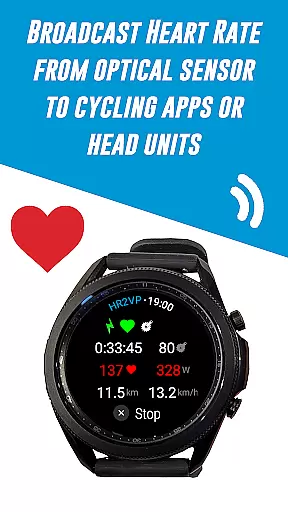
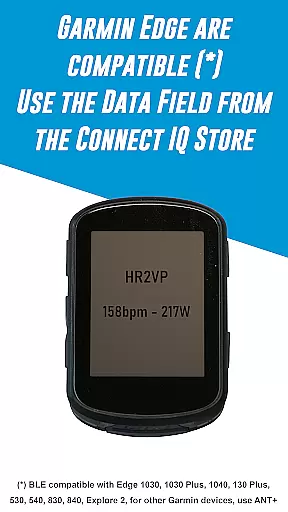
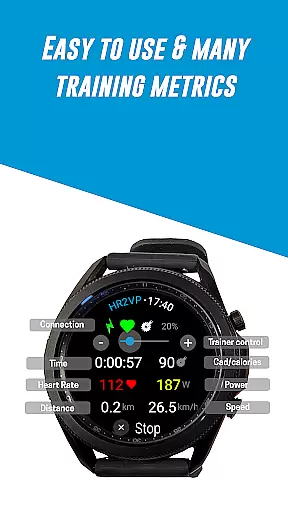
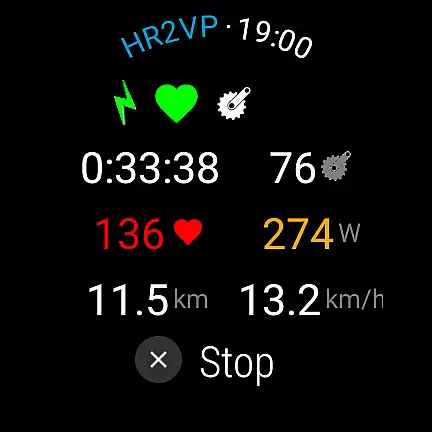
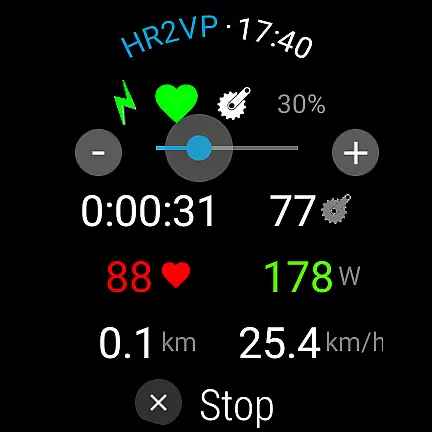
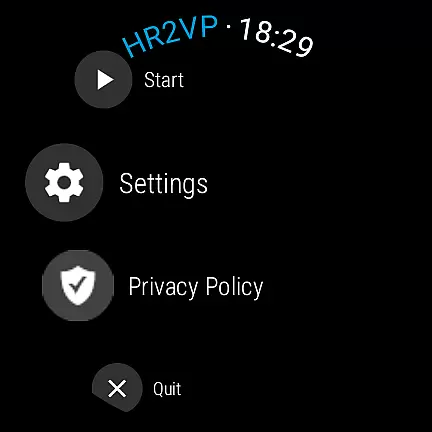
HR2VP Watch Bike Computer is a cutting-edge application designed to transform your Wear OS watch into a powerful heart rate monitor and cycling tracker. This app allows cyclists to seamlessly connect their smartwatches with bike computers or indoor training platforms, broadcasting vital stats such as heart rate and power over Bluetooth Low Energy or ANT+. Whether you're training indoors or outdoors, HR2VP provides essential metrics that enhance your cycling experience.
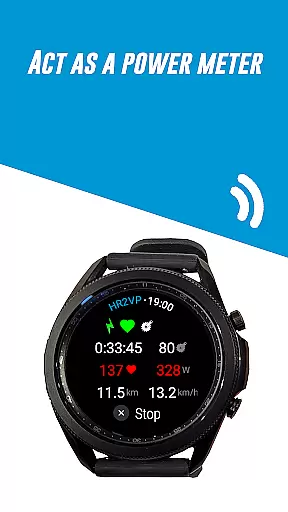
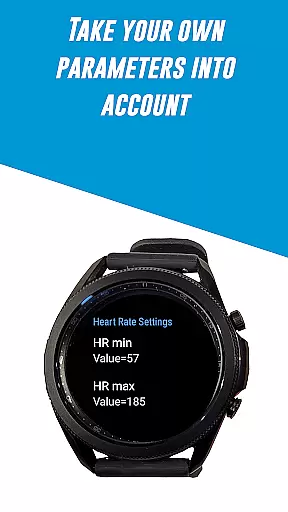
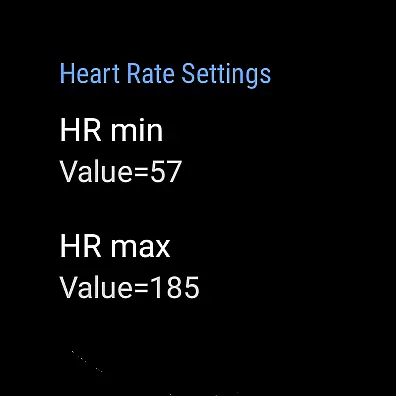
The app's standout feature is its ability to compute power based on heart rate through an advanced algorithm, factoring in individual parameters like FTP, resting heart rate, and maximum heart rate for improved accuracy. Additionally, users can upload their ride data directly to Strava, making it easy to visualize workouts on a map. With compatibility across various sensors and devices, HR2VP ensures a comprehensive and customizable fitness tracking solution tailored to both amateur and professional cyclists.
HR2VP Watch Bike Computer offers a robust set of features that cater to the needs of modern cyclists. One of its primary capabilities is turning your Wear OS watch into a BLE heart rate monitor, measuring heart rate using the built-in optical sensor and broadcasting this data during workouts. This functionality eliminates the need for additional heart rate straps, streamlining the user's gear setup.
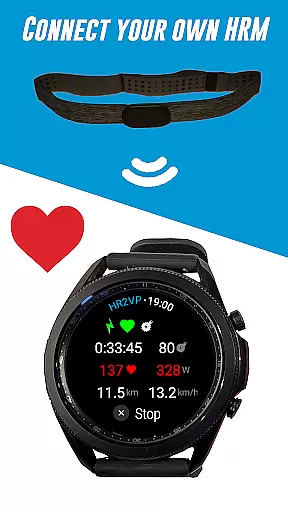
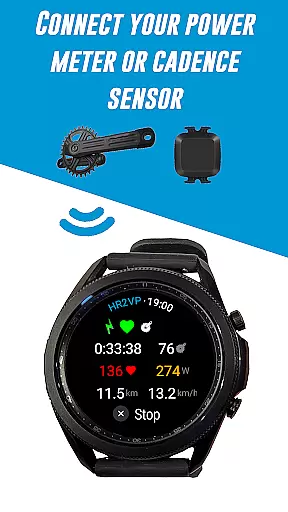
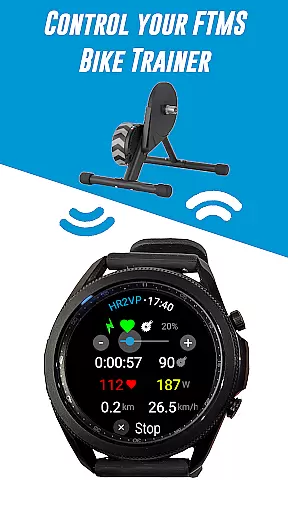
Beyond heart rate monitoring, the app supports connectivity with external sensors such as power meters, cadence sensors, and even FTMS bike trainers, providing a holistic view of your performance metrics. Users can also leverage the app's advanced algorithm to estimate power output based on heart rate, delivering insights into workout intensity and caloric expenditure. Furthermore, HR2VP facilitates seamless integration with popular platforms like Zwift and Strava, ensuring that all ride data is accurately recorded and easily accessible for post-ride analysis.
Personalized planning in fitness applications refers to the ability to create tailored workout plans based on individual user data. This feature is crucial for optimizing training effectiveness and ensuring users achieve their fitness goals efficiently.
HR2VP Watch Bike Computer offers personalized planning by utilizing advanced algorithms that compute power output based on heart rate. The app takes into account individual parameters such as Functional Threshold Power (FTP), resting heart rate, and maximum heart rate to provide accurate and customized training metrics.
Users benefit from this feature by receiving real-time feedback during workouts, allowing them to adjust intensity and duration according to their specific needs. This personalized approach not only enhances performance but also helps prevent overtraining and injuries.
The true value of personalized planning in HR2VP lies in its integration with other devices and platforms. By connecting with indoor cycling apps like Zwift or syncing data with Strava, users can visualize their progress and maintain a comprehensive record of their fitness journey.
Progress visualization is an essential component of any fitness application, enabling users to track their achievements and stay motivated throughout their fitness journey. Visual representations of progress help users understand their performance trends and make informed decisions about their training routines.
In HR2VP Watch Bike Computer, progress visualization is achieved through detailed metrics and analytics derived from heart rate and power data. The app displays how many calories have been burned during workouts and provides insights into overall fitness levels, helping users monitor improvements over time.
This feature benefits users by offering clear, actionable insights into their training effectiveness. Whether it's tracking power output on a ride or analyzing heart rate patterns, HR2VP ensures that users have access to all necessary information to evaluate their progress accurately.
Moreover, the ability to upload rides to platforms like Strava adds another layer of progress visualization. Users can map their rides, compare performances, and share achievements with a community, further enhancing motivation and engagement with their fitness goals.
Advanced power estimation
Seamless device integration
Comprehensive sensor support
Direct Strava uploads
User-friendly interface
Occasional disconnections
ANT+ requires additional setup
Power accuracy limitations
Short intervals underestimated
Refund policy constraints

Weight loss app: home workout for women to lose weight & burn calories.
 4.80
4.80
Transform your body and soul with DBFFitness, with a 40-day fitness journey.
4.1
Power-lifting, weightlifting and Wendler 531 app to track your workout program.
4.90
sobriety counter app to help and motivate people to stop drinking alcohol.
4.90
Mind on steroids - relaxation, productivity, meditation and sleep!
4.60
A brain game that moves you
4.70
Memory, mind & logic exercises. Puzzle games, IQ & brain test for kids & adults
4.50
Track heart rate & HRV in 30s! Get live health insights and anomaly alerts
4.40
Dexcom G7 Continuous Glucose Monitoring
3.70
App to stop smoking slowly or now with a motivational badges and helpful tips
4.80
Easy access to health benefits
4.70
The most accurate heart rate app to monitor and track your heart rate & pulse.
4.40
Looking to take control of your health? Our psychology-based programs can help.
4.10
SportWerks - Workout Tracker for Wear OS Watches
3.90
HRV4Training helps you optimize goals and improve performance. No sensors needed
3.30
Live Heart Rate Pro - Real Time Heart & Workout Data For Wear OS & Bluetooth BLE
3.20
Your plan in your pocket 24/7
3.00
Text notifications, button control, heart monitor & more for your Amazfit.
2.40
Optimization for TRT & Enhanced Athletes
4.0


User Reviews