
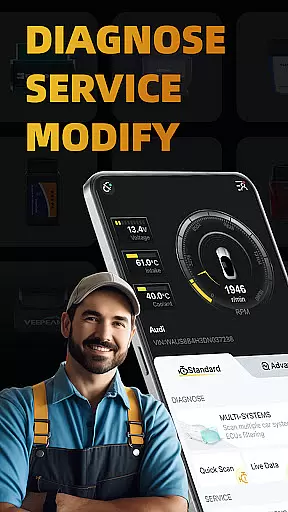
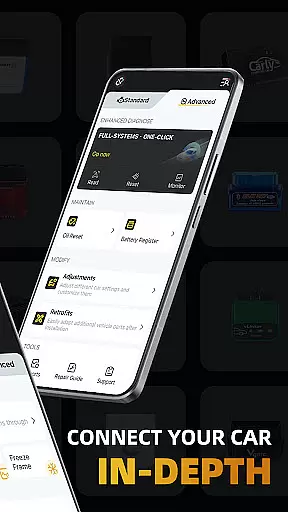
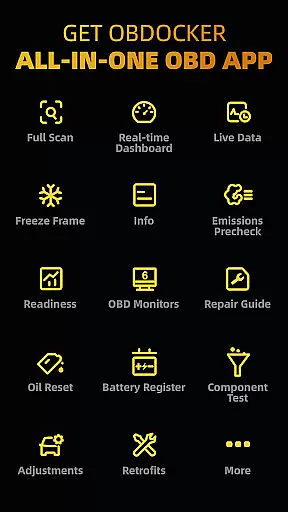
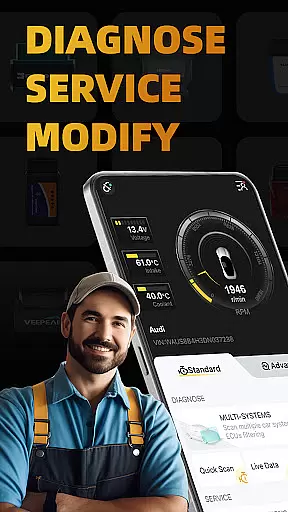
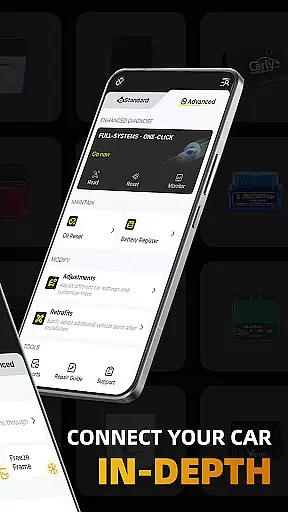
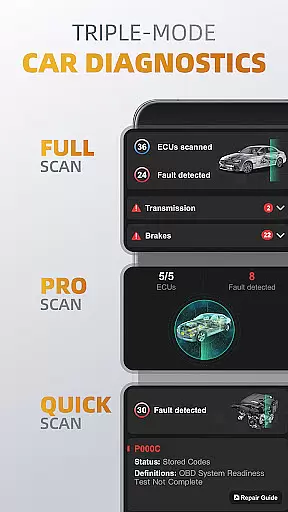
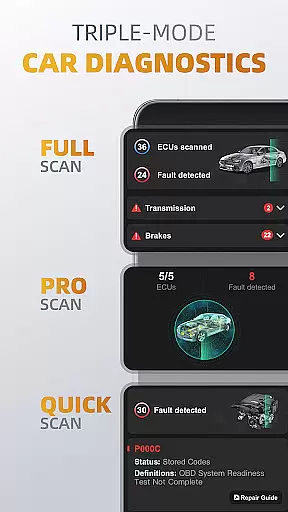
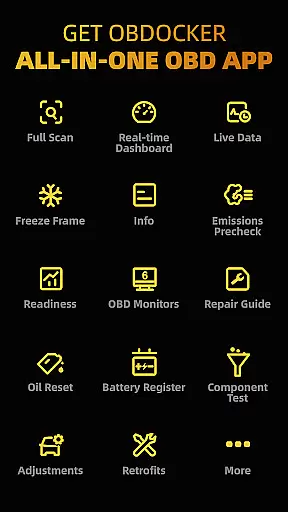
OBDocker is a professional OBD2 car scanner app designed for vehicle diagnostics, servicing, and customization. It offers triple-mode diagnostics including full-systems, multi-systems, and quick scans, allowing users to efficiently identify and resolve issues across various vehicle systems.
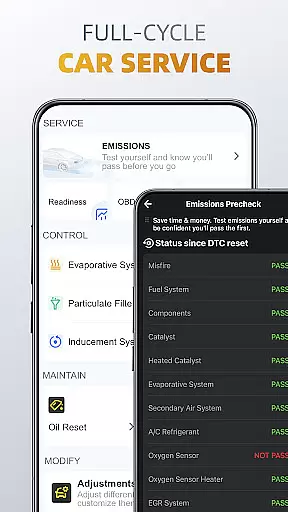
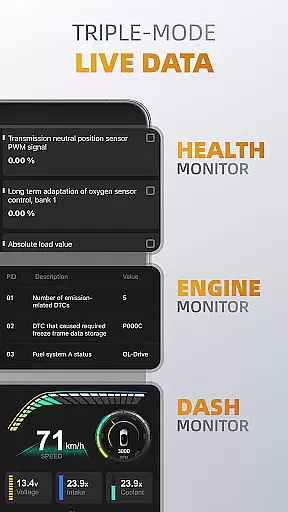
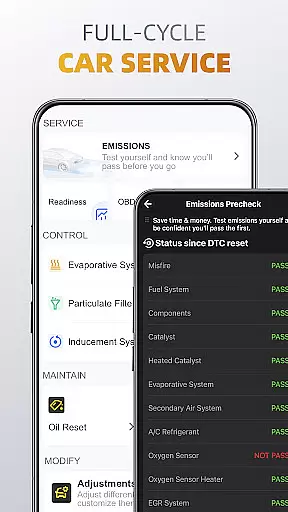
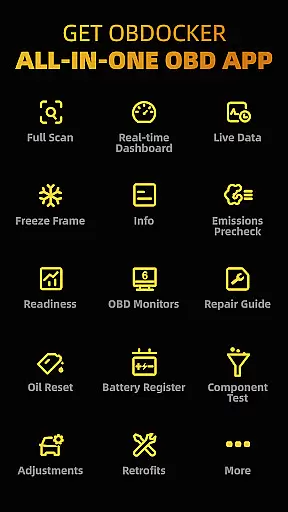
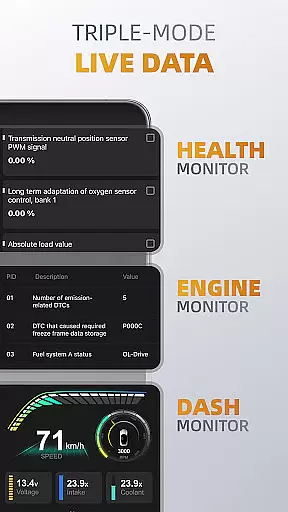
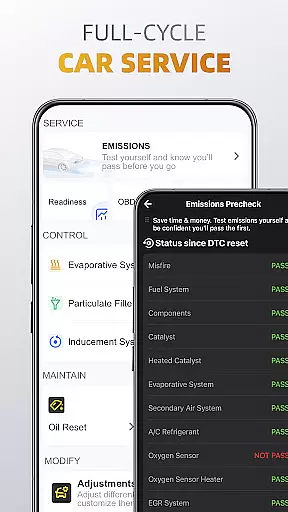
The app also provides triple-mode live data monitoring, giving real-time insights into system performance, engine metrics, and vehicle parameters. With features like emissions pre-check, control tests, oil reset, and battery registration, OBDocker supports comprehensive vehicle maintenance cycles.
Compatible with a wide range of vehicles and OBD adapters, this app is suitable for both standard OBD2 diagnostics and advanced functionalities for specific car brands. Whether you're a DIY enthusiast or a professional mechanic, OBDocker empowers you with precise tools to maintain and optimize vehicle performance.
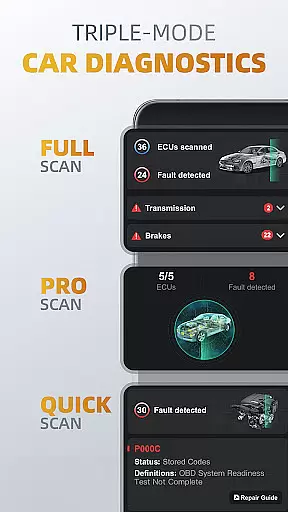
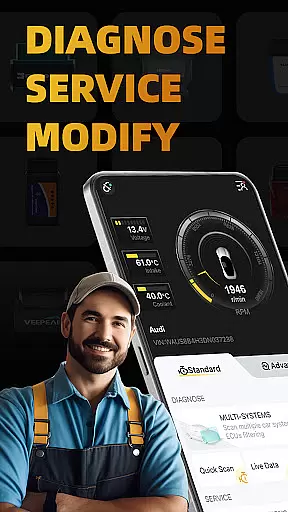
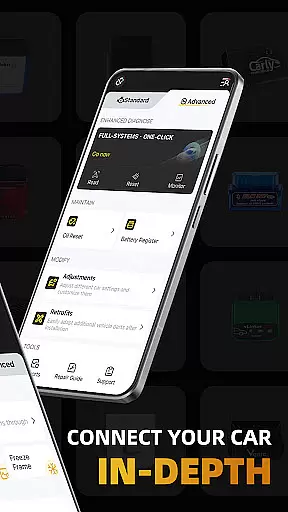
OBDocker stands out with its robust feature set tailored for automotive diagnostics. The triple-mode diagnostics allow users to perform full-system scans at OE-level, target specific ECUs such as ABS, SRS, and TCM, or conduct quick engine fault code checks for immediate troubleshooting.
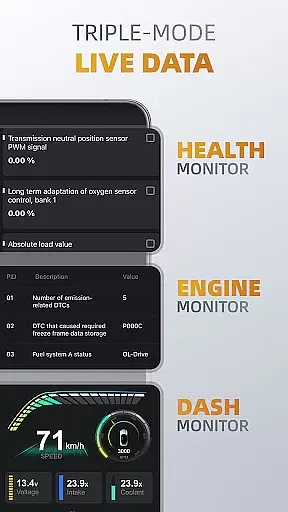
Live data monitoring is another key highlight, offering three distinct modes: Health Monitor for overall system tracking, Engine Monitor for detailed engine performance, and Dash Monitor for real-time metric visualization. These features ensure users can closely observe their vehicle's condition during operation.
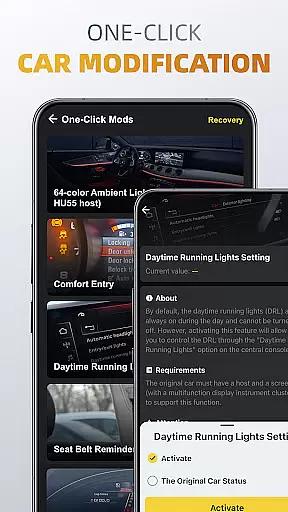
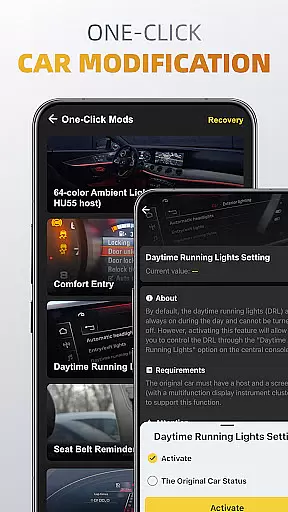
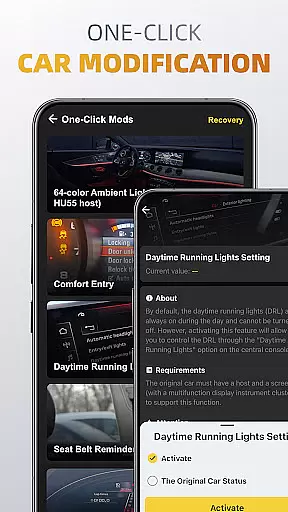
Additionally, the app includes a full-cycle service suite with functions like EVAP leak testing, DPF reinitialization, oil reset, and battery registration. One-click modification tools further enhance user experience by enabling easy adjustments and retrofits for customized vehicle setups.
Accessing detailed vehicle information is crucial for effective diagnostics and maintenance. OBDocker provides comprehensive data across multiple systems, enabling users to understand their vehicle's condition in depth.
The app offers triple-mode diagnostics, including full-system scans at OE level, multi-system ECU filtering, and quick engine fault code scanning. This ensures that users can pinpoint issues with remarkable accuracy, whether they're examining the ABS, TCM, or other critical systems.
With features like real-time parameter tracking and performance visualization, users gain valuable insights into their vehicle's health and engine metrics. These capabilities allow for proactive maintenance and optimized vehicle performance.
By supporting a wide range of vehicles and offering advanced diagnostic tools, OBDocker empowers both professional mechanics and car enthusiasts to make informed decisions about vehicle service and customization.
Price transparency in automotive tools is essential for user trust and satisfaction. OBDocker addresses this by offering clear subscription plans alongside its robust diagnostic features.
The app provides a free trial period, allowing users to explore all features without initial cost. This approach enables potential users to evaluate the tool's capabilities before committing financially.
For extended use, OBDocker offers Pro and Pro Max subscription options. These paid plans are clearly presented, ensuring users understand the value and benefits of each tier before making a purchase decision.
This transparent pricing model, combined with the app's professional-grade functionality, establishes OBDocker as a trustworthy solution in the automotive diagnostic market.
User-friendly interface
Comprehensive diagnostic tools
Real-time performance tracking
Wide vehicle compatibility
Regular feature updates
Paid subscription required
Dependent on OBD adapter quality
Advanced features limited to specific cars
Complex for beginners
Occasional connectivity issues

Taximeter; the professional's choice
 4.30
4.30
The Smarter Way Forward
3.30
Take Control of Your Car
4.80
Realtime Charts is a plugin for the Torque Pro App (OBD 2 & Car)
4.20
Buy and sell your boat
4.70
Autolist - The Largest Selection of Local Used Cars and Trucks
4.50
Club Car Wash Mobile App—the fast lane to managing your wash membership.
3.30
1M+ high-quality auto parts at your fingertips. Fitment guaranteed.
4.70
Shop cars & see your financing
4.60
The Texaco App allows you to pay for fuel from the comfort of your car!
4.80
Trip computer+car diagnostic tool with widest variety of features and dashboard!
4.70
Quick and easy car diagnostics to get you the right fix.
4.70
Find, search, and browse 40,000+ used cars, SUVs, and trucks.
4.50
Get price alerts, vehicle history details and more for cars near you!
4.50
CVT diagnostics with ELM327 for Nissan-based vehicles
4.40
ODB2 based monitoring application for the Chevy Bolt (2017-2021)
4.00
OBD diagnostics, Live Data, DPF regeneration for BMW
4.00
By enthusiasts, for enthusiasts
4.00
Simplify your drive
3.90


User Reviews